
Gemini Prompt for Professional Photo: Advanced Techniques with Nano Banana
Learn how to craft a Gemini prompt for professional photo output using Nano Banana. Improve lighting, composition, and realism in AI-generated photography.
 AuthorYueZhu
Gemini prompt for professional photo: what changes the output
A generic prompt produces a generic image. If you want a Gemini prompt for professional photo results, you need to treat the prompt like a creative brief: specify subject, lighting, camera, environment, and post-processing intent. Nano Banana interprets these signals together, so the order and specificity of each element directly affect the final image.
This guide focuses on practical prompt engineering for professional-looking photography and ai professional photography workflows with a Gemini prompt for professional photo results. The techniques work in Google AI Studio, the Gemini API, and the Nano Banana online playground. They also apply to iterative editing workflows where you refine an existing image with a Gemini prompt for professional photo editing rather than generating from scratch.
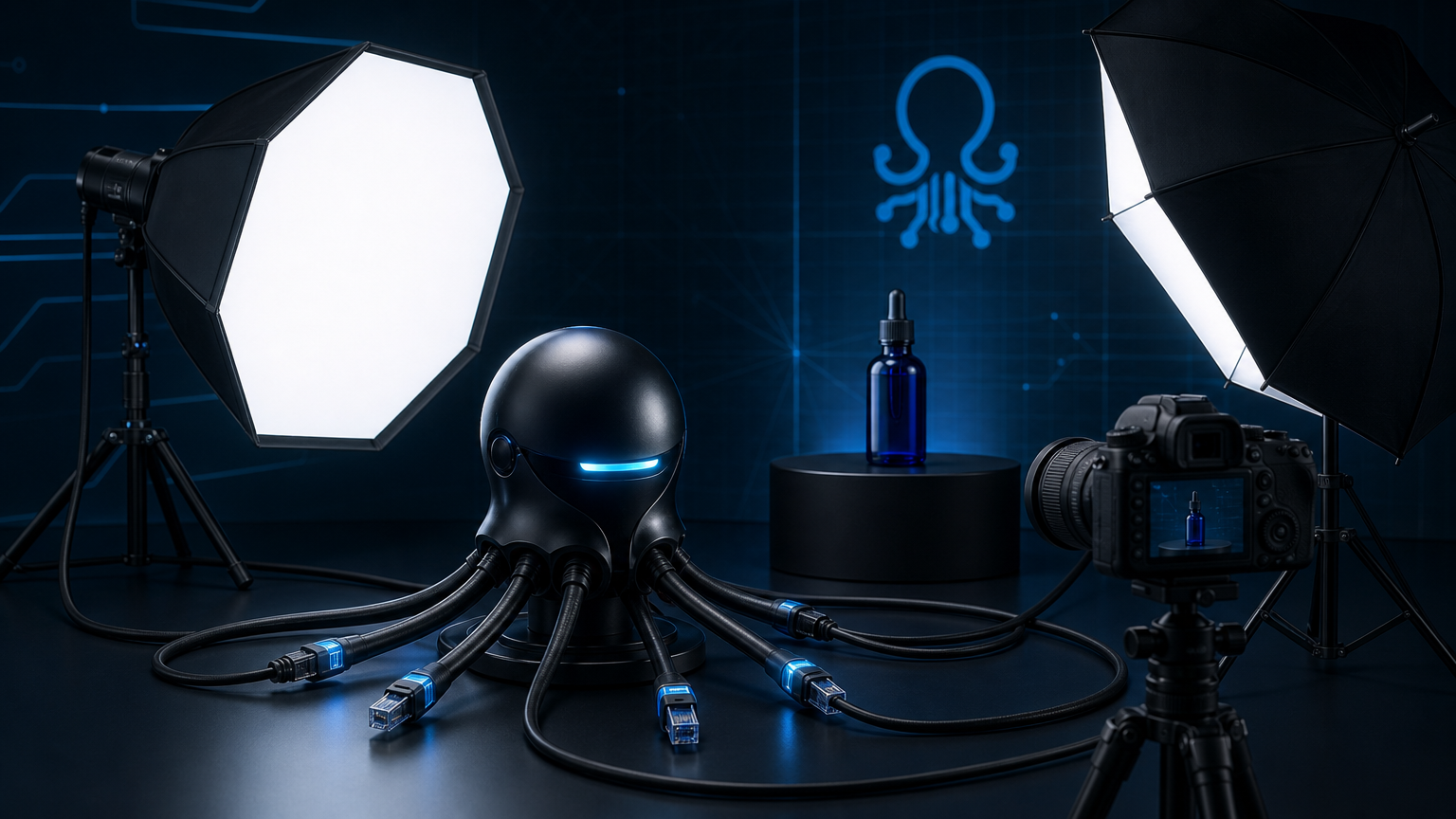
The anatomy of a Gemini prompt for professional photo output
A strong Gemini prompt for professional photo output usually contains six layers. Missing any of them increases the chance of a flat or mismatched result. Think of each layer as a control dial that shapes the final image.
| Layer | What to include | Example |
|---|---|---|
| Subject | Who or what is in frame | "A ceramic pour-over coffee set" |
| Environment | Where the subject sits | "On a walnut table against a warm gray wall" |
| Lighting | Direction, quality, and mood | "Soft window light from the left, late afternoon" |
| Camera | Lens, angle, and depth in your Gemini prompt for professional photo control | "Shot at 85mm, f/2.8, eye-level, shallow depth of field" |
| Style | Color treatment and finish | "Warm neutral tones, minimal shadows, editorial product photo" |
| Purpose | How the image will be used | "For a coffee brand catalog, 4:5 aspect ratio" |
For example, a complete Gemini prompt for professional photo generation might read: "A ceramic pour-over coffee set on a walnut table against a warm gray wall, soft window light from the left, late afternoon, shot at 85mm f/2.8 eye-level, shallow depth of field, warm neutral tones, minimal shadows, editorial product photo for a coffee brand catalog, 4:5 aspect ratio."
The same structure works for portraits, food, interiors, and fashion. Any Gemini prompt for professional photo work benefits from this layered approach. For more general prompt patterns and gemini image editing prompts, see the Nano Banana prompts collection.
Lighting: the most important variable
Professional photography depends more on lighting than on gear, and the same rule applies to a Gemini prompt for professional photo generation. Nano Banana responds strongly to lighting language, so this section deserves the most attention in your prompt.
Useful lighting terms for a Gemini prompt for professional photo output include:
- Direction: front light, side light, backlight, top light, rim light.
- Quality: soft diffused light, hard direct light, golden hour, blue hour, overcast.
- Source: natural window light, studio strobe, continuous LED, candlelight, neon.
- Mood: dramatic, airy, moody, high-key, low-key, cinematic.
Avoid stacking conflicting descriptors. "Soft diffused side light with hard shadows" will confuse the model. Choose one dominant quality and add a secondary modifier if needed, such as "soft side light with gentle falloff."
For portraits, a Gemini prompt for professional photo lighting should describe the relationship between subject and light source. "Soft window light from camera left, catching the subject's cheekbone" gives Nano Banana enough spatial information to place highlights and shadows consistently.
Composition and camera language
Camera descriptors in a Gemini prompt for professional photo output help Nano Banana control perspective, framing, and depth. Without them, the model tends toward centered, medium-distance shots with moderate depth of field.
Terms that improve a Gemini prompt for professional photo results include:
- Lens: 35mm, 50mm, 85mm, 100mm macro, 24mm wide.
- Aperture: f/1.4, f/2.8, f/8, f/16.
- Angle: eye-level, low angle, overhead, bird's-eye, Dutch angle.
- Framing: close-up, medium shot, full body, wide establishing shot.
- Depth: shallow depth of field, deep focus, selective focus.
- Rule-based: rule of thirds, centered composition, leading lines, negative space.
Combine one or two of these per prompt. More than three camera instructions often compete and produce strange perspective artifacts.
Subject, wardrobe, and environment details
Nano Banana handles a Gemini prompt for professional photo subjects best when the subject is described precisely. For product photography, include material, color, finish, and scale cues. For portraits, include wardrobe, hair, expression, and pose direction.
Example product prompt: "Matte black wireless headphones on a concrete surface, soft overhead light, 85mm f/4, centered composition, dark moody product photography, 1:1 aspect ratio."
Example portrait prompt for nano banana professional photo output: "Woman with shoulder-length brown hair, navy blazer, neutral expression, soft window light from camera left, 85mm f/2, blurred office background, corporate headshot, 3:4 aspect ratio."
When editing an existing photo with Nano Banana, gemini image editing prompts should describe what must stay the same and what should change. The Nano Banana guide explains how to structure edit prompts so the model preserves identity while changing lighting, background, or style.
Style, color, and post-processing intent
Style descriptors act like a color grade and finishing pass in a Gemini prompt for professional photo output. They help Nano Banana match a brand look or editorial direction.
Common style directions for a Gemini prompt for professional photo finishing:
- Color: warm neutrals, cool tones, muted pastels, high contrast black and white.
- Finish: film grain, crisp digital, vintage softness, cinematic color grading.
- Reference look: editorial fashion, catalog product, documentary, lifestyle brand.
- Mood: calm, energetic, luxurious, approachable, dramatic.
Be careful with aesthetic references tied to specific photographers or copyrighted works. Instead, describe the visual qualities directly. "Clean editorial look with soft shadows and warm highlights" is safer than naming a photographer.
Iterative refinement with Nano Banana
The first generation from a Gemini prompt for professional photo work rarely matches the final intent. Professional photo workflows use Nano Banana's multi-turn editing to refine output across several passes.
A practical refinement sequence for a Gemini prompt for professional photo workflows includes these steps:
- Generate the base. Use the full six-layer prompt.
- Adjust lighting. "Keep the subject and background, but make the light softer and more even."
- Tune color. "Shift the color grade toward warm amber tones."
- Fix composition. "Crop tighter on the subject, 4:5 ratio, more negative space above."
- Final polish. "Reduce contrast slightly and add a subtle film grain."
Each edit should change one major variable. Combining multiple changes in one prompt, such as "change the lighting, background, and color grade," often causes identity drift. The Nano Banana review covers common failure modes and how to detect them during refinement.
Limitations to plan around
Even a well-written Gemini prompt for professional photo output has boundaries. The model is a tool, not a replacement for a full production pipeline. Nano Banana may struggle with:
- Exact text, logos, and small labels.
- Perfect hand and finger geometry.
- Multi-image character consistency across separate generations.
- Precise brand color matching without a reference image.
- Complex reflective or transparent materials.
For these cases, generate the base image in Nano Banana and finish text, logos, and precise color in traditional design tools. For API-driven workflows, the Nano Banana API guide covers how to route requests, handle retries, and log outputs.
Verdict
A Gemini prompt for professional photo output works best when it reads like a brief, not a query. Subject, lighting, camera, environment, style, and purpose each play a role. Subject, lighting, camera, environment, style, and purpose each play a role. Nano Banana can produce convincing professional photography when the prompt is specific, ordered, and matched to the model's strengths. Treat the first generation as a starting point, then refine in controlled steps.
FAQ
What makes a Gemini prompt for professional photo output effective?
Specificity and structure. Include subject, environment, lighting, camera, style, and purpose in a single coherent sentence.
Can Nano Banana match a specific photographic style?
Yes, when you describe the style with concrete terms like lighting quality, color grade, and composition rather than vague adjectives.
How do I fix lighting in an existing Nano Banana image?
Use an edit prompt that keeps the subject and background unchanged while describing the new light direction and quality.
Should I include camera settings in the prompt?
Yes, but keep it simple. One lens, one aperture, and one angle usually produce the most reliable results.
What is the best aspect ratio for professional product photos?
Common ratios are 1:1 for social, 4:5 for catalogs, and 16:9 for banners. State the ratio explicitly in the prompt.