
Nano Banana API
Image editing API for Gemini workflows
Use the Nano Banana API when your application needs prompt-based image generation, conversational editing, and repeatable visual workflows under one integration path.
Start with $1 credit.
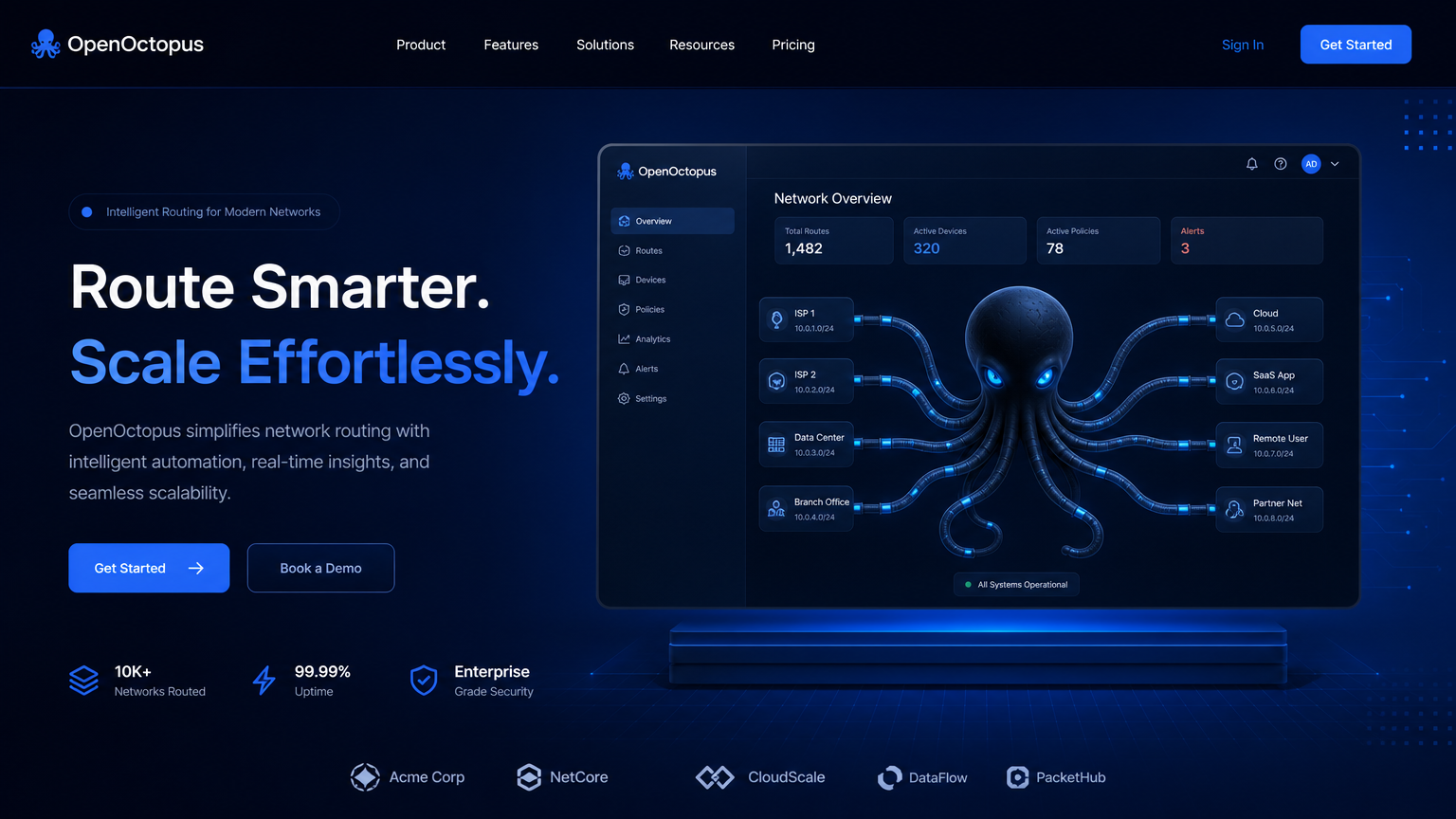
Nano Banana API snapshot

One pipeline for generation and edits
Nano Banana API workflows reduce the need to stitch together separate generation, inpainting, background, and style tools. A product can let users generate an image, request a background change, refine lighting, and save the final asset in one workflow.
Google's Gemini image editing update explains the conversational editing direction, and Google DeepMind's Gemini Image page provides model-family context. For deeper model analysis, use the Nano Banana Review.
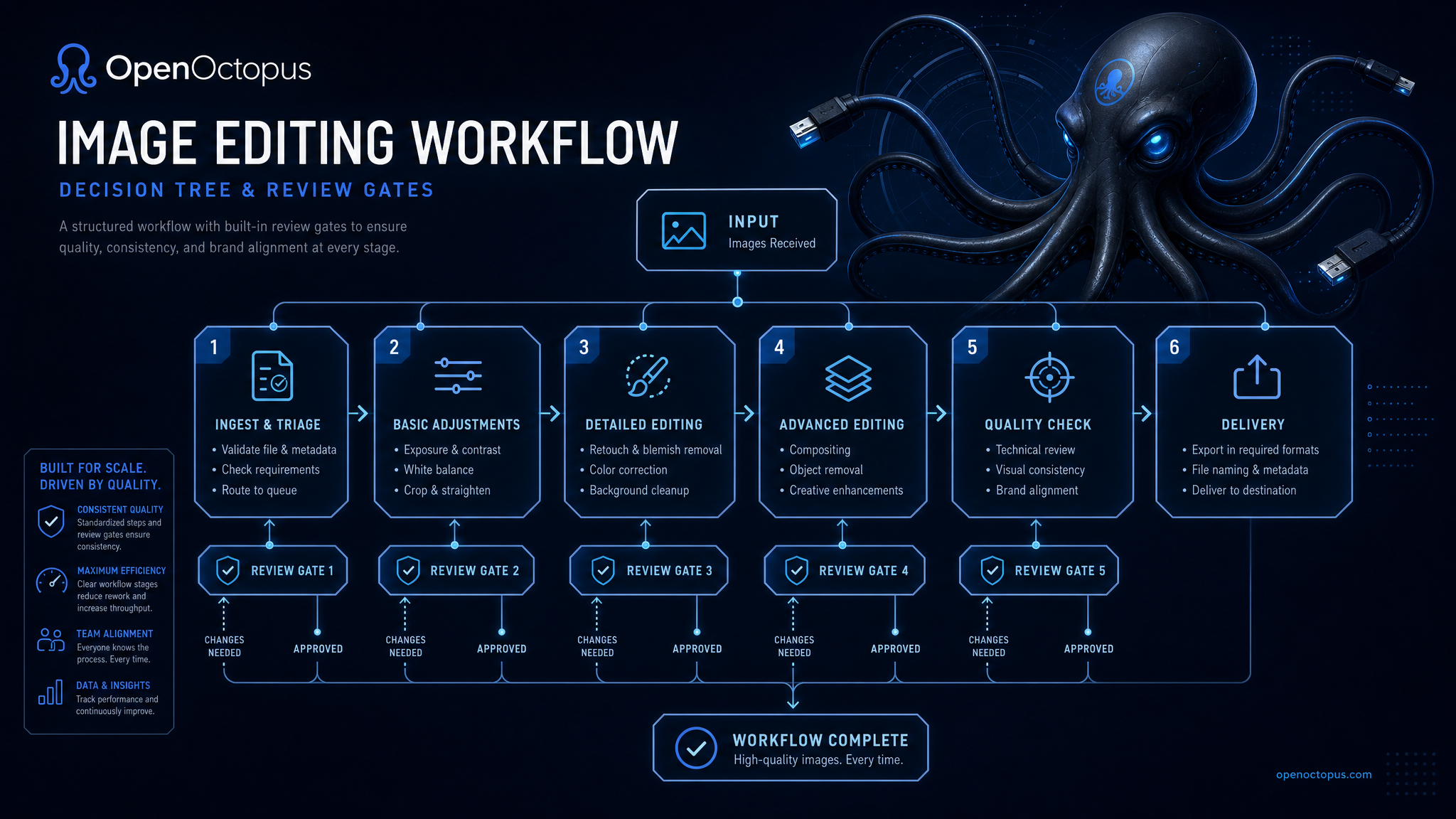
Test prompts, then automate
Start in the playground with the exact user prompts your app will send. When outputs are reliable, connect the Nano Banana API and track every generated asset with prompt, source image, user, model, output URL, and review status.
For high-value assets, route generated images through human review before publication. That review should cover product accuracy, brand marks, faces, rights, generated text, and sensitive content.
Nano Banana API workflows
Product images
Replace backgrounds, adjust lighting, and create variants
Social creatives
Generate platform-ready visuals from prompt templates
Image editing tools
Let users refine outputs with natural language
Campaign assets
Produce ad concepts and landing visuals at scale
Reference edits
Use source images to guide style or composition
Prompt libraries
Save reusable instructions for teams and customers
Approval queues
Review brand-sensitive assets before publishing
Model routing
Send drafts to Nano Banana and final assets to Pro when needed
API request shape
Use the API tab when Nano Banana needs to run inside your app. Keep prompts structured and log all generated outputs for review and cost control.
curl -X POST "https://api.openoctopus.com/v1/images/generations" \
  -H "Authorization: Bearer $OPENOCTOPUS_API_KEY" \
  -H "Content-Type: application/json" \
  -d '{"model":"openoctopus-nano-banana","prompt":"Create a square product lifestyle image with warm studio lighting."}'
For editing, include source image metadata, user intent, prompt, output URL, review status, and deletion policy.
Trust and source note
Google's Gemini image editing update documents improvements to prompt-based image editing. Google DeepMind Gemini Image provides model-family context. Use those sources for context, then validate the Nano Banana API on your own image workflows.
Nano Banana API FAQ
Build with Nano Banana API
Start in the playground, then connect API access for repeatable image workflows with review, logging, and cost controls.
Start with $1 credit.