
Google Nano Banana Text-to-Image
Google Nano Banana Text-to-Image is a lightweight AI image generation model optimized for fast, high-quality visual creation from natural-language prompts.
Overview
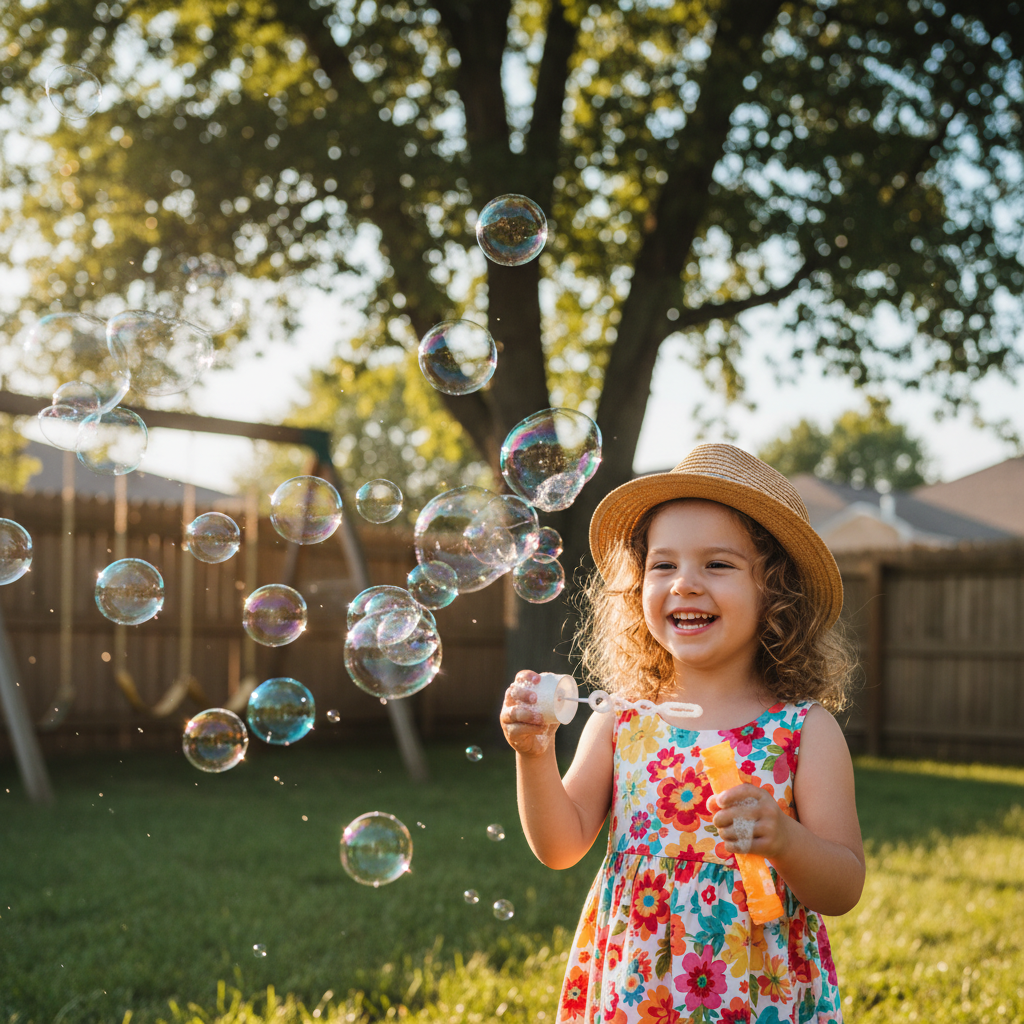
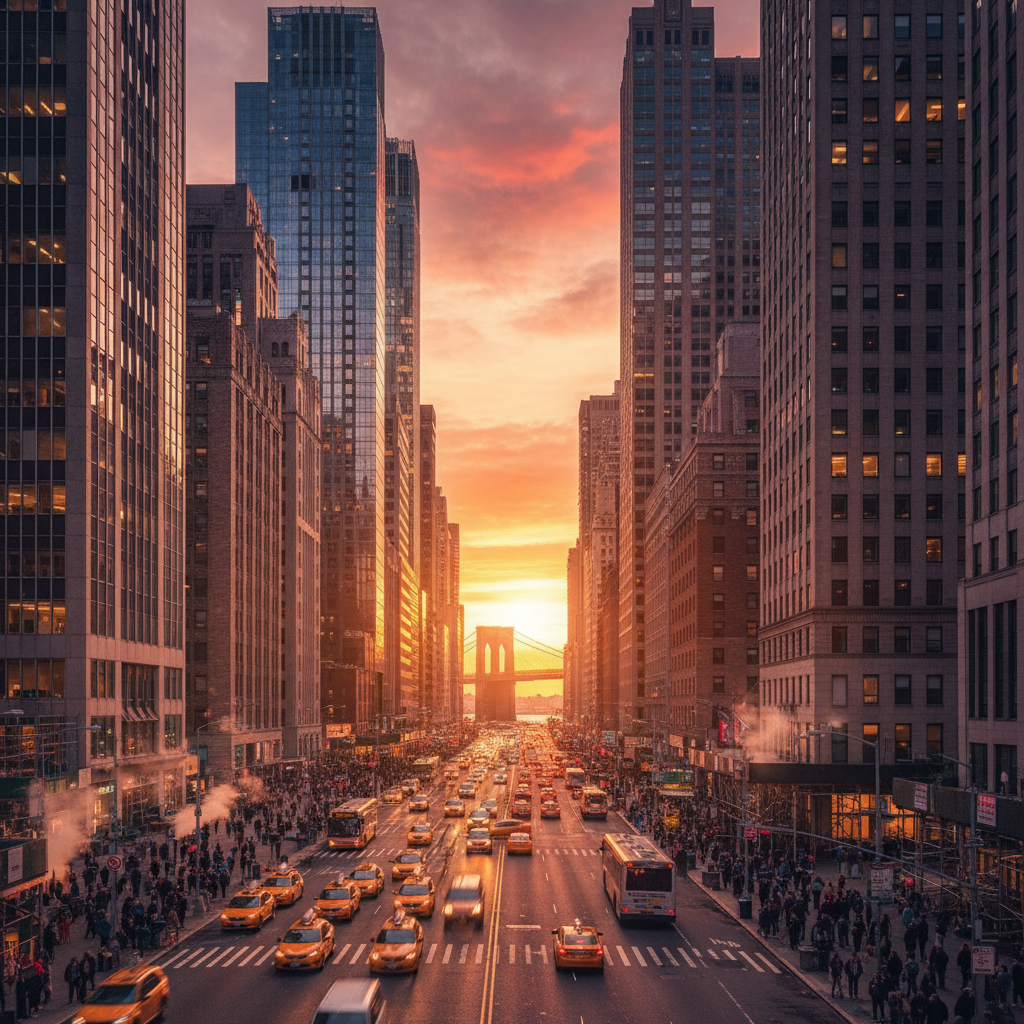
Google Nano Banana Text-to-Image is designed for creators who need visually polished AI-generated images with fast turnaround and efficient performance. The model transforms text prompts into expressive, context-aware visuals with balanced composition, realistic lighting, and flexible artistic styles.
It supports realistic photography, illustrations, anime-inspired visuals, painterly aesthetics, and commercial creative workflows.
Why it looks great
- Instant image generation: Creates polished visuals within seconds from simple text prompts.
- Versatile visual styles: Supports photorealistic, illustrative, anime, painterly, and stylized outputs.
- Strong scene understanding: Interprets subject relationships, backgrounds, and composition accurately.
- Fast and efficient performance: Optimized for rapid generation and cost-effective workflows.
- Balanced lighting quality: Produces cleaner highlights, shadows, and natural visual depth.
- Commercial-ready outputs: Suitable for marketing, product imagery, presentations, and social media content.
Limits and Performance
- Input type: Text prompts
- Output formats: JPEG, PNG, WEBP
- Aspect ratio support: Multiple aspect ratios supported
- Generation speed: Optimized for fast image generation
- Visual styles: Realistic, anime, illustrative, painterly, and conceptual imagery
- Commercial usage: Supported
- Best for: Social content, concept art, advertising visuals, and educational graphics
Pricing
Google Nano Banana Text-to-Image uses a flat-rate pricing model for generated images.
| Output | Cost |
|---|---|
| Per image | $0.038 |
Billing Rule
Each generated image is billed individually based on the total number of generated outputs.
How to Use
- Write a text prompt describing the image you want to create.
- Include details about subject, style, lighting, environment, and mood.
- Select the desired output format or aspect ratio if supported.
- Submit the generation request.
- Preview and download the generated image.
Input Parameters
| Parameter | Required | Description |
|---|---|---|
| prompt | Yes | Natural-language description of the desired image |
| aspect_ratio | No | Output aspect ratio for generated images |
| output_format | No | Image output format such as PNG, JPEG, or WEBP |
Output Format
- High-quality AI-generated image files
- JPEG, PNG, and WEBP output support
- Multiple aspect ratio support
- Photorealistic and stylized visual rendering
- Commercial-ready creative outputs
Pro tips for best quality
- Use descriptive prompts with lighting, mood, environment, and composition details.
- Specify artistic styles such as anime, cinematic, watercolor, or editorial photography.
- Include color and atmosphere descriptions for more visually coherent outputs.
- Use balanced scene descriptions to improve composition and object placement.
- Test multiple prompt variations to explore different visual styles quickly.
Note
Please ensure prompts comply with Google safety guidelines. If image generation fails or content is restricted, revise the prompt and try again with adjusted wording.