
Nano Banana Guide: Complete Image Editing Tutorial
Master Nano Banana image generation and editing workflows. Learn key features and start building better visuals today.
 AuthorYueZhu
Banana guide for practical Nano Banana editing
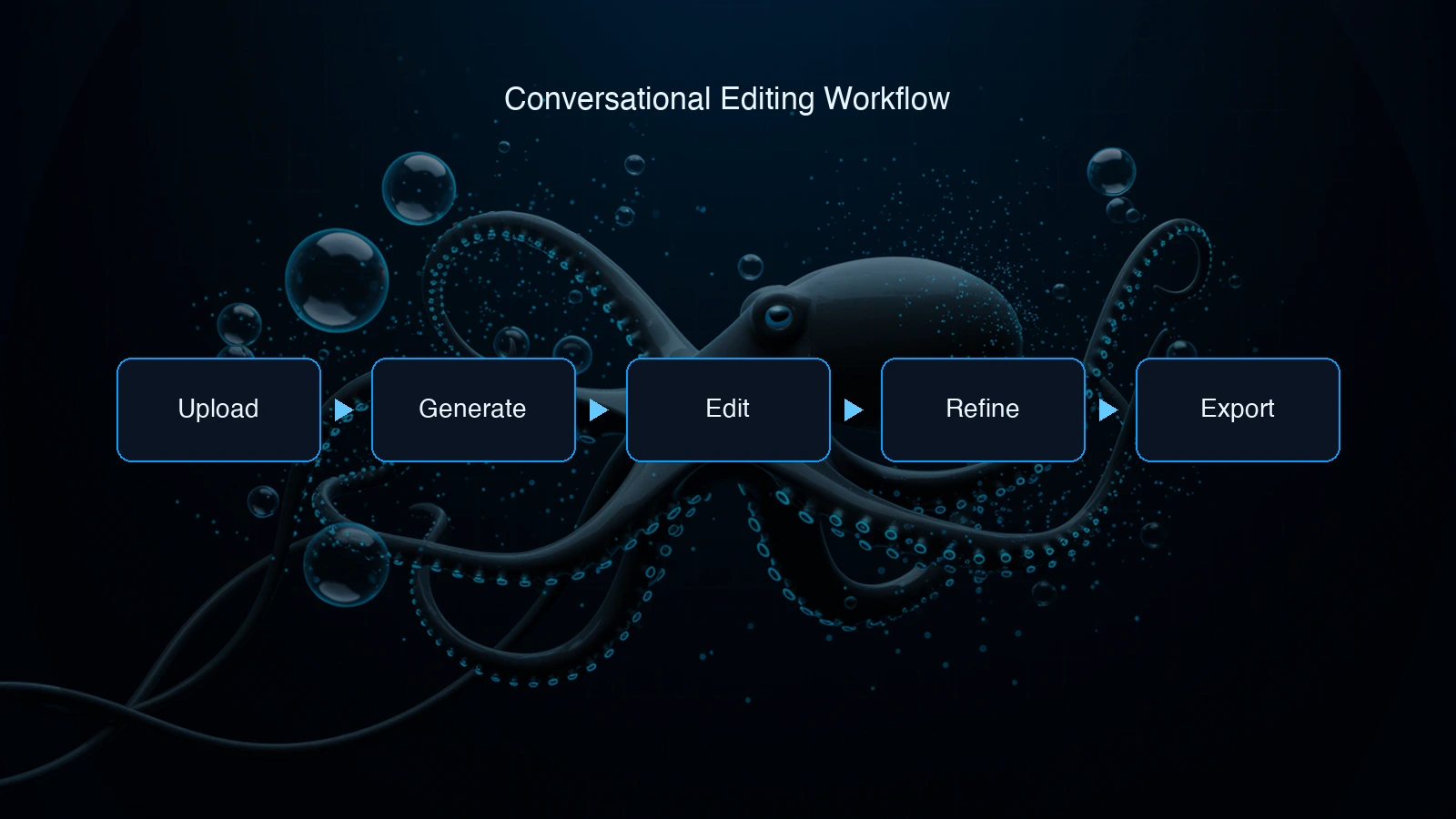
This banana guide explains how to use Nano Banana as an image editing workflow, not just a one-shot image generator. Nano Banana is useful because it supports conversational refinement: generate or upload an image, request a specific edit, inspect the output, and continue from the previous state. Treat this banana guide as a workflow checklist for repeatable edits.
Google DeepMind's Gemini image page describes Nano Banana as native image generation and editing inside Gemini, while Google's Gemini blog update highlights stronger handling of compound image editing instructions. This banana guide turns that capability into a repeatable production process.
Step 1: start with a stable base image
The first rule in this banana guide is to make the base image simple. A strong base gives Nano Banana fewer details to accidentally change later.
A matte white ceramic mug on a clean wooden table, soft natural window light from the left, neutral background, product photography style.
Avoid packing every final requirement into the first prompt. The Nano Banana workflow works better when the first image establishes the subject, camera angle, lighting, and rough composition. Save background swaps, color changes, and refinements for later turns.
For API implementation details, use the Nano Banana API guide. This banana guide stays focused on editing workflow design.
Step 2: edit one major thing per turn
Nano Banana can handle compound instructions, but production workflows are easier to debug when each turn has one major goal.
Good edit:
Keep the mug and table unchanged. Replace the background with a cozy cafe interior and match the warm lighting.
Risky edit:
Make it premium, more cinematic, better for ads, add props, change the room, and improve the colors.
The first instruction protects the approved parts of the image. The second invites drift because "premium" and "better" are subjective. A useful banana guide prompt names what changes and what must remain fixed.
Step 3: use preservation clauses
Most Nano Banana mistakes happen when the model changes adjacent details. Use preservation clauses whenever identity, product shape, labels, or lighting direction matters.
Examples:
- Keep the subject's face identical and only change the background.
- Preserve the product label and original shadow direction.
- Keep the camera angle, crop, and color of the jacket unchanged.
- Change only the sky; do not alter the building or foreground.
This banana guide recommends saving every approved intermediate output. If a later edit drifts, return to the last good state instead of stacking another correction on a damaged image.
Step 4: choose the right next page
The Nano Banana cluster has separate pages for different search intents. Use the Nano Banana prompts guide when you need copyable wording patterns. Use the Nano Banana review when you need pricing, limitations, and verdict. Use Nano Banana online when you want to test edits in a playground before building.
Common mistakes
The first mistake is trying to solve every visual issue in one prompt. Nano Banana is conversational, so split the work into base image, background, lighting, detail cleanup, and export.
The second mistake is not checking text and logos. Short text may work, but final typography should usually be added in a design layer. This matters for ads, product packaging, UI mockups, and compliance copy.
The third mistake is ignoring cost. Every edit turn can create another generation. A five-turn session is not the same cost as one image. Keep turn limits, cache approved states, and route final assets separately from casual drafts.
Bottom line
The best banana guide workflow is short, controlled, and reviewable. Start with a clean base image, edit one major thing per turn, protect details that must not change, and stop when the image reaches an approved state. Nano Banana is strongest when conversation improves the image. It is weakest when users expect perfect logos, exact identity, or unlimited low-cost experimentation. Use this banana guide again when a workflow starts drifting or becoming too expensive.