
Nano Banana Online Image Editor
Generate, edit, and refine images through a browser playground
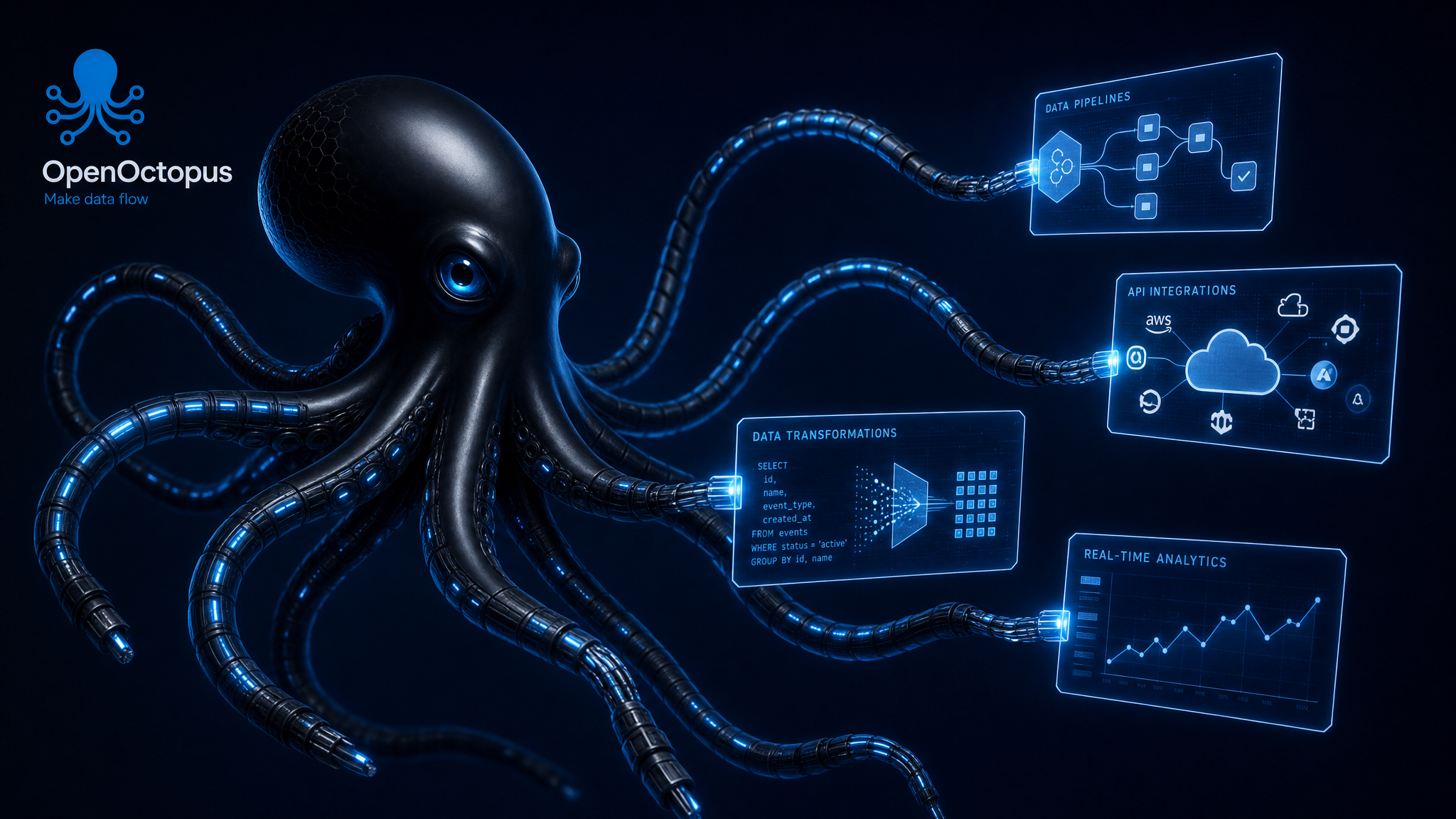
Open the Nano Banana playground to create images from text, upload existing photos, and refine results through natural language edits. It is built for quick model evaluation: test a product photo, portrait, marketing image, or style transfer workflow before deciding whether to use the API.
Editor snapshot
Why conversational image editing matters
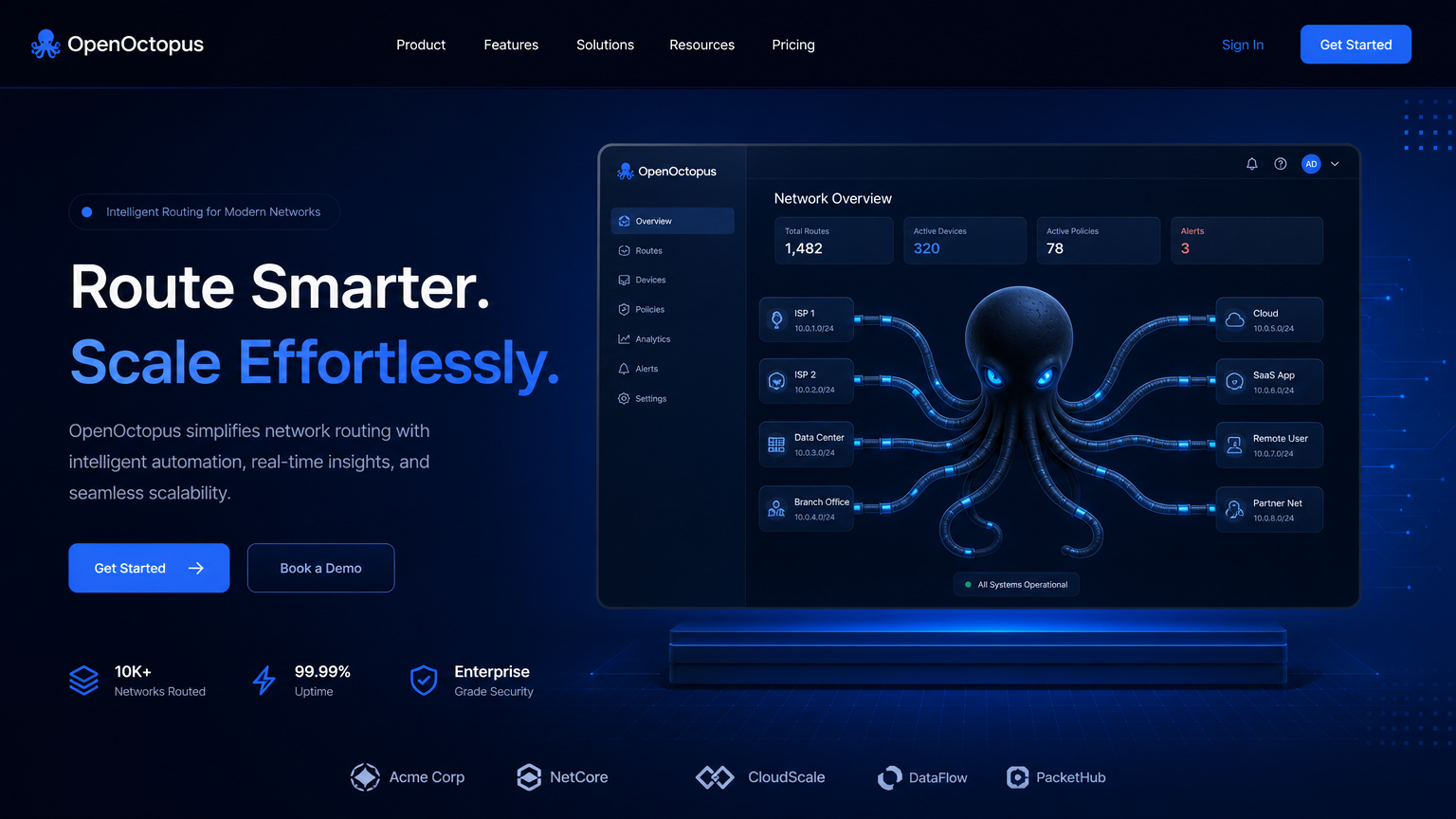
Most image generators still behave like single-turn tools. You write a detailed prompt, receive an image, and start over if the output is close but not usable. That approach is frustrating for realistic creative work because the final image usually needs several small changes rather than a full regeneration.
This playground puts the edit loop first. As Ars Technica reports, Google's model handles both generation and editing in the same interaction flow. You can upload a photo, ask for a background change, then follow with lighting tweaks, object removal, or a style shift without rebuilding the prompt from scratch.
The practical value is simple: each turn builds on the last. A product photo can move from studio background to lifestyle scene, then receive color, shadow, and crop adjustments. A portrait can keep the same subject while changing the setting. A marketing image can be pushed toward a brand style without losing the central object.
For a deeper model family breakdown, read our Nano Banana: Features, Pricing & Model Review.
How to test a real image workflow
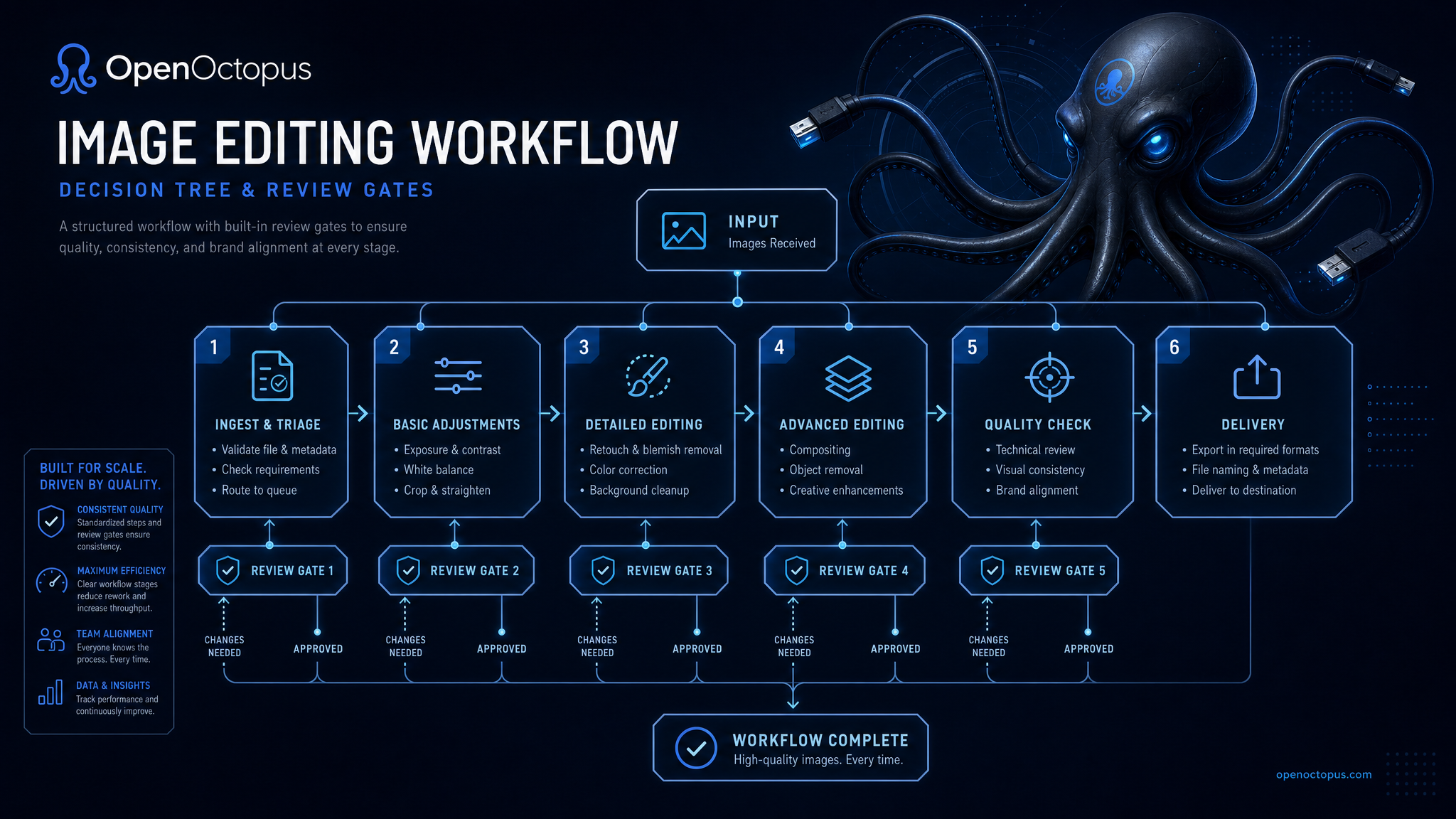
You do not need design software or API knowledge to evaluate the model. Use a small, repeatable workflow so you can compare outputs, costs, and failure modes.
Step 1: Start with a concrete asset. Type a prompt such as "a minimalist product photo of a ceramic mug on a marble counter" or upload a JPEG, PNG, or WebP file you want to edit.
Step 2: Make one primary change. Ask for a clear edit: "change the background to a sunny cafe," "make the lighting warmer," or "remove the person on the left." Single-purpose edits are easier to judge than overloaded instructions.
Step 3: Refine the result. Use follow-up prompts like "add a softer shadow," "keep the mug unchanged but reduce the background clutter," or "make the colors less saturated." According to Google's image editing update, the newer model follows compound instructions more reliably than earlier releases.
Step 4: Save the prompt chain. When you get a useful result, record the original prompt, upload type, number of turns, and final instruction. That gives developers a clean starting point for API integration.
Developers can access the same generation and editing behavior programmatically through the Nano Banana API.
What you can test in the playground
Text-to-image generation
Create original images from detailed natural language descriptions
Conversational image editing
Modify uploaded images through multi-turn dialogue
Reference-based generation
Use existing images as style or content references
Regional modification
Edit specific areas while preserving surrounding context
Style transfer
Convert photos into illustrations, paintings, or branded visual styles
Subject consistency
Maintain characters, products, or objects across multiple variations
Object removal and replacement
Delete unwanted elements or swap them with new ones
Background replacement
Instantly place subjects into new environments
Practical prompts to try first
Start with prompts that are specific enough to evaluate but not so complex that you cannot tell why the model failed. These examples cover common business and creator workflows.
| Workflow | Starter prompt | Follow-up edit |
|---|---|---|
| Product photo | Create a clean studio photo of a matte black water bottle on a light gray surface | Keep the bottle unchanged and place it on a gym bench with soft daylight |
| E-commerce variant | Upload a product image and place it in a premium lifestyle scene | Remove background clutter and add a subtle reflection under the product |
| Portrait avatar | Create a professional profile portrait with natural light and neutral background | Keep the same person, change the background to a modern office |
| Social visual | Create a square promotional image for an AI image editing tool | Make the layout cleaner and leave more empty space for headline text |
| Style exploration | Turn this photo into a polished editorial illustration | Reduce the stylization and keep the original face structure closer |
For more copy-and-paste examples, see our Nano Banana Prompts guide. If you are comparing model tiers, the Nano Banana vs Nano Banana Pro guide explains when the Pro tier is worth testing.
Pricing and cost reality
Understanding pricing helps you test efficiently. Google structures costs around output tokens rather than a flat per-image fee. According to the Google Developers Blog introducing Gemini 2.5 Flash Image, a typical 1024 x 1024 image consumes approximately 1,290 output tokens.
| Platform / Tier | Rate | Approximate Per-Image Cost |
|---|---|---|
| Gemini 2.5 Flash Image (standard) | ~$30 / 1M output tokens | ~$0.039 per image |
| Google Cloud / Vertex AI | ~$15 / 1M output tokens | ~$0.020 per image |
| Nano Banana Pro / 2 | Variable by version | Higher tier, check official pricing |
| Multi-turn editing | Per-output billing | Each iteration counts separately |
The key cost insight is that each generated output counts. A session that creates three variations and applies four rounds of edits costs more than a single generation. For high-volume workflows, plan an iteration budget, cap exploratory turns, and save successful prompt chains for reuse.
For production integration patterns, see the Nano Banana API guide.
Best-fit use cases and limits
Like any AI image tool, the model has a clear sweet spot. Knowing it upfront prevents wasted testing time.
Best use cases
- E-commerce product photos: Background replacement, lighting tweaks, and lifestyle variations for catalog assets
- Social media content: Fast creation of platform-optimized visuals with style control
- Marketing graphics: Promotional images, banners, and campaign visuals
- Portrait and avatar editing: Face-aware adjustments and background changes
- Creative exploration: Rapid iteration on visual concepts without restarting workflows
- Visual posters: Text-aware layouts and branded compositions
Limitations to keep in mind
- Precision CAD or industrial drafting: Nano Banana is not a technical drafting tool
- Medical or legal evidence images: Accuracy requirements exceed what generative models guarantee
- Strict brand compliance: Complex logos, exact typography, and precise brand colors need human review
- 100% face consistency: Commercial portrait workflows require verification between edits
- Long comic sequences: Multi-panel consistency remains challenging
If you need higher resolution after editing, our Nano Banana Upres guide covers upscaling workflows that preserve detail.
Frequently asked questions
Start testing Nano Banana online
Use the playground to validate image generation, upload editing, and multi-turn refinement before you commit engineering time. Start with a small workflow, save the prompt chain that works, and move successful tests into production through the API.