
Best Video Face Swapper Tools Explained
Confused about Video Face Swapper tools? Here’s a simple breakdown of types and differences. Explore now and understand fast.
 AuthorYueZhu
What a video face swapper actually does
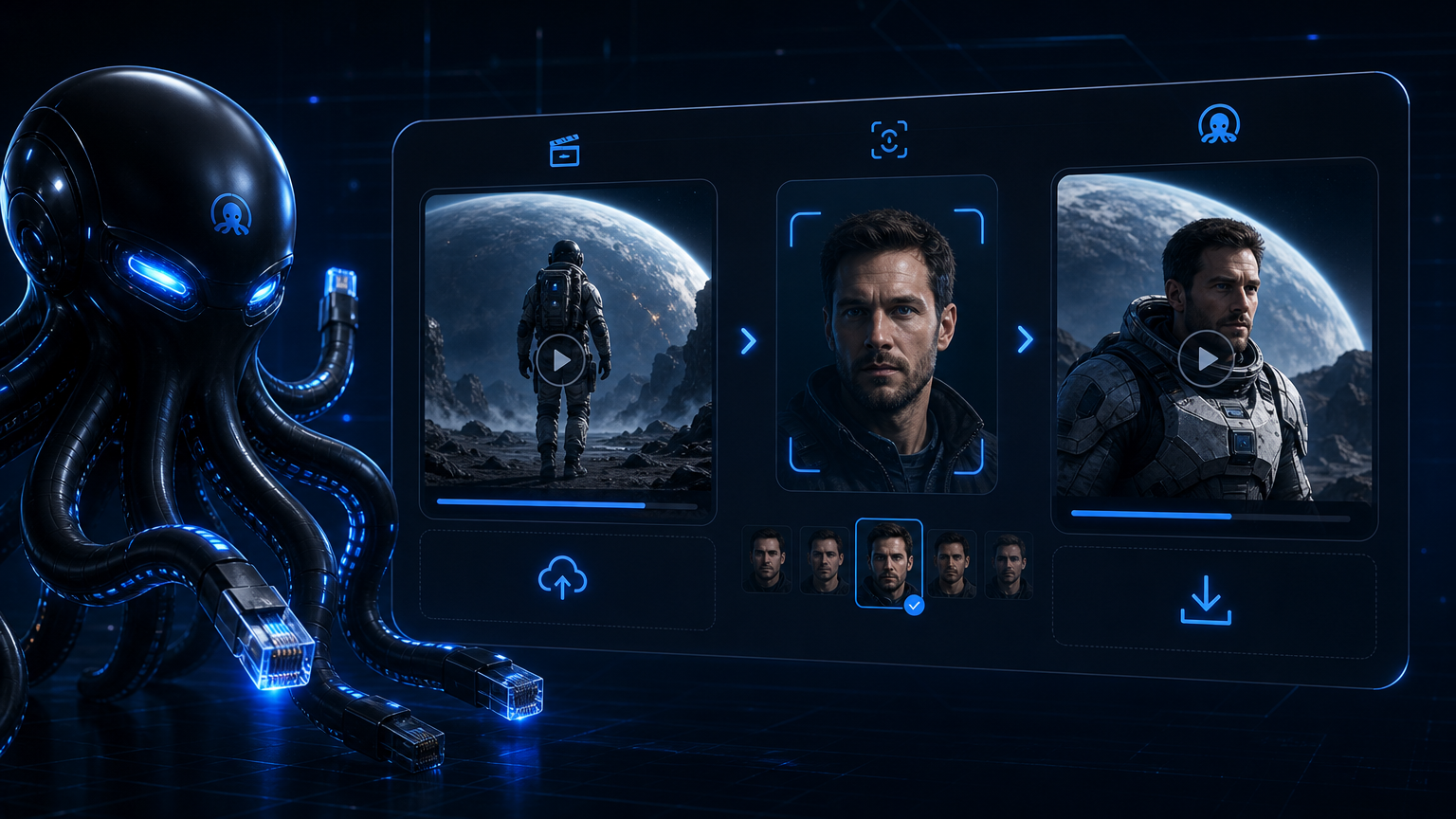
A video face swapper replaces one or more faces in a video with different identities while keeping the original motion, lighting, and expression. Unlike a photo editor, an AI video face swap tool must track the same face across dozens or hundreds of frames so the result does not flicker or drift. The best AI video face swap output depends on face tracking, identity preservation, and temporal consistency.
Developers and SaaS teams use a video face swapper when they want to build AI face swap features into their own products rather than relying on consumer apps. The right video face swapper depends on whether you need a simple video face swap online demo, a batch-processing video face replacement API, or a fully local pipeline.
Types of video face swapper tools
Most video face swapper products fall into four categories. Each category has different tradeoffs around cost, control, privacy, and ease of integration.
| Type | Best for | Typical limitations | Example products |
|---|---|---|---|
| Cloud API video face swapper | SaaS apps, batch jobs, creator platforms | Requires upload, queue wait, ongoing cost | WaveSpeed, Akool, video face swap online services |
| Desktop video face changer | Local experimentation, one-off edits | Manual workflow, not scalable | FaceFusion, SwapFace, single-user video face changer apps |
| Open-source face swap video toolkit | Custom pipelines, fine-grained control | Self-hosted infrastructure, maintenance | Roop, InsightFace, FaceFusion, DIY AI video face swap stacks |
| All-in-one marketing suite | Campaigns with templates, lip sync, translation | Higher cost, less API flexibility | Akool |
A cloud API video face swapper like WaveSpeed Video Face Swap is usually the fastest path for developers because it handles inference, scaling, and storage. A desktop or open-source AI video face swap tool gives more control but forces you to manage GPUs, queues, and model updates.
How a video face swapper works
Every video face swapper and AI video face swap pipeline follows the same high-level steps:
- Face detection finds faces in each frame.
- Face embedding turns a reference photo into an identity vector.
- Face tracking follows the same target face through the clip.
- Video rendering blends the new identity onto each frame while preserving expression and lighting.
The difference between a polished video face changer and a rough one is usually temporal consistency. If the model does not track motion well, the swapped face will jitter, drift, or change shape between frames. Good AI video face swap models also handle occlusion, where hands, hair, or objects briefly cover the face. This is what separates a usable video face replacement pipeline from a novelty demo.
For a deeper look at how WaveSpeed implements this video face replacement pipeline, read the WaveSpeed Video Face Swap overview. The Video Face Swap API guide details the async job pattern and request parameters used through OpenOctopus.
Common video face swapper use cases
A video face swapper is useful for creative and product workflows, including:
- Short video production: Personalized clips for social media and marketing
- Entertainment content: Memes, parodies, and fan content using a face swap video workflow
- Creator platforms: User-generated face swap video features
- Marketing personalization: Variants of the same base video with different faces
- Prototyping: Testing AI video face swap UX before building custom models
- Video face replacement: Swapping spokespersons or actors in existing footage
- Video face swap online services: Letting users upload and swap faces in a browser
Any use case that starts with a user uploading a clip and a reference photo can be built on top of a video face swap API. If you also generate the source clips from text, the Seedance text-to-video guide explains how to produce footage before applying video face replacement.
Limitations every video face swapper has
No video face swapper is perfect. Common failure modes include:
- Fast motion: Quick head turns or fast camera movement cause drift in a face swap video.
- Occlusion: Hands, hair, glasses, or props covering the face reduce quality for any video face changer.
- Extreme angles: Profile or overhead shots often look less natural for a video face changer.
- Long videos: Cost and processing time scale with duration for any AI video face swap job.
- Multi-person scenes: You need identity mapping to avoid swapping the wrong face in a face swap video.
There are also legal and ethical limits. Any AI video face swap tool should not be used for legal evidence, news authenticity, identity verification, or medical imaging. Outputs can raise portrait-right and consent issues, so most products include terms of service that restrict harmful use.
Choosing the right video face swapper
Use this checklist when evaluating a video face swapper for your product:
- Does it expose an API, or is it a video face swap online tool only?
- Does it support multi-person face swap with identity selection?
- How does pricing scale with video length and resolution?
- Is processing synchronous or asynchronous?
- Does it preserve identity well under motion and occlusion?
- What storage, queue, and caching infrastructure do you need for video face replacement at scale?
- Are there usage restrictions for your target market?
For teams comparing image-only alternatives, the Image Face Swap guide covers portrait transfer models and their limitations. For higher-end commercial image workflows, Face Swap Pro review explains what production-grade face swapping looks like.
Pros and cons of a cloud video face swapper
Pros
- No GPU infrastructure to manage
- Fast integration via REST API or SDK
- Scales with user demand
- Often includes multi-person and face-tracking features
- Unified billing through platforms like OpenOctopus
Cons
- Ongoing cost per video
- Less control over model weights and parameters
- Requires upload to a third-party service
- Queue latency on busy periods
- Legal review needed for user-generated content
When to use WaveSpeed as your video face swapper
WaveSpeed Video Face Swap fits when you need a video face swap API for batch or async processing. It supports multi-person scenes through target indexing and exposes an OpenAI-compatible endpoint through OpenOctopus. That makes it a practical video face swapper and AI video face swap option for SaaS products and creator platforms.
For multi-model architectures, the AI API platform guide explains how to unify authentication, routing, and billing across providers.
FAQ
-
What is a video face swapper?
A video face swapper is an AI tool that replaces faces in a video with different identities while preserving motion, expression, and lighting.
-
Is a video face swapper the same as a deepfake tool?
The underlying technology overlaps, but a video face swapper is usually marketed for creative, entertainment, or product use rather than deception.
-
Can I use a video face swapper for free?
Some providers offer free credits or trials, but production use is generally paid by video duration or number of jobs.
-
What is the best video face swapper for developers?
A cloud API video face swapper like WaveSpeed is usually best for developers because it integrates into backend workflows without managing GPU infrastructure.
-
Does a video face swapper work on long videos?
Yes, but quality and cost scale with duration. Long videos should use async queues and result caching.
-
Are video face swapper outputs safe to publish?
Only if you have proper consent and your use case complies with the provider's terms and local laws.
Final verdict
A video face swapper is a specialized AI tool that sits between consumer apps and custom research pipelines. Cloud API options like WaveSpeed offer the fastest integration for developers, while desktop and open-source tools give more control for experimentation. The right choice depends on your budget, privacy requirements, and whether you need batch processing or one-off editing.