
Video Face Swap AI API for Scalable Apps
Build video face swap apps with the WaveSpeed API
WaveSpeed Video Face Swap API lets developers and SaaS teams swap faces in video at scale. Upload a source clip and a reference face, and the model returns a rendered video with the target identity preserved across frames. It handles multi-person scenes, async batch processing, and identity tracking—so you can ship a video face swap AI feature without building your own inference pipeline.
Start with $1 credit.
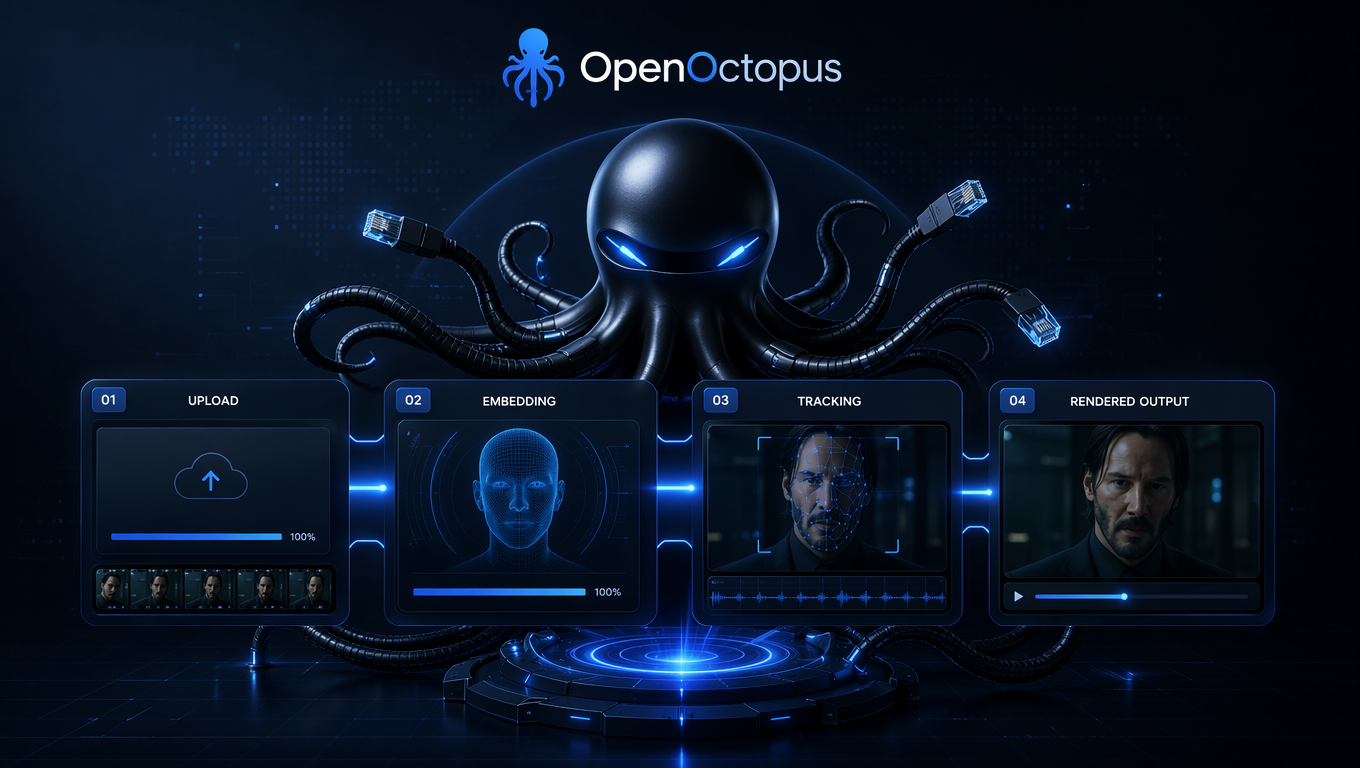
API snapshot
| Model | WaveSpeed Video Face Swap |
| Provider | WaveSpeed AI |
| Endpoint | Video Face Swap Endpoint |
| Base URL | https://api.openoctopus.com/v1 |
| Auth | OpenOctopus API key |
| SDKs | Python, Node.js, cURL |
| Best for | AI video face swap, batch processing, multi-person scenes |
The video face swap API accepts a video file or public URL plus a reference face image. You can use target_index to select which face to replace when several people appear in the frame. Responses return a prediction ID that you poll until rendering completes.
For a deeper look at how the model works, see What Is Wavespeed Video Face Swap.
Quick start
import requests

url = "https://api.openoctopus.com/v1/video/generations"
headers = {
    "Authorization": "Bearer YOUR_OPENOCTOPUS_API_KEY",
    "Content-Type": "application/json"
}
payload = {
    "model": "wavespeed/openoctopus-video-face-swap",
    "video": "https://example.com/source.mp4",
    "face_image": "https://example.com/face.jpg",
    "target_index": 0
}

response = requests.post(url, json=payload, headers=headers)
data = response.json()
print(data["prediction_id"])
Poll the prediction ID until status is succeeded. The response then contains a signed URL to the rendered face swap video.
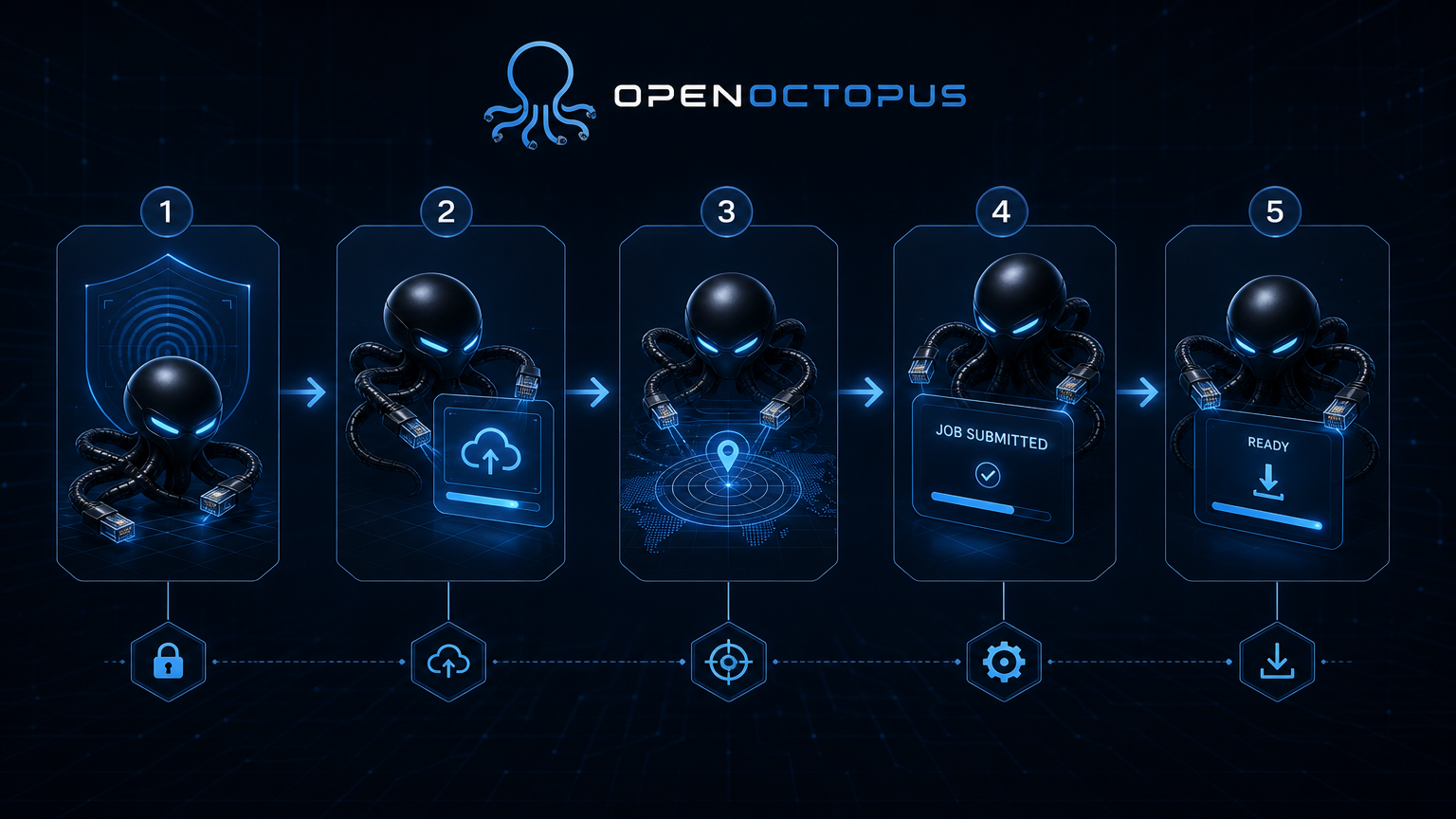
Integration workflow
- Authenticate with your OpenOctopus API key.
- Upload the source video and reference face image, or pass public URLs.
- Select target face using
target_indexfor multi-person scenes. - Submit the job and poll the prediction ID.
- Download the rendered video from the returned URL.
This workflow is the fastest way to move from a video face swap online demo to a production AI video face swap integration. For image-only alternatives, the Image Face Swap Guide covers portrait transfer models and their limitations.
What you get with the video face swap API
High-fidelity face replacement
Preserve expression, pose, and lighting across frames.
Multi-person face swap
Use `target_index` to replace specific faces in group scenes.
Face tracking
Keeps the same identity locked through motion and camera cuts.
Async batch processing
Queue long videos and process many jobs in parallel.
OpenAI-compatible requests
Reuse existing client code and error-handling patterns.
Unified billing
One invoice and usage dashboard across models on OpenOctopus.
Pricing and production notes
WaveSpeed bills by video duration, usually with a short minimum. Costs scale linearly with clip length, so batch-heavy apps should plan usage budgets and cache results. The video face swap API is ideal for AI face swap tools, short-form video apps, marketing personalization, entertainment content, and creator platforms.
Avoid using it for legal evidence, news authenticity workflows, medical imaging, or identity verification. The output is a creative render, not a forensic record. Research on long-duration video face swapping notes that abrupt inter-frame motion often leads to temporal flickering and inconsistent identity rendering, which is why short, stable clips remain the safest input.
FAQ
Start building with WaveSpeed Video Face Swap
Ship a video face swap AI feature in minutes. Get your API key, test the playground, and integrate the endpoint into your app.
Start with $1 credit.