
AI API Platform: Unified Multi-Model API Access Guide
AI API platform guide for unified model access, routing, failover, cost control, and OpenAI-compatible API management.
 AuthorYueZhu
Unified multi-model API access for production teams
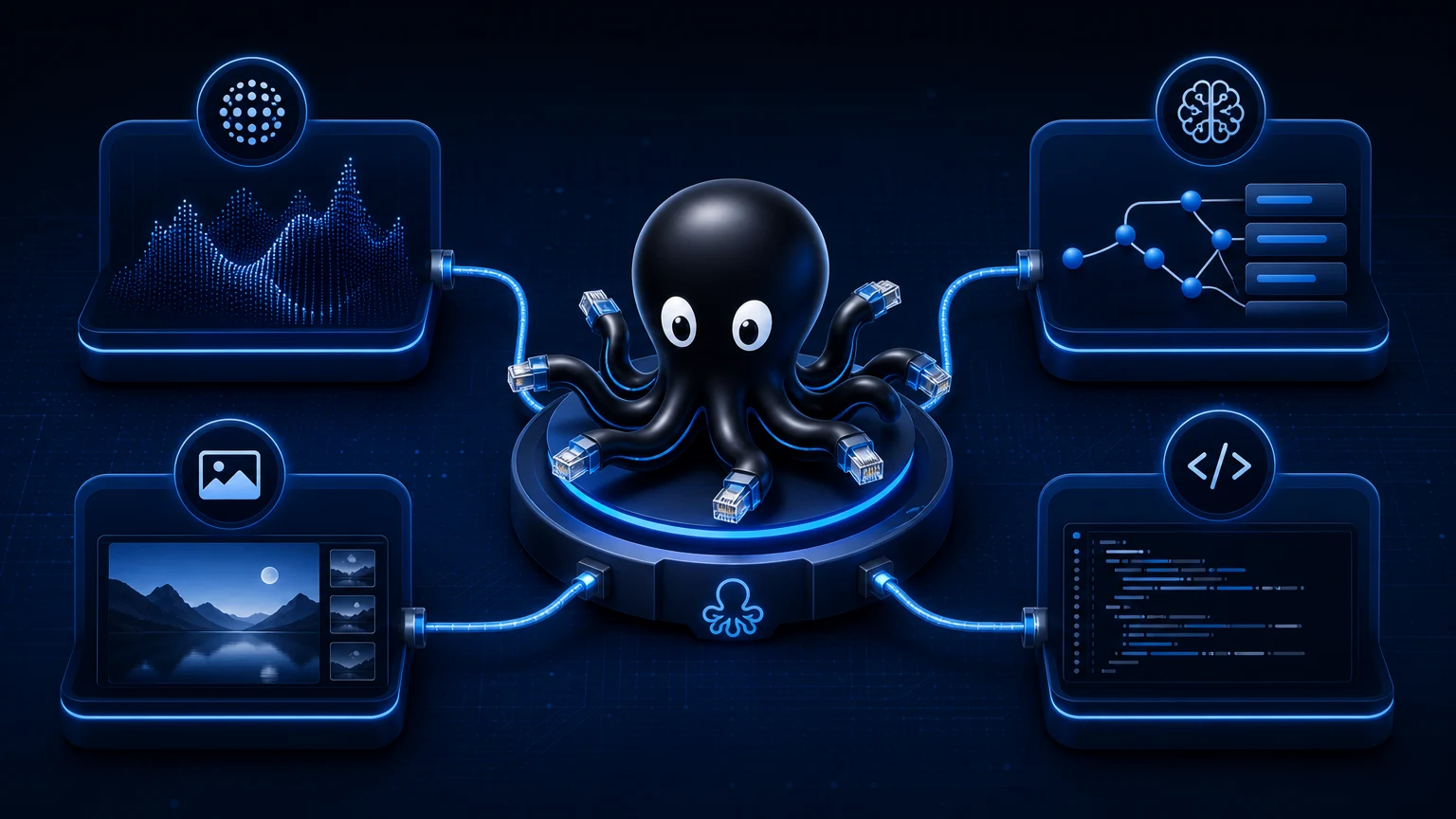
An AI API platform gives developers one integration layer for text, code, image, video, embeddings, and multimodal models. Instead of wiring every provider directly, teams use an AI API platform to centralize authentication, routing, fallback, usage tracking, and response normalization.
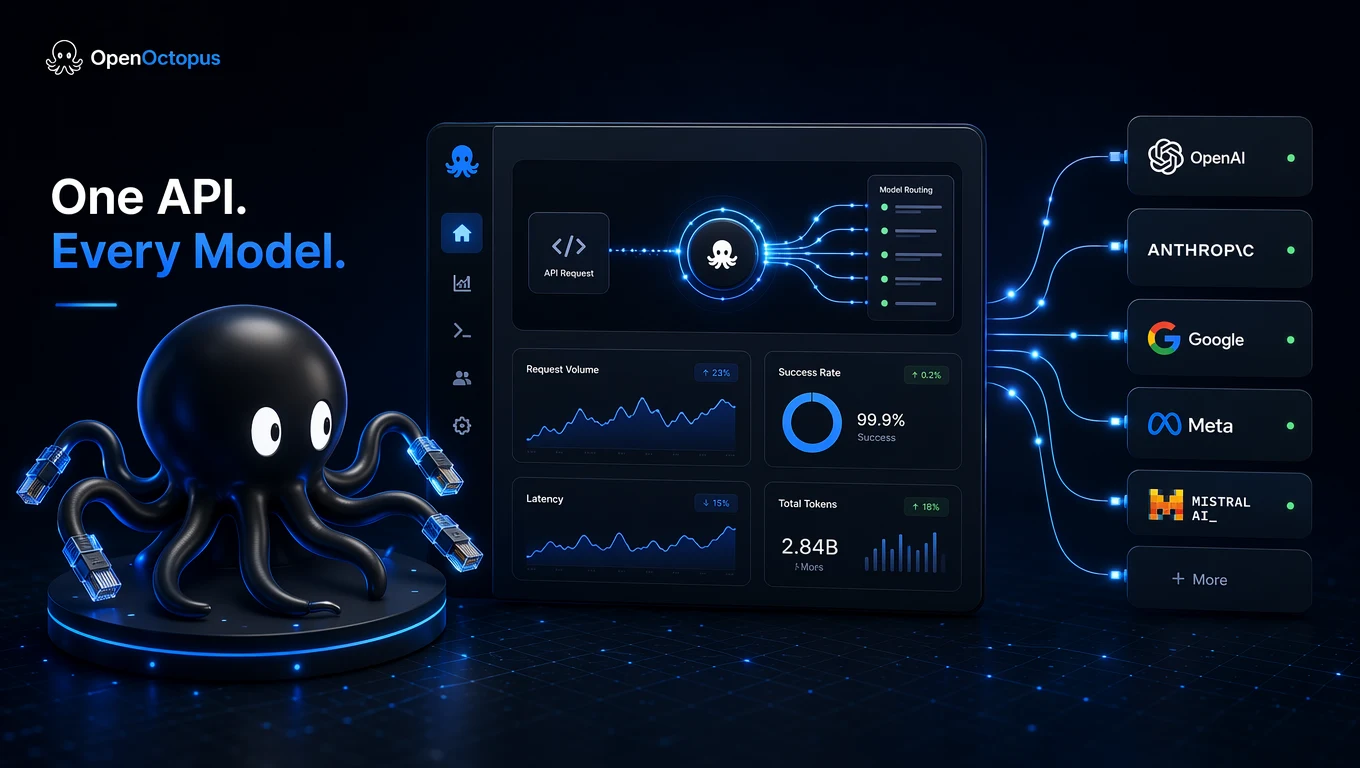
What an AI API platform actually does
An AI API platform is not just a proxy. A useful AI API platform sits between your application and multiple AI providers, then standardizes the operational work that every production integration needs.
Core responsibilities include provider routing, API key management, retry behavior, request logging, cost attribution, and model fallback. This matters because a product may use one model for support chat, another for code review, another for image generation, and another for embeddings. Direct integrations turn those choices into separate SDKs, dashboards, rate limits, and error formats.
For a broader market comparison, use the best AI API evaluation guide. If cost is the primary constraint, the cheapest AI API strategy explains how routing by workload can reduce spend without making every request use the weakest model.
Architecture pattern for unified routing
The simplest AI API platform architecture has five layers: client SDK, unified API gateway, routing policy, provider adapter, and observability. The gateway receives one normalized request. The routing policy chooses a model or provider. The adapter translates the request and response. Observability records cost, latency, route, and error state.
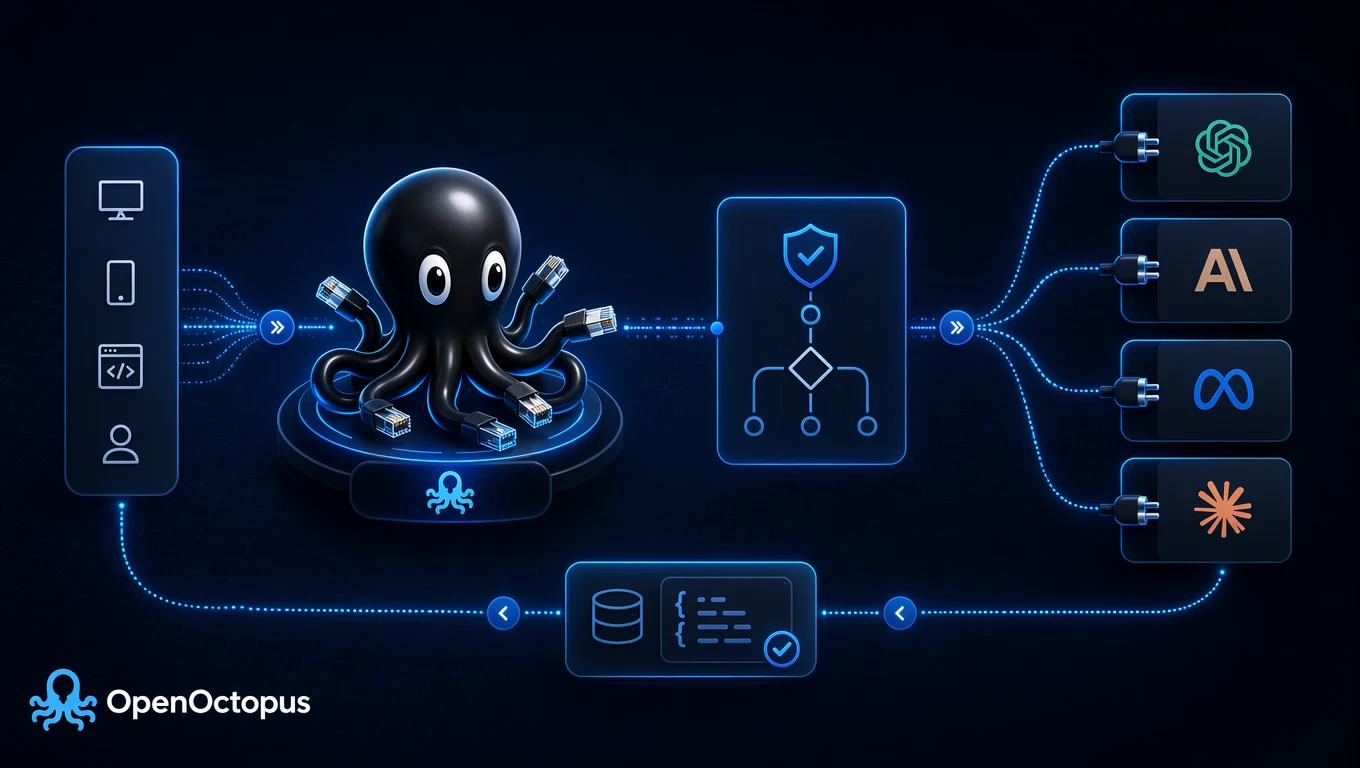
Application
  -> OpenAI-compatible client
  -> AI API platform gateway
  -> routing policy
  -> selected provider
  -> normalized response
OpenAI-compatible request patterns reduce migration work because teams can often keep familiar client code while changing the base URL and model name. AWS Bedrock documentation describes the value of a managed service that gives access to multiple foundation models through one service layer, which mirrors the same infrastructure direction for enterprise AI stacks.
When an AI API platform is worth it
An AI API platform becomes valuable when model access is no longer a single endpoint problem. Common triggers include adding a second provider, shipping multimodal features, needing fallback for outages, tracking inference spend by product feature, or supporting customer-specific model preferences.
Teams usually feel the pain in four places:
- SDK sprawl: Different clients, auth headers, timeout defaults, and error payloads.
- Rate-limit handling: Provider-specific throttling rules that break under launch traffic.
- Cost control: Token-heavy workflows that need routing, caps, and per-feature reporting.
- Failover: Outages that require switching providers without rewriting product logic.
For teams already evaluating Together AI alongside other providers, the Together AI API routing guide covers how provider-specific interest turns into a broader API management problem.
Evaluation checklist
Use this checklist before committing to an AI API platform:
| Area | What to verify |
|---|---|
| Compatibility | Can existing OpenAI SDK code migrate with minimal changes? |
| Model coverage | Does the platform support the modalities your roadmap needs? |
| Routing control | Can you route by cost, quality, latency, or fallback policy? |
| Observability | Can you track usage by user, feature, model, route, and error state? |
| Reliability | What happens when one provider times out or returns 429? |
| Cost governance | Can teams set budgets, output caps, and route-level alerts? |
| Support | Can engineers get help when production requests fail? |
Platform selection should be driven by your own workload rather than public benchmark rankings. Provider rate-limit documentation is a good reminder that every provider exposes limits differently, so production apps need provider-aware retry and backoff handling.
Implementation path
Start with one production workflow instead of moving every AI call at once. Pick a high-volume request path, set a baseline for latency and cost, then route it through the AI API platform with logging enabled.
The minimum implementation should capture model name, request owner, feature label, input tokens, output tokens, latency, error code, retry count, and selected route. This gives your team enough data to decide whether to keep routing static, add fallback, or move routine work to lower-cost models.
Developers comparing free or prototype-stage options should also read the free AI APIs for developers guide, because free-tier testing often hides the production concerns an AI API platform is designed to solve.
Common implementation mistakes
The first mistake is routing every request through the same premium model. An AI API platform works best when teams label workloads by intent: draft, support, review, extract, summarize, generate, and final. Those labels make routing policy understandable and keep cost controls tied to product behavior.
The second mistake is adding fallback without output validation. A fallback model can keep the product online, but it may change tone, JSON shape, or refusal behavior. Production teams should validate schema, safety requirements, and user-visible quality after every route change.
The third mistake is treating observability as optional. Without route-level logs, teams cannot tell whether a cost spike came from prompt growth, retries, provider choice, or user behavior. Good logging turns an AI API platform from a convenience layer into controllable infrastructure.
Bottom line
The right AI API platform reduces integration overhead and makes model choice operational instead of architectural. Use direct provider APIs when a prototype has one model and low traffic. Use an AI API platform when your product needs multiple models, fallback routing, shared observability, and cost controls across teams.