
Best AI API: Compare Top AI APIs for Developers
Compare the best AI APIs for speed, pricing, stability, model coverage, OpenAI compatibility, and production routing.
 AuthorYueZhu
Compare the best AI API for your product stage
The best AI API is not the same for every team. A prototype may need the fastest setup. A production SaaS product may need fallback routing, cost reporting, predictable latency, and access to several model families. This best AI API guide gives developers a practical comparison framework instead of a fixed ranking.
What makes the best AI API
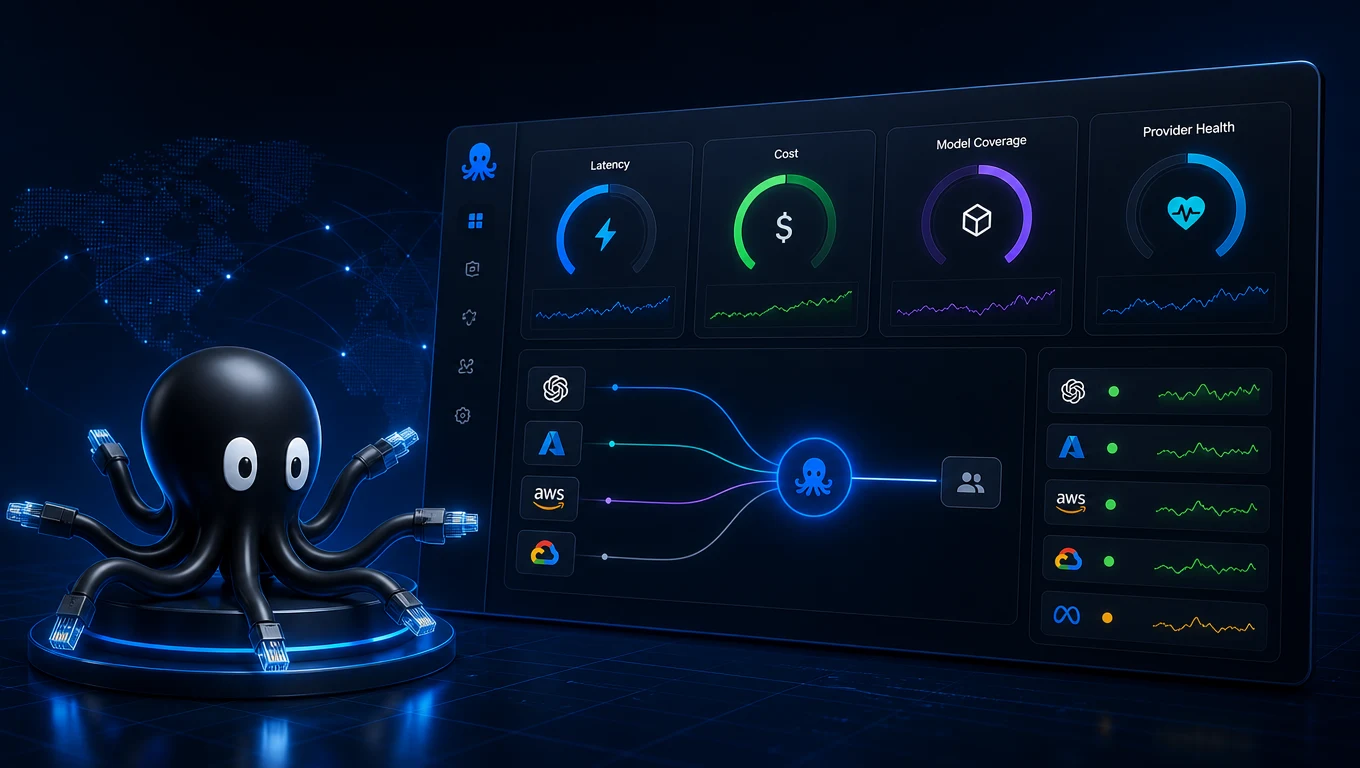
The best AI API should reduce engineering work while keeping model choice flexible. Most teams eventually need more than one model: a reasoning model for agents, a cheaper text model for routine support, an image model for creative tasks, and embeddings for retrieval.
Evaluate each AI API across six criteria:
| Criterion | Why it matters |
|---|---|
| Model coverage | Products expand from text into code, image, video, and embeddings |
| Latency | Interactive workflows depend on time-to-first-token and stable p95 response |
| Compatibility | OpenAI-compatible APIs reduce migration cost and SDK churn |
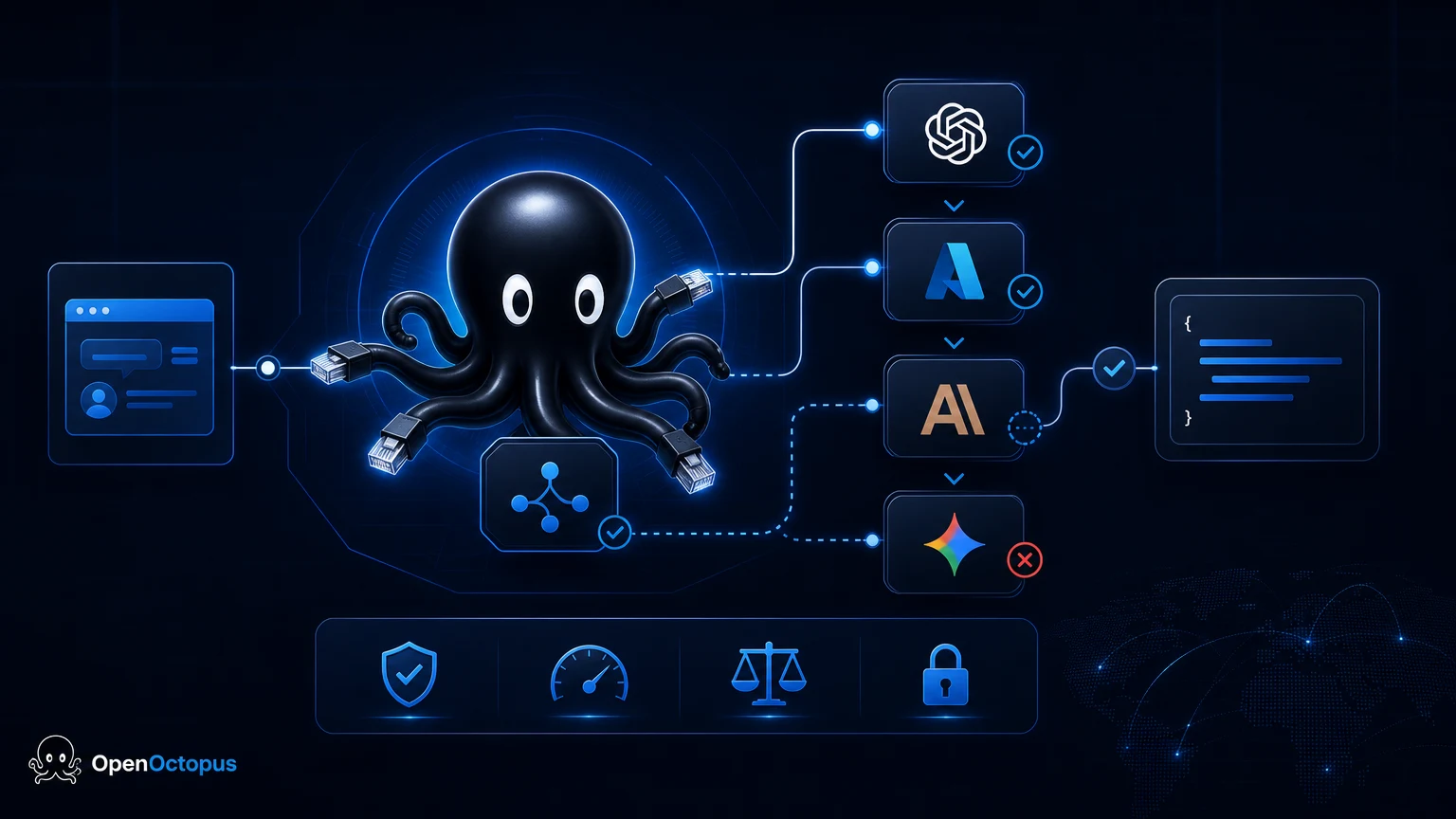
| Reliability | Failover and retries prevent provider outages from becoming product outages |
| Cost visibility | Teams need spend by feature, route, model, and user tier |
| Support | Production issues need clear technical escalation paths |
If the main question is architecture, start with the AI API platform guide. If price is the main constraint, compare the cheapest AI API workflow.
Best AI API by use case
There is no universal best AI API. Use case decides the trade-off.
- Chat and support agents: Prioritize streaming reliability, long-context behavior, and output controls.
- Code assistants: Prioritize reasoning quality, repository context, JSON output, and test generation.
- RAG and search: Prioritize embeddings, reranking, batch throughput, and stable latency.
- Image and video apps: Prioritize queue behavior, output review, asset storage, and cost per accepted result.
- Multi-model products: Prioritize one API surface, one billing view, and routing rules.
Public benchmark comparisons can help teams compare model price, speed, latency, and quality signals at a market level. Throughput and latency vary widely by inference architecture, so treat public rankings as a shortlist input and validate with your own prompts.
Direct provider API vs unified API
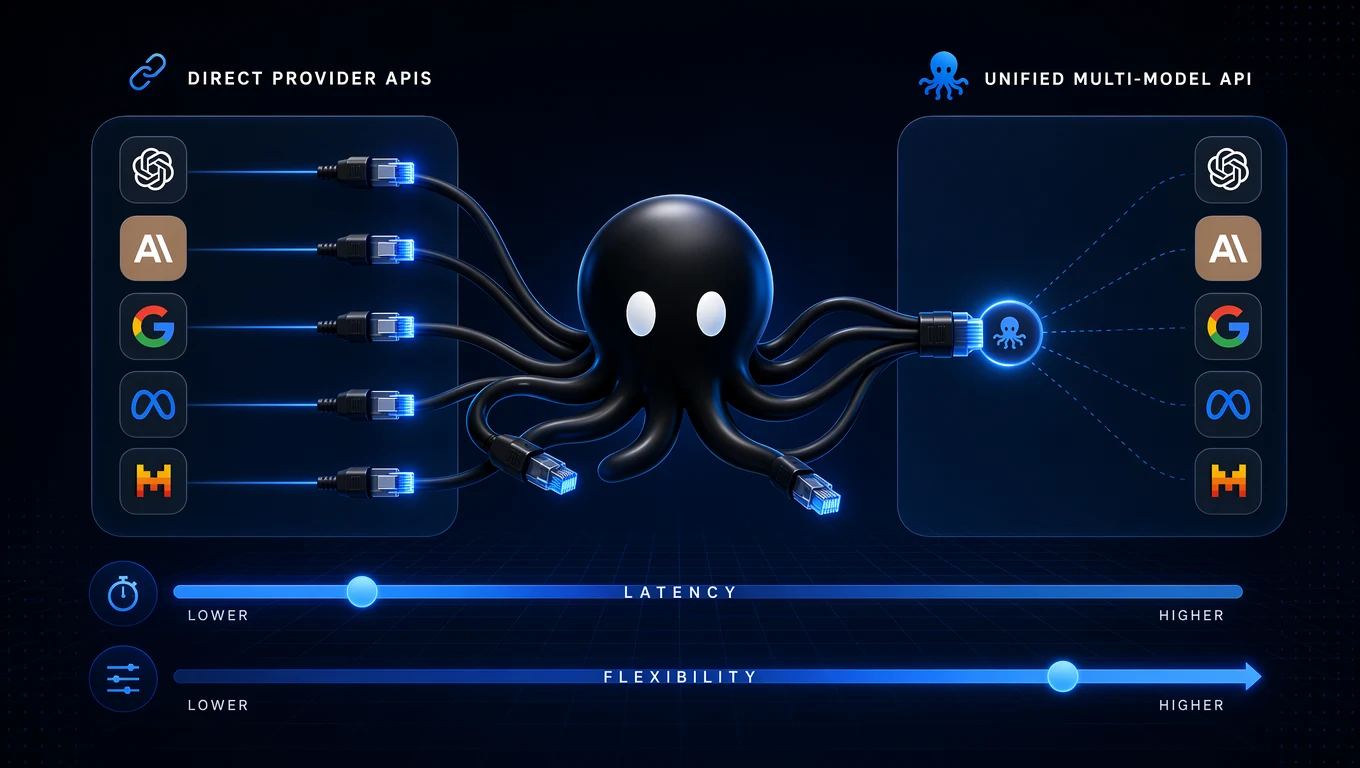
Direct provider APIs are useful when one provider clearly owns the workload. A unified API becomes stronger when the product has multiple model types, uncertain scaling needs, or frequent model experimentation.
| Choice | Best fit | Watch out for |
|---|---|---|
| Direct provider API | One model, known workload, simple prototype | Vendor lock-in, separate billing, provider-specific errors |
| Unified AI API | Multi-model apps, production routing, fallback | Need to validate route behavior under real workload |
| Hybrid approach | Teams testing new providers while keeping core traffic stable | Operational complexity if routing rules are undocumented |
AWS Bedrock's documentation explains the managed-service model for accessing foundation models through one service layer. That same pattern is why many developers look for a best AI API that abstracts providers without hiding the operational metrics they need.
Migration checklist
Before switching to any best AI API candidate, run this checklist:
- Test five representative prompts, not one demo prompt.
- Measure p50, p95, error rate, retry count, and cost per accepted answer.
- Confirm streaming behavior and timeout handling.
- Check whether your current SDK can change only
baseURL, API key, and model name. - Log route, model, user, feature, latency, tokens, and final status.
- Run fallback tests by forcing provider errors.
- Review pricing at the workflow level, not only token headline rates.
Developers evaluating low-cost paths should pair this checklist with the free AI APIs for developers guide. Teams comparing Together AI style routing should use the Together AI API guide for provider-specific migration questions.
Mistakes to avoid
The most common mistake is choosing the best AI API from a model leaderboard alone. Leaderboards rarely show retry behavior, regional latency, account-level limits, or the cost of failed generations. A second mistake is treating a provider SDK as the permanent architecture. That works for a prototype, but it makes fallback and model testing harder later.
Teams should also avoid comparing only input-token prices. Output length, retries, tool calls, image candidates, and moderation passes can change the true cost of a workflow. The best AI API decision should be based on cost per accepted user action: one support answer, one code review, one image approved for publishing, or one agent task completed.
Recommendation
The best AI API for early prototypes is the one that gets a real workflow running quickly. The best AI API for production is the one that stays maintainable when traffic, model choice, costs, and reliability requirements grow.
Use a direct API for narrow experiments. Use a unified API when you need model coverage, fallback routing, shared observability, and lower integration overhead. OpenOctopus is designed for the second case: one OpenAI-compatible API layer for model access, routing, usage tracking, and production handoff.