
AI Video FaceSwap for Creators
Make short-form face swap videos for TikTok, Shorts, and YouTube
WaveSpeed AI Video FaceSwap turns a source clip and a reference photo into a polished video face replacement in minutes. Built for creators, editors, and short-form producers, this browser tool handles tracking, blending, and frame continuity so you can focus on content rather than manual rotoscoping. No local GPU or complex setup is required.
Start with $1 credit.
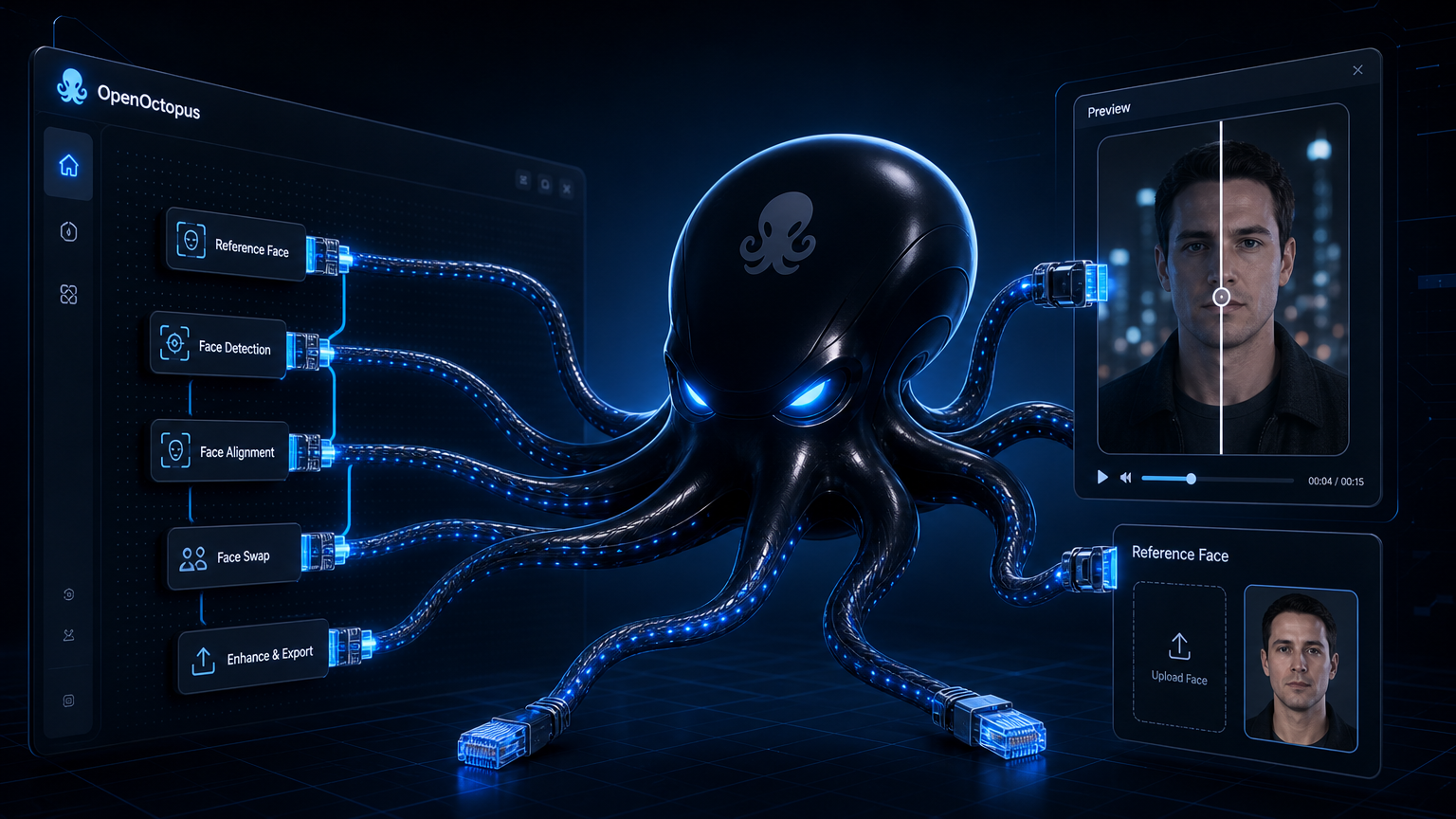
AI Video FaceSwap creator snapshot
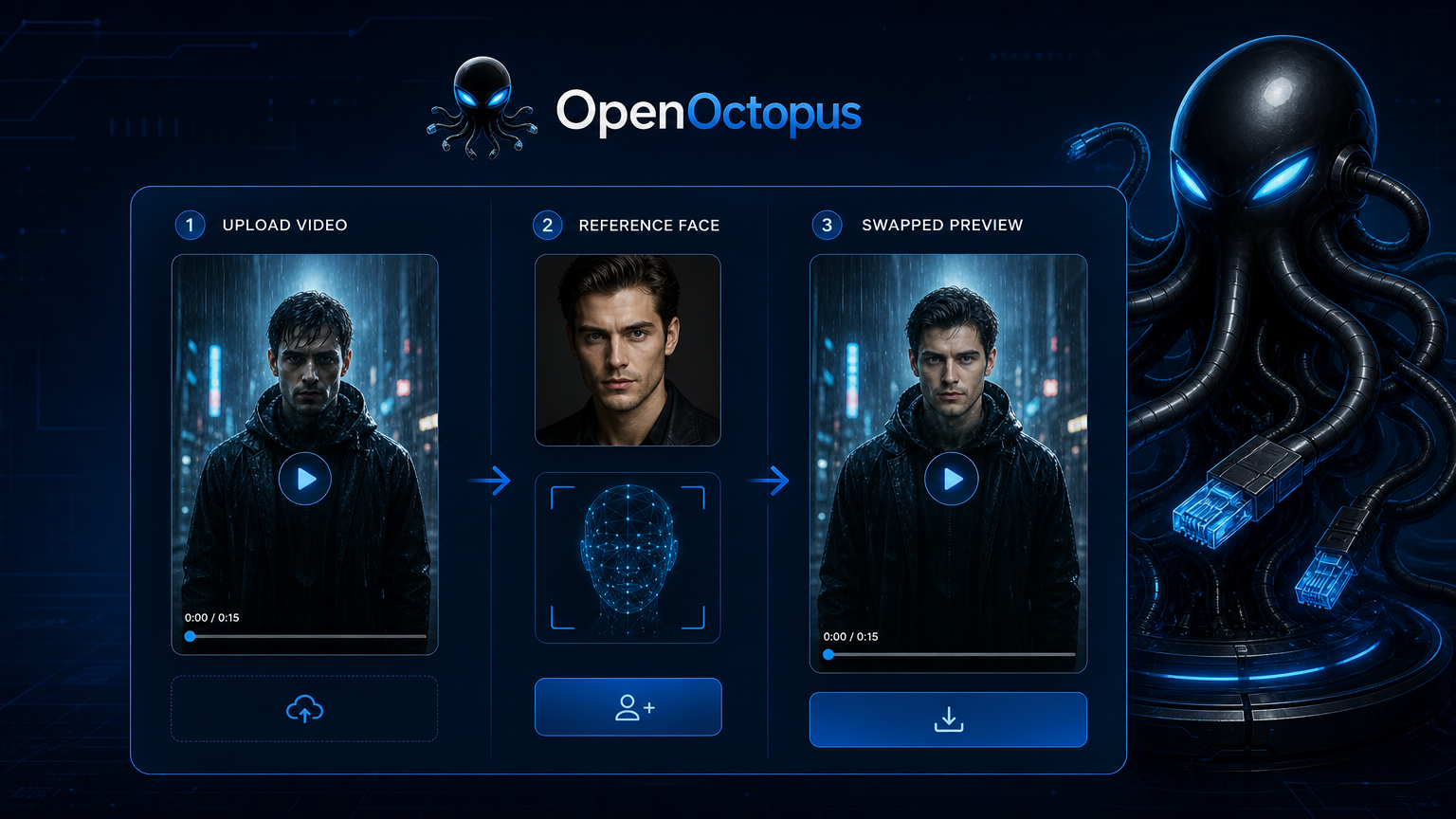
What creators build with AI Video FaceSwap
This ai video faceswap playground is made for content experiments that need fast turnaround. It is a video face changer designed for short-form creators. Dub a host into a new persona, drop a celebrity face into a meme template, or create ad variants with different spokespersons without re-shooting. The model preserves expression, head pose, and lighting well enough for social sharing and rapid prototyping.
Identity preservation and temporal consistency matter when a 15-second clip has hundreds of frames that all need to look like the same person. For teams comparing approaches, the WaveSpeed overview breaks down how this ai video face swap model differs from image-only face swap tools and avatar pipelines.
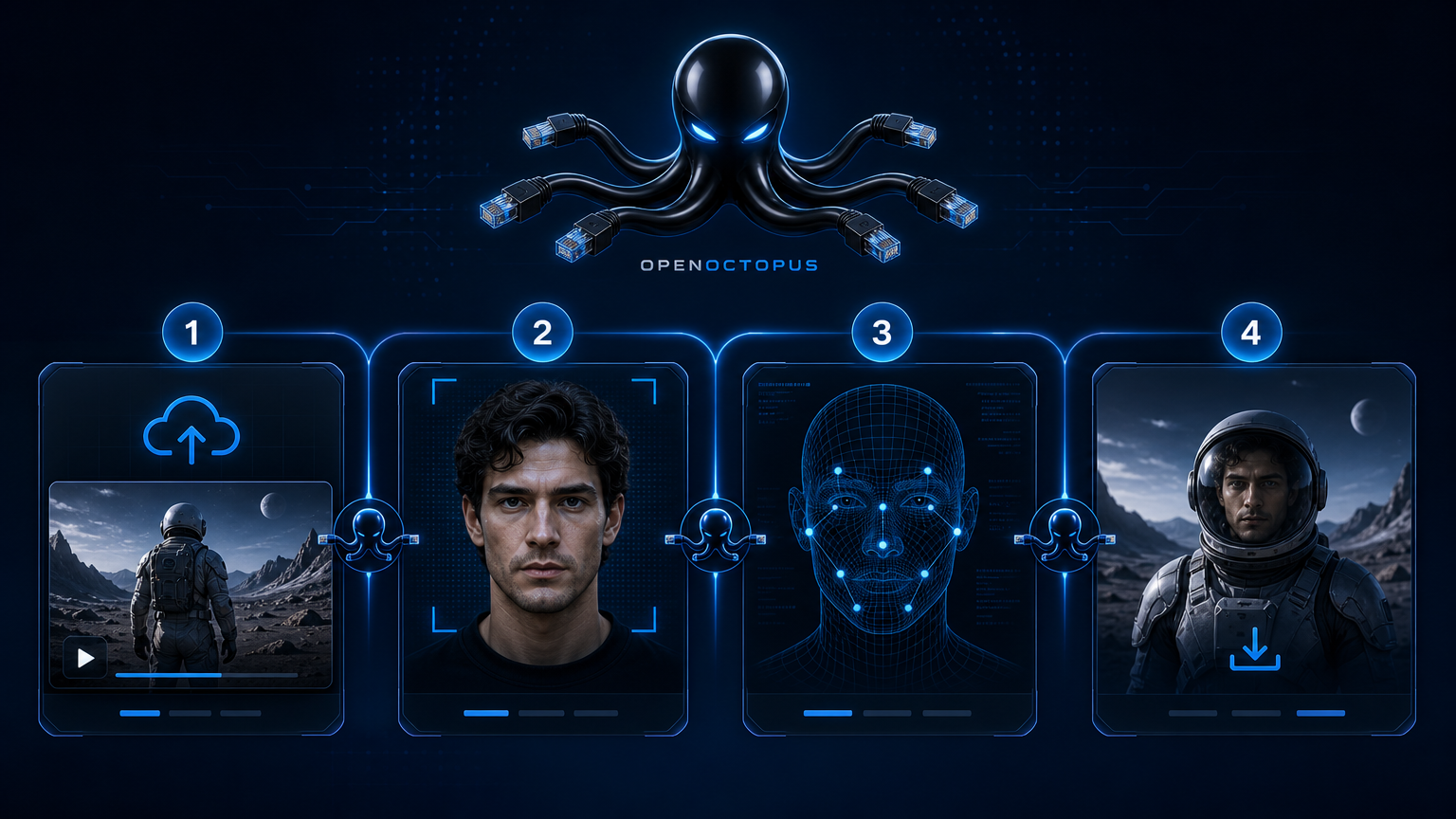
Upload, map, preview, publish
The ai video face swap workflow is built for creators who want results in minutes.
Upload source. Drop a vertical MP4 or MOV clip with the face you want to replace.
Upload reference. Add a clear front-facing photo of the target identity.
Map faces. Select which person to swap when the clip has multiple people.
Preview and download. Check the rendered clip, then export in your preferred format.
Formats that work in this ai video face swap tool
TikTok reaction videos
Swap the reactor face for a character or avatar
YouTube Shorts sketches
Drop a host face into template scenes
Meme recreations
Reuse viral clips with new identities
Ad spokesperson variants
Test different faces on the same script
Multi-person skits
Replace one actor or the whole cast
Profile picture motion
Turn a still photo into a moving face swap video
Stunt double effects
Replace a performer for safe preview drafts
Personalized greetings
Generate short clips for fan or client outreach
Tips for cleaner ai video face swap output
The best results come from short, stable clips with a front-facing subject and even lighting. A 5–15 second vertical video beats a shaky 2-minute walkthrough. Use a reference photo that matches the target age, skin tone, and lighting direction. If the source clip has multiple people, label the face index before rendering to avoid wrong-face swaps.
For technical details on parameters such as target_index, face_image, and async polling, see the Video Face Swap API guide.
Boundaries and responsible use
This ai video face swap tool is a creative utility, not a forensic or identity system. It works well for entertainment, marketing drafts, and content experimentation. It is not appropriate for legal evidence, news reporting, medical imaging, or identity verification. As MIT Sloan explains, deepfakes can erode digital trust and are increasingly easy to produce with widely available tools, so consent and disclosure remain essential. Always obtain permission from anyone whose face appears in the output, and review provider terms and local portrait-right laws before publishing.
For a deeper look at where video face swap breaks in production, read the Video FaceSwap limitations guide.
AI Video FaceSwap FAQ
Start creating with AI Video FaceSwap
Open the playground, upload a vertical clip, and see how fast you can turn it into a shareable face swap video. Switch to API access when your workflow needs repeatable production automation.
Start with $1 credit.