
Video FaceSwap Limitations
Why seamless video faceswap breaks in real scenes
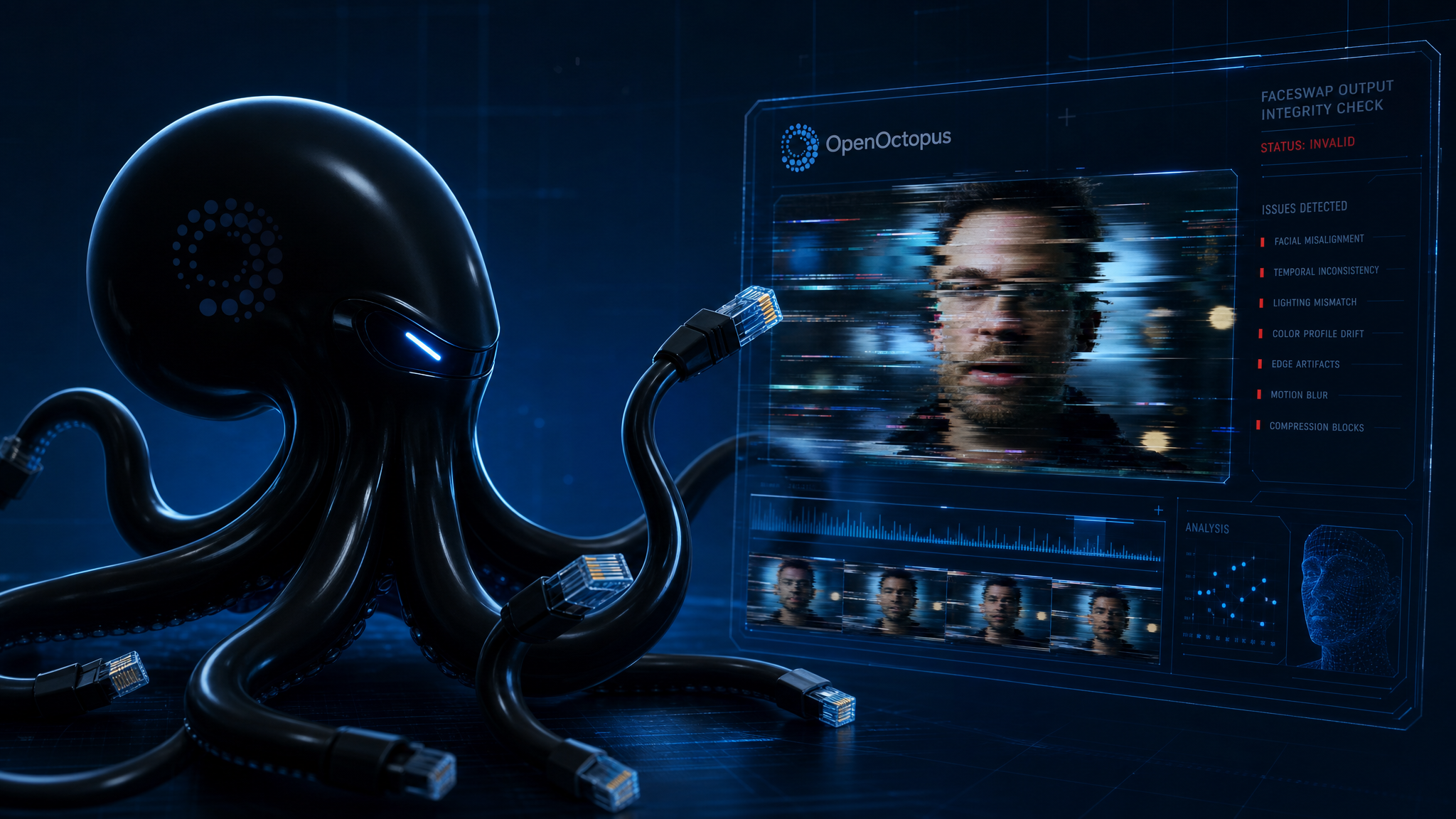
Video faceswap demos look perfect in controlled clips. In real production, motion blur, bad lighting, occlusions, and multi-person scenes make the swap drift, flicker, or collapse. This page explains where WaveSpeed Video Face Swap hits its limits and whether the API fits your use case.
Start with $1 credit.
WaveSpeed Video Face Swap at a glance
Real scenes expose the gaps
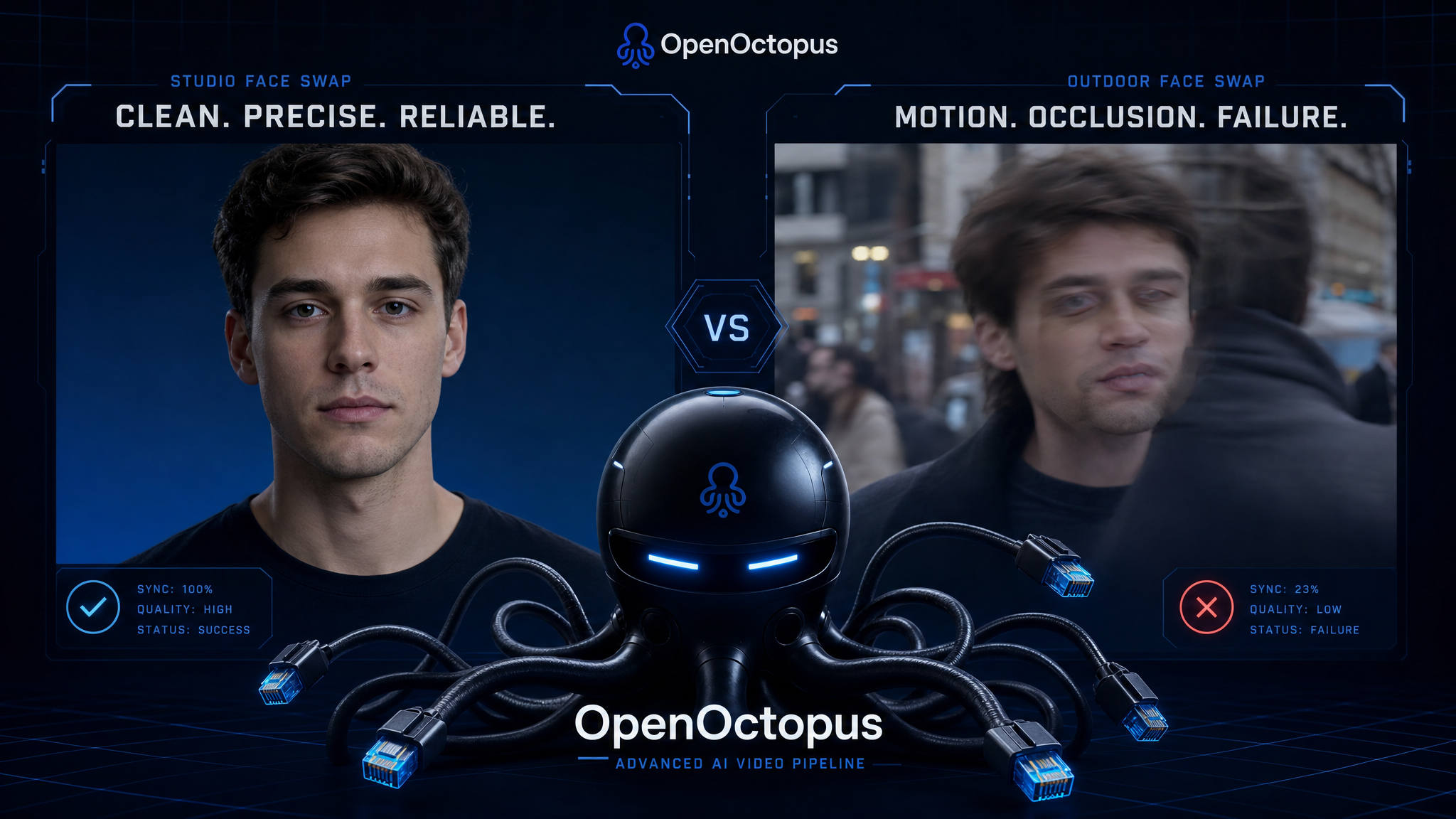
The biggest gap in any video faceswap pipeline is the source video, not the reference image. When a face turns, moves fast, or is occluded, the model loses tracking and the replacement face floats or snaps back. A Springer survey of deepfake face-swap research identifies lighting and occlusion handling, pose variability, and temporal coherence as persistent open challenges, which is why stable, well-lit faces still produce the smoothest results.
Lighting is the second breaker. A face swap video can match skin tone in one frame and then look like a pasted mask in the next when the sun shifts, a lamp flickers, or a face moves through shadows. The model tries to relight the replacement face, but it does not understand the physical scene.
Where video faceswap results break down
Fast motion and motion blur
Rapid head turns, running, or handheld camera shake cause the swapped face to drift or smear across frames.
Occlusion and partial faces
Hats, glasses, hands, hair, or foreground objects cover the target face and break identity mapping.
Extreme angles and profile shots
Side views, low angles, or tilted heads stretch the replacement face beyond the model's training distribution.
Lighting mismatches
Hard shadows, mixed color temperatures, and backlighting reveal the video face replacement as a composite.
Multi-person mapping errors
The `target_index` parameter helps, but overlapping faces, similar-looking people, or rapid swaps between speakers create wrong-face bugs.
Long video cost and consistency drift
Cost scales with duration, and small errors compound across hundreds of frames in a single clip.
When WaveSpeed video faceswap works well
WaveSpeed Video Face Swap performs best on short clips with a single, front-facing subject in stable lighting. Marketing personalization, entertainment, and short social videos fit well. The WaveSpeed overview covers the full capability set and compares it to alternatives.
A 5–30 second clip with minimal rotation, no major occlusions, and a clear reference photo usually produces a video face changer output coherent enough for sharing.
When to avoid video faceswap entirely
Some use cases should not use a video faceswap API at all. Do not deploy WaveSpeed for legal evidence, news authenticity, medical imaging, or identity verification. The model is a creative tool, not a forensic system, and its outputs can raise portrait-right and consent issues without clear permission.
If your product requires lip-sync accuracy, avatar generation, or translated marketing videos, you will need additional tools. A video face swap online demo can look convincing, but it is not a full avatar pipeline. For image-only face swapping, the Image Face Swap Guide explains the differences between portrait transfer and video workflows.
Test the limits yourself
Upload your own clip to see where video faceswap holds up and where it breaks. WaveSpeed's playground lets you test motion, lighting, and multi-person cases before you write any code.
Start with $1 credit.