
GPT Image 2 Edit for Image to Image AI Review
Discover how GPT Image 2 Edit powers image to image AI editing with better control, quality, and flexibility. Explore capabilities and try it today.
 AuthorYueZhu
Review Scope: What This Image to Image AI Review Covers
This image to image AI review examines GPT Image 2 Edit from a production perspective. We focus on how it handles real editing workflows such as object replacement, background modification, style transfer, and iterative refinement. The assessment draws from hands-on API integration and official OpenAI documentation.
Whether you are researching an image to image AI solution for e-commerce catalogs, marketing assets, or creative automation, this review provides the technical depth needed for informed decisions.
What GPT Image 2 Edit Actually Delivers
According to OpenAI's official GPT Image 2 announcement, the second-generation architecture introduces substantial improvements in generation quality and editing precision. Unlike basic inpainting tools that fill masked regions with whatever seems visually plausible, GPT Image 2 Edit interprets the full context of an image before making changes. It understands spatial relationships, lighting conditions, material properties, and stylistic consistency.
The model delivers eight primary capabilities:
- Natural-language instruction following. Describe the edit in plain English instead of drawing masks or using layers.
- Spatial-aware local editing. The model maps textual references to image coordinates, enabling precise changes without manual masks.
- Background replacement with subject preservation. Separate a subject from its scene and place it in a new environment while preserving lighting and perspective.
- Object removal and cleanup. Remove distractions, props, reflections, or small background items with minimal retouching.
- Style transfer and visual consistency. Convert photographs into illustrations, cinematic frames, or editorial styles while keeping the subject recognizable.
- Multi-round iterative editing. The architecture maintains internal state across editing rounds, reducing compounding errors common in simpler inpainting systems.
- Resolution and aspect ratio preservation. Output preserves input dimensions and supports multiple aspect ratios without forced center-cropping.
- API-accessible production workflow. Teams can move from playground testing to the Image 2 Edit API using the same model and billing path.
These capabilities make GPT Image 2 Edit a strong candidate when image to image AI must balance quality with automation.

Technical Architecture: How Image to Image AI Editing Works
Understanding the technical pipeline helps production teams set realistic expectations and troubleshoot failures. For developers building image to image AI pipelines, knowing how the model processes inputs reveals both strengths and predictable limitations. OpenAI's Images and Vision API documentation covers request patterns, parameters, and supported workflows.
Instruction Parsing and Spatial Mapping. Natural language instructions are parsed into structured operations: identify target regions, determine modification type, and calculate integration parameters. The model maps textual references to specific image coordinates, enabling precise local edits without manual mask creation.
Visual Modification and Contextual Blending. The encoded modification is rendered through neural blending that accounts for lighting direction, surface reflections, and atmospheric perspective. It works well for natural and studio lighting but struggles with extreme high-contrast scenarios.
Output Refinement and Quality Control. Final processing applies detail enhancement, artifact suppression, and format optimization so that image to image AI output maintains professional quality standards. The output preserves the input image's resolution and supports multiple aspect ratios without forced center-cropping.
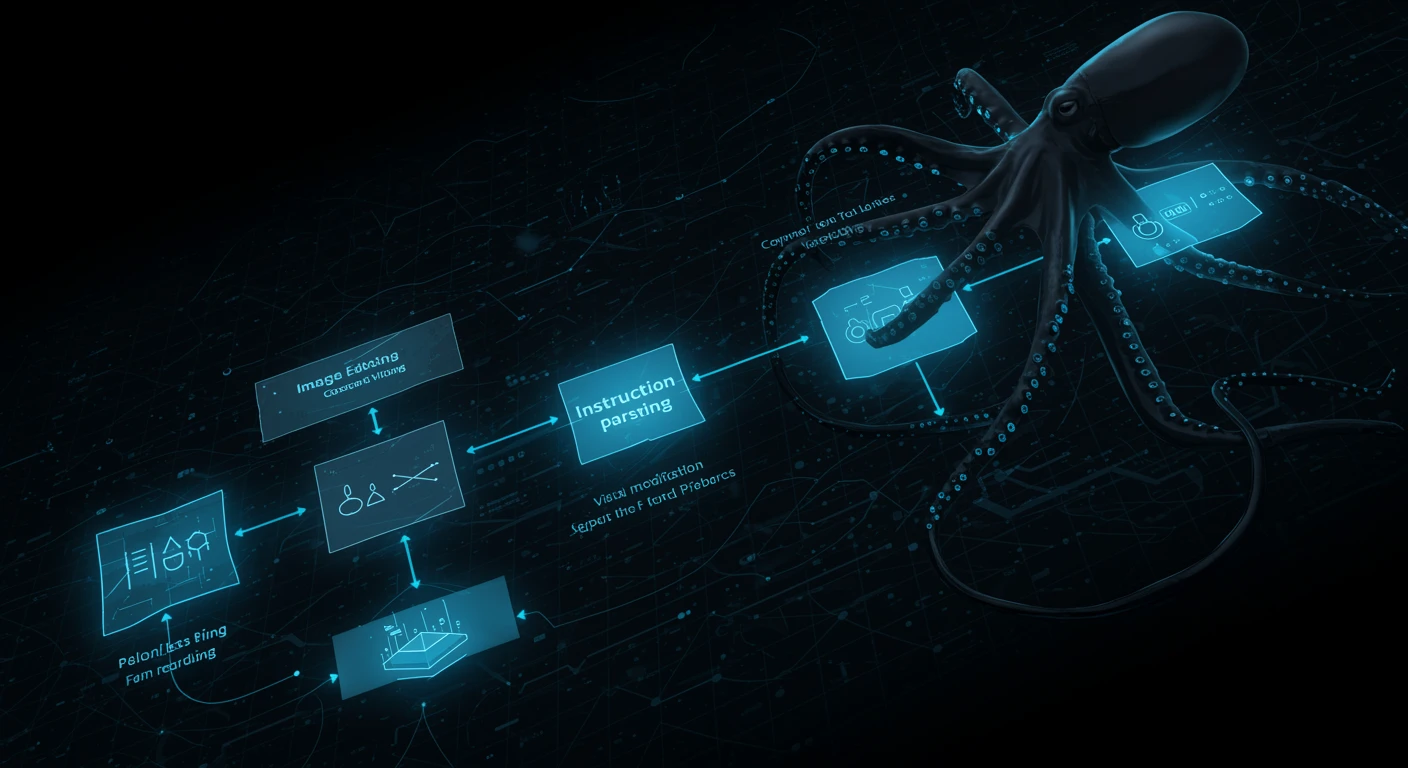
The entire pipeline processes images as tokens. Input tokens scale with resolution and output tokens depend on complexity and quality settings, so image to image AI costs scale predictably with image size. For an implementation-focused walkthrough, see the Image-to-Image API Workflow guide.
Image Quality Assessment: Where Image to Image AI Excels
Hands-on testing across diverse scenarios revealed clear quality patterns and where image to image AI still needs human oversight.
Strengths
Product photography modification. When editing clean product shots with neutral backgrounds, GPT Image 2 Edit produces results requiring minimal post-processing. E-commerce teams using image to image AI for catalog management report significant time savings on standard product editing workflows.
Background replacement with subject preservation. The model's strength in separating subjects from backgrounds makes it ideal for catalog management and marketing asset generation. Image to image AI background replacement eliminates green screen requirements in many workflows.
Style consistency across batches. GPT Image 2 Edit applies style transformations with remarkable consistency. For brands needing uniform visual identity across assets, batch image to image AI processing delivers strong scalability.
Accessibility and rapid iteration. Content creators use image to image AI to generate engaging visual variations for platforms where speed matters. The natural language interface makes advanced editing accessible without design software expertise.
Weaknesses
Text and logo accuracy. When editing images containing text, signs, or branded logos, GPT Image 2 Edit can produce misspellings, distorted characters, or inconsistent typography. Treat text-heavy edits as review-required outputs rather than final design assets.
Complex multi-object scenes. While the model handles single-subject edits well, scenes with overlapping objects, transparent materials, or complex reflections produce less predictable results. Spatial reasoning degrades as scene complexity increases.
Precision boundary control. Edge boundaries between edited and unedited regions occasionally show subtle artifacts such as color shifts, softness, or unnatural transitions. These artifacts become visible at high zoom levels and may require manual refinement for print-quality output.
Pricing Structure and Cost Reality
Understanding GPT Image 2 Edit's cost structure helps teams budget production workloads and avoid surprises when deploying image to image AI at scale.
| Cost Component | Rate | Notes |
|---|---|---|
| Image input | $8.00 / 1M tokens | Original image encoding cost |
| Image cached input | $2.00 / 1M tokens | Repeated references to same image |
| Image output | $30.00 / 1M tokens | Generated edited image cost |
| Text input | $5.00 / 1M tokens | Instruction prompt tokens |
| Text cached input | $1.25 / 1M tokens | Reused system prompts |
At these rates, a typical 1024×1024 image edit costs approximately $0.03–$0.08. This positions GPT Image 2 Edit in the premium tier of image to image AI services, competitive with high-fidelity alternatives.
The cost comparison against major alternatives reveals GPT Image 2 Edit's positioning:
| Provider | Architecture | Input Cost | Output Cost | Text Handling |
|---|---|---|---|---|
| GPT Image 2 Edit | 4B+ multimodal | $8/1M tokens | $30/1M tokens | Weak |
| Midjourney Edit | Proprietary | Subscription | Subscription | N/A |
| Adobe Firefly | Proprietary | $0.04/credit | $0.04/credit | Moderate |
| Flux Kontext | Open-weight | Compute cost | Compute cost | Moderate |
| Recraft | Proprietary | API pricing | API pricing | Strong |
For teams evaluating total cost of ownership, GPT Image 2 Edit balances output quality and API simplicity. When comparing image to image AI solutions, factor in integration time, infrastructure overhead, and output quality alongside per-request pricing. Self-hosted alternatives like Flux Kontext eliminate per-request costs but require engineering investment. The Image 2 Edit Tool provides a browser-based interface for quality evaluation before API integration.
GPT Image 2 Edit serves distinct market segments with varying quality requirements and volume expectations:
Marketing creative and advertising mockups. Agencies produce campaign variations by editing existing hero images rather than organizing multiple photoshoots. Image to image AI enables rapid A/B testing without design bottlenecks.
Social media content creation. Content creators use GPT Image 2 Edit to generate engaging visual variations for platforms where posting frequency matters. Image to image AI supports high-volume production workflows impractical with manual editing.
Design workflow acceleration. Professional designers integrate image to image AI into early-stage concepting, rapidly exploring visual directions before manual refinement. It serves as a creative accelerator rather than replacing professional design judgment.
Limitations and Engineering Challenges
No image to image AI model is perfect, and production teams must account for GPT Image 2 Edit's specific limitations.
Multi-round edit drift. While the model supports iterative editing, each round introduces subtle quality degradation. Production image to image AI workflows should limit sequential edits and regenerate from source when quality thresholds are breached.
Local edit boundary instability. Edge regions between modified and unmodified areas occasionally show unnatural transitions. The blending algorithm works well for gradual transitions but struggles with sharp boundaries or high-frequency textures like hair and fur.
Complex text and logo rendering. As noted in our quality assessment, text handling remains a weakness. Production systems should implement OCR verification or manual review for images containing signage, labels, or branded elements.
High cost at scale. The token-based pricing model means high-volume workflows accumulate significant costs. Organizations deploying image to image AI at scale must implement caching and cost monitoring.
Input image token consumption. Large source files consume more tokens before any editing occurs, making image preprocessing and dimension optimization important cost controls.
Batch processing complexity. At high volumes, asynchronous processing introduces queue management complexity, so production systems need polling logic, timeout handling, and retry mechanisms.
Copyright and portrait rights. Any image editing system raises questions about rights to modify source images. Production systems must implement consent workflows, watermarking, or usage tracking to ensure compliance.
Competitor Comparison: GPT Image 2 Edit vs. Alternatives
The image to image AI landscape includes proprietary APIs, open-source models, and desktop applications with varying quality levels. Choosing the right solution requires matching capability profiles to specific workflow requirements.
| Dimension | GPT Image 2 Edit | Midjourney Edit | Adobe Firefly | Flux Kontext |
|---|---|---|---|---|
| Edit Precision | Excellent | Good | Very Good | Good |
| API Availability | Full REST API | Limited | Full API | Self-hosted |
| Pricing | Token-based | Subscription | Credit-based | Compute cost |
| Text Handling | Weak | N/A | Moderate | Moderate |
| Style Consistency | Excellent | Excellent | Good | Moderate |
| Multi-round Editing | Good | Limited | Moderate | Limited |
| Integration Complexity | Minimal | Moderate | Minimal | High |
GPT Image 2 Edit's primary advantages are its combination of API simplicity, instruction-following precision, and OpenAI ecosystem integration. For teams already using OpenAI's text and vision APIs, adding image editing through the same infrastructure reduces operational complexity.
FAQ
-
What is image to image AI? Image to image AI takes an existing image and a text instruction, then generates a modified version. Unlike text-to-image generation, the starting image anchors composition, subject, and style.
-
How does GPT Image 2 Edit differ from inpainting? Traditional inpainting fills masked regions based on local context. GPT Image 2 Edit interprets the entire image, including lighting, material, and spatial relationships, before applying changes.
-
Is GPT Image 2 Edit good for product photography? Yes, clean product shots with neutral backgrounds are one of its strongest use cases. E-commerce teams can standardize catalogs without repeated manual retouching.
-
What are the main limitations? Text and logo rendering, complex multi-object scenes, boundary artifacts, and multi-round drift are the most common limitations. Production workflows should include human review.
-
How does GPT Image 2 Edit pricing compare to alternatives? It uses token-based pricing at $8/1M image input tokens and $30/1M image output tokens. This is premium compared to lightweight tools but competitive with high-fidelity editing APIs.
Conclusion: Is Image to Image AI Worth It?
After extensive testing and production evaluation, GPT Image 2 Edit delivers on its core promise: high-fidelity image editing through natural language instructions. For production image to image AI workflows, the model offers the precision and API reliability product teams require, though token-based pricing requires careful cost modeling at scale.
The model's limitations — text rendering, multi-round drift, and boundary artifacts — are consistent with the current state of image to image AI generally. Production teams should implement input validation, failure handling, and manual review workflows rather than expecting perfect automation.
For developers and product teams evaluating GPT Image 2 Edit, the recommended approach is to start with the Image 2 Edit Tool for hands-on quality evaluation, then integrate the Image 2 Edit API for production workloads. This phased approach validates quality expectations before committing engineering resources to full integration.
Image to image AI will continue improving, and GPT Image 2 Edit represents the current commercial benchmark for API-accessible editing. Teams investing in image to image AI infrastructure today position themselves for rapid capability advances without rebuilding integration layers.