
Image-to-Image API Workflow
Add Image to Image Automation at Scale
Add image to image editing to your product pipeline with GPT Image 2 Edit. Build automated workflows that take a source image, apply a text instruction, and return an edited output—at batch scale and without manual design tools.
Start with $1 credit.
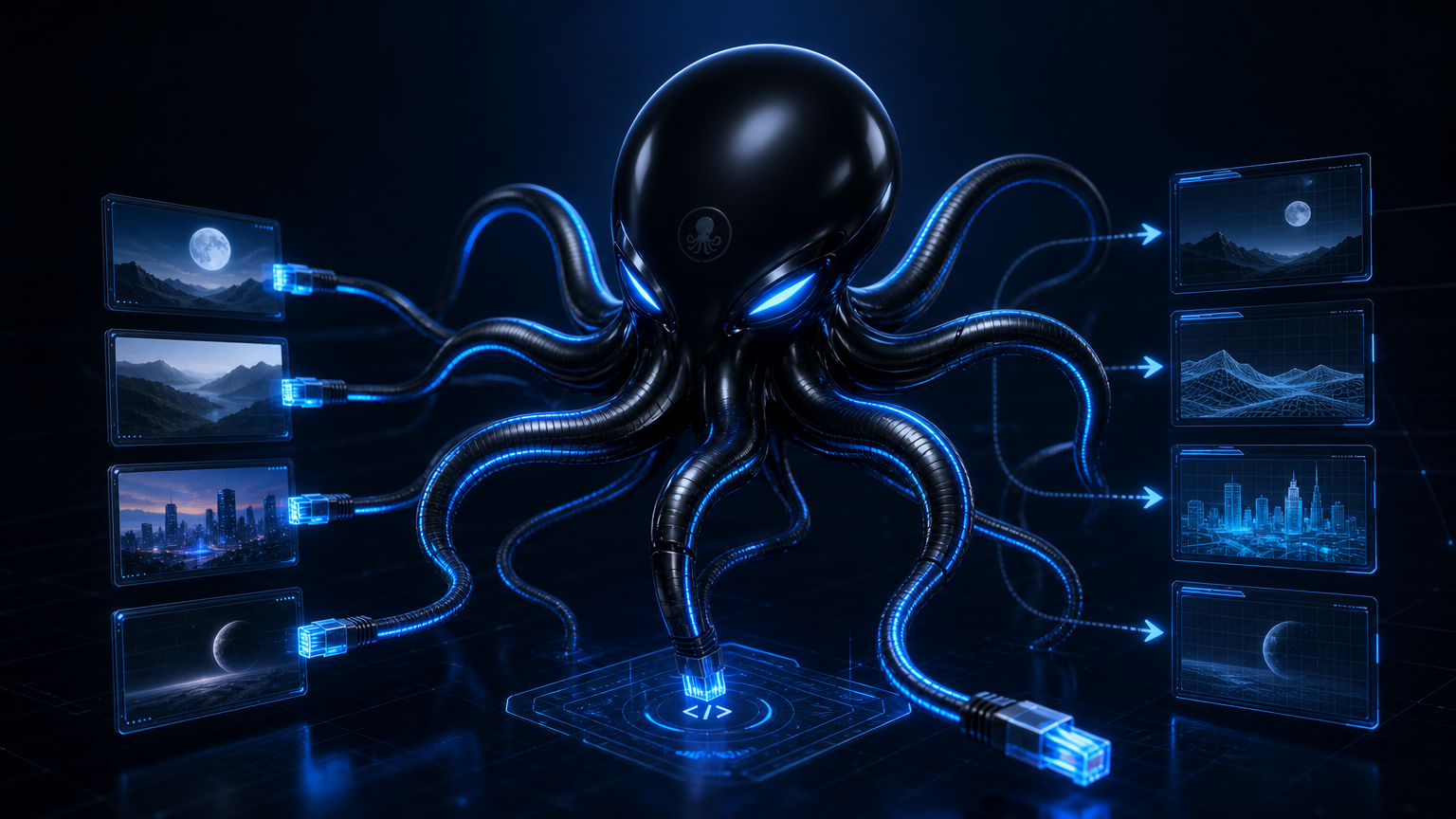
Image-to-image API workflow snapshot
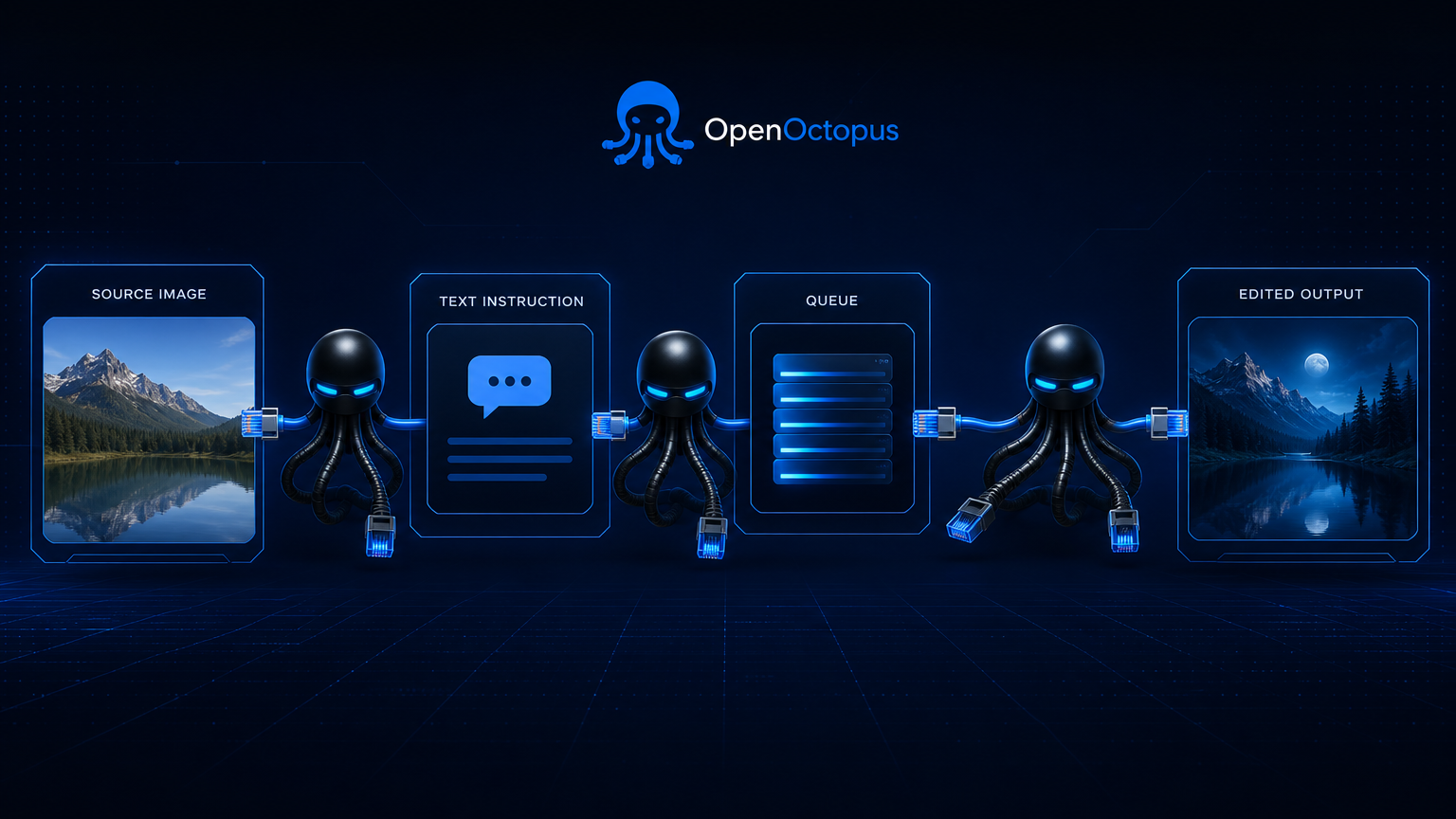
Add image to image steps to any pipeline
An image-to-image API workflow turns manual edits into repeatable production steps. Upload a source image, send an instruction, and receive the edited result through a standard REST call. GPT Image 2 Edit handles local changes, background swaps, object replacements, and style shifts while preserving the original subject.
For a deeper model review including benchmark findings and limitation analysis, see the GPT Image 2 Edit Review. For browser-based testing before automation, use the GPT Image 2 Edit Tool.
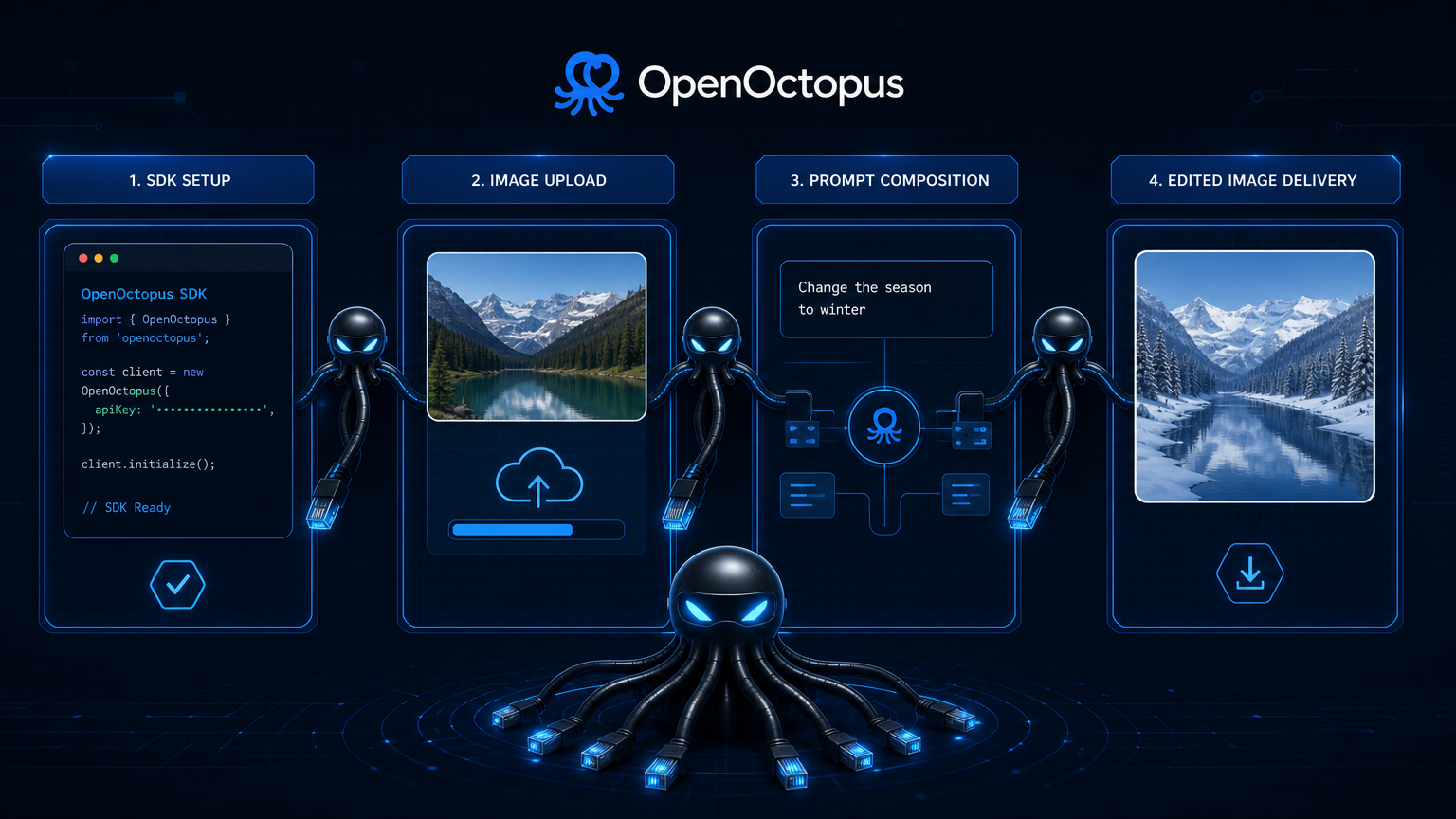
Quick start: image-to-image API call
Send a source image and instruction to the GPT Image 2 Edit endpoint. The response returns an edited image URL that your workflow can store, review, or pass to the next stage.
import requests

response = requests.post(
    "https://api.openoctopus.com/v1/images/generations",
    headers={"Authorization": "Bearer $OPENOCTOPUS_API_KEY"},
    json={
        "model": "gpt-image-2",
        "image": "https://your-cdn.com/source.jpg",
        "prompt": "Replace the background with a clean white studio setting."
    }
)
print(response.json()["data"][0]["url"])
For multi-step edits, cache the source image reference and track each generation job. This keeps batch workflows deterministic and retryable.
What an image-to-image workflow handles
Batch catalog edits
Standardize product photos across marketplaces
Creative variants
Generate ad and social assets from approved source images
Background replacement
Move subjects into studio, seasonal, or branded scenes
Object cleanup
Remove props, reflections, or clutter automatically
Style transfer
Convert photos to illustration, cinematic, or editorial looks
Multi-round pipelines
Chain edits with source reference caching
Review routing
Escalate logos, text, and faces for human approval
Cost monitoring
Track input, output, and cached-image tokens per job
Pricing snapshot for image-to-image API workflows
GPT Image 2 Edit pricing follows OpenAI's token model. Input images, cached image references, output images, and text instructions all consume tokens. A typical 1024×1024 edit costs approximately $0.03–$0.08 depending on complexity and quality settings. Batch workflows benefit from input caching when the same source image is edited multiple times.
For current rates, OpenAI lists image input at $8 per 1M tokens, cached image input at $2 per 1M tokens, and image output at $30 per 1M tokens.
Trust and source note
OpenAI's GPT Image 2 announcement introduces the model family, and the Images and Vision API documentation covers request patterns and parameters. Use these sources as reference context, then validate output quality against your own images before shipping.
Image-to-image API workflow FAQ
Build image-to-image API workflows with OpenOctopus
Connect GPT Image 2 Edit through OpenOctopus for automated editing, batch processing, and scalable image generation pipelines.
Start with $1 credit.