GPT Image 2 Edit

Transform any photo with image to image AI editing in seconds

Turn a single photograph into a completely new visual without learning Photoshop, hiring a designer, or writing complex prompts. The GPT Image 2 Edit image to image generator lets you upload any picture, describe what you want changed, and receive an edited result that preserves the original composition while applying your instructions. Built on OpenAI's GPT Image 2 model and powered by WaveSpeed AI inference infrastructure, this online tool handles background replacement, object swapping, style transfers, and localized refinements through natural language alone.

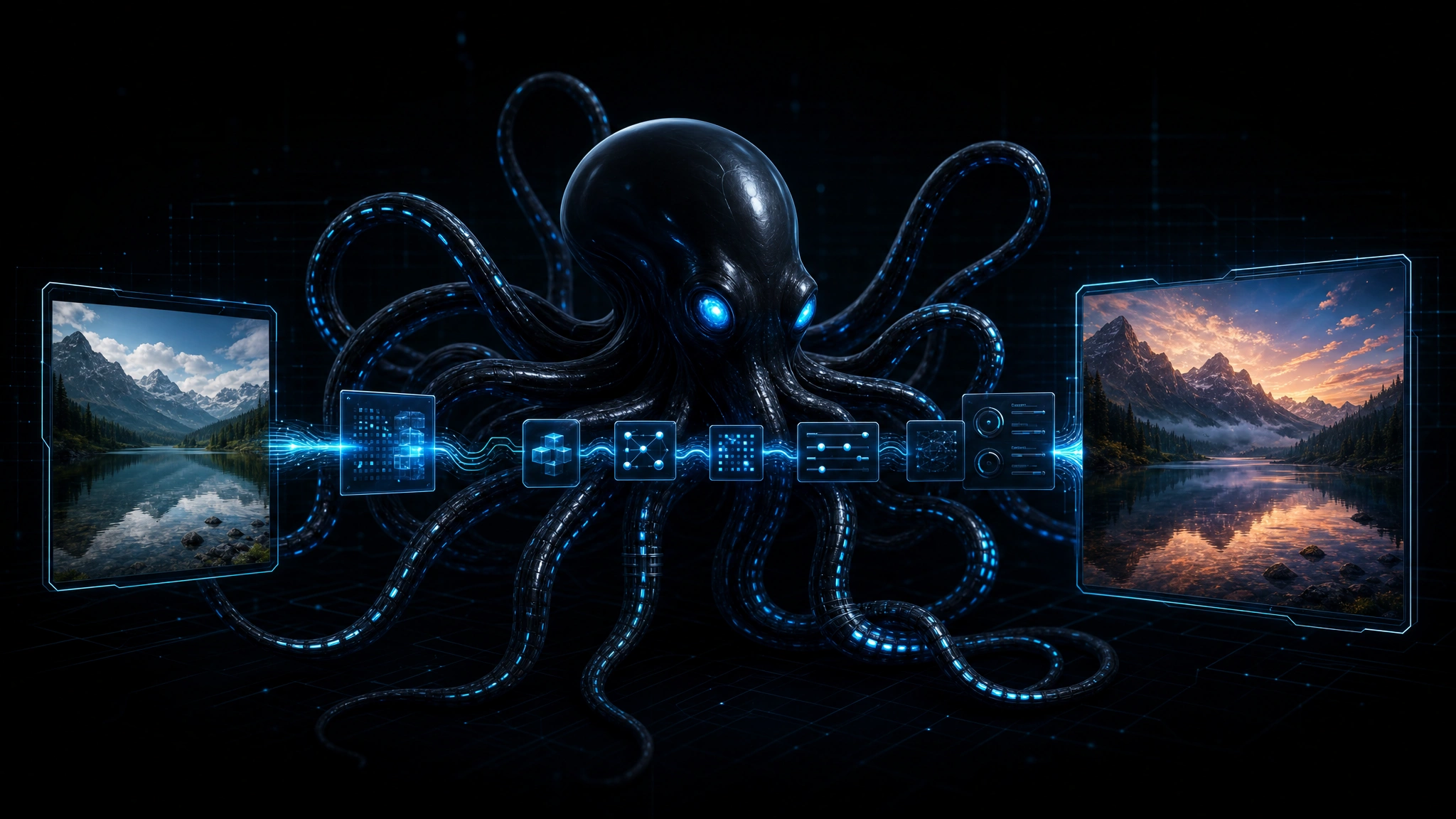
Sleek black octopus with glowing blue cable-tentacles routing image editing operations through futuristic interface, source image transforming into edited output through neural pathways, clean tech aesthetic

Image to image editing at a glance

Text-guided editing
Describe changes in plain English, no masking or selection tools needed
Composition preservation
Original structure, lighting, and perspective remain stable
Background replacement
Swap, extend, or neutralize backgrounds in one instruction
Object substitution
Replace items within a scene while maintaining visual coherence
Style transformation
Convert photographs into illustrations, sketches, or alternate aesthetics
Clean blue image editing pipeline diagram showing source image, text instruction, masked region, and edited output flowing through octopus routing nodes, technical infrastructure aesthetic

Why image to image editing beats starting from scratch

Traditional generative tools force you to describe an entire scene and hope the model produces something close to your vision. When the result is almost right but the background is wrong, the lighting is off, or an object is misplaced, you face an uncomfortable choice: accept the imperfect output, or start prompting from zero. Image to image editing removes that dilemma by letting you keep what works and change what does not.

The GPT Image 2 Edit image to image generator processes your uploaded photo alongside a text instruction, then performs localized modifications rather than global reconstruction. If you upload a portrait and ask to change the background from an office to a beach, the model replaces the environment while preserving the person's pose, expression, and lighting direction. If you upload a product photo and ask to swap a red jacket for a blue one, the fabric texture and fold patterns remain consistent even as the color shifts.

As Envato's overview of GPT Image 2 capabilities notes, the model delivers smarter prompt interpretation, sharper output quality, and more flexible sizing than earlier OpenAI image systems. These improvements translate directly into editing reliability. When the model understands your instruction precisely, it makes precise modifications rather than hallucinating an entirely new composition.

For teams managing visual content at scale, this controlled approach means fewer rejected outputs and faster approval cycles. A social media manager can generate seasonal variants of the same hero image without re-shooting. An e-commerce operator can create color variations of a single product photograph. A designer can explore style directions while keeping the underlying layout intact.

Structured blue four-step image editing workflow showing upload, instruction input, AI generation preview, and download stages, octopus connector nodes between steps, clean tech aesthetic

How to use the image to image editor in four steps

Editing photos with this tool requires no design background. The entire workflow runs in your browser.

Step 1: Upload your image. Drag and drop any photograph, screenshot, or visual asset into the upload area. The image to image editor accepts standard formats including JPG, PNG, and WebP across a wide range of resolutions.

Step 2: Describe your edit. Type a natural language instruction explaining what you want changed. Examples include "replace the background with a sunset beach scene," "change the car color to metallic silver," or "convert this photo into a watercolor illustration." The more specific your description, the more precise the result.

Step 3: Generate and preview. Click generate and receive your edited image within seconds. The tool displays a before-and-after comparison so you can evaluate whether the modification matches your intent. If the result needs refinement, adjust your description and regenerate.

Step 4: Download and deploy. Export your edited image in standard format for direct use in social posts, product listings, presentations, or design files. For programmatic workflows, the API handles batch editing automatically.

For a technical deep dive into model capabilities, benchmarks, and integration patterns, read our GPT Image 2 Edit for Image to Image AI Review.

What you can do with the image to image editor

1

Background replacement

Swap environments while keeping foreground subjects intact

2

Object substitution

Replace items in a scene with alternative objects matching lighting and perspective

3

Style transfer

Convert photos into illustrations, sketches, oil paintings, or digital art styles

4

Color adjustment

Change hues, saturation, and tones of specific elements through text instructions

5

Inpainting and removal

Erase unwanted objects and fill the gap with contextually appropriate content

6

Image extension

Expand canvas edges with coherent content that matches the original scene

7

Seasonal variants

Generate summer, winter, or nighttime versions of the same base photograph

8

Format adaptation

Resize and recompose images for different platform requirements without distortion

Real-world image to image editing use cases

Different professionals apply this image to image tool in distinct ways. Here is a practical breakdown of common scenarios.

Use CaseExample InstructionBest For
E-commerce product photos"Change the background to pure white and add a soft shadow beneath the shoe"Catalog standardization
Social media content"Turn this portrait into a 1980s neon illustration style"Engagement and brand aesthetic
Marketing collateral"Replace the laptop in the foreground with a tablet device"Asset reuse across campaigns
Real estate staging"Furnish this empty living room with modern Scandinavian furniture"Virtual staging previews
Personal creative projects"Convert this landscape photo into a Japanese woodblock print style"Artistic exploration

One consistent pattern: the image to image editor performs best on clear, well-lit photographs with distinct foreground and background separation. Complex overlapping objects, heavy motion blur, or extremely low-resolution inputs may produce less precise modifications.

According to Curious Refuge's GPT Image 2 Review, the model ranks among the strongest available options for controlled image modification where prompt adherence and output quality matter equally. The review highlights particular strength in maintaining subject identity across style transformations, a common failure point for earlier image to image systems.

Clean blue use case grid showing diverse image editing scenarios including e-commerce, social media, marketing, and real estate with octopus routing nodes, data-driven aesthetic

Clean blue competitive comparison matrix showing editing tools across control precision, ease of use, style range, and cost dimensions, octopus brand visual elements, data-driven aesthetic

Image to image editor vs competing solutions

Understanding how this tool positions against alternatives helps you choose the right solution for your workflow.

Image to image editor vs Midjourney Edit. Midjourney excels at artistic style generation and creative exploration but offers less precise localized control. For commercial editing where specific objects must change while everything else stays identical, this tool provides more reliable composition preservation.

Image to image editor vs Adobe Firefly. Firefly integrates deeply with Creative Cloud and offers robust commercial safety features. The GPT Image 2 Edit tool provides simpler standalone access, faster setup for non-Adobe users, and competitive editing quality without subscription lock-in.

Image to image editor vs Flux Kontext. Flux delivers exceptional generation quality and fast inference but focuses more on creation than controlled modification. For pure image to image editing workflows where preservation matters, GPT Image 2 Edit provides stronger instruction adherence.

Image to image editor vs Recraft. Recraft specializes in vector-style illustration and brand asset generation. For photographic editing, background replacement, and realistic object substitution, this tool handles a broader range of image to image tasks.

Image to image editor vs Imagen 4. Google's Imagen 4 generates high-fidelity images with strong text-in-image capabilities. For editing existing photographs rather than generating new scenes from scratch, the GPT Image 2 Edit workflow offers more direct control over modifications.

The fundamental difference between these tools comes down to workflow philosophy. Generation-first tools create new visuals. Image to image editing tools modify what you already have. When your starting point is a specific photograph that must remain recognizable, editing-focused tools deliver more practical results.

Pricing and value

The image to image editor leverages GPT Image 2's token-based pricing to offer transparent, usage-aligned costs. You pay for what you process rather than committing to subscription tiers or purchasing credits in bulk.

ComponentTypical RatePractical Impact
Standard image editFraction of professional design service costAffordable for high-volume content workflows
Background replacementPer-request billingNo upfront commitment for occasional users
Style transformationSimilar rate to other editsPredictable pricing for creative exploration
Batch processingVolume-discounted tiersEfficient for catalog updates and campaign variants

For comparison against manual workflows, a designer charging hourly rates might spend thirty minutes to an hour on a single background replacement. The image to image editor completes comparable modifications in seconds at a fraction of the cost. For teams producing dozens or hundreds of image variants weekly, the savings in both time and labor become substantial.

For developers seeking programmatic access, our AI Image Editer: GPT Image 2 Edit API documentation covers authentication, endpoint configuration, and batch processing strategies.

What to expect and what to avoid

No image to image editor is perfect. Understanding GPT Image 2 Edit's limitations helps you design realistic workflows and set appropriate expectations.

Complex text preservation. While the model preserves overall composition, small text elements within images may shift, distort, or become illegible during editing. Do not rely on this tool for precise typography maintenance.

Fine detail instability. Hair strands, fabric threads, and small mechanical parts may lose definition during modification. The model prioritizes overall visual coherence over pixel-perfect preservation of micro-details.

Multi-object overlap. When multiple objects overlap in complex ways, the model sometimes struggles to determine which element belongs to the foreground and which to the background. Simple, well-separated compositions edit more reliably.

Brand logo accuracy. Existing logos and brand marks may warp or change during style transfers and background replacements. Always verify brand assets manually after automated editing.

Not for CAD or technical diagrams. Precise engineering drawings, architectural plans, and medical imagery require specialized tools with guaranteed measurement accuracy.

Not for unauthorized portrait editing. Editing photographs of people without consent raises ethical and legal concerns. Use this tool responsibly within your jurisdiction's privacy regulations.

For a detailed analysis of capabilities, benchmarks, and real-world performance, read our GPT Image 2 Edit for Image to Image AI Review.

Frequently asked questions about image to image editing

Image to image editing is an AI technique that takes an existing photograph and modifies it according to text instructions. Unlike text-to-image generation, which creates visuals from scratch, image to image editing preserves the original composition while changing specific elements.

Start editing images with AI today

Whether you are refreshing product catalogs, creating social media variants, exploring artistic styles, or preparing marketing assets, the GPT Image 2 Edit image to image generator delivers the controlled modification capabilities modern creative workflows demand. No design software. No manual masking. No steep learning curve. Just upload, describe, and download.