
Chat GPT Picture Tool
Create AI images from text without writing code
Use this Chat GPT picture tool to turn a description into an image or edit an existing photo through a simple browser interface. Powered by GPT Image 2 Edit, it handles text-to-image generation, background changes, object replacement, and style adjustments so creators, marketers, and product teams can produce visuals without design software or engineering time.
Start with $1 credit.
Chat GPT picture tool snapshot
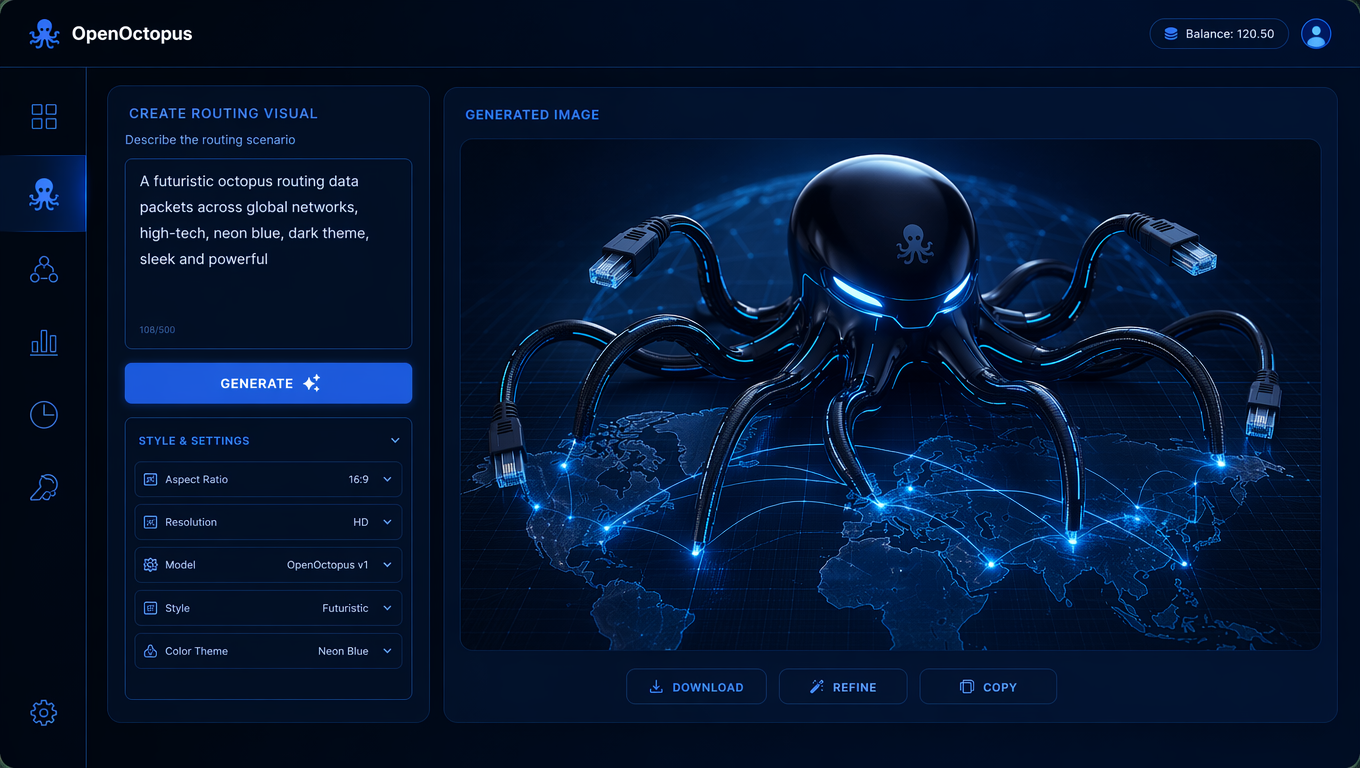
Generate images from a text prompt
A Chat GPT picture tool works like a conversational image generator. Type what you want to see, adjust the style or format, and preview the result. GPT Image 2 Edit interprets the prompt, renders the subject, lighting, and composition, and returns an image you can download or refine.
This is useful for concept art, social posts, ad mockups, product scenes, and thumbnails. For teams that need an ai image editor with more control over existing photos, the Image 2 Edit Tool focuses on upload-based editing. For API integration patterns, see the Image 2 Edit API guide.
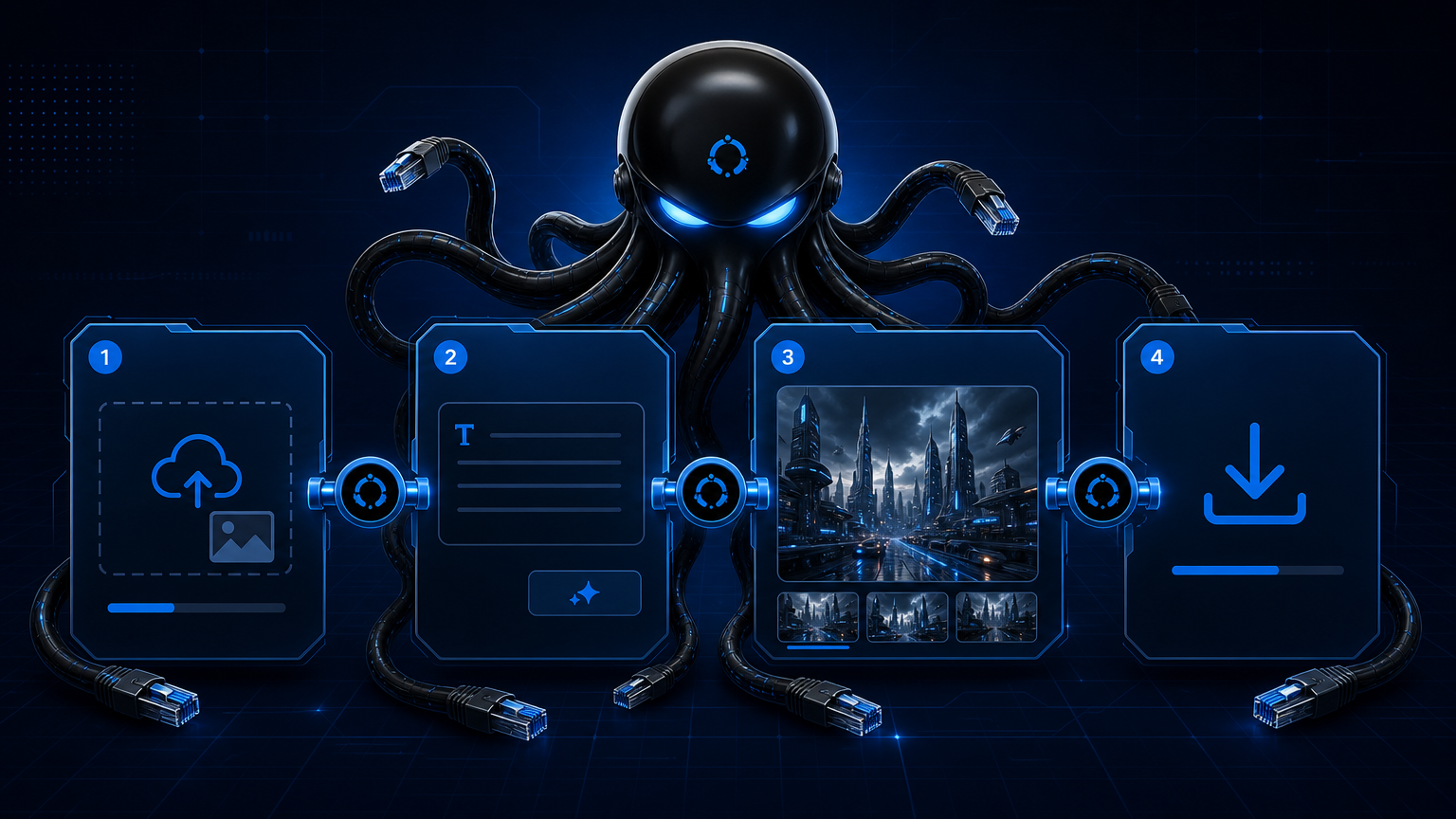
Edit photos with the same chat-style workflow
The same Chat GPT picture tool can also edit uploaded images. Start with a product photo, portrait, or mockup, then describe the change: replace the background, remove an object, adjust lighting, or shift the style. The model reads the image, applies the instruction, and returns an edited version.
This workflow keeps the subject stable while changing the context, which is helpful for e-commerce catalogs, campaign assets, and social content. For deeper quality analysis and limitation notes, read the GPT Image 2 Edit Review.
What to create with a Chat GPT picture tool
Concept visuals
Quickly explore ideas before committing to a photoshoot
Social content
Generate posts, thumbnails, and story assets
Product scenes
Place products into lifestyle or studio backgrounds
Ad mockups
Create campaign concepts from approved source images
Background swaps
Move subjects into new settings while preserving shape
Object removal
Clean up clutter, reflections, or distractions
Style transfer
Convert photos to illustration, cinematic, or editorial looks
Creative variants
Produce multiple directions from one prompt or image
How the prompt affects output quality
Specific prompts produce more useful images than vague ones. Instead of “a nice product photo,” use “a matte black wireless earbud on a concrete surface, soft studio light from the left, minimal shadow, product photography style.” The clearer the subject, setting, lighting, and format, the fewer retries you need.
For batch production or app integration, save successful prompts and move them to the API. The playground is for discovery and approval; the API is for repeatable scale.
Trust and source note
OpenAI's GPT Image 2 announcement introduces the model family behind the workflow, and the Images and Vision API documentation covers request patterns and parameters. Use these sources for reference context, then validate output quality against your own images before publishing.
Chat GPT picture tool FAQ
Start creating images with Chat GPT picture tool
Open the playground, describe your first image, and refine the prompt until the output matches your intent.
Start with $1 credit.