
Face Video Swapper for Video Localization
Swap faces and adapt marketing videos for every market without reshooting
Akool face video swapper lets marketing teams localize spokesperson-led videos for different regions. Replace the face, sync the lip movement, and translate the voiceover from one browser workflow. The result is a face video swapper and akool face swap solution built for campaign scale rather than one-off edits.
Start with $1 credit.
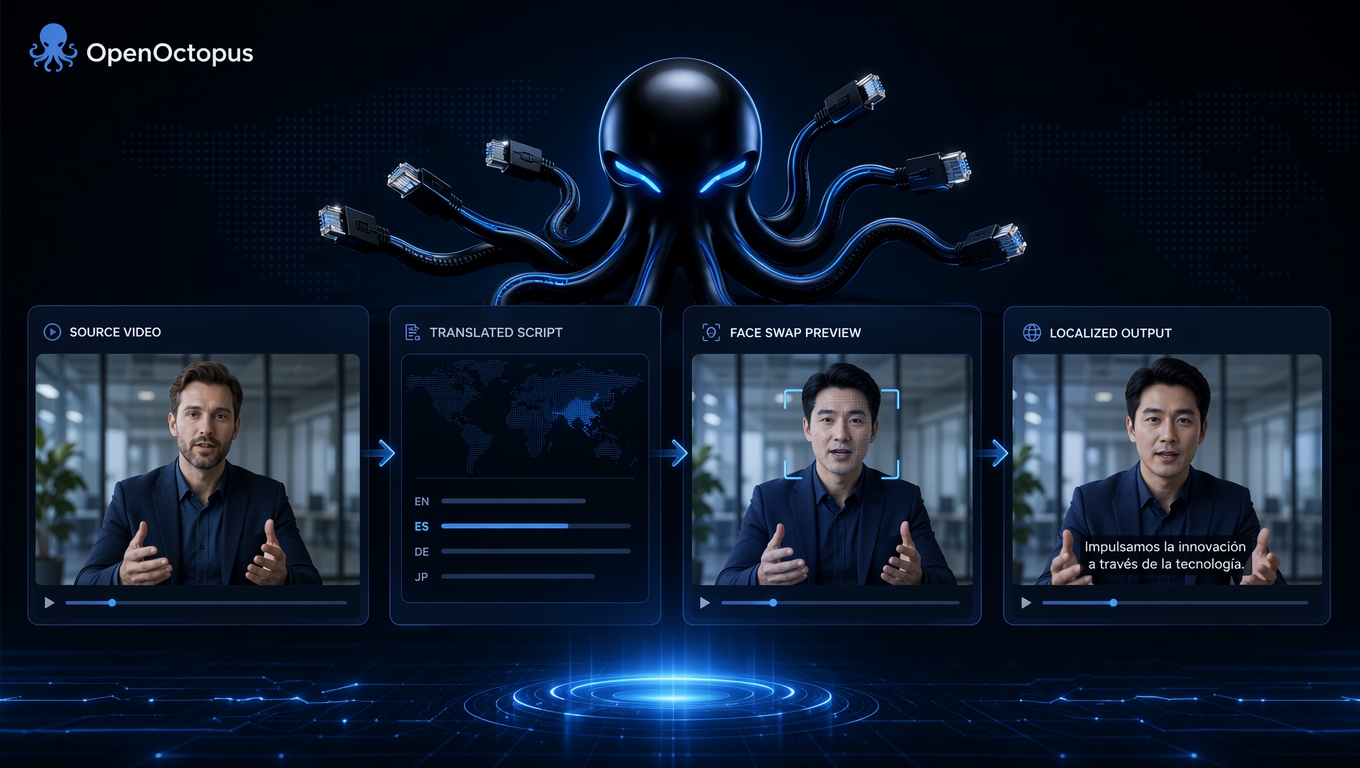
Face video swapper snapshot
What video localization means for marketers
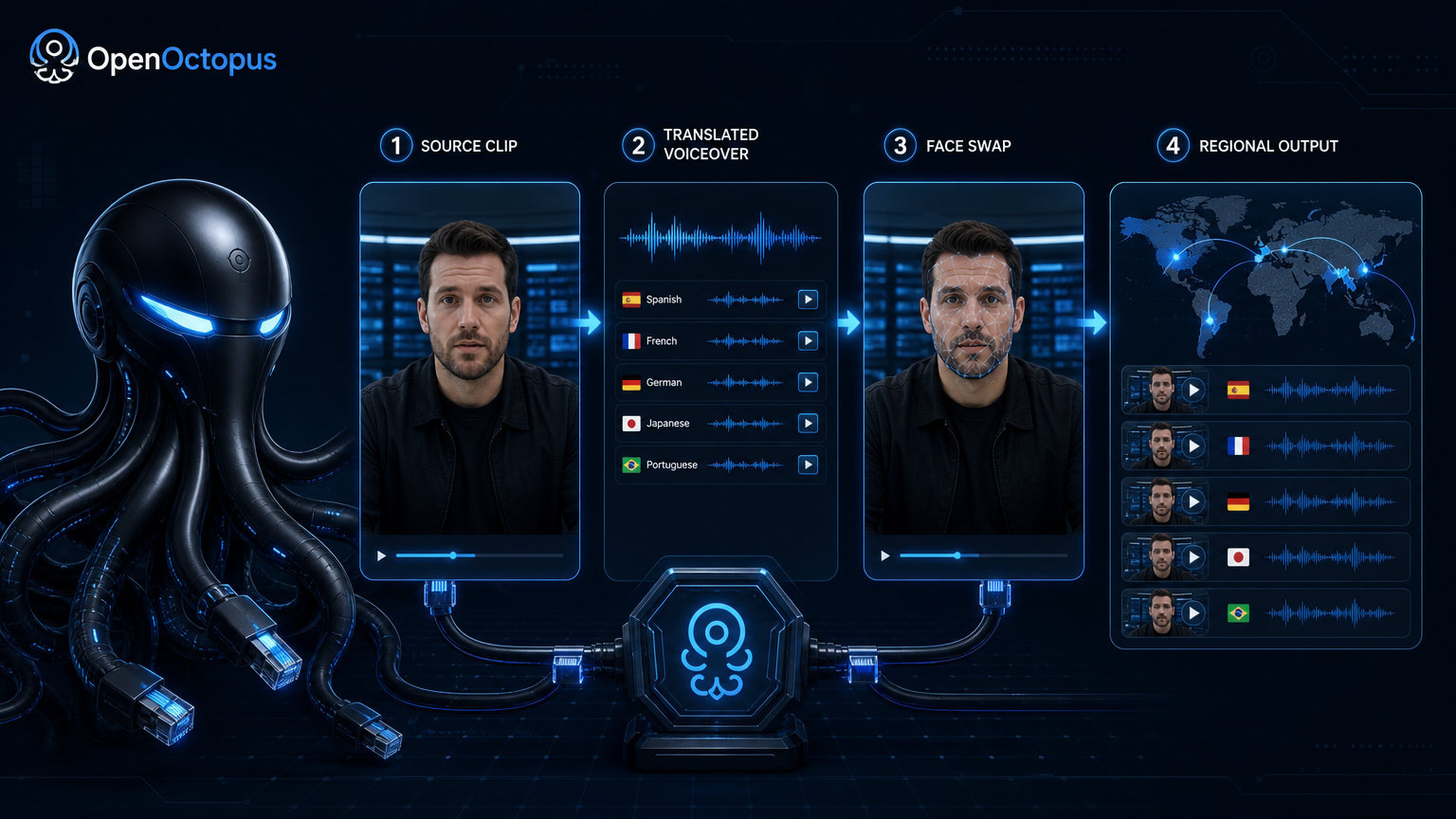
Video localization is more than subtitles. It means adapting the face, voice, and expression so the same base video feels native to each market. A face video swapper makes this possible by replacing the on-screen spokesperson while keeping the original performance intact.
Akool bundles face swap, avatar generation, lip sync, and translation into one interface. Marketing teams can produce French, Spanish, Japanese, or Arabic versions of the same campaign without booking new talent or studios. The face video swapper handles the visual adaptation, while ai video avatar generation and translation tools handle the rest.
For a broader view of how video face swap online tools compare, read the video face swapper taxonomy guide.
How to localize a video in four steps
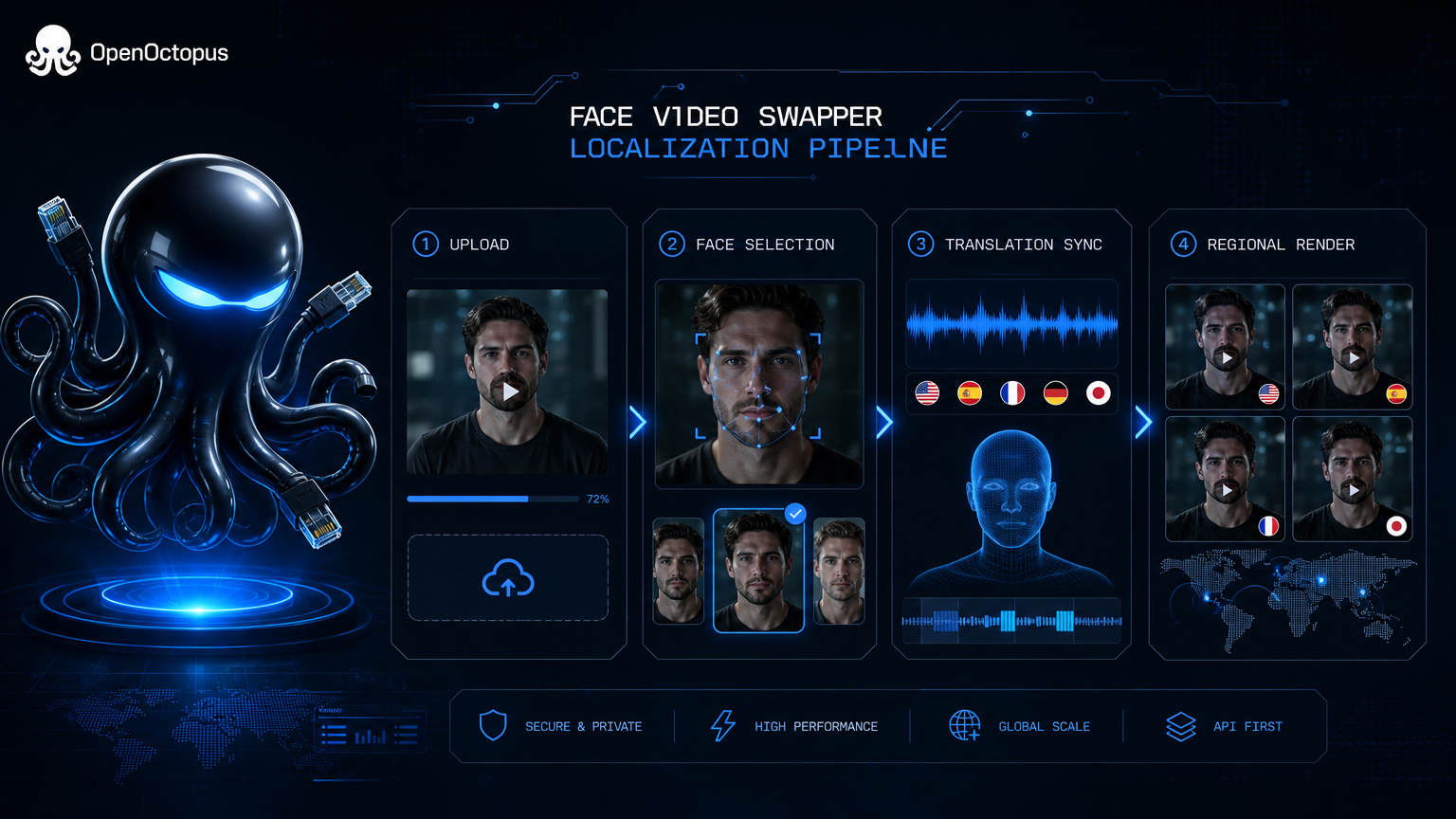
- Upload the master video: Import the source clip into the Akool face video swapper workspace.
- Select target faces: Choose the faces to replace, either with local talent images or AI avatars.
- Translate and sync: Add the translated script and let the platform adjust lip movement.
- Render and review: Generate the localized variant and approve it for each market.
This workflow turns a single production into multiple regional assets. The face video swapper keeps the same body language and scene context, so the output looks like a native reshoot rather than a dub. This is the core value of a video face swap online localization workflow.
Why Akool works for video localization
Face swap
Replace spokespersons with region-specific faces
Avatar generation
Create consistent digital hosts across markets
Lip sync
Match mouth movement to translated audio
Translation
Convert scripts into multiple languages
Browser editor
No local software or GPU setup
Template reuse
Apply the same workflow to campaign series
Multi-market export
Produce variants for several regions at once
API handoff
Move from playground experiments to backend queues
Best use cases for this face video swapper
Akool face video swapper works best for short marketing videos, product explainers, brand announcements, and social ads that need regional versions. It is especially valuable when the original spokesperson is not available for reshoots or when the campaign must launch in many countries simultaneously. An akool face swap workflow removes the need for multiple studio days.
For a deeper review of Akool and akool video face swap as a marketing tool, see Akool Video Face Swap for marketing videos.
When to choose a different approach
This face video swapper is not built for low-cost bulk processing, complex film pipelines, or developer-heavy integrations. It is also not suitable for identity verification, news content, or medical video. Teams that need API-first batch processing or multi-person face swap control may prefer a developer-focused model.
In those cases, the WaveSpeed multi-person face swap guide covers API-first alternatives.
Pricing and API handoff
Akool pricing is based on SaaS packages and usage tiers. Video localization with face swap, lip sync, and translation costs more than raw face replacement because it runs several models in sequence. For small teams, the playground is the fastest way to test. For product teams, the OpenOctopus API path offers unified billing and backend integration.
Face video swapper FAQ
Localize your next campaign with a face video swapper
Start in the playground to see how Akool face video swapper handles your source clip. When you are ready, call the API through OpenOctopus for unified billing and production workflows.
Start with $1 credit.