
Face Video Swap for Multi-Person Scenes
Swap multiple identities in one video while keeping faces consistent across frames
WaveSpeed Video Face Swap handles complex scenes with several people on screen. Upload a source video and reference faces, map each identity to the right target, and get a rendered clip where every face video swap stays stable from frame to frame. This AI video face swap workflow keeps identity consistent even when subjects move, turn, or overlap.
Start with $1 credit.
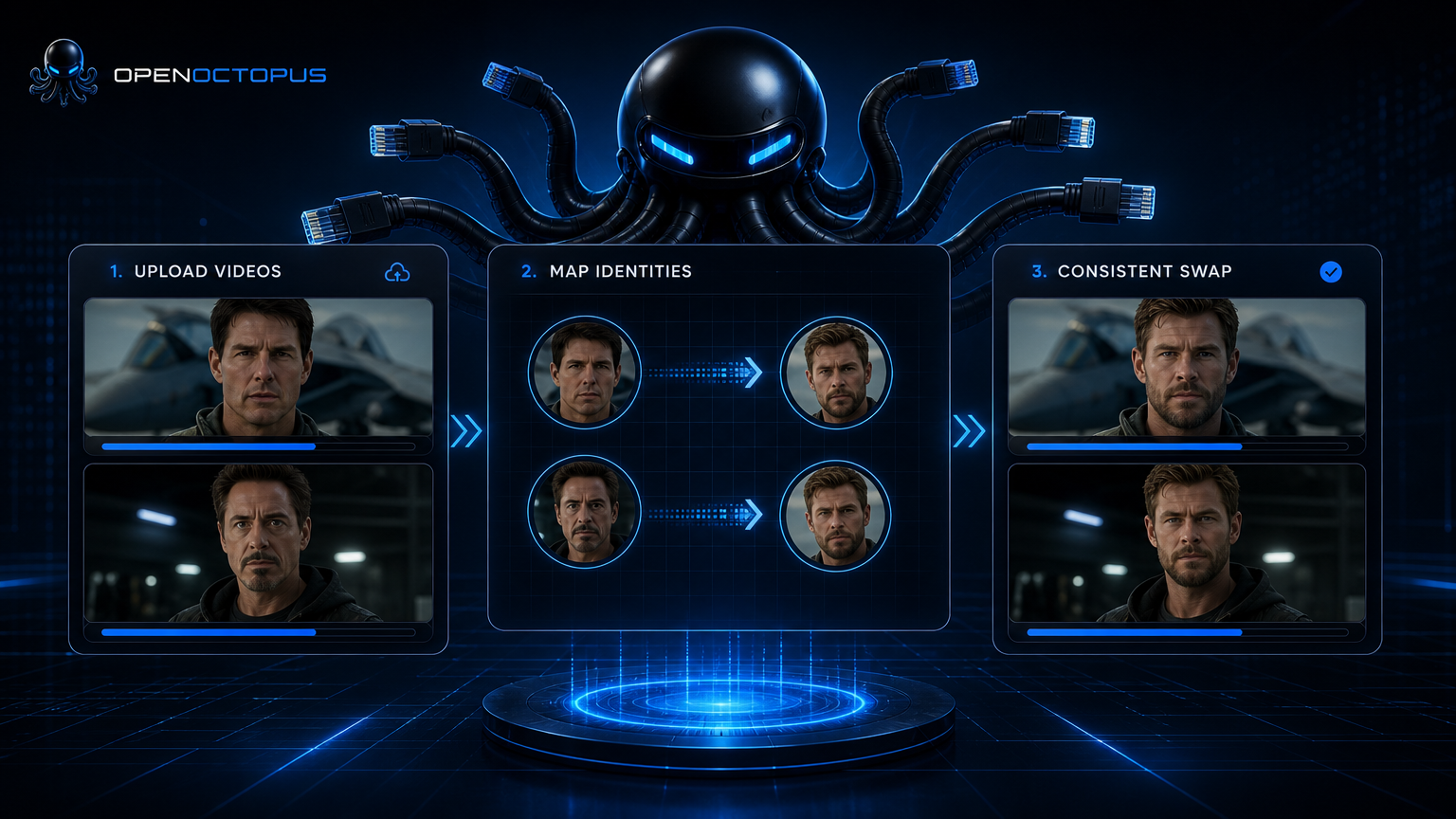
Face video swap snapshot
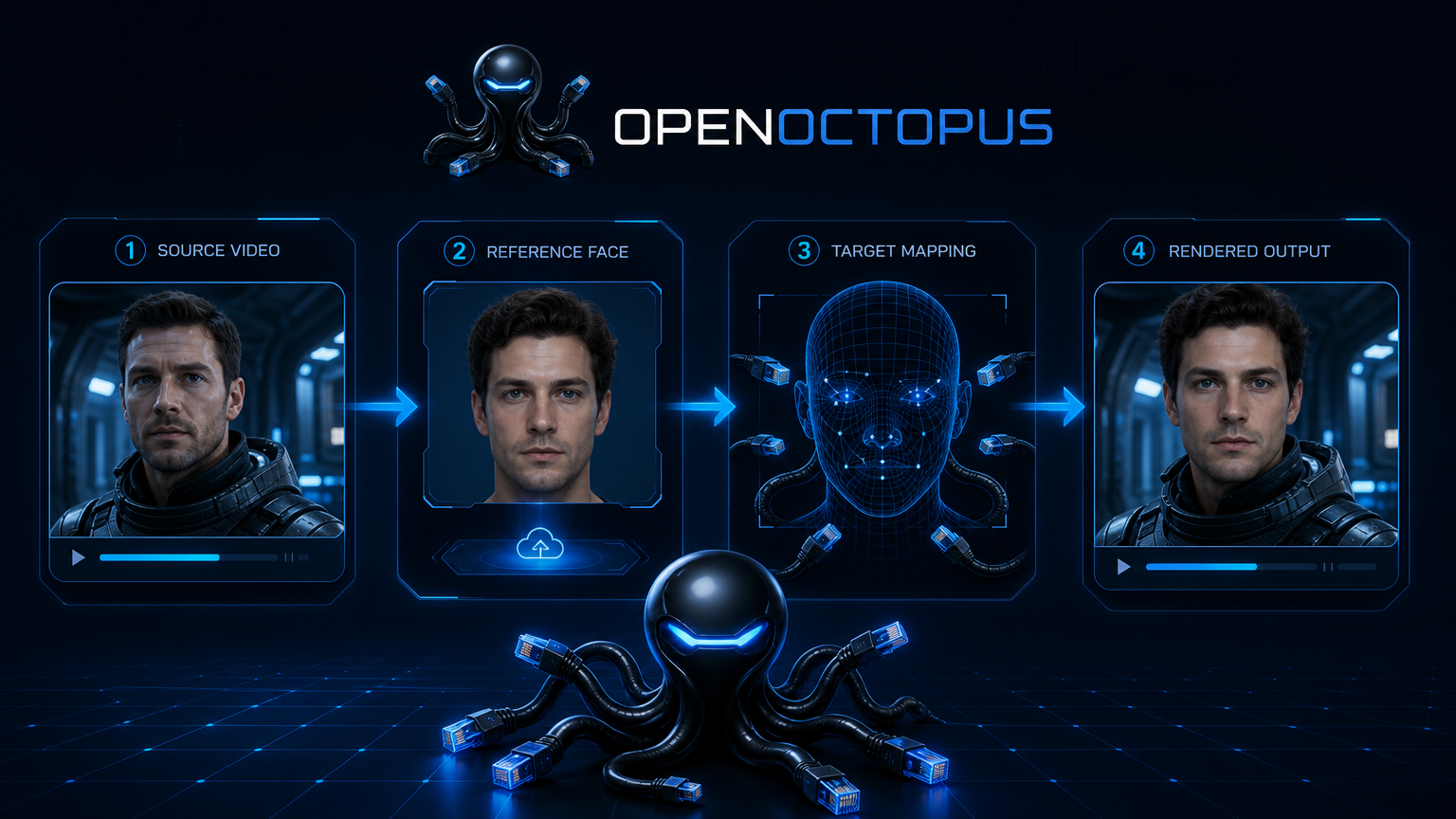
What you can do with face video swap
Swap one face or several in the same clip. WaveSpeed detects faces, tracks them through the video, and renders the new identity while preserving motion and expression. This is useful for creator platforms, marketing personalization, short video production, and entertainment workflows where a single face video swap is not enough. A reliable face swap video result depends on tracking each target through the full clip.
The model handles group shots, interviews, and scenes where people move in and out of frame. Instead of processing each face as an isolated edit, it uses face tracking to keep the same identity locked to the same person across time. This makes multi person face swap practical for real production use.
For a broader look at how AI video face swap tools differ, see the video face swapper taxonomy guide.
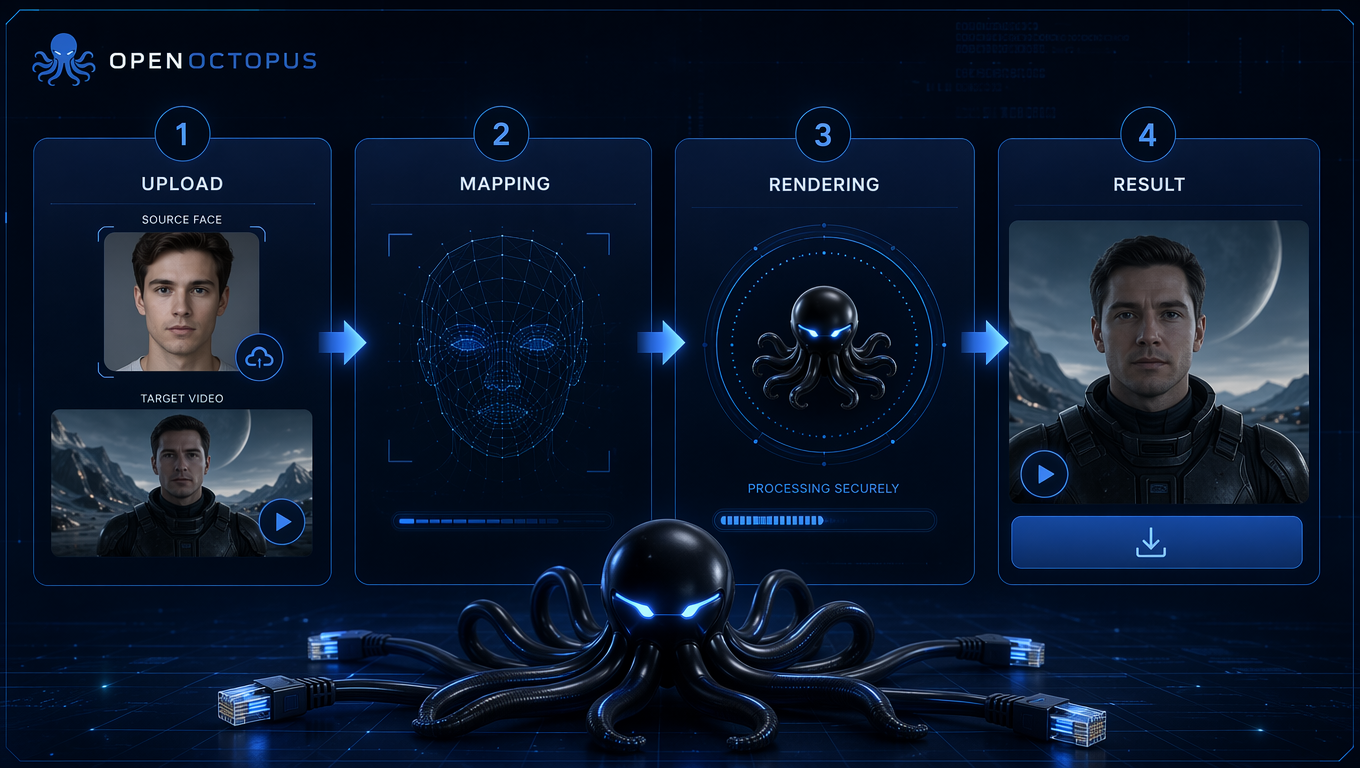
How face video swap works in four steps
- Upload source video: Send the clip and the reference face images through the API or playground.
- Map identities: Use target indices to tell the model which face in the video should receive which reference identity.
- Render asynchronously: The model tracks faces across frames and renders the swapped output.
- Download result: Poll the task status until the rendered video is ready.
This pipeline is asynchronous because a face video swap on longer clips requires frame-by-frame tracking and rendering. The WaveSpeedAI documentation describes the request shape, polling pattern, and output format for production video face replacement integrations.
Why this works for multi-person scenes
Face detection
Finds every face in the source frame
Face embedding
Converts reference photos into identity vectors
Face tracking
Follows the same target across frames
Target indexing
Maps the right reference to the right person
Temporal consistency
Reduces flicker between frames
Occlusion handling
Keeps identity stable when faces are partially covered
Async queue
Supports batch and long-video workloads
OpenAI-compatible endpoint
Low-friction SDK migration
Face video swap use cases
Use face video swap when the output depends on identity continuity across several people. Common scenarios include personalized marketing clips with multiple spokespersons, creator-platform features that let users swap themselves into group videos, short entertainment content, and AI-assisted video production where actors need to be replaced consistently. A face swap video workflow only works when every subject stays visually coherent across cuts.
For a deeper review of the model itself, read the WaveSpeed Video Face Swap overview.
Limitations to plan around
Face video swap is a creative tool, not a forensic system. Avoid it for legal evidence, news authenticity, identity verification, or medical imaging. Quality drops with fast motion, heavy occlusion, extreme angles, and very long videos. Always confirm you have the right to use every reference face and inform users about how outputs are handled.
Pricing and API handoff
WaveSpeed bills by video duration with a short minimum. Longer clips and higher resolution increase processing time and cost. For product teams, the fastest path is the OpenAI-compatible API, which lets you queue tasks, poll status, and store results in your own infrastructure. This makes video face replacement scalable for apps that process user uploads.
Face video swap FAQ
Try face video swap on multi-person scenes
Start with a short clip in the playground or call the API directly from your backend. Either way, you get the same face video swap pipeline with unified billing and task tracking.
Start with $1 credit.