Gemini Banana Nano

Edit Images with AI Fast — Upload, Prompt, and Transform in Seconds

Most image editing still feels like surgery with blunt instruments. You open a design tool, select layers, mask regions, adjust sliders, and hope the final export matches what you imagined. Gemini Banana Nano changes the entire experience. Built on Google's native multimodal architecture, this model lets you upload any photo and reshape it through natural language conversation — no masks, no layers, no design software required.

Sleek black octopus with glowing blue cable-tentacles editing luminous digital images through conversational AI interface, futuristic OpenOctopus tech aesthetic

Gemini Banana Nano at a glance

Conversational editing
Modify images through natural language dialogue
~$0.039 / image
Gemini 2.5 Flash Image generation cost (varies by platform)
Native Gemini
Direct integration with Google AI Studio and Gemini API
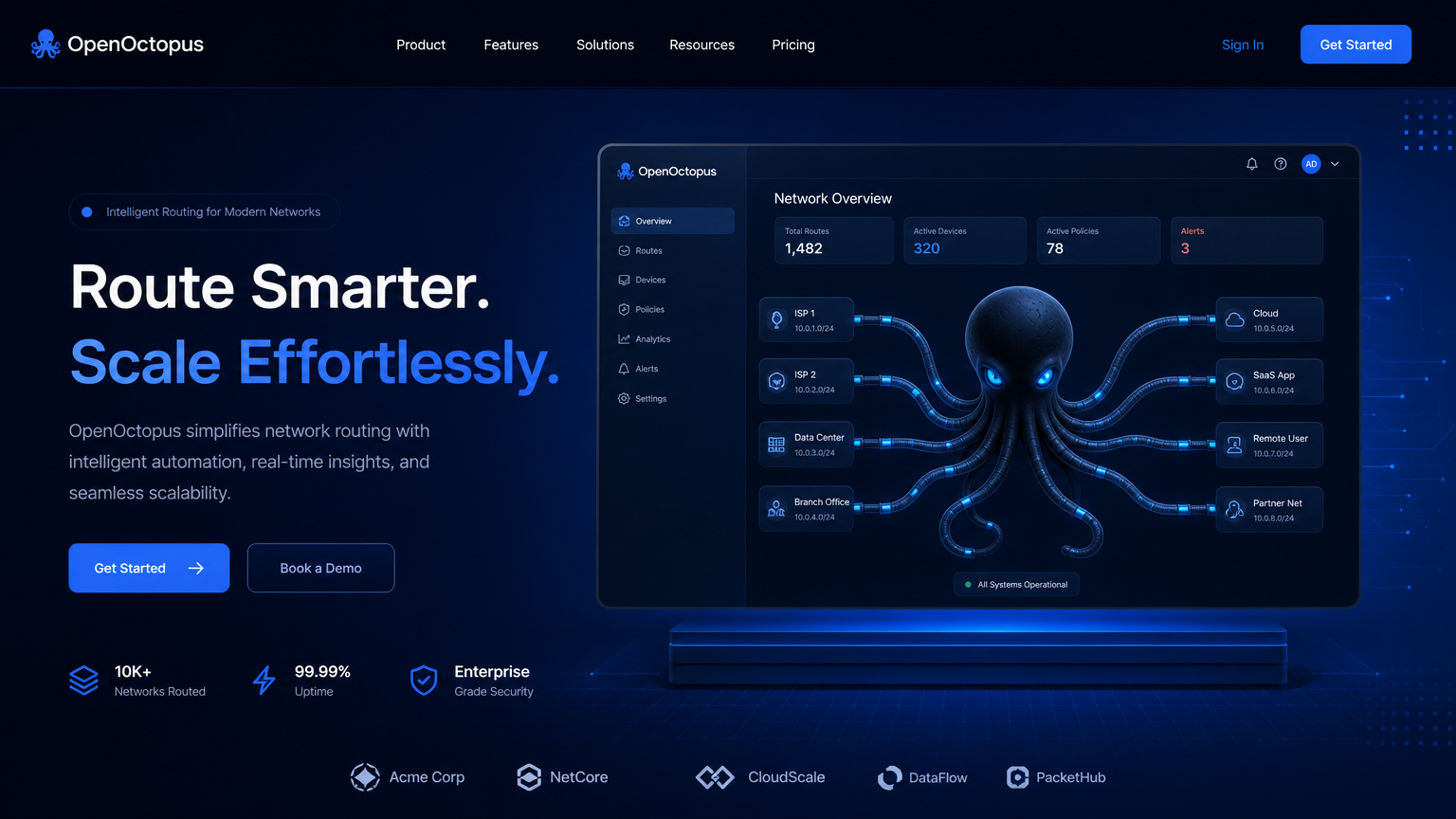
Clean blue conversational image editing interface showing upload, prompt, and refined output stages, octopus routing visual, futuristic tech aesthetic

What makes Gemini Banana Nano different from conventional image tools

Traditional image editing requires specialized software, technical skill, and significant time investment. Even AI-powered tools often force users into rigid workflows: generate an image in one app, export it, import it into an editor, apply modifications, and repeat. Gemini Banana Nano eliminates these friction points by combining image understanding and image synthesis within the same conversational interface.

As Ars Technica reports, Google's model handles both generation and editing within a single interaction flow. A prompt like "change the background to a sunset beach, warm the overall tone, and add subtle lens flare" produces the modified image directly — no round-trips between separate tools.

The key architectural advantage is native multimodal reasoning. This system does not merely apply filters or paste pixels. It understands the content of your image, interprets your editing instructions in context, and regenerates coherent visual output that preserves the elements you want while changing the ones you don't.

For teams evaluating conversational image workflows, our Nano Banana: Features, Pricing & Model Review provides a deep technical analysis of capabilities and limitations.

Core capabilities of Gemini Banana Nano

1

Text-to-image generation

Create original images from detailed natural language descriptions with style and composition control

2

Conversational editing

Modify uploaded images through multi-turn dialogue without manual masking or layer manipulation

3

Reference-based generation

Use existing images as style or content references for new creations

4

Regional modification

Edit specific areas while preserving surrounding context and overall composition

5

Style conversion

Transform images between artistic styles, photography looks, or visual treatments

6

Subject consistency

Maintain character, product, or object identity across multiple generated variations

7

Text-aware output

Generate images with embedded text, headlines, and signage — accuracy varies by complexity

8

Multi-modal input

Combine written instructions with visual references for precise creative control

Structured blue multi-turn image editing flow diagram showing upload, prompt, iteration, and export stages, technical infrastructure aesthetic

How the Gemini Banana Nano workflow operates in practice

Using this tool for image editing follows an intuitive conversational pattern that anyone can learn in minutes. The workflow begins with either a text prompt for new generation or an image upload for editing.

Step 1: Upload or generate. Start by uploading an existing photo or describing a new image in natural language. The model accepts common formats including JPEG, PNG, and WebP.

Step 2: Describe your edit. Request changes in plain English: "remove the coffee cup from the table," "change the model's jacket to burgundy," or "make the lighting feel like golden hour." The system understands spatial relationships, color concepts, and stylistic descriptions.

Step 3: Iterate conversationally. Each edit builds on previous context. You can refine outputs through multiple turns: "now make the background softer," "add a subtle vignette," or "crop the composition to focus on the product." According to Gemini Image – Nano Banana, the model maintains conversation context across editing rounds.

Step 4: Export final assets. Once satisfied, download the finished image in your preferred resolution. The entire workflow happens within a single chat session — no exports, imports, or format conversions required.

This conversational approach reduces typical image editing time from 20–30 minutes in traditional software to under 2 minutes for common modifications. For developers, the same workflow is accessible through the nano banana api with identical conversational semantics to gemini banana nano.

Gemini Banana Nano pricing and cost structure

Understanding the cost of using this model requires navigating Google's layered pricing model, which varies by platform, version, and usage tier.

According to Google Developers Blog - Introducing Gemini 2.5 Flash Image, Gemini 2.5 Flash Image pricing is structured around output tokens rather than flat per-image rates. A typical 1024×1024 image consumes approximately 1,290 output tokens.

Platform / TierRateApproximate Per-Image Cost
Gemini 2.5 Flash Image (standard)~$30 / 1M output tokens~$0.039 per image
Google Cloud / Vertex AI~$15 / 1M output tokens~$0.020 per image
Nano Banana Pro / 2Variable by versionHigher tier, check official pricing
Multi-turn editingPer-output billingEach iteration counts separately

For teams running production workflows, the critical cost consideration is conversation length. A session that generates five variations, applies three rounds of edits, and produces two final assets consumes significantly more tokens than single-generation models. Teams must budget for iteration depth, not just output count.

Compared to manual designer workflows at $50–100 per hour, automated editing with gemini banana nano delivers 20–40x cost reduction for volume asset production. However, compared to subscription-based tools like Midjourney or self-hosted open-source models, per-token pricing can escalate quickly for exploratory creative workflows.

Abstract blue geometric pricing comparison bars showing manual design vs AI image editing costs, clean data visualization aesthetic

When to use Gemini Banana Nano (and when to avoid it)

This model excels at:

  • E-commerce product photography: Background replacement, lighting adjustment, and styling variations for catalog assets
  • Social media content creation: Rapid generation and refinement of platform-optimized visuals
  • Marketing asset production: Batch creation of campaign imagery with consistent brand elements
  • Avatar and portrait generation: Conversational refinement of character appearances and expressions
  • Creative exploration: Multi-turn iteration on visual concepts without restarting workflows
  • Photography post-production: Automated color correction, object removal, and composition adjustments
  • Visual poster and promotional design: Text-aware layouts with style-controlled outputs

This model struggles with:

  • Precision CAD and technical drawings: Engineering accuracy falls outside the training distribution
  • Medical diagnostic imaging: Clinical use requires specialized tools with regulatory approval
  • Legal evidence photographs: Chain of custody and pixel-level integrity demand forensic tools
  • Strict brand compliance: Exact logo placement, Pantone matching, and corporate guidelines need manual verification
  • Long-form sequential comics: Multi-panel narrative consistency remains challenging across generations
  • Bulk low-cost generation: Per-image pricing becomes expensive at massive scale compared to self-hosted models
  • Perfect facial consistency: Commercial portrait workflows still require human review for identity accuracy

The unsuitable scenarios highlight an important boundary: gemini banana nano is a powerful creative assistant, but not a replacement for specialized professional tools. Applying it to the right workflows yields excellent results; stretching it beyond its design boundaries wastes resources and produces frustration.

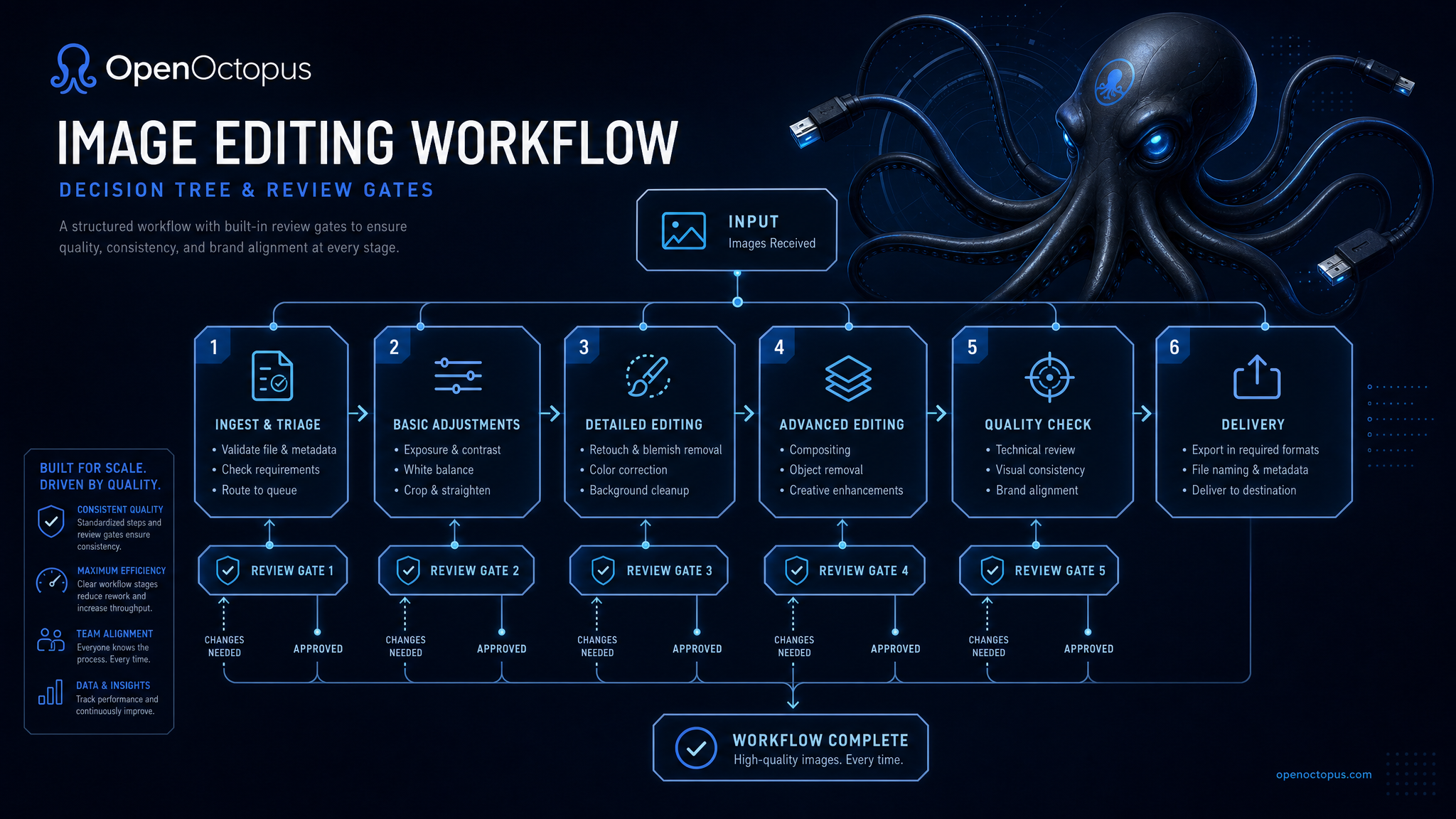
Structured blue decision tree infographic showing appropriate use cases for Gemini Banana Nano image editing, clean tech aesthetic

Frequently asked questions about Gemini Banana Nano

It is Google's native image generation and editing capability within the Gemini ecosystem. The system supports text-to-image creation, conversational editing, reference-based modifications, and multi-turn refinement through a unified interface and API.

Start editing images with Gemini Banana Nano today

Upload a photo, describe your vision, and watch the model transform your images through natural language. Access conversational image editing through OpenOctopus with stable routing, transparent pricing, and production-ready infrastructure.