
Nano Banana Online Image Editor
Generate, upload, edit, and refine images in a browser
Use Nano Banana online to test image generation and conversational editing before committing to an API workflow. Start from a prompt or uploaded image, make a focused edit, compare the result, and keep refining in the same session.
Start with $1 credit.
Nano Banana online snapshot
Test image edits before automation
Nano Banana online is built for quick visual testing. Generate a new image from text, upload a reference photo, replace a background, remove distractions, adjust lighting, or push the image toward a specific style.
Google's Gemini image editing update and Google DeepMind Gemini Image documentation provide model-family context. For deeper technical details, use the Nano Banana API page.
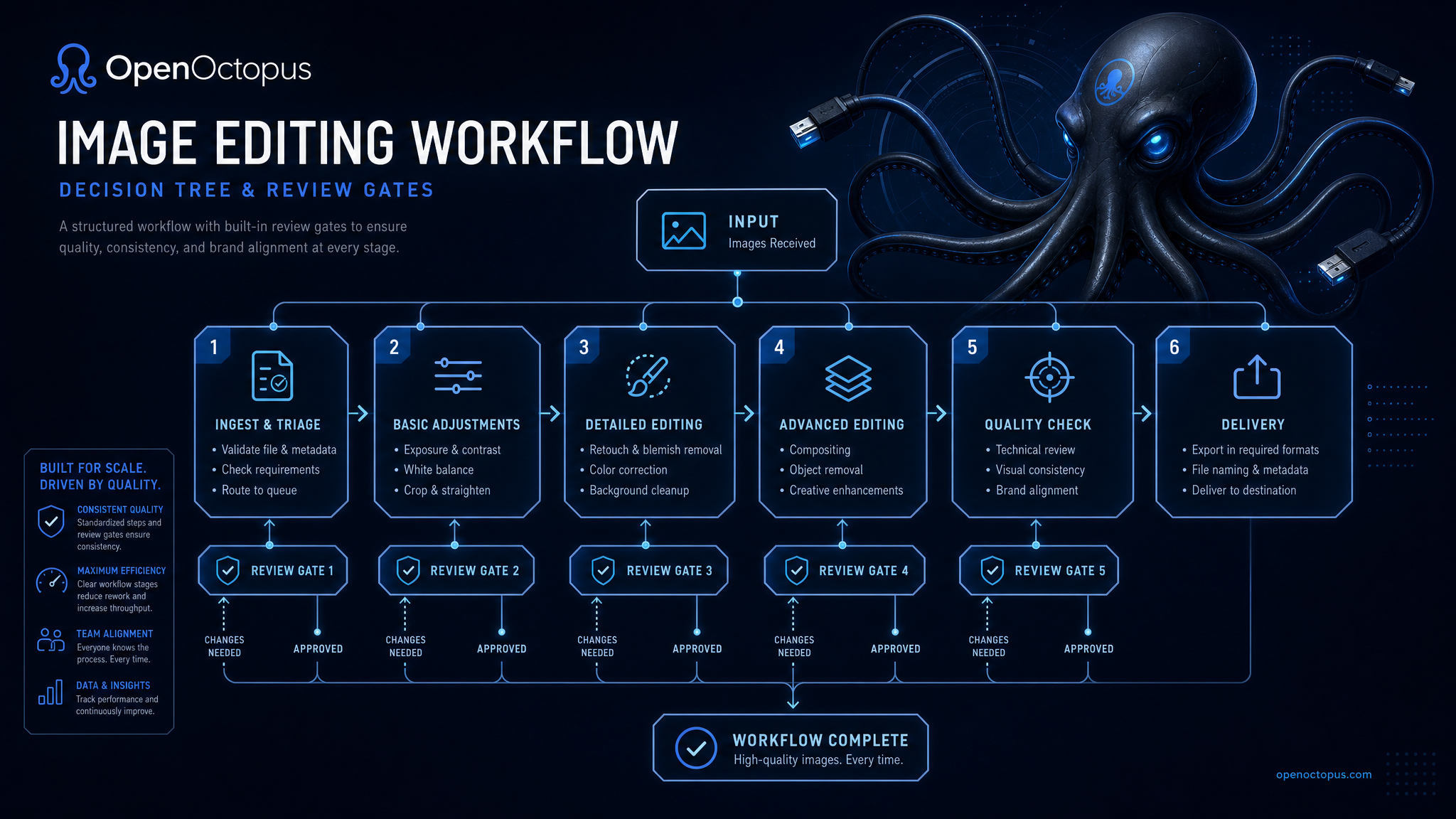
Upload, prompt, iterate, save
Start with one asset or one prompt. Ask for one concrete change, such as background replacement, lighting adjustment, object removal, or style conversion. Review the output, then make the next edit only if the subject still looks right.
When the workflow works, save the original prompt, upload type, edit sequence, and final instruction before moving it into API automation.
Tools to test in Nano Banana online
Text to image
Create original visuals from natural-language prompts
Upload editing
Modify product photos, portraits, mockups, and references
Background replacement
Move a subject into a new setting
Object removal
Delete distractions and refill the scene
Style transfer
Shift photos toward editorial, cinematic, or branded looks
Subject checks
Test whether products or people stay recognizable
Product variants
Explore lifestyle scenes and e-commerce crops
Prompt chains
Save working edit sequences for API use
Best-fit users
Nano Banana online is useful when you need fast visual iteration without opening a full design tool. Marketers can test campaign concepts, e-commerce teams can explore product scenes, creators can draft avatars, and developers can validate editing behavior before API integration.
It is not a replacement for CAD, legal evidence processing, medical imaging, or final brand QA. Use human review when exact logos, typography, faces, or regulated content accuracy matters.
Trust and source note
Google's Gemini image editing update documents improvements to prompt-based image editing. Google DeepMind Gemini Image provides model-family context. Use those sources for context, then test Nano Banana online with your own images.
Nano Banana online FAQ
Start editing with Nano Banana online
Open the playground, test one focused image edit, and save the prompt chain that works.
Start with $1 credit.