
AI Video Face Swap Free Templates
Launch Akool marketing videos faster with ready-made templates
Skip the blank canvas. With ai video face swap free templates, you can start from a pre-built layout, drop in a reference face, and generate a campaign-ready clip in minutes. Akool bundles face swap, avatar, lip sync, and video localization inside a browser workflow, so one template can become a personalized ad, a localized brand video, or a talking-head social clip without reshooting.
OpenOctopus new users start with $1 credit, enough to preview several ai video face swap free templates before deciding on a paid plan. Test a layout, inspect the output quality, and only scale once the look matches your brand.
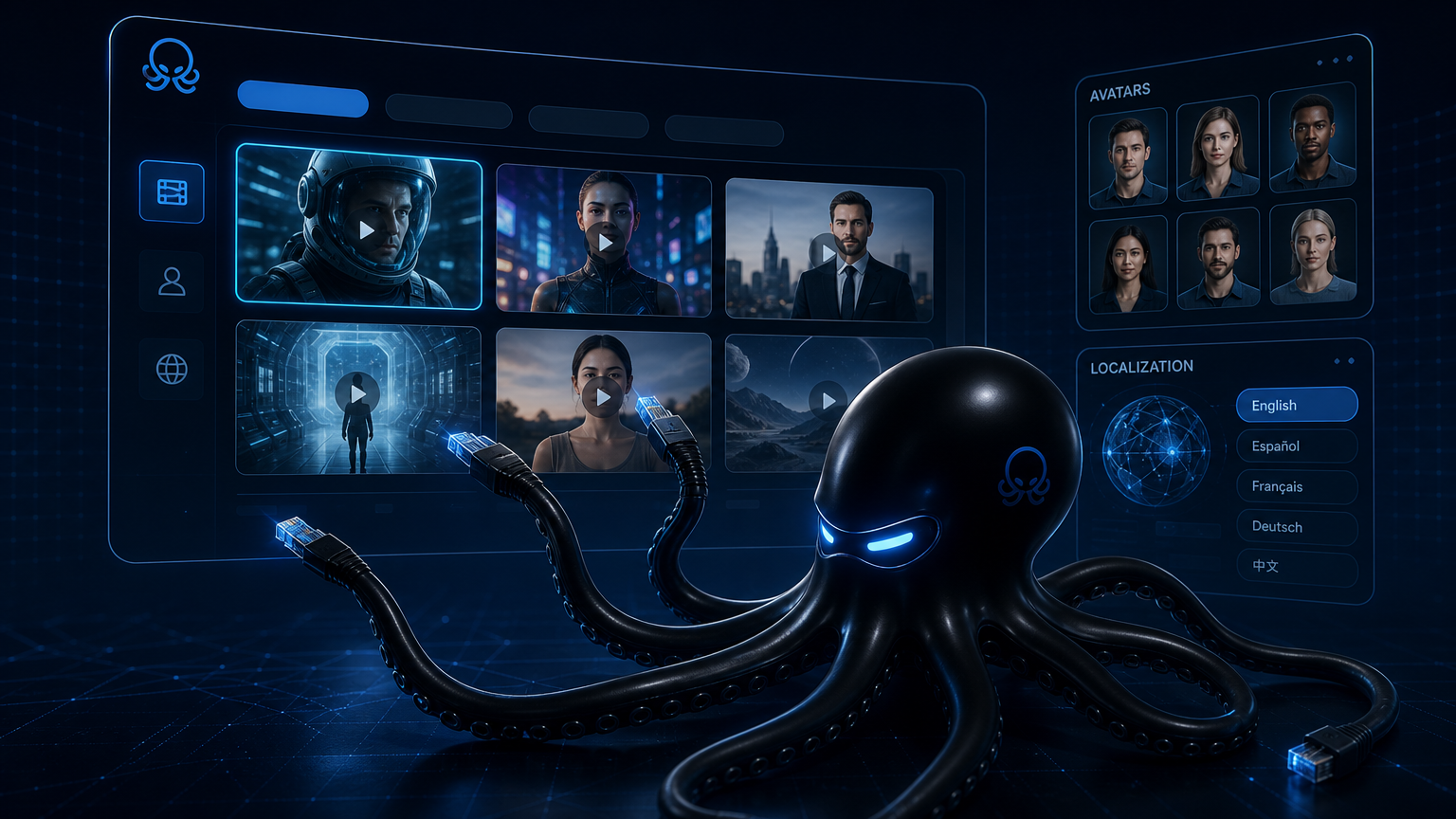
AI Video Face Swap Free Templates snapshot
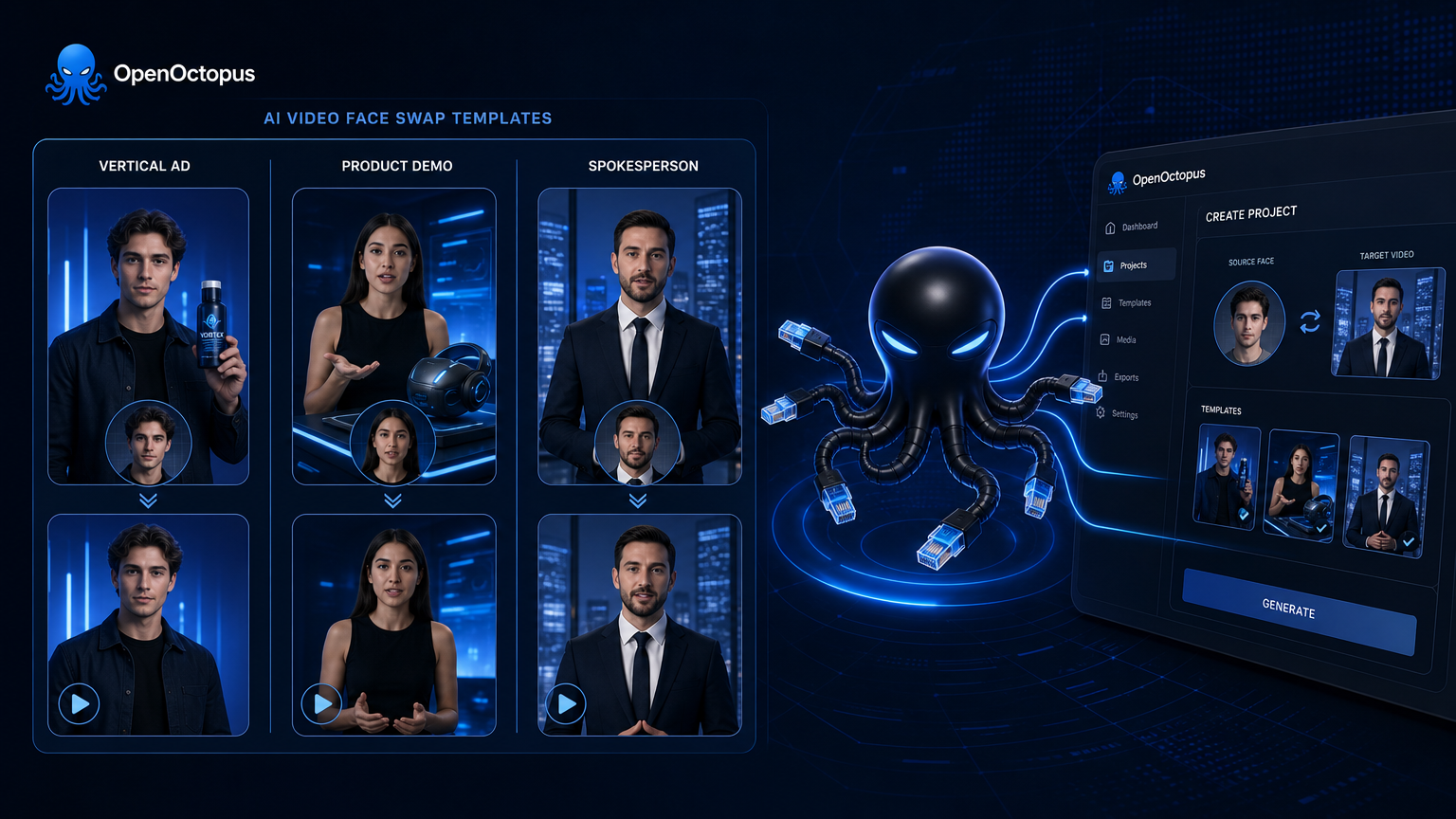
Why templates speed up face swap campaigns
A template removes the setup guesswork. Instead of building a scene from scratch, you pick a layout built for a specific format—vertical ad, product demo, or localized spokesperson—and replace the face or avatar with your own. The ai video face swap free layer handles blending, lighting, and motion, while the template locks in composition, duration, and safe zones for the platform you are targeting.
For marketing teams, this means faster iteration. You can produce several variants of the same concept with different faces, languages, or calls to action without returning to an editor. Akool video face swap templates are especially useful for global campaigns that need the same base clip adapted for multiple markets. For a full breakdown of how Akool fits into marketing workflows, see the Akool marketing video guide.
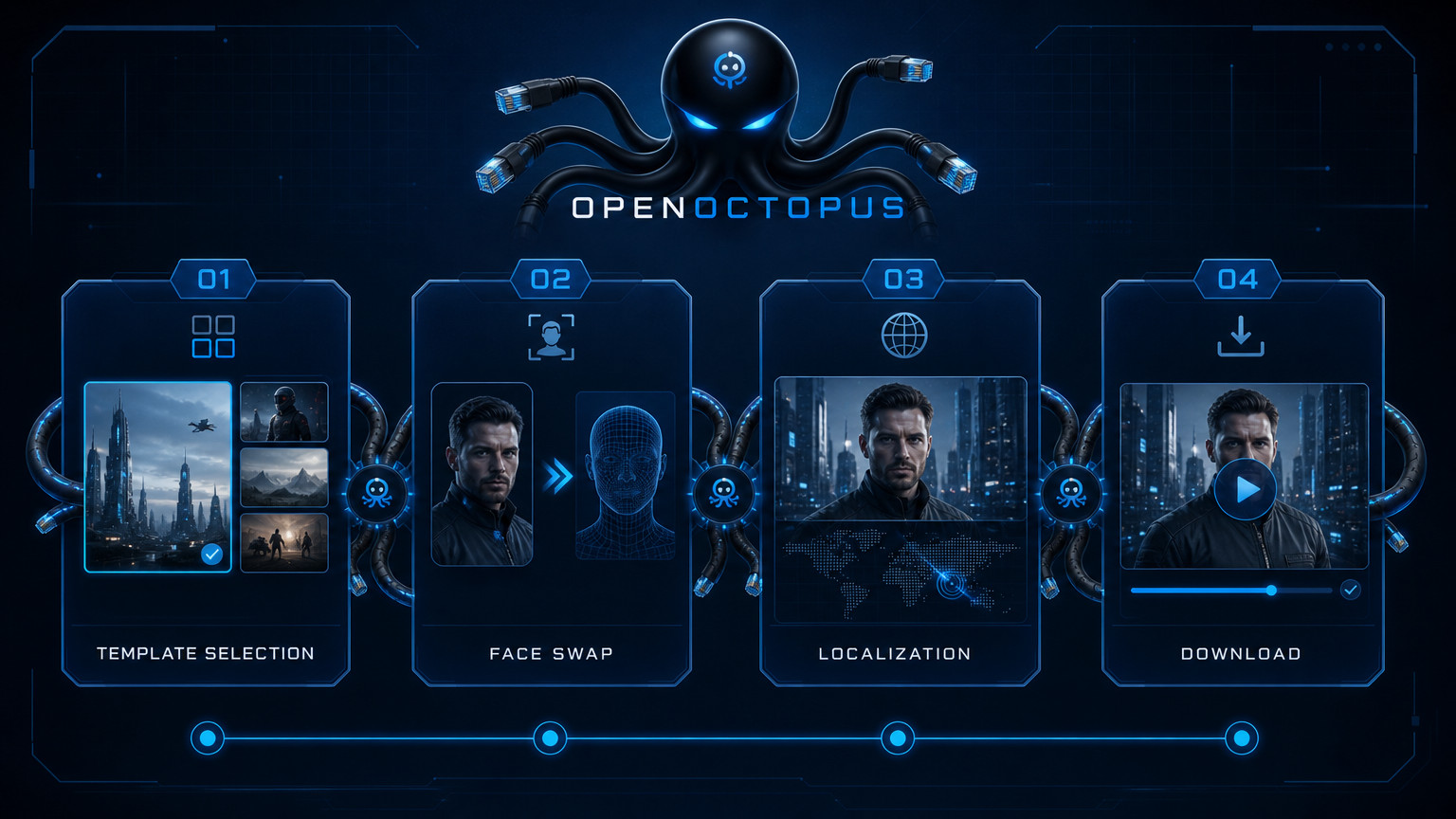
Pick, swap, localize, publish
The ai video face swap free template workflow is built for quick turnarounds.
Pick a template. Choose a layout matched to your channel and message.
Swap the face. Upload a reference photo or select an avatar to replace the default talent.
Localize. Translate voice and lip sync for video localization across different markets if needed.
Preview and publish. Review the rendered clip, then export or move the pattern to the API.
Templates to try first
Vertical ad swap
Replace the spokesperson in a 9:16 promo clip
Product demo avatar
Turn a photo into a talking presenter for a feature walkthrough
Localized spokesperson
Adapt one base video into multiple languages
Social proof clip
Swap a customer testimonial face for market-specific talent
Holiday campaign
Drop your brand face into seasonal templates
Explainer video
Start with a template and add an ai video avatar narrator
A/B test variants
Generate multiple faces and hooks from the same layout
Event promo
Replace a host face for conference or webinar teasers
Free previews and how credits work
New OpenOctopus accounts receive $1 in starter credit, which covers a handful of short ai video face swap free template previews. You do not need a paid subscription to begin. Browse the playground, select a template, upload a reference face, and submit the job. Most previews finish in minutes depending on duration and queue.
After the preview, you can add credits, switch to the API tab, or test avatar and lip-sync variants. The free layer is designed to validate quality and format fit before you commit to a larger campaign.
For teams comparing free and paid options across the category, the face swap video AI free guide explains common restrictions and upgrade paths.
Best fit and limits
Akool face swap templates work best for short marketing clips with front-facing faces and stable lighting. They are ideal for ads, social posts, brand announcements, and localized content experiments. They are not designed for forensic identity work, long-form content, complex VFX, or backend batch processing at scale.
As MIT Sloan explains, deepfakes can erode digital trust and are increasingly easy to produce, so consent and disclosure are essential. Always secure permission from anyone whose face appears in the output and review platform terms before publishing.
For a broader overview of Akool's capabilities and limitations, read the Akool AI guide.
AI Video Face Swap Free Templates FAQ
Start with AI Video Face Swap Free Templates
Open the playground, pick a template, and swap in your first face. New OpenOctopus accounts start with $1 credit, so you can preview quality before scaling.
Open the playground, pick a template, and swap in your first face. New OpenOctopus accounts start with $1 credit, so you can preview quality before scaling.