
Akool AI Explained: Video Face Swap, Avatar & Localization
Learn how Akool AI combines video face swap, avatars and localization workflows. Explore capabilities and limitations. Read now.
 AuthorYueZhu
Akool AI as a marketing video platform
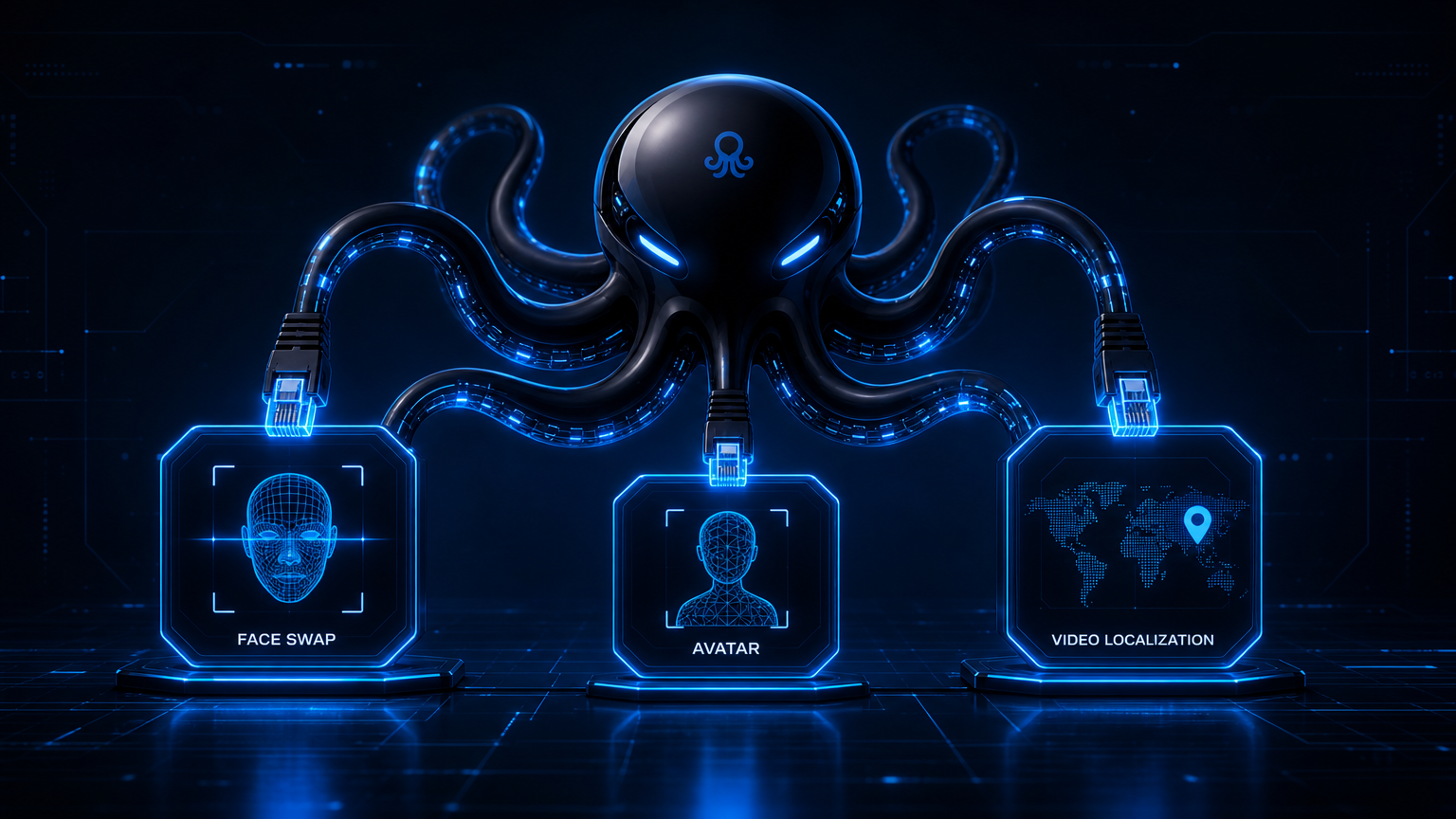
Akool AI is a generative video platform that bundles face swap, avatar generation, lip sync, and video localization into one browser workflow. It is aimed at marketers, agencies, and brand teams that want to produce localized, avatar-led, or face-swapped videos without hiring a production crew for every variant. If your search intent is akool ai, you are usually trying to understand whether the platform can replace parts of a traditional video pipeline.
The core pitch is speed: upload a source clip or photo, pick a face or avatar, translate a script, and export a campaign-ready video. Akool wraps the underlying face detection, embedding, and rendering steps behind a template-driven interface. That makes it accessible to non-technical users, but it also means the workflow is optimized for marketing output rather than pixel-perfect face replacement.
What Akool AI can do
The platform's capabilities fall into four buckets:
Video face swap. Replace a face in a source video with a reference photo. The tool preserves motion, lighting, and expression well enough for short social clips and ad variants.
Avatar video / talking avatar. Generate a presenter from a still photo or choose a stock avatar, then animate it with a script. This is useful for explainer videos, tutorials, and personalized outreach.
Lip sync. Match mouth movement to a new audio track or translated voice. Lip sync is what makes localized avatar videos feel watchable rather than obviously dubbed.
Video localization. Translate the spoken content, clone the speaker's voice, and adjust lip movement for target markets. TechCrunch reported that AI video platforms are racing to add voice cloning and lip-sync translation for exactly this reason.
These features overlap. A single campaign might start with a face swap, add an avatar narrator, then localize the result for three languages. That integrated workflow is Akool's main selling point over single-purpose tools.
Akool AI review: pros and cons
| Pros | Cons |
|---|---|
| All-in-one marketing video suite | Face swap quality can lag behind specialized models |
| Easy browser interface | Credit-based pricing can scale quickly |
| Strong avatar and localization tools | Limited developer flexibility and API depth |
| Fast iteration for ad variants | Long videos and complex motion increase artifacts |
| Useful for non-technical teams | Enterprise brand content still needs manual review |
The pattern is consistent: Akool AI is strongest when the goal is a polished marketing asset, not a forensic-level face replacement or a backend model service.
How Akool compares to alternatives
| Akool | HeyGen | Synthesia | Captions | WaveSpeed Video Face Swap | |
|---|---|---|---|---|---|
| Best for | Marketing localization, face swap ads | AI avatars, sales videos | Enterprise training avatars | Short-form social clips | Developer/API face swap pipelines |
| Face swap | Included, marketing grade | Limited | Limited | Limited | Core strength |
| Avatar | Strong | Strong | Strong | Moderate | Not included |
| Lip sync / translation | Strong | Strong | Moderate | Moderate | Not included |
| API depth | Limited | Moderate | Moderate | Limited | High |
| Pricing | Credits / plans | Credits / plans | Enterprise tiers | Credits / plans | Per-second usage |
For teams that need avatar and localization first, Akool sits close to HeyGen and Synthesia. For teams that need raw face swap accuracy behind their own product, WaveSpeed Video Face Swap is a closer fit. Our Akool vs WaveSpeed Face Swap comparison breaks down that tradeoff in more detail.
Real engineering issues to expect
Akool's marketing-first design creates predictable limitations:
Identity fidelity. Marketing enhancements such as skin smoothing and lighting correction can drift away from a faithful likeness. A survey of face deepfake research in Face Deepfakes - A Comprehensive Review notes that blending, lighting matching, and temporal consistency remain active technical challenges across the field.
Motion and occlusion. Fast head turns, hands over the face, and side profiles still break the swap. The issue is not unique to Akool; it affects most consumer-facing video face swap online tools.
Long-form cost. Localization and avatar rendering are compute-intensive. Costs rise non-linearly with video length and language count.
Brand safety. Because face swap and avatar content can make people appear to say things they never said, MIT Sloan's overview of deepfakes warns that synthetic media raises real trust and consent concerns. Any campaign output should pass legal and brand review.
Lip sync errors. Cross-language lip sync is approximate. Even strong tools can misalign mouth shape when the target language has very different phonemes.
When to use Akool AI
Choose Akool AI when:
- You need localized ad variants or ai video avatar explainers.
- Your team is marketing-led and wants a point-and-click workflow.
- Face swap is one part of a broader campaign, not the only requirement.
- You have consent and rights cleared for every likeness used.
Avoid it when:
- You need a backend video face swap API for a SaaS product.
- You require precise, frame-accurate face replacement for film or VFX.
- Budget predictability matters more than bundled features.
- You need batch processing at very high volume.
Final verdict
Akool AI is a capable marketing video suite. Its avatar, lip sync, and video localization tools are the real differentiators; the akool face swap feature is useful but not best-in-class. For creative teams, it can cut production time dramatically. For engineering teams, it is not a substitute for a dedicated video face swap model or API.
If you want to compare Akool against an API-first alternative, read our WaveSpeed Video Face Swap overview. For a direct head-to-head, see Akool vs WaveSpeed Face Swap. You can also explore the Image Face Swap online tool for still-image face swapping.
Try Akool AI through OpenOctopus
OpenOctopus offers access to Akool Video Face Swap through a unified endpoint. You can test the playground or integrate the API into your own workflow.