
FaceSwap Video
Generate standard face swap videos with WaveSpeed AI
Use FaceSwap Video to replace faces in short clips without editing software. Upload a source video and a reference face, then let WaveSpeed Video Face Swap handle detection, tracking, blending, and rendering in one browser workflow.
Start with $1 credit.

FaceSwap Video snapshot
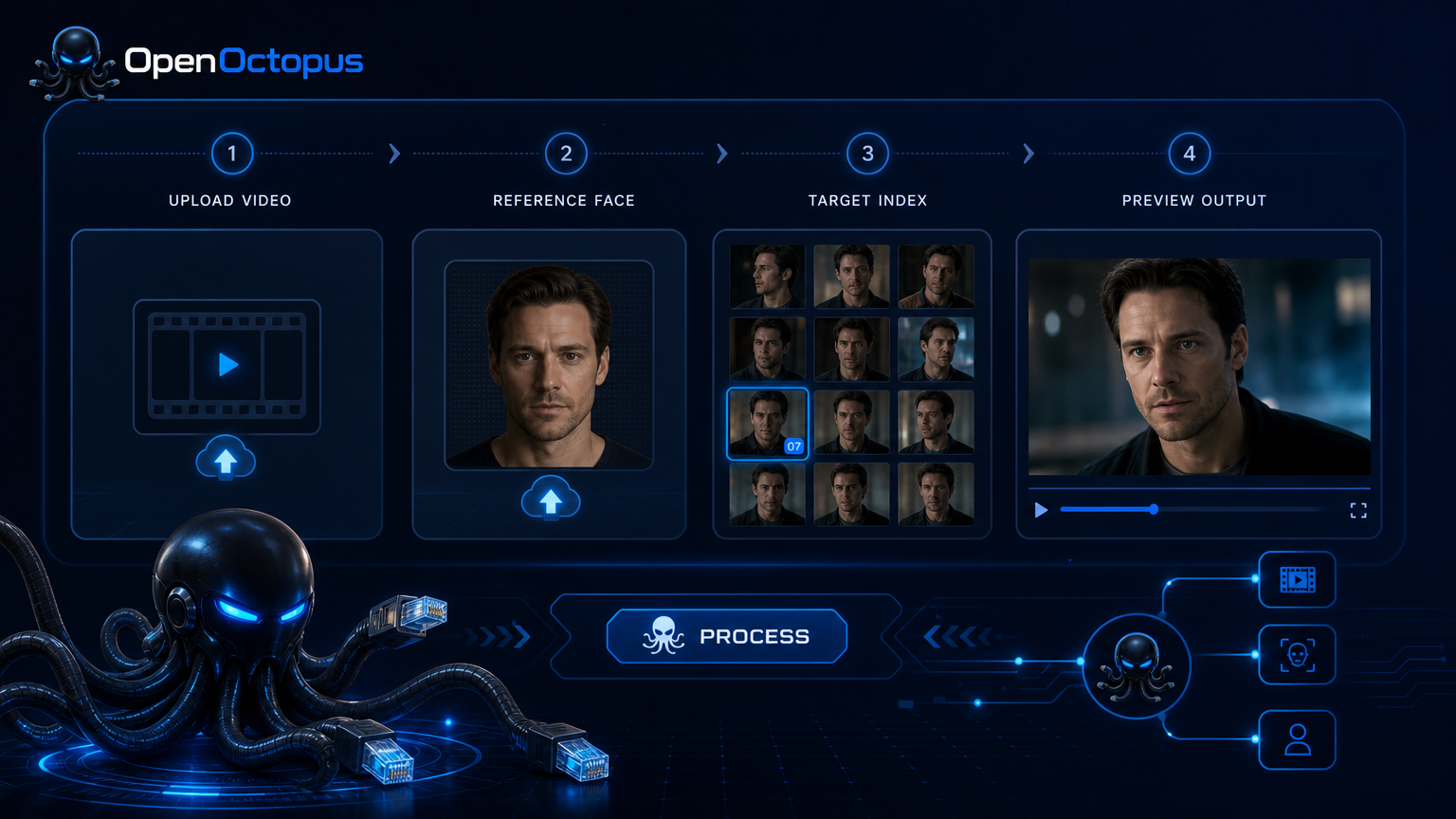
Make a face swap video in minutes
FaceSwap Video combines face detection, face embedding, face tracking, and video rendering into one pipeline. The model preserves identity traits while matching lighting, expression, and head pose across frames.
For teams building a video face swap online workflow, this means less manual masking and fewer frame-by-frame corrections. For multi-person scenes, use the target index to map each replacement face precisely. For a deeper look at the model behind the tool, read the WaveSpeed Video Face Swap overview.
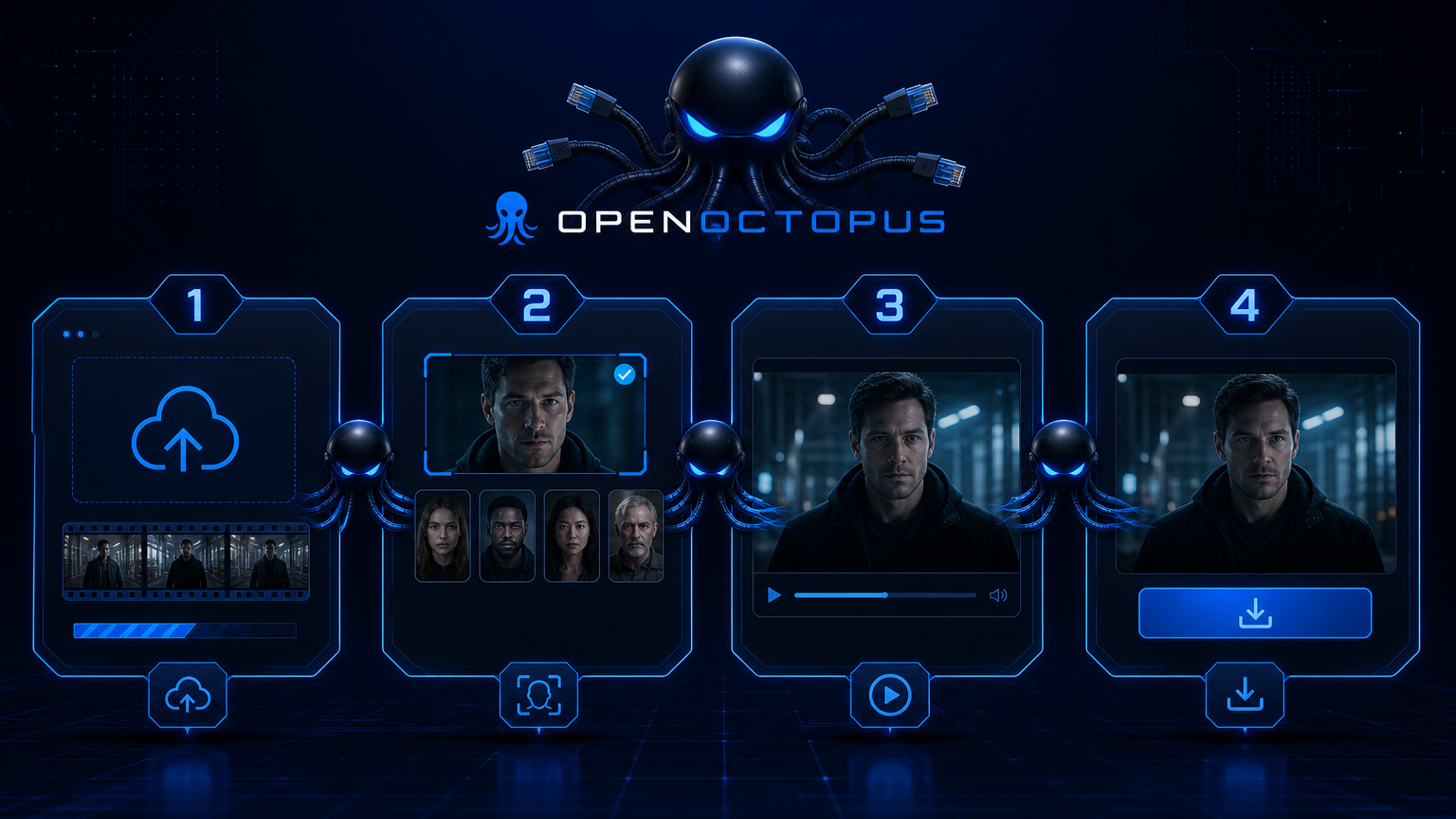
Upload, select, preview, download
The faceswap video workflow is built for quick creative decisions.
Upload video. Add a clip with clear, front-facing faces and stable lighting.
Select face. Upload the reference image for the face you want to swap in.
Set target index. For videos with multiple people, choose which face to replace.
Preview and download. Review the output, then export or move the job to the API for batch processing.
What FaceSwap Video controls
Face detection
Automatically locate faces across video frames
Identity preservation
Keep recognizable traits of the reference face
Multi-person face swap
Replace several faces in one clip with target index
Face tracking
Maintain consistency as subjects move
Lighting matching
Blend skin tone and shadows with the source scene
Expression retention
Preserve original lip sync and facial motion
Video face replacement
Use as a video face changer for drafts and short content
API automation
Run batch jobs and integrate into apps
Input tips for better output
A good faceswap video starts with clean inputs. Use a well-lit, front-facing reference image that matches the angle of the faces in the video. Avoid heavy motion blur, extreme side profiles, and low-resolution source clips.
For best results, keep first tests short, review frame consistency, and only scale to longer videos after the output is stable. Fast motion and heavy occlusion can still cause drift, so test those edge cases before committing to a full production run.
Best fit and boundaries
FaceSwap Video works best for short-form creative content, marketing variants, entertainment clips, and creator platform features. It serves as a fast video face replacement tool when the goal is creative output rather than forensic accuracy.
It is not suitable for legal evidence, news reporting, medical imaging, identity verification, or any scenario where face authenticity is critical. Always confirm you have rights to use the source video and reference likenesses before generating or publishing swapped content. A survey of deepfake face-swap research in Multimedia Tools and Applications notes that identity preservation, lighting, occlusion handling, and temporal consistency remain active challenges even for state-of-the-art methods.
FaceSwap Video FAQ
Start making FaceSwap Video
Open the playground, upload a video and reference face, and generate your first face swap video. Switch to API access when you need batch processing or product integration.
Start with $1 credit.