
Nano Banana Pro
Edit images with AI online
Use Nano Banana Pro in the playground when you need higher-control image editing, reference-based generation, and polished visual candidates without building an integration first.
Start with $1 credit.
Nano Banana Pro snapshot

Edit with prompts, not layers
Nano Banana Pro is built for users who know the result they want but do not want to manage masks, layers, or manual compositing. Describe the change, review the generated candidate, then refine the prompt until the image is ready for approval.
Google's Nano Banana Pro announcement provides product context, and Google DeepMind documents Gemini image model capabilities. For deeper pricing, limits, and model comparisons, use the Nano Banana Pro Review.
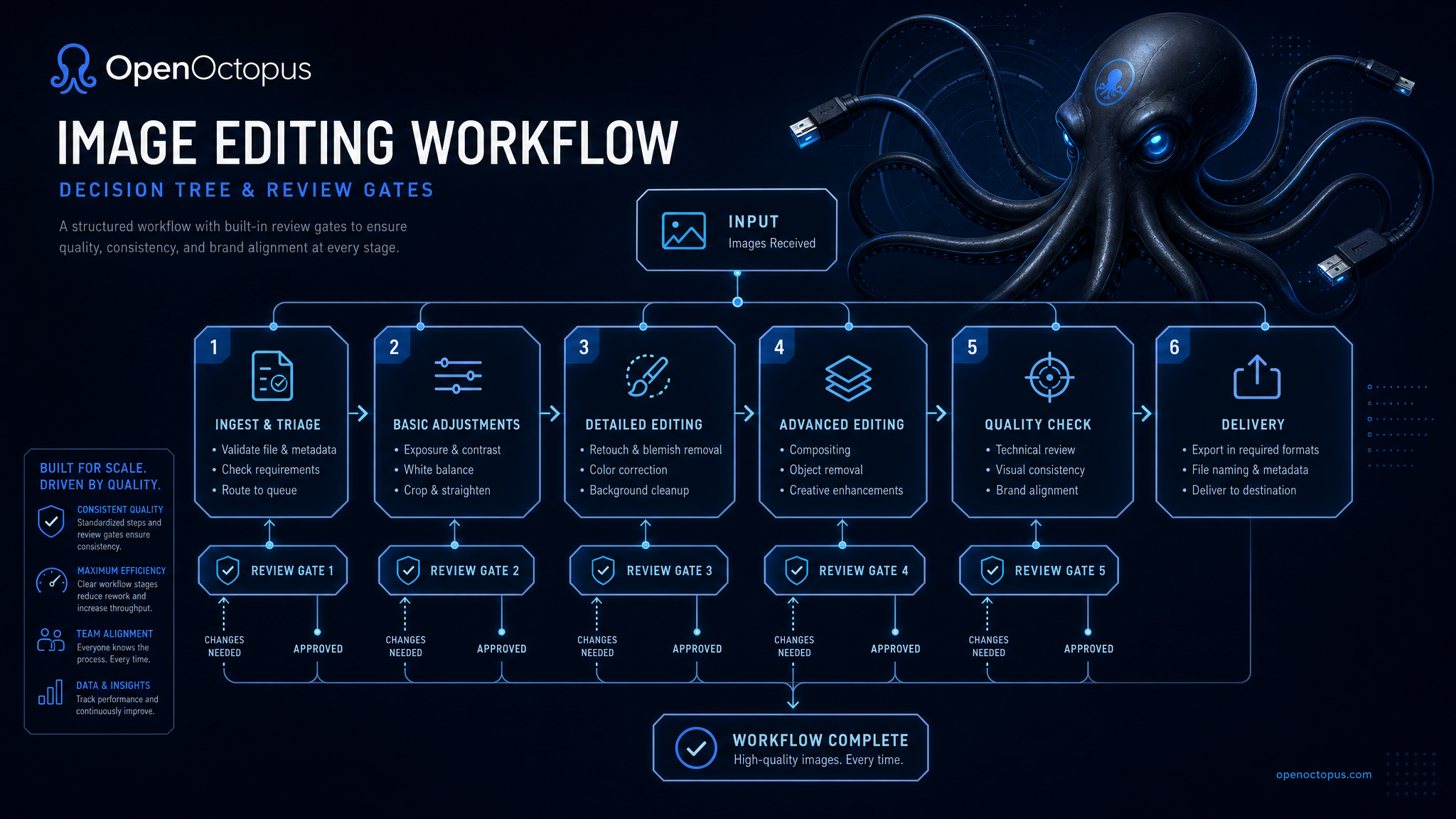
Generate, refine, approve
Use the playground for high-intent creative review before API automation.
Generate. Start from a prompt or image direction.
Refine. Ask for background, lighting, style, object, or layout changes.
Approve. Check brand safety, generated text, likeness, and product accuracy.
Automate. Move the repeatable workflow to the API tab when it belongs in your app.
Best-fit Nano Banana Pro tasks
Product images
Generate premium product scenes and background variants
Campaign visuals
Create polished concepts for ads, landing pages, and social posts
Reference edits
Use existing images to guide style, subject, or composition
Brand drafts
Produce review-ready assets before final design polish
Portrait concepts
Test visual directions with careful human review
Layout exploration
Compare multiple image directions for a single brief
Prompt QA
Validate wording before API automation
Production handoff
Reuse approved prompt patterns in the API workflow
Use the playground before the API
Nano Banana Pro works best when teams first discover which prompt patterns produce reliable assets. Keep a short prompt library for product scenes, social visuals, editorial headers, and reference edits. Once a prompt is stable, move it to the API workflow with logging, review, and cost controls.
For public or commercial assets, check generated text, brand marks, product details, faces, rights, and sensitive content before publishing.
Trust and source note
Google Blog introduces Nano Banana Pro product context. Google DeepMind Gemini Image provides model-family context. Use those sources for orientation, then validate Nano Banana Pro against your own visual standards.
Nano Banana Pro FAQ
Start editing with Nano Banana Pro
Open the editor, create review-ready visual candidates, and move stable workflows to the API when you need automation.
Start with $1 credit.