
Nano Banana Pro API
Add advanced image editing and generation to your product
Use the Nano Banana Pro API when your app needs higher-control image editing, prompt-based generation, reference workflows, and production routing for visual assets.
Start with $1 credit.

Nano Banana Pro API snapshot
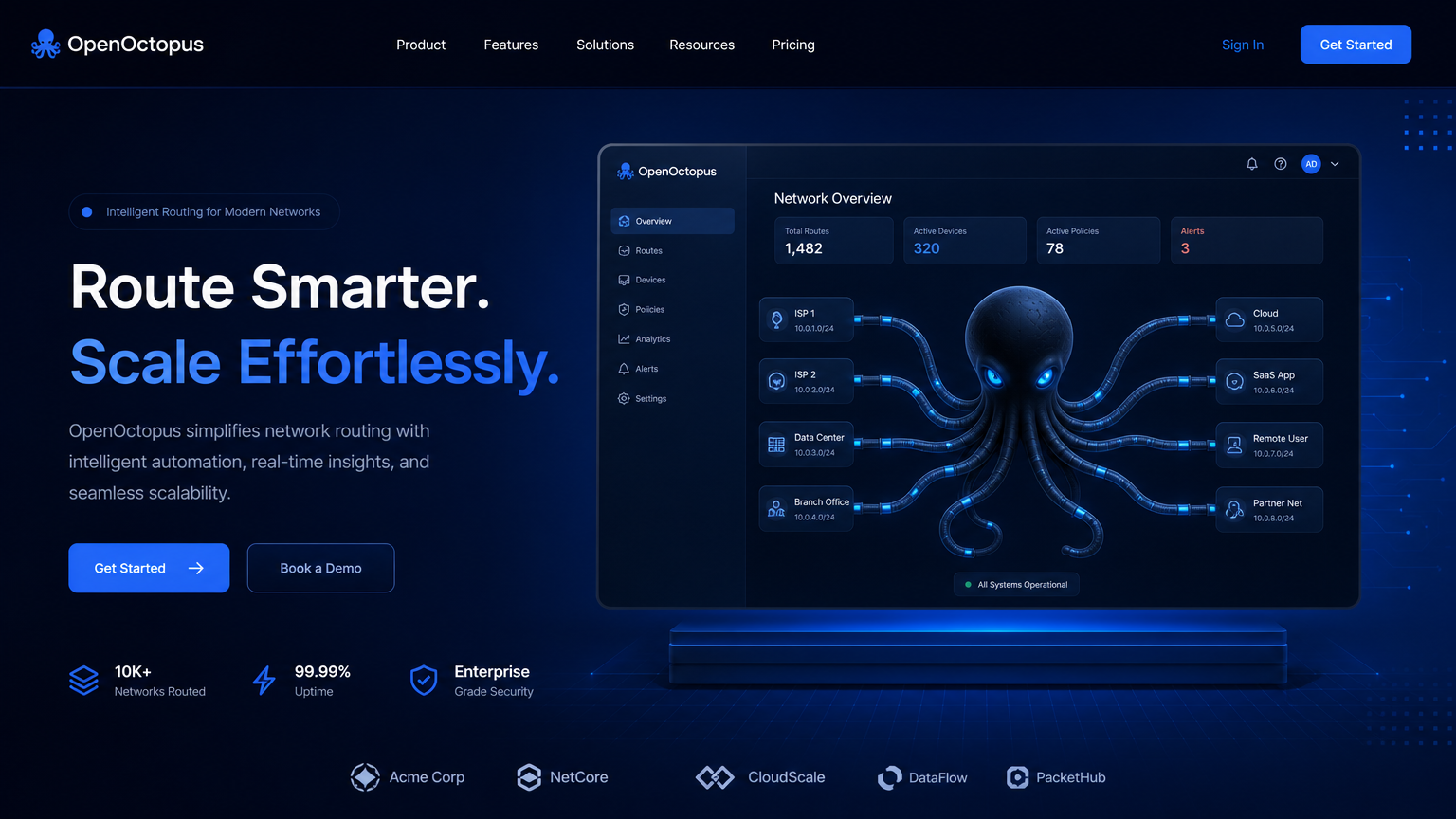
Build repeatable visual workflows
The Nano Banana Pro API is useful when image generation is part of a product workflow, not a one-off creative session. Store prompt templates, reference-image metadata, output URLs, review status, and user context so every generated asset can be audited.
Google's Nano Banana Pro announcement provides product context, and Google Cloud documentation covers Gemini image model access. For deeper capability and pricing analysis, use the Nano Banana Pro Review.
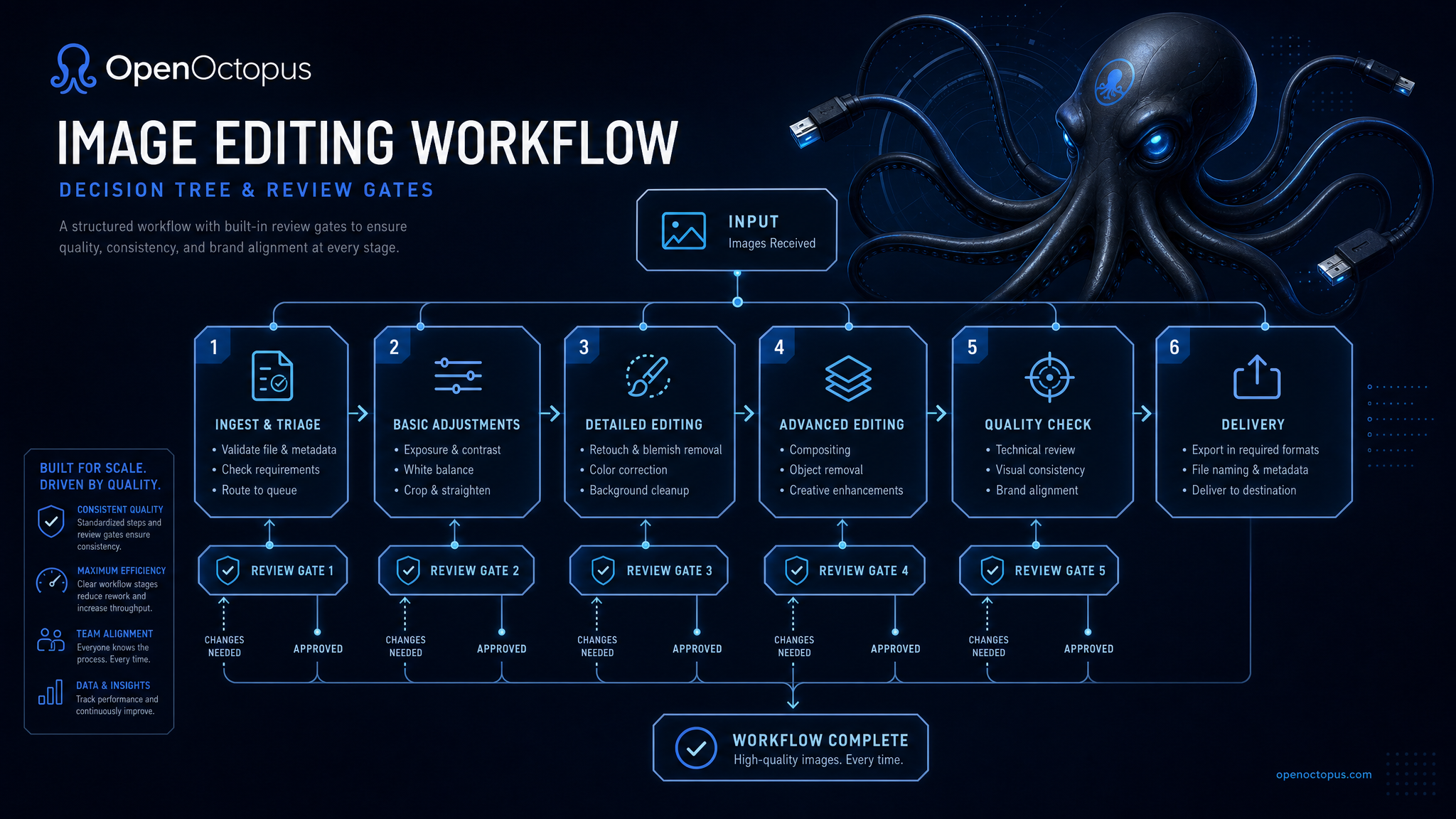
Validate in playground, automate in API
Start with the playground when prompt behavior and visual quality are still being tested. Once the workflow is stable, move to API access for batch jobs, user-facing creative tools, approval queues, and generated asset storage.
Teams should add input validation, output review, prompt logging, abuse checks, and deletion controls before enabling public image uploads or brand-sensitive workflows.
Nano Banana Pro API workflows
Image editing
Modify uploaded visuals through natural-language instructions
Reference workflows
Use source images to guide style, identity, or layout
Product assets
Generate e-commerce scenes, backgrounds, and campaign variants
Brand pipelines
Route generated visuals through approval before publication
Creative tools
Add image generation to SaaS editors and design products
Batch operations
Process prompt templates with logging and retry handling
Cost controls
Track per-request spend and cap high-volume workflows
Playground QA
Validate prompts manually before API automation
API request shape
Use the API tab when Nano Banana Pro needs to run inside your application. Keep request metadata explicit so your team can debug outputs and control spend.
curl -X POST "https://api.openoctopus.com/v1/images/generations" \
  -H "Authorization: Bearer $OPENOCTOPUS_API_KEY" \
  -H "Content-Type: application/json" \
  -d '{"model":"openoctopus-nano-banana-pro","prompt":"Create a clean product hero image for a skincare bottle."}'
For editing flows, log source image ID, prompt, user, output URL, review state, and retention policy.
Trust and source note
Google Blog introduces Nano Banana Pro product context. Google DeepMind provides Gemini image model-family context. Use those sources for provider context, then test the Nano Banana Pro API against your own workflows.
Nano Banana Pro API FAQ
Build with Nano Banana Pro API
Start in the playground, then connect API access for repeatable image editing, generated asset storage, and reviewable production workflows.
Start with $1 credit.