
Nano Banana Pro AI Workflows
Build consistent visual asset pipelines
Use Nano Banana Pro AI workflows to turn reference images into product shots, ad variants, social creatives, and approved visual assets with a repeatable review process.
Start with $1 credit.
Nano Banana Pro AI workflows snapshot
Prevent drift with a stable anchor
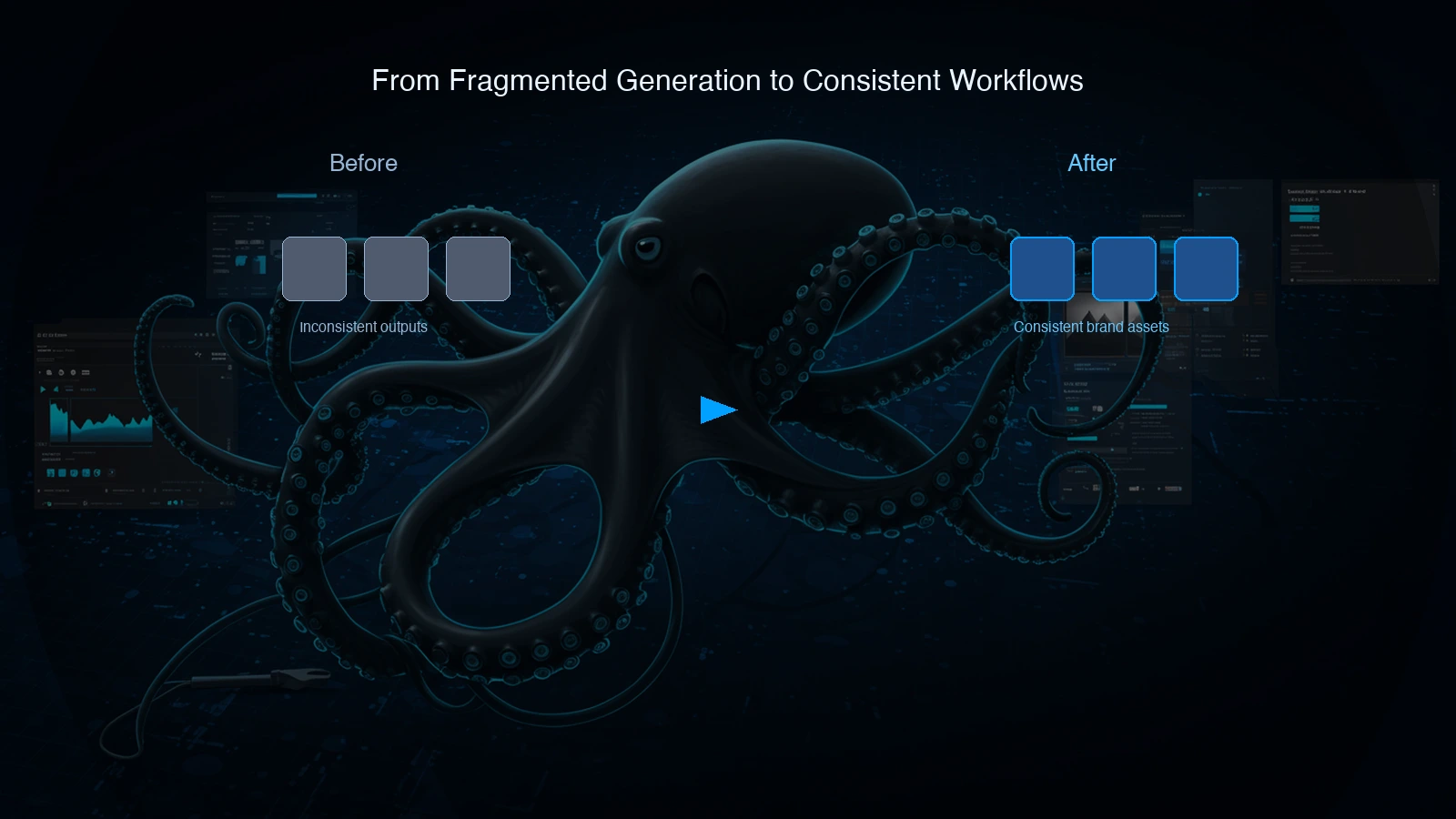
Unstructured image generation breaks when every output starts from scratch. Nano Banana Pro AI workflows reduce drift by separating stable inputs from editable variables: the anchor defines what must remain unchanged, and each edit changes only one controlled element.
Google's Nano Banana Pro announcement provides product context, and Google Cloud documentation covers Gemini image model access. For prompt structures, use the Nano Banana Pro Prompt Guide.
Anchor, generate, edit, approve
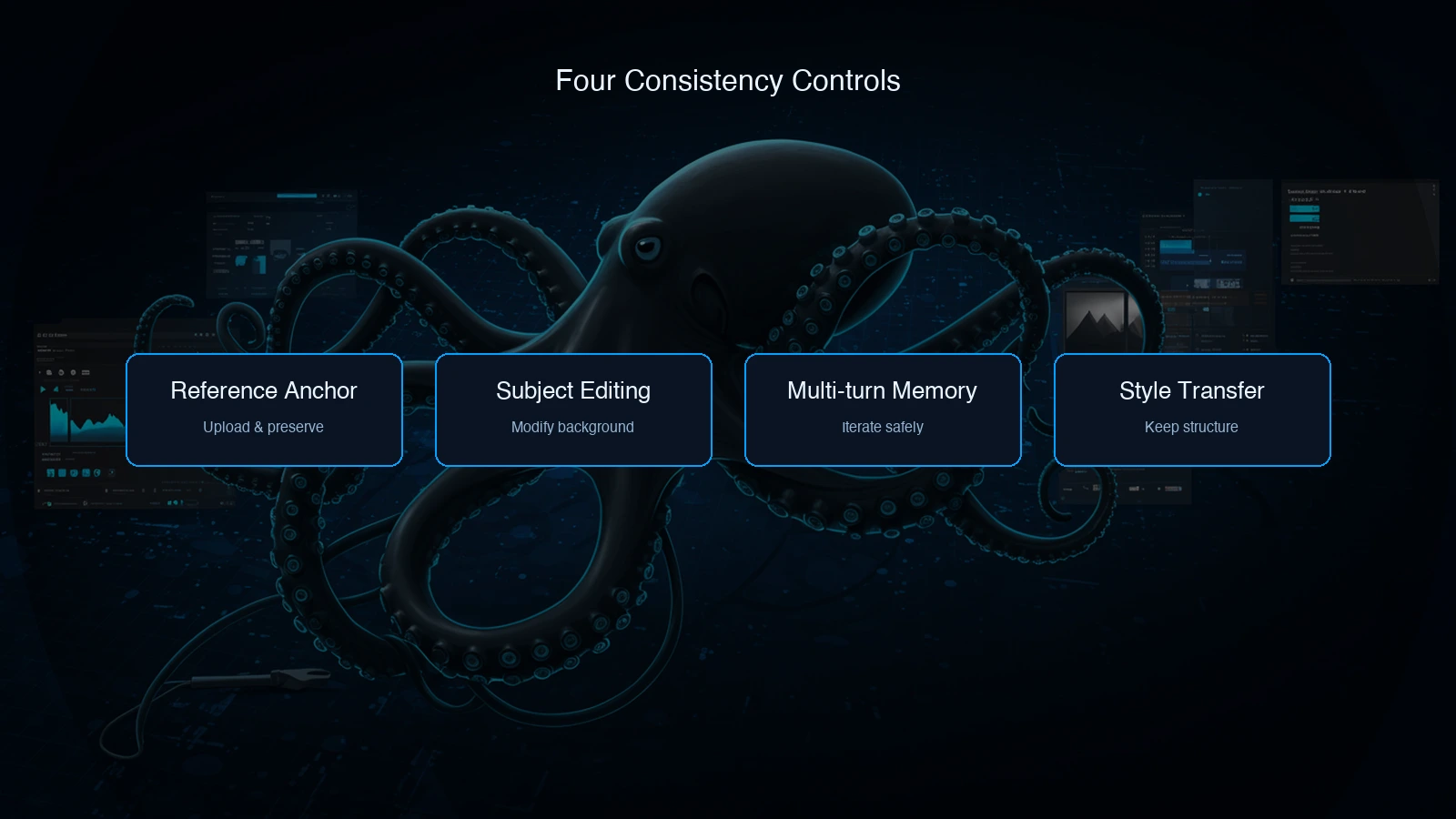
A reliable visual asset pipeline needs four stages.
Anchor. Choose the product, character, style board, or approved master image.
Generate. Create draft concepts using channel, lighting, and composition constraints.
Edit. Change one variable per turn and compare against the anchor.
Approve. Save only outputs that pass brand, quality, legal, and channel checks.
Controls for Nano Banana Pro AI workflows
Reference asset
Store the exact product, character, or style anchor
Preservation rules
Protect shape, face, label, color, typography, and layout
Scene variables
Define what can change, such as background or season
Channel format
Set aspect ratio, crop area, safe zone, and destination
Edit granularity
Use one controlled edit per turn
Review criteria
Check quality, brand fit, text, rights, and publish readiness
Retry policy
Decide when to retry, revise, or restart from a master
Asset handoff
Store prompt, model, output URL, approval state, and owner
Workflow template
Use this short pattern for consistent image generation workflow design: choose one anchor, define what must not change, generate drafts, edit one variable, approve a master, then adapt that master into channel variants.
For API workflows, store reference asset ID, prompt version, model settings, output URL, review state, failure reason, final channel, and retention policy. That metadata keeps AI visual workflow results reusable instead of disposable.
Trust and source note
Google Blog introduces Nano Banana Pro product context. Google DeepMind provides Gemini image model-family context. Use those sources for provider context, then validate workflows with your own reference assets.
Nano Banana Pro AI workflows FAQ
Build Nano Banana Pro AI workflows
Test a controlled workflow in the playground, then connect API access when your team needs repeatable generation, review, and storage.
Start with $1 credit.