Nano Banna 2

Edit Images with AI Online — Upload, Prompt, and Create in Seconds

Traditional photo editing software demands hours of training, expensive licenses, and manual layer manipulation. Nano banna 2 removes every one of those barriers. Built on Google's Gemini 3.1 Flash Image architecture, this online editor lets you upload any image, describe the changes you want in plain English, and receive a professionally edited result within seconds. No installation, no masking tools, no design degree required.

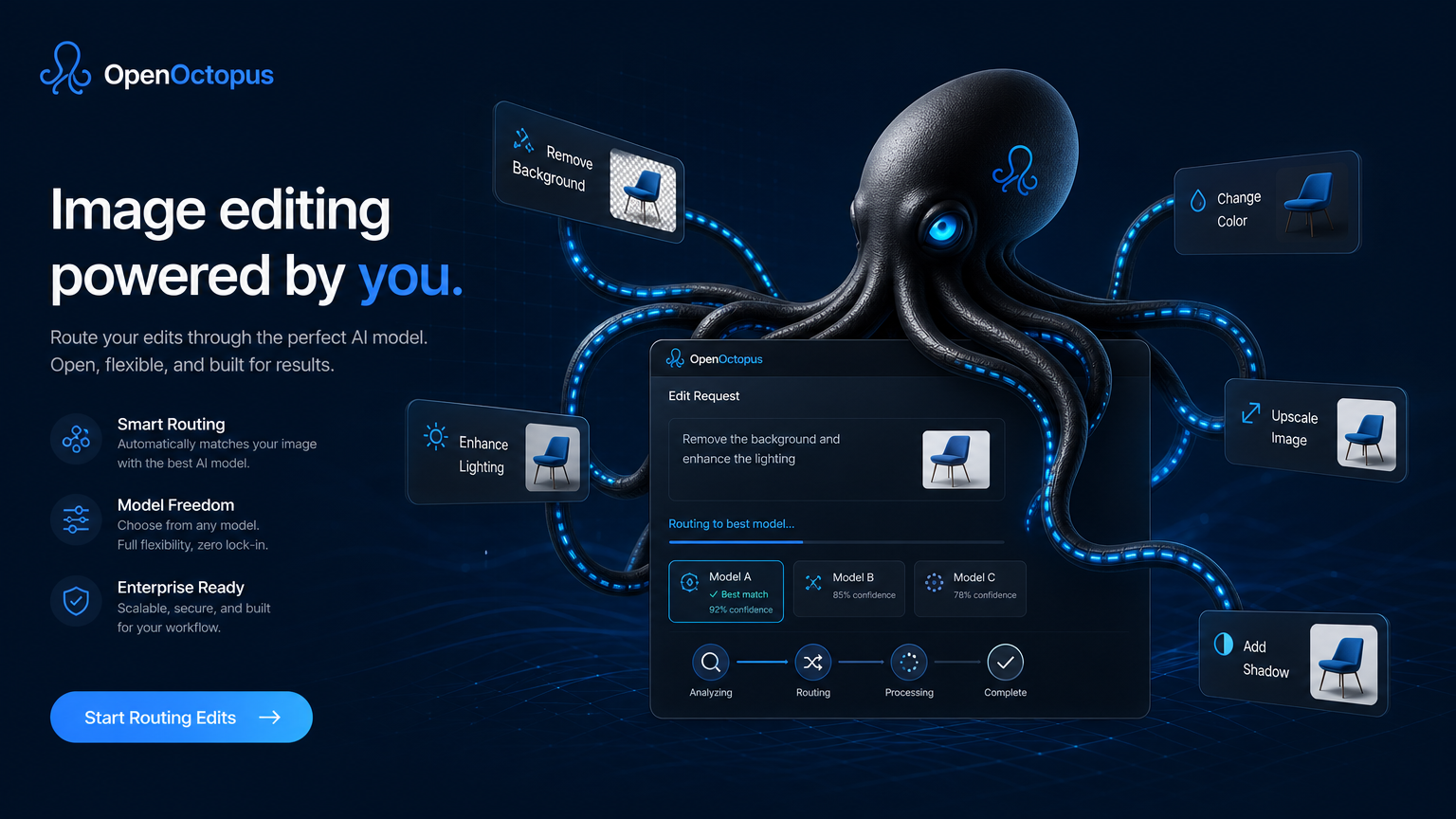
Sleek black octopus with glowing blue cable-tentacles routing online image editing requests through futuristic OpenOctopus interface, clean tech aesthetic

Nano Banna 2 at a glance

Flash speed
Sub-second to few-second generation for most edits
4K output
Up to 4096×4096 resolution for print-ready assets
Zero install
Browser-based editing, works on mobile and desktop
Multi-turn editing
Iterate changes conversationally without re-uploading
Clean blue online image editing interface showing upload area and conversational prompt panel, octopus routing visual in corner, futuristic SaaS aesthetic

Why online AI image editing replaces traditional tools for most creators

Desktop editing suites like Photoshop or GIMP offer immense power, but that power comes with friction. Menus nested five layers deep. Masking tools that require steady hands. Tutorials that consume entire weekends. For the 90% of editing tasks that involve background removal, color adjustment, object deletion, or style transfer, this complexity is unnecessary overhead.

Nano banna 2 online editor eliminates that overhead through natural language control. Instead of selecting layers and adjusting curves, you simply describe what you want. The underlying Gemini 3.1 Flash Image model interprets your intent, locates the relevant regions, and applies changes with context-aware blending. As Google Blog - Build with Nano Banana 2 explains, developers and creators can now modify images through dialogue rather than manual pixel manipulation.

The practical impact extends across roles. A restaurant owner can upload a menu photo and request "make the background warmer and remove the reflection on the glass." An e-commerce seller can batch-edit product shots by asking for "white background, soft shadow, slightly brighter exposure." A content creator can turn a casual selfie into a polished headshot with "professional studio lighting, neutral background, skin smoothing." Nano banna 2 handles each scenario without plugins, presets, or paid add-ons.

For teams that eventually need API access for automation, the same model powers both the playground and production endpoints. Our Nano-Banana 2 API for Image Editing & Generation guide covers integration patterns for developers.

Structured blue four-step editing workflow diagram showing upload, prompt, iterate, and download stages, octopus connector nodes between steps, clean tech aesthetic

How to edit images with nano banna 2 in four simple steps

Getting started requires no account setup beyond a standard OpenOctopus registration. The entire workflow happens in your browser.

Step 1: Upload your base image. Drag and drop any JPG, PNG, or WebP file into the editor. The model accepts resolutions up to 4K, though higher-resolution uploads may process slightly slower depending on server load.

Step 2: Describe your edit in natural language. Type exactly what you want changed. Effective prompts are specific: "remove the bicycle from the background and replace it with a garden path" works better than "fix the background." The nano banna 2 model understands spatial relationships, object categories, and style descriptors.

Step 3: Iterate through multi-turn refinement. Most images need two to four rounds of adjustment. After the initial edit, you can continue the conversation: "now make the lighting softer," "add a subtle vignette," or "crop to square format with the subject centered." Each turn preserves the previous changes, so you never lose progress.

Step 4: Download or share. Once satisfied, export your final image in your preferred resolution. The editor supports 1K, 2K, and 4K outputs. For social media, 1K usually suffices. For print materials, select 4K to preserve detail.

According to Gemini 3.1 Flash Image (Nano Banana 2) – Google AI Studio, the model processes both text and visual inputs through a unified multimodal architecture. This integration is what enables conversational editing — the model sees your image, reads your instruction, and generates a coherent modification rather than applying a predefined filter.

What you can do with nano banna 2

1

Text-to-image generation

Create original images from detailed descriptions

2

Background replacement

Swap scenes while preserving subject detail and lighting

3

Object removal

Delete unwanted elements with intelligent inpainting

4

Style transfer

Convert photos to illustrations, sketches, or cinematic looks

5

Text in images

Add headlines, labels, and signage with variable accuracy

6

Subject enhancement

Sharpen faces, adjust poses, and improve lighting

7

Resolution upscaling

Generate 2K and 4K outputs from lower-resolution sources

8

Multi-turn refinement

Iterate edits conversationally without starting over

Real-world use cases for nano banna 2 online editing

The versatility of nano banna 2 becomes clear when you examine how different professionals apply it. Here is a practical breakdown of common scenarios and the prompt patterns that work best.

Use CaseExample PromptTypical Output Quality
E-commerce product photos"White background, soft shadow, slightly brighter, remove distractions"High — clean commercial look
Social media graphics"Add gradient background, center the text 'Summer Sale', vibrant colors"Medium-High — text accuracy varies
Portrait retouching"Professional studio lighting, smooth skin, keep expression natural"High — excellent for LinkedIn avatars
Real estate staging"Furnish the empty room with modern minimalist furniture, warm lighting"Medium — spatial consistency good
Food photography"Enhance colors, add steam effect, darken background to make dish pop"High — color vibrancy improves significantly
Logo mockups"Place this logo on a black t-shirt, realistic fabric texture"Medium — fabric detail varies by complexity

Nano banna 2 performs best with specific instructions and well-lit source images. Ambiguous requests like "make it better" produce unpredictable results, while precise prompts deliver reliable improvements. See our Nano Banana2 Review for a detailed capability analysis.

Clean blue use case grid showing diverse image editing scenarios with octopus routing nodes, data-driven aesthetic

Clean blue competitive landscape diagram showing nano banna 2 positioned for speed and conversational editing, octopus brand visual elements, data-driven aesthetic

Nano banna 2 vs traditional and competing AI editors

Understanding where nano banna 2 stands against alternatives helps you choose the right tool for your workflow.

Traditional desktop editors like Photoshop offer pixel-perfect control but require significant expertise and subscription costs. They excel at precise retouching, print preparation, and layer-based compositing. However, for quick turnarounds and natural language edits, they are overkill.

Among AI-native alternatives, Midjourney dominates artistic generation but lacks native conversational editing — you must generate, export, and re-prompt for changes. Ideogram specializes in text rendering but offers limited editing depth. Adobe Firefly integrates with Creative Cloud but requires subscription tiers for full access.

Nano banna 2 occupies a distinct position: it is built for speed and conversation. The Flash-optimized inference means most edits complete in under five seconds. The Google ecosystem integration means you can access similar capabilities through Gemini App, Google AI Studio, and third-party platforms. And the 4K output support means your edits remain usable for commercial print, not just screen display.

A practical limitation worth noting: nano banna 2's artistic creativity does not always match Midjourney's aesthetic interpretation. If your priority is generating museum-quality concept art, Midjourney remains the stronger choice. If your priority is rapidly editing real photos and marketing assets through conversation, nano banna 2 is the more efficient path.

For programmatic access and bulk processing, our Nano-Banana 2 API for Image Editing & Generation provides the same capabilities through code.

Pricing and value when using nano banna 2 online

One of the most attractive aspects of nano banna 2 is its accessible pricing structure. Unlike desktop software that demands monthly subscriptions regardless of usage, the online editor operates on a pay-per-generation model through OpenOctopus.

Third-party platform data places nano banana 2 pricing in the $0.04–$0.15 per image range, depending on output resolution and provider path. Google's official Gemini pricing structures costs around output tokens rather than flat per-image rates. A standard 1024×1024 image consumes approximately 1,290 output tokens, translating to roughly $0.039 per generation at base rates.

ResolutionEstimated CostBest For
1K (1024×1024)~$0.04–$0.06Social posts, web graphics, thumbnails
2K (2048×2048)~$0.08–$0.10Marketing materials, presentations
4K (4096×4096)~$0.12–$0.15Print assets, large-format displays

For occasional users, nano banna 2 is cheaper than a Creative Cloud subscription. Costs scale linearly with output.

According to Reddit - Nano Banana 2 is here... but we've got even stricter limits now, free tiers on Google AI Studio and Gemini App impose daily generation caps, while paid API paths offer higher throughput. The OpenOctopus playground provides a unified interface with transparent usage tracking.

Engineering realities: what to expect from nano banna 2

No AI image editor is perfect, and nano banna 2 is no exception. Understanding its limitations prevents frustration and helps you design realistic workflows.

Multi-turn drift. After three to five consecutive edits, nano banna 2 outputs may gradually drift from the original subject. Compare each iteration against the source for critical branding work.

Complex text and logos. Nano banna 2 can generate readable text, but accuracy degrades with long phrases or small fonts. Always proofread generated signage before publishing.

Multiple subject consistency. Group photos may lose facial consistency across iterations. Verify secondary figures manually.

4K latency trade-off. Higher resolution outputs cost more and take longer. Use 1K for drafts, 4K for final delivery.

Platform pricing variation. Pricing differs between Google AI Studio, Gemini API, and Vertex AI. The OpenOctopus unified endpoint normalizes these into a single rate card.

Copyright and portrait considerations. Avoid editing photographs of recognizable individuals without permission.

For production deployments, review our Nano-Banana 2 API guide.

Frequently asked questions about nano banna 2

Free tiers exist on Google AI Studio and Gemini App with daily limits. The OpenOctopus playground offers pay-per-generation pricing. Register now and receive $1 as an experience fund.

Start editing with nano banna 2 today

Whether you are a solo creator polishing social content or a marketing team producing campaign assets, nano banna 2 delivers the speed and simplicity modern workflows demand. No software installation. No steep learning curve. Just upload, describe, and create.