
Free Video Face Swap
Try WaveSpeed AI face swapping with no setup
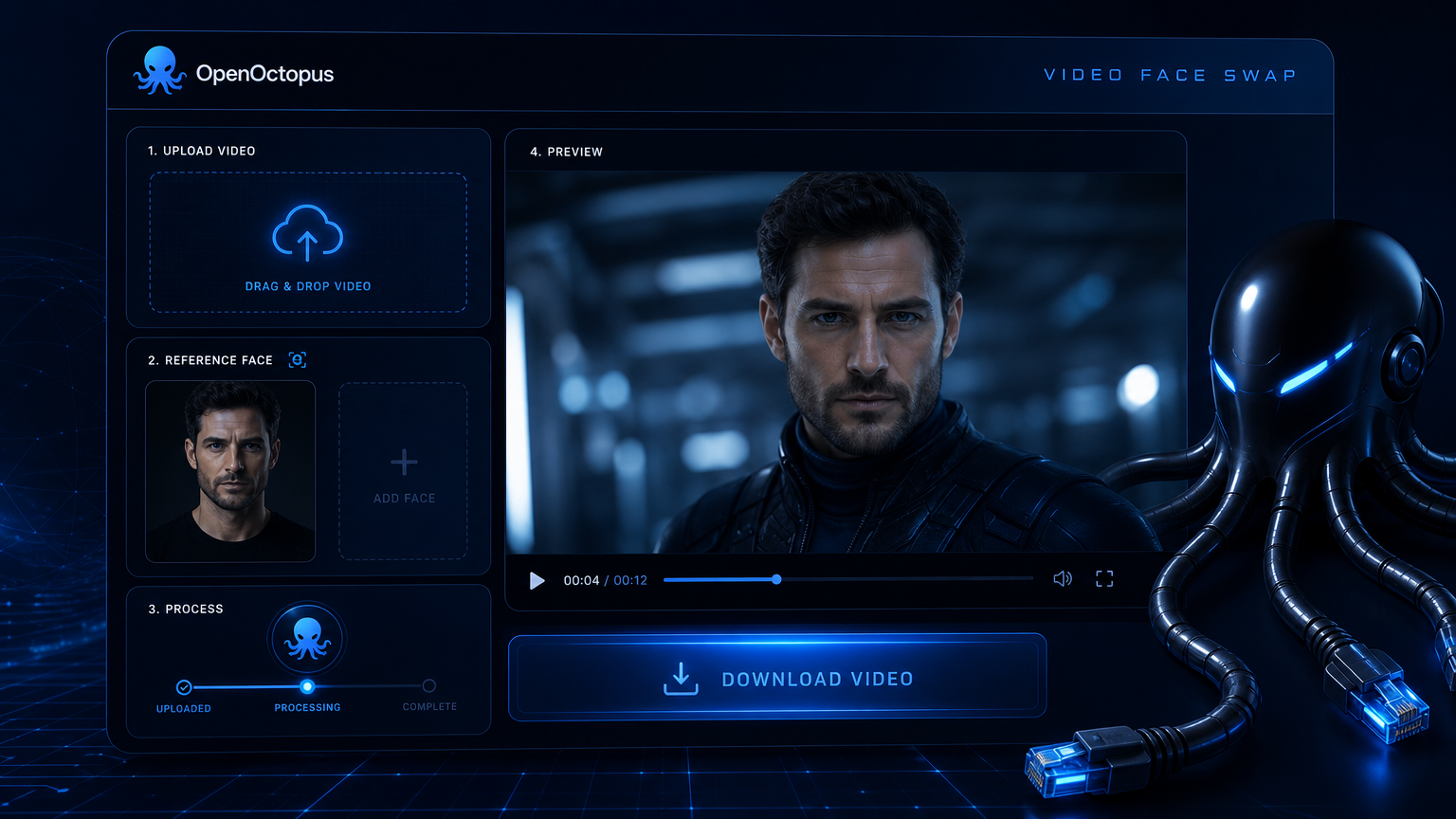
Use this free video face swap playground to upload a clip and a reference face, then see the swapped output in seconds. WaveSpeed Video Face Swap handles face detection, identity preservation, and frame-to-frame tracking, so you can evaluate quality before scaling to production. No local GPU, no code, and no upfront commitment are required. Whether you are building a creator tool, testing marketing personalization, or prototyping a SaaS feature, this is the fastest way to see what an ai video face swap workflow can do for your content.
Start with $1 credit.

Free video face swap at a glance
Why start with a free video face swap playground
A free video face swap playground is the fastest way to validate whether the model fits your use case. You can test lighting, motion, occlusion, and multi-person scenes without writing code or provisioning GPUs. The playground uses the same inference backend as the API, so results translate directly to production. This makes it a useful video face swap online starting point before writing any backend code.
For video face replacement pipelines, starting free reduces the cost of experimentation. You can iterate on input quality, reference photos, and scene composition before automating at scale. Research on face swap video and video face changer systems highlights that temporal consistency and identity preservation remain active challenges, which is why real-world testing matters more than benchmark clips.
How to swap a face in three steps
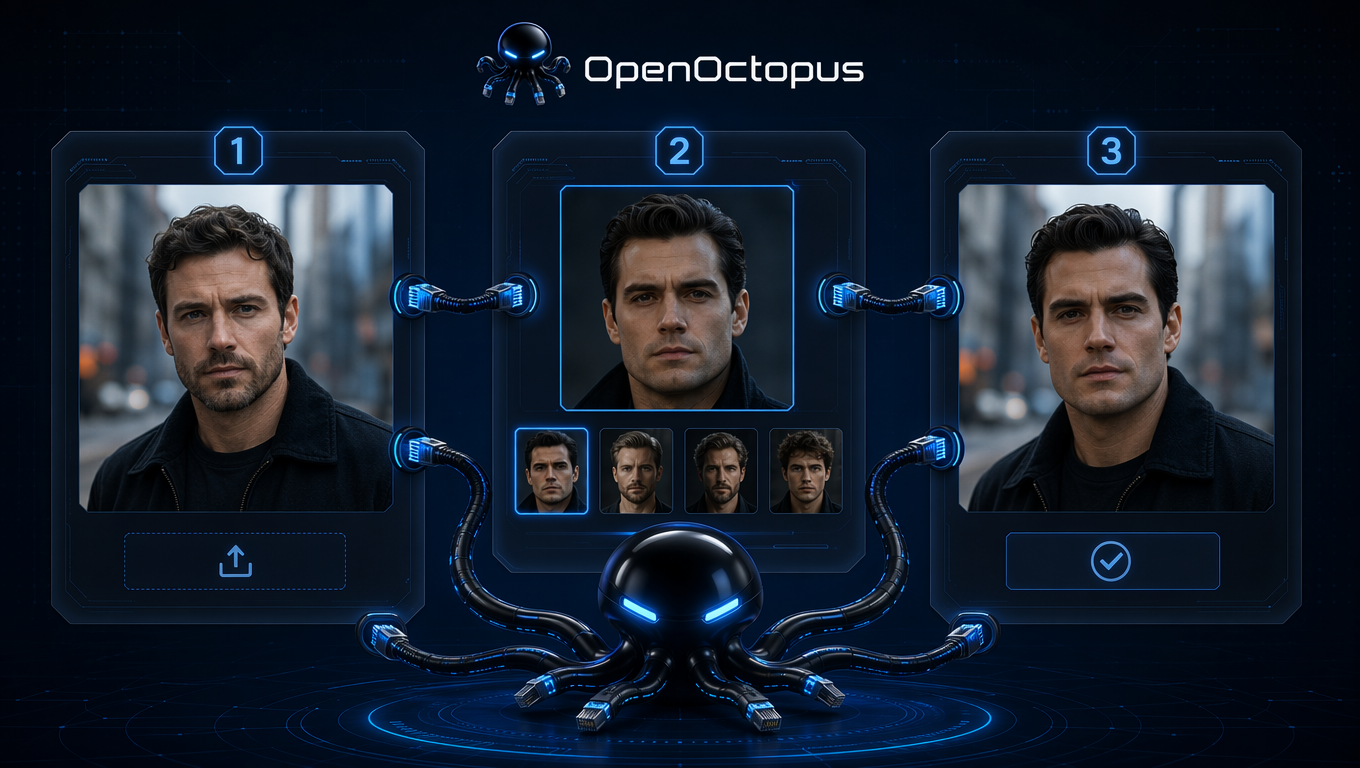
Upload your clip. Use MP4 or MOV up to the model's length limit.
Upload the reference face. A clear, front-facing photo gives the best identity match.
Preview and download. Wait for the async job to complete, then review the output.
This workflow is the same whether you are testing one clip or building a batch pipeline. A free video face swap preview lets you catch motion blur, occlusion, and lighting issues before committing budget. Teams that need an ai video face swap pipeline often use this preview stage to set input quality standards.
New users who register on OpenOctopus receive $1 in experience credit, which covers multiple short previews with no upfront payment. This makes it easy to test faceswap video output, compare reference angles, and confirm the workflow fits your content before adding funds.
What to test first with free video face swap
Single-person short clips
Validate identity match and lighting on simple inputs
Multi-person scenes
Confirm target_index selects the right face
Different lighting conditions
Test flat, mixed, and backlight scenes
Motion and head turns
Find where face tracking starts to drift
Occlusion with props
Check behavior with glasses, hands, and hair
Reference photo angles
Compare front-facing vs profile source photos
Batch workflow prototypes
Reuse successful patterns in the API
Output review criteria
Establish brand and safety gates before publishing
Inputs that produce the best free previews
Reference photo quality matters more than any prompt. Use a front-facing, well-lit face photo with a neutral expression. Source videos with stable cameras, even lighting, and minimal occlusion produce cleaner outputs. Avoid clips with fast motion, heavy shadows, or faces smaller than ten percent of the frame. The best free video face swap results come from controlled inputs, not from fixing bad footage after generation.
Best fit and boundaries
This free video face swap tool is ideal for short-form content, marketing experiments, creator tools, and product prototyping. A free video face swap workflow lets teams validate ideas before committing engineering resources. It is not suitable for legal evidence, news authenticity, identity verification, or medical imaging. Always obtain consent from anyone whose face appears in the output, and review generated videos for brand safety before publishing.
Free Video Face Swap FAQ
Start with free video face swap today
Upload a clip and reference face to see how WaveSpeed Video Face Swap handles your content. When the workflow is ready, connect it to your product through the API.
Start with $1 credit.