
Free AI Picture Editor
Edit, enhance, and transform images with Nano Banana — no signup required
Try a free AI picture editor that turns a text description into a real image edit. Powered by Nano Banana Edit, this browser-based tool reads the subject, scene, and structure of your photo, then generates the change you asked for while preserving what matters. Replace backgrounds, remove objects, adjust lighting, and create campaign-ready visuals without software or signup.
Start with $1 credit.
Free AI Picture Editor snapshot
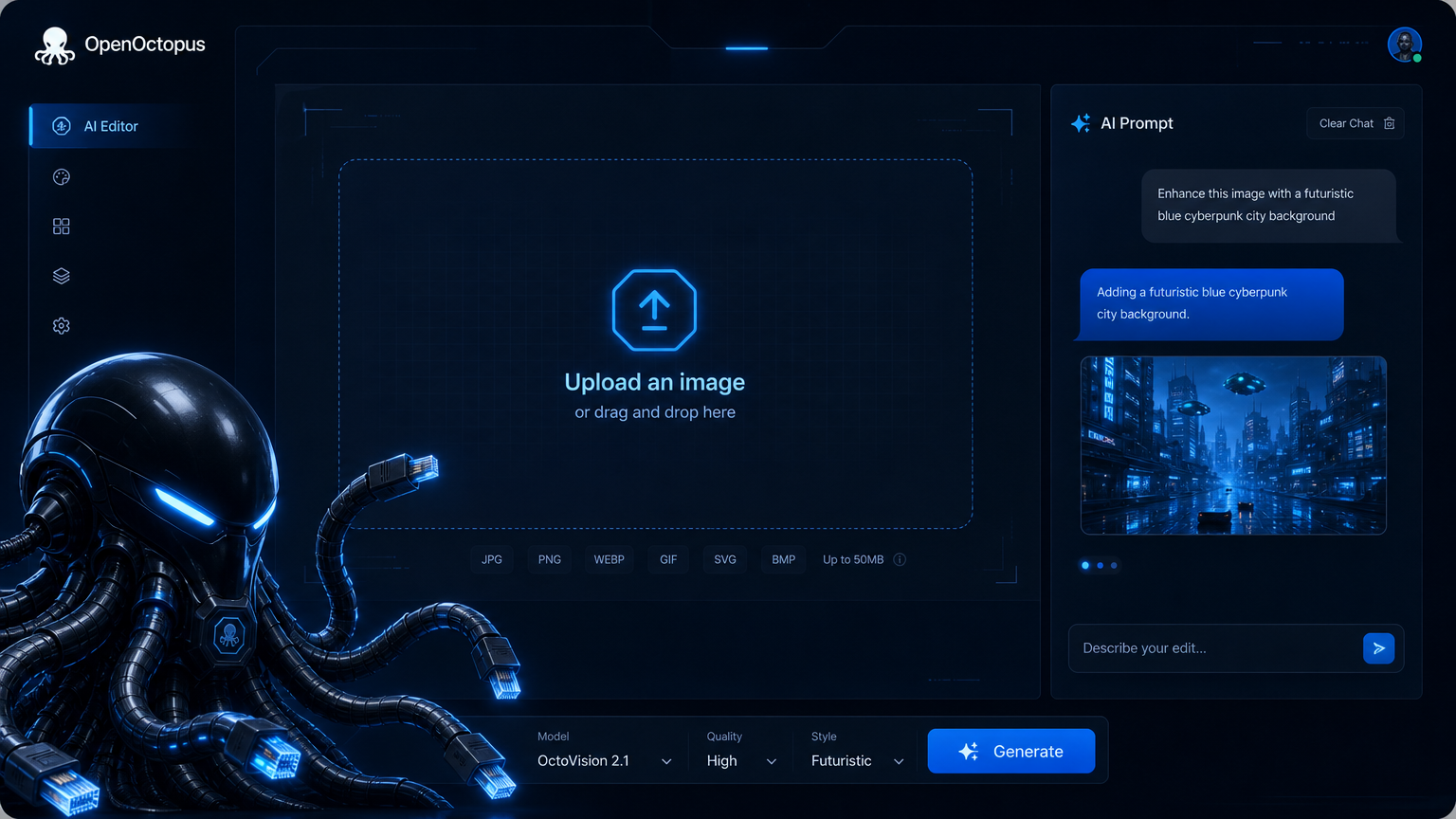
What this free AI picture editor can do
This ai picture editor free layer handles edits that used to need manual masking, layers, or prompt engineering in separate tools. Upload a photo and describe what should change. Nano Banana Edit uses image recognition ai to identify the subject and scene, then generates a new version that keeps structure intact while applying your instruction.
Replace a cluttered background with a branded studio scene, remove reflections or passersby, adjust lighting to match a campaign look, or generate seasonal variants from a single product photo. The model treats each edit as a structured plan rather than a pixel shuffle, which is why an ai picture editor free tier works well for business assets that need consistency. Google's Gemini image editing update explains how compound instructions are processed as structured plans, and Google DeepMind's Gemini image page describes the multimodal transformer architecture behind the understanding-to-generation pipeline that powers any modern ai image analysis tool.
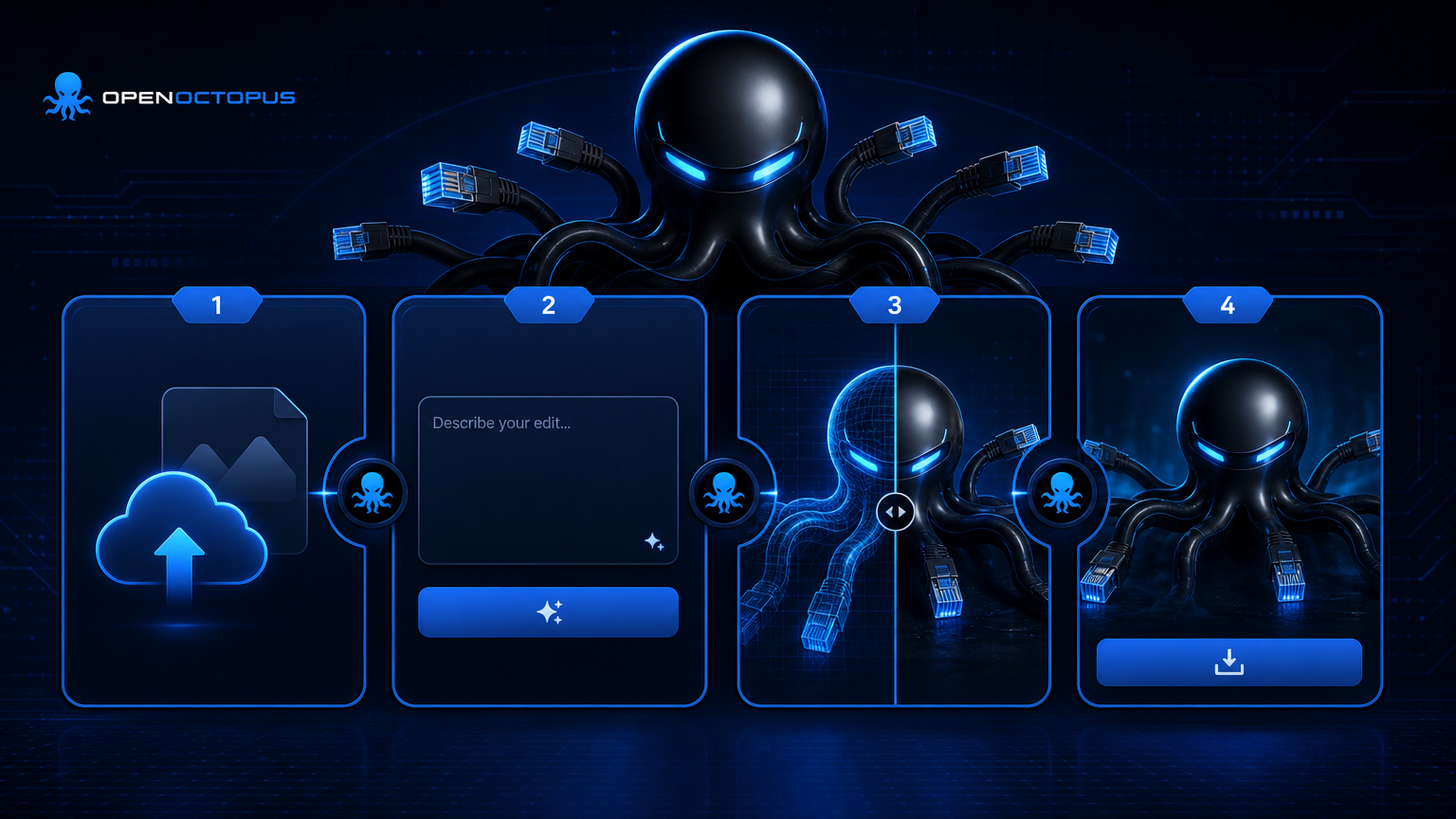
Upload, describe, preview, export
The ai picture editor free workflow is built for quick creative decisions.
Upload. Add a JPG, PNG, or WebP image with the subject you want to preserve.
Describe. Ask for a specific change such as "move the product to a clean white studio" or "remove the background and keep the shadow."
Preview. Check structure, lighting, and consistency before exporting.
Export or automate. Download the final image, or move the prompt pattern to the API for batch production.
What to edit first in this ai picture editor free tool
Background replacement
Move products into branded or seasonal scenes
Object removal
Clean up clutter, reflections, and distractions
Product cleanup
Improve lighting, background, and presentation
Portrait enhancement
Adjust lighting and framing for profile shots
Style conversion
Turn photos into editorial, cinematic, or illustrated looks
Ad creative variants
Generate campaign assets from approved hero images
Catalog standardization
Keep brand consistency across hundreds of SKUs
API handoff
Scale proven edits through automated pipelines
Prompt patterns that work in an ai picture editor free layer
The ai picture editor free experience responds best to instructions that name what changes and what stays the same. Replace vague requests like "make it better" with specific briefs: "keep the stainless steel bottle, replace the background with a walnut table and morning window light." The clearer the subject, context, and intent, the more consistent the output.
Use the playground to test prompts visually. When a pattern is stable, hand it off to the API for batch catalog work. For a deeper breakdown of how Nano Banana processes structured inputs, read the Nano Banana usage workflow guide.
Best fit and boundaries
This ai picture editor free tier works best for business visuals needing structure-aware edits at speed: e-commerce assets, marketing creatives, social content, and brand refreshes. It is less suited for pixel-perfect retouching, medical imaging, precise typography, or free-form artistic exploration. If you are unsure whether Nano Banana is the right name for the model you found, the Banana Nano naming guide clears up the common confusion.
Free AI Picture Editor FAQ
Start editing with Free AI Picture Editor
Open the ai picture editor free playground, upload an image, and describe your first edit. Switch to API access when your workflow needs repeatable production automation.
Start with $1 credit.