
Molmo 2: Understanding the Molmo Vision Model
Explore the Molmo vision model ecosystem with Molmo 2. Learn capabilities, architecture, and use cases. Start exploring now.
 AuthorYueZhu
A practical guide to Molmo and Molmo 2
Molmo is a family of open vision language models from Ai2 designed to understand images, connect visual regions to language, and produce useful text from visual inputs. Molmo 2 extends that idea into a broader vision model ecosystem for single-image, multi-image, video, captioning, and grounding workflows.

What is Molmo?
Core definition
Molmo is a vision language model line built around a simple product idea: visual inputs should become reliable language outputs. Instead of generating images, Molmo reads images and returns captions, answers, object references, or grounded descriptions that downstream software can use.
Open data and reproducibility
The original Molmo work paired open weights with open data through the PixMo data effort, giving researchers and builders more visibility into how the model was trained. The Molmo and PixMo paper framed this as an alternative to closed vision models that publish model access but not the training recipe or data lineage. That matters because molmo is often evaluated by teams that care about reproducibility, not just demo quality.
What Molmo 2 expands
Molmo 2 moves the molmo ecosystem forward by expanding beyond still-image captioning. The Molmo 2 research release describes a model family built for image, multi-image, video, and grounding tasks. In practical terms, molmo is no longer only about answering "what is in this image?" It is increasingly about tracking visual context across frames, pointing to relevant regions, and making visual content usable in software systems.
How Molmo 2 fits into the vision model stack
Common production workflows
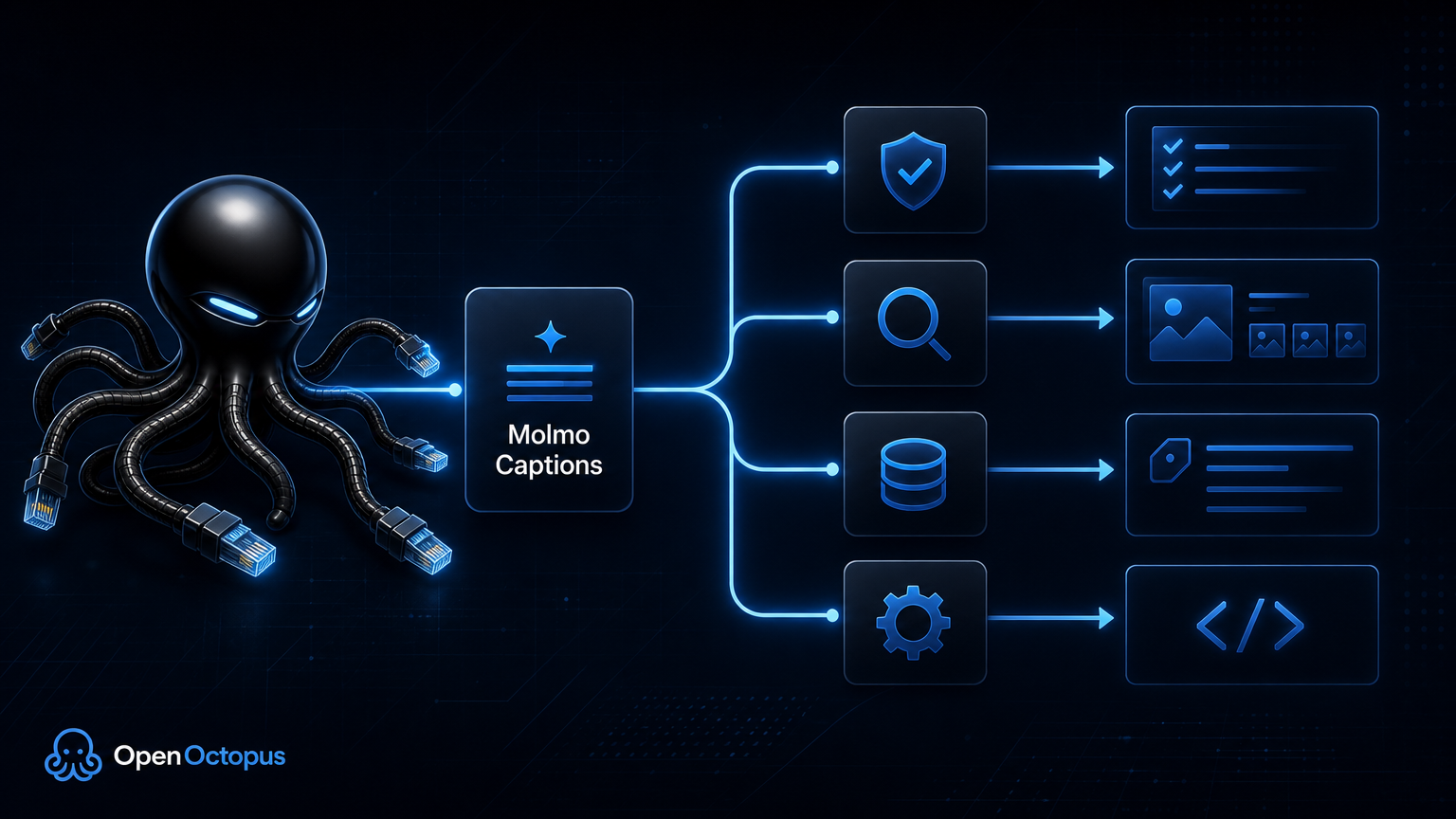
Most production teams use a vision language model in one of three ways: describe an asset, answer a question about an asset, or attach structured metadata to an asset. Molmo fits all three patterns.
| Workflow | What molmo does | Example output |
|---|---|---|
| Image captioning | Converts an image into natural language | "A black backpack on a wooden chair near a window." |
| Visual Q&A | Answers a targeted question about an image | "The warning label is on the lower left panel." |
| Grounding | Connects text to visual regions | "The red cup is the object near the center of the table." |
| Multi-image comparison | Reads several related images together | "The second screenshot shows the completed checkout step." |
| Video understanding | Tracks actions and objects across frames | "The person picks up the box, turns, and places it on the shelf." |
For a deeper performance-oriented evaluation, the Molmo 2 Review covers benchmark context, limitations, and comparisons. This article stays focused on explaining what molmo is and how the molmo vision model ecosystem is organized.

Molmo 2 architecture in plain English
Encoder, alignment, and language output
Molmo 2 follows the standard vision language model pattern: a vision encoder turns pixels into visual tokens, an alignment layer maps those tokens into a language model space, and a language decoder generates text. The important difference is the kind of visual behavior molmo is trained to support.
Grounding and implementation visibility
The Molmo2 technical report on arXiv presents Molmo 2 as an open-weight and open-data VLM family for image, multi-image, video understanding, and grounding. Grounding is the key concept. A normal captioning model might say "there is a dog on the couch." A grounding-aware molmo workflow should help connect "dog" to a visual location, which is important for robotics, UI agents, inspection tools, and image review systems.
The public allenai/molmo2 GitHub repository also makes the positioning clear: Molmo 2 is built for training and using open vision language models, including Molmo2 and MolmoPoint. That gives technical teams a path to inspect implementation details, reproduce parts of the stack, and understand how molmo handles pointing and tracking tasks.
For OpenOctopus users, the most common entry point is simpler: use molmo for image captioning and visual description first, then decide whether the application needs advanced grounding or video understanding later.
What Molmo is good at
Best-fit use cases
Molmo is strongest when the input is visual and the output needs to be text. That sounds broad, but the best use cases are specific.
Alt text and accessibility. Molmo can draft concise image descriptions for web pages, content libraries, and accessibility review queues. The output should still be reviewed before public publishing, but molmo can remove the blank-page problem for teams with thousands of images.
Media search and indexing. A molmo caption turns a visual asset into searchable text. That is useful for digital asset management, internal archives, creative operations, and editorial workflows.
E-commerce metadata. Product images often contain details that are missing from catalog fields. Molmo can generate draft descriptions, visible attributes, and merchandising notes for review.
Screenshot and UI understanding. Molmo can describe interface states, visible controls, and layout relationships. This is useful for QA workflows, documentation, and visual agent research.
Video and multi-frame reasoning. Molmo 2 is especially relevant when images are not isolated. That makes molmo useful for workflows where an action, object, or interface state must be tracked across more than one visual input.
If you want a no-code starting point, the Molmo 2 Image Caption Generator is the fastest way to test how molmo handles your own images before committing to an API workflow.
Where Molmo needs guardrails
Practical limitations
Molmo is useful, but it is not a universal visual intelligence system. Production teams should design around the predictable boundaries of the molmo vision model.
First, molmo is not a replacement for dedicated OCR. It can summarize screenshots and mention visible text, but exact document transcription should use an OCR pipeline. Second, molmo can miss small objects or fine-grained details when the main subject dominates the image. Third, domain-specific images require extra review. Medical scans, industrial defects, scientific plots, and legal documents need specialized validation because a general molmo model may produce plausible but incomplete descriptions.
Fourth, grounding output should be tested against your exact interface. A model that points well on benchmark images may behave differently on mobile screenshots, warehouse camera frames, or tightly cropped product photos. Finally, molmo output should be logged with prompt, image ID, generated text, review status, and downstream usage. That audit trail helps teams compare prompt versions and catch quality regressions.
Molmo versus general-purpose vision models
Molmo is best understood as an open vision model family with a strong focus on transparency, grounding, and visual-to-text workflows. GPT-4o Vision, Gemini, and Claude Vision are broader proprietary systems with strong general reasoning, but less training transparency and less direct control over model artifacts.
| Model path | Best fit | Tradeoff |
|---|---|---|
| Molmo 2 | Open visual understanding, captioning, grounding, research-friendly workflows | Requires validation for exact production behavior |
| GPT-4o Vision | Complex multimodal reasoning and broad assistant tasks | Higher dependency on a closed provider |
| Gemini Vision | Google ecosystem workflows and large-context multimodal tasks | Strong platform tie-in |
| Claude Vision | Document-heavy analysis and careful written reasoning | Less focused on pixel-level grounding |
| Dedicated OCR | Exact text extraction from documents and screenshots | Narrower visual understanding |
This is why molmo often fits image-to-text infrastructure better than broad chat assistant use cases. When your goal is to caption, index, answer visual questions, or enrich assets, molmo can be easier to evaluate than a general assistant model because the output target is concrete.
How to evaluate Molmo for your workflow
Evaluation checklist
Evaluate molmo with your own images, not only public demos. A useful test set should include clear product images, messy real-world photos, screenshots, edge cases, images with small objects, and examples that should be rejected or escalated.
Use this evaluation process:
- Define the output type: alt text, scene description, product metadata, tags, visual answer, or grounded object reference.
- Create 30-100 representative images from your actual workflow.
- Test short and detailed prompts against the same images.
- Score output for factual accuracy, missing details, hallucinated details, tone, length, and downstream usefulness.
- Decide which outputs can be automated and which require human review.
- Move stable prompt patterns into an API workflow only after review quality is predictable.
When the workflow needs repeatable captioning inside a CMS, catalog, asset pipeline, or search index, the Molmo API guide explains the implementation path from playground testing to API integration.
Final thoughts
Molmo is important because it makes open vision language modeling more practical. Molmo 2 adds a stronger foundation for multi-image, video, and grounding workflows while keeping the molmo ecosystem oriented around open weights, open data, and reproducible research.
For builders, the practical question is not whether molmo can replace every proprietary vision model. It cannot. The better question is whether molmo can turn your visual assets into reliable text at the right cost, latency, and transparency level. For captioning, metadata, accessibility, visual search, and image-to-text automation, Molmo 2 is worth testing.
Start with a small image set and compare molmo output against your acceptance criteria. To test the workflow hands-on, use the Molmo 2 playground. When the output pattern is stable, move it into production through the Molmo API.