
Image to Caption with Molmo 2 Vision AI
Convert uploaded images into useful captions
Turn any clear image into a caption with Molmo 2 vision AI. Upload a product photo, screenshot, editorial image, or visual asset, then generate a description that captures the visible subject, setting, objects, and context in plain language. This page is built for fast online testing before you move reliable prompts into a repeatable API workflow.
Start with $1 credit.
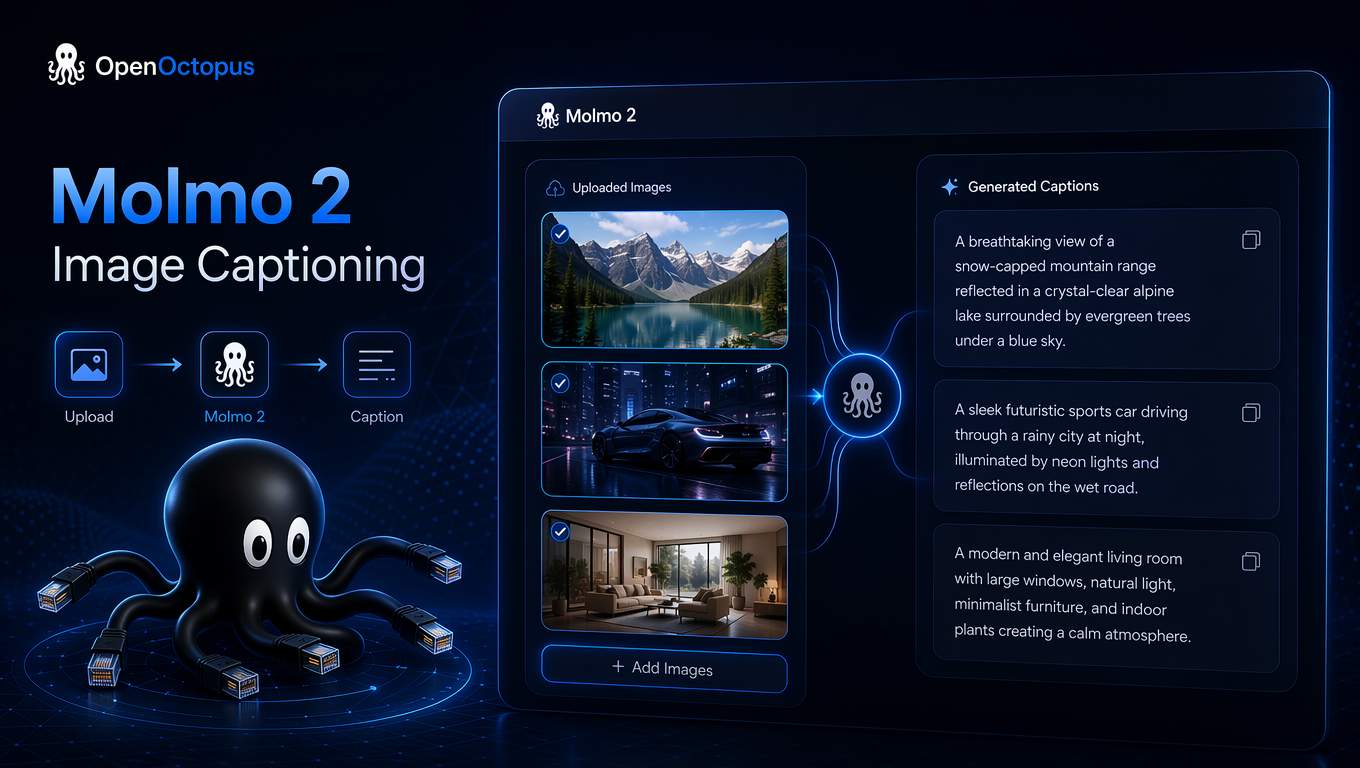
Image to caption at a glance
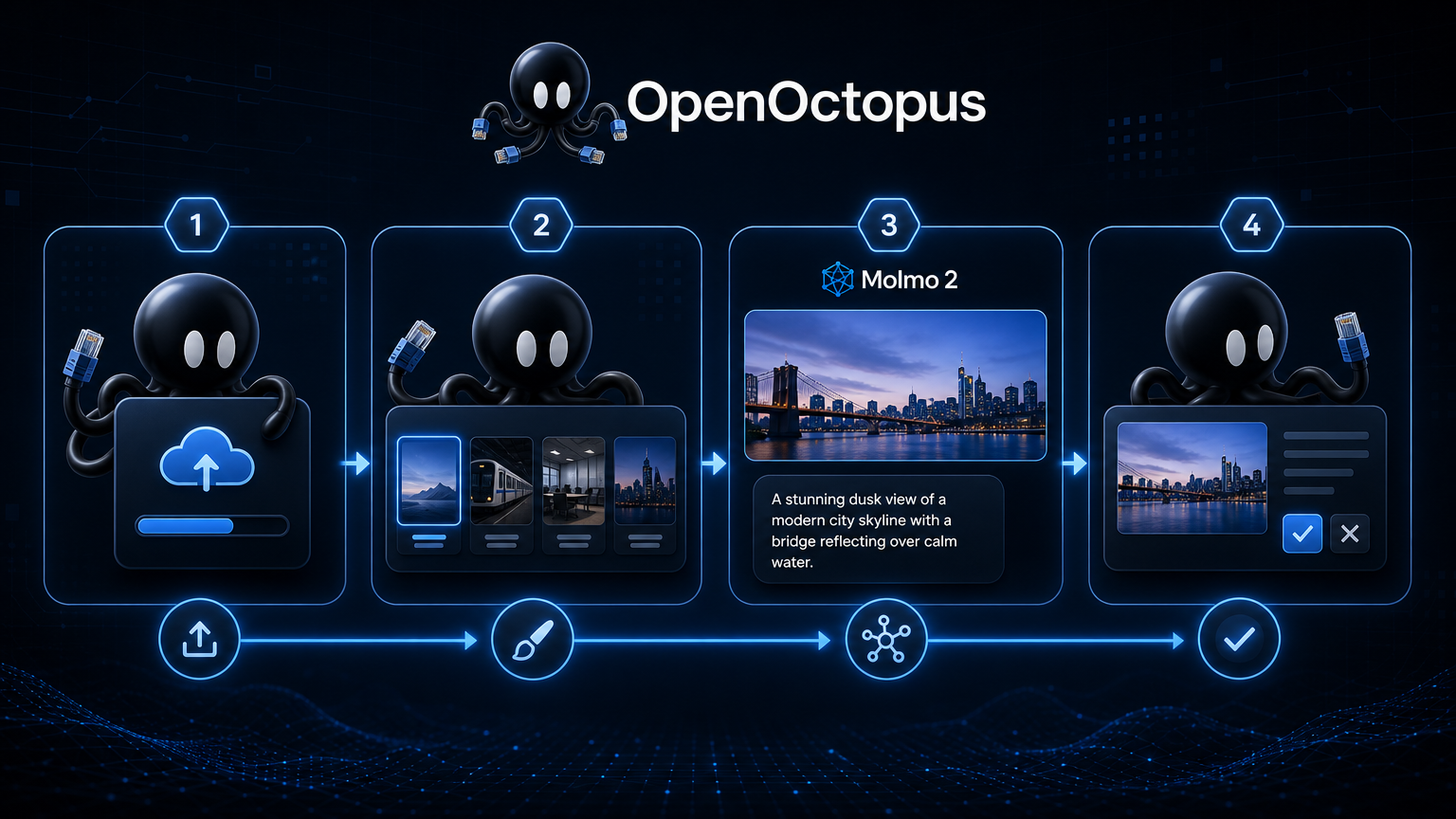
Upload an image and choose the caption style
The fastest captioning workflow starts with one representative image. Upload a JPG, PNG, or WebP file, ask for a short alt text caption, a detailed scene description, or a metadata-style summary, then review whether Molmo 2 captures the visible details that matter.
For accessibility use cases, keep captions concise and purpose-driven. The W3C image alt decision tree is useful context for deciding when an image needs descriptive text, decorative treatment, or a more specific explanation. For model behavior and broader capability context, compare this page with the Molmo 2 Review.
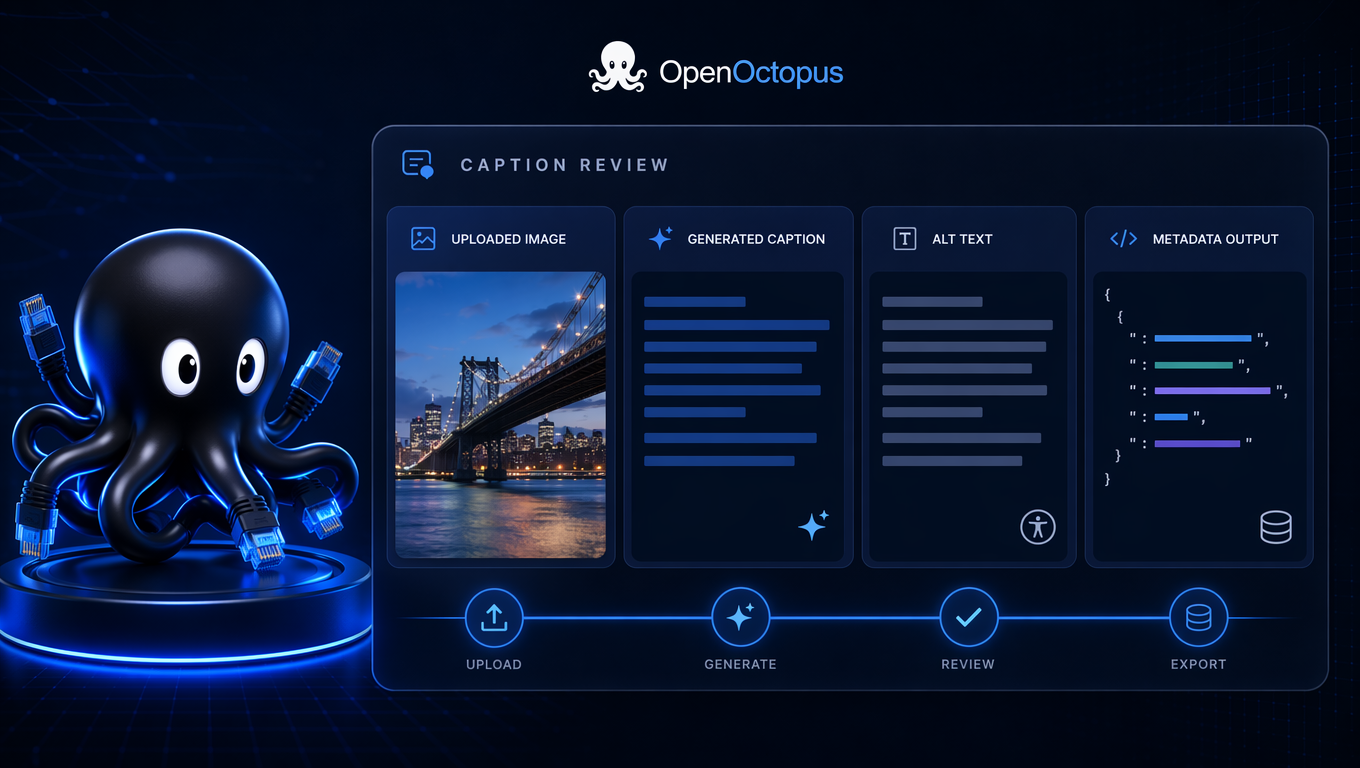
Review the caption before you publish
Generated caption output should be checked against the image, not accepted blindly. Confirm that the caption names the right subject, avoids invented details, keeps brand language consistent, and does not over-describe decorative imagery.
For production teams, the right path is simple: test caption examples in the playground, save the prompt pattern that works, then use the Molmo API when captions need to run inside a CMS, product catalog, search index, or media pipeline. The Molmo 2 technical report on arXiv provides useful background on the model family for teams evaluating vision-language workflows.
What to create with image captioning
Alt text
Draft short captions for accessibility workflows
Product copy
Turn catalog images into visible-detail descriptions
Media tags
Add searchable captions to image libraries
Screenshot summaries
Describe interface states for documentation
Dataset labels
Generate first-pass captions for review
Visual search text
Convert images into searchable language
Editorial metadata
Summarize images for CMS and publishing teams
API workflows
Automate repeat captioning jobs after testing
Built for fast image caption testing
This Tool LP is focused on immediate image caption conversion. Use the playground when you need to test whether Molmo 2 describes your image set clearly enough for publishing, indexing, or downstream review. Use short prompts for alt text, richer prompts for scene summaries, and structured prompts when captions must fit a catalog or dataset format.
Keep sensitive, regulated, or public-facing captions in a review queue. Molmo 2 can accelerate image captioning, but human review is still important when an inaccurate caption could affect accessibility, compliance, product trust, or user safety.
When to switch from tool to API
Stay in the online tool when you are testing caption quality, comparing output styles, or captioning a small number of images. Switch to API access when the same conversion needs to run repeatedly inside your application.
Good API candidates include e-commerce catalogs, digital asset management, visual search, accessibility tooling, CMS uploads, and multimodal RAG pipelines. Start with a small batch, score caption accuracy, then scale only the prompt patterns that perform well.
Image to caption FAQ
Convert image to caption online
Upload an image, generate a caption, and move your best captioning workflow into API automation when you are ready.
Start with $1 credit.