
Google Imagen 4 API
Add High-Quality Image Generation to Your Product
Connect Google Imagen 4 through OpenOctopus when your application needs reliable text-to-image generation. Use it for campaign builders, content platforms, product imagery, creative tools, editorial workflows, and internal design automation.
Start with $1 credit.
Google Imagen 4 API at a glance
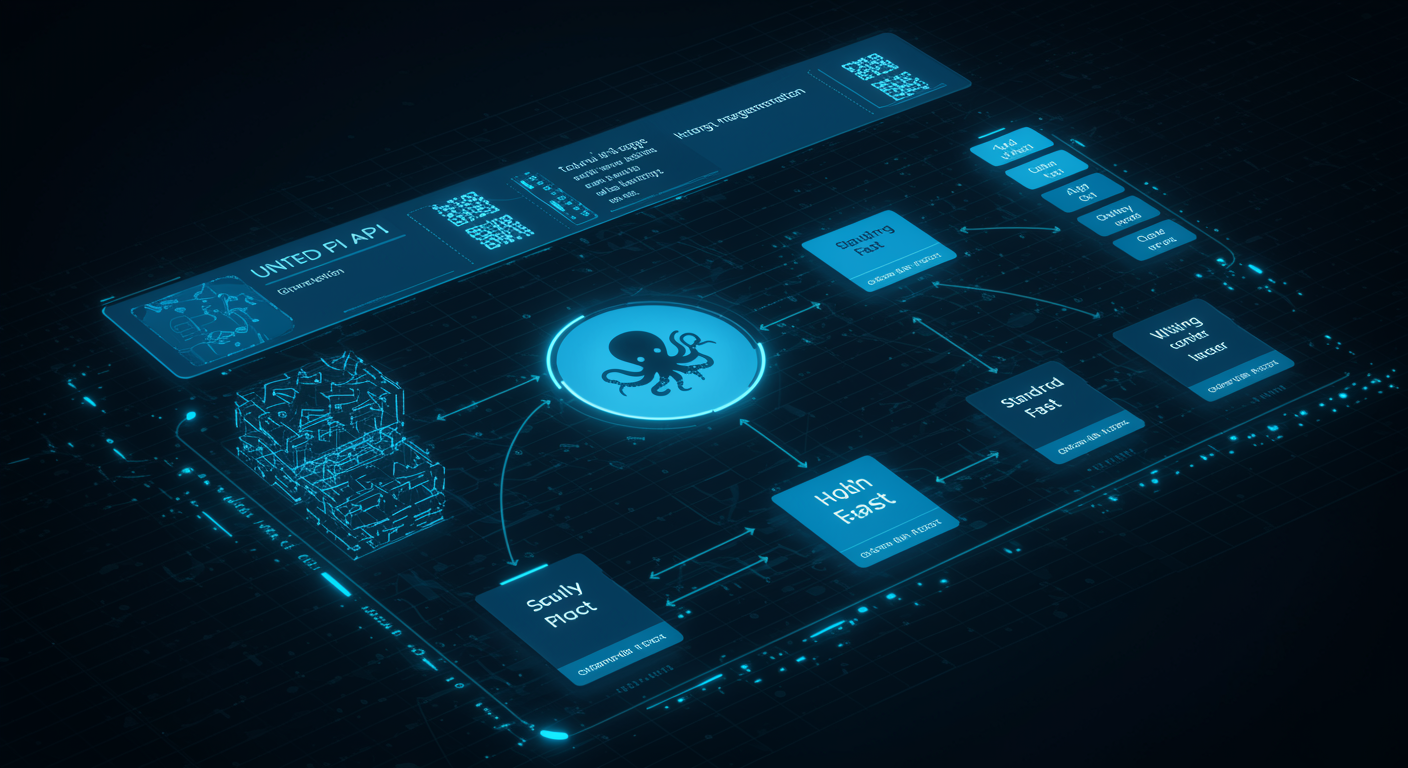
Start with the API endpoint
Use the API when text-to-image generation needs to happen inside your application rather than a manual browser session. Submit a prompt, set output parameters, receive generated images, and store the result with your user, campaign, product, or content record.
This is a practical fit for marketing tools, social content platforms, e-commerce systems, creative apps, CMS image workflows, and agent pipelines that need reliable visual output.

Prompt, configure, generate, store
Keep the integration path direct and observable.
Prepare prompt. Define subject, style, lighting, composition, format, and any business-specific guardrails.
Set parameters. Choose aspect ratio, candidate count, and variant behavior based on the use case.
Generate output. Call the API and return generated images to your application workflow.
Store and review. Save prompt, output URL, metadata, review state, and usage data for each asset.
Production workflows to build
Campaign builders
Generate ad concepts, launch visuals, and landing page assets
Content platforms
Create headers, thumbnails, illustrations, and editorial images
Product imagery
Generate lifestyle-style visual concepts for catalog workflows
Creative apps
Add prompt-based image generation to user-facing tools
Variant routing
Send drafts to faster modes and premium assets to higher-quality modes
Batch generation
Process prompt templates with logging, retry handling, and cost controls
Text-aware visuals
Test signage, labels, and headlines with review before release
Review queues
Escalate brand, legal, generated text, and sensitive outputs
Integration path for product teams
Start by testing representative prompts in the playground. Once the image style, output format, and review requirements are clear, connect the API and track prompt text, parameters, generated asset URL, review state, usage target, and cost data for every request.
For deeper quality, variant, cost, and limitation analysis, use the Imagen 4 Review. This API page stays focused on implementation entry points and production routing.
Trust and source note
Google Blog includes Google's Imagen 4 developer release note, while Google DeepMind provides Imagen model-family context. Treat these as source context and validate outputs against your own prompts.
Frequently asked questions about Google Imagen 4 API
Build with Google Imagen 4 API
Use API access for repeatable text-to-image generation, and keep the playground available for prompt testing, approval checks, and visual debugging.
Start with $1 credit.