
Imagen 3 AI Photo Editing Online
Recreate photo-style visuals from text prompts
Imagen AI photo editing helps you describe the photo you want and generate a fresh, polished visual in the browser. Use it for product scenes, background changes, lighting directions, social graphics, and campaign concepts when you need a new image faster than a manual edit.
Start with $1 credit.
Imagen AI photo editing snapshot
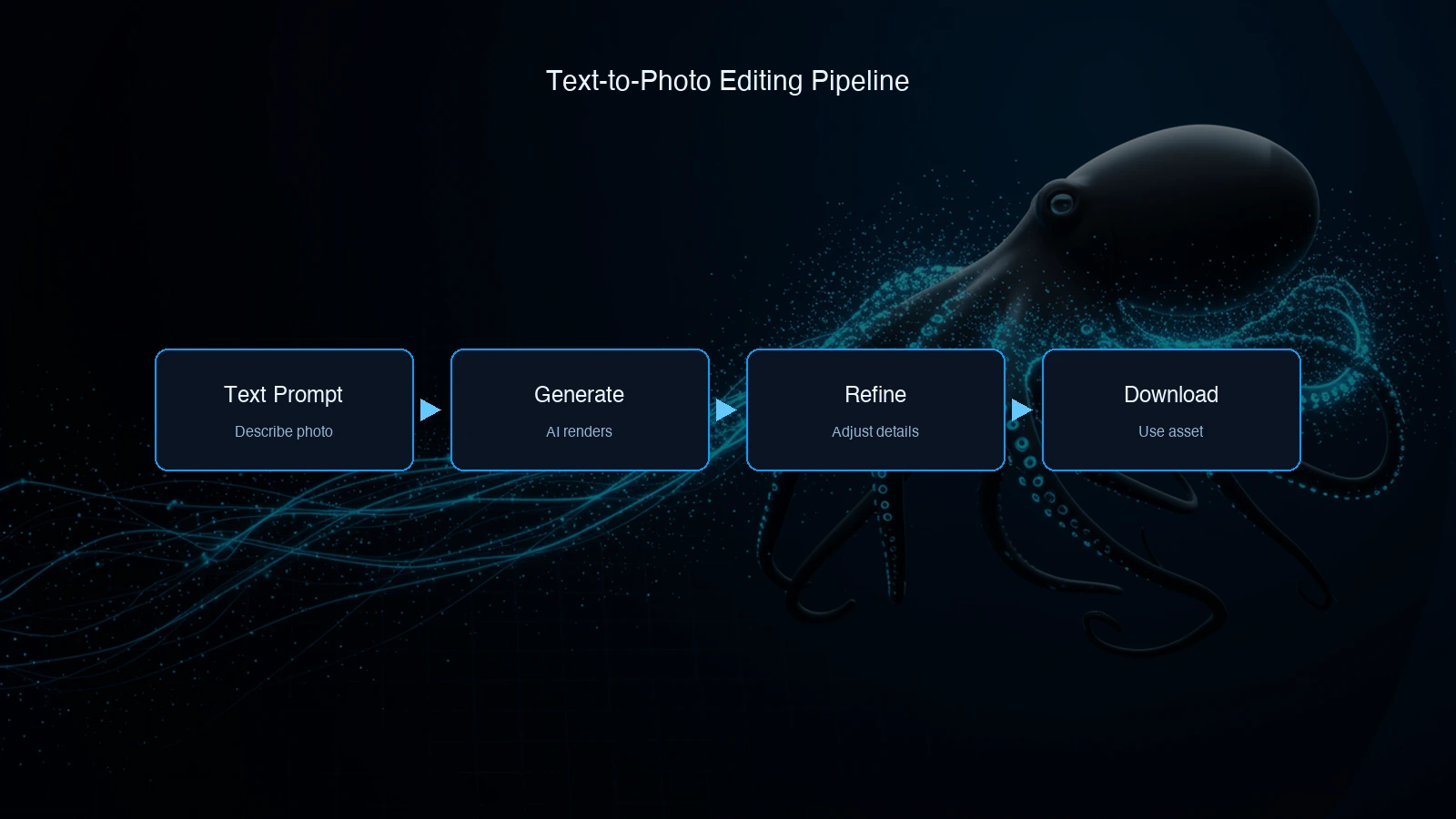
Use prompts instead of layers and masks
Imagen AI photo editing is useful when the practical goal is a better final visual, not a literal edit to the original pixels. Instead of masking a background, cloning an object, or relighting a scene by hand, write the desired result as a prompt and generate a new image that matches the brief.
Google DeepMind describes Imagen around high-quality image generation and prompt understanding. For better prompt structures, use the Imagen3 Prompt Guide; this Imagen AI photo editing page stays focused on the online workflow.
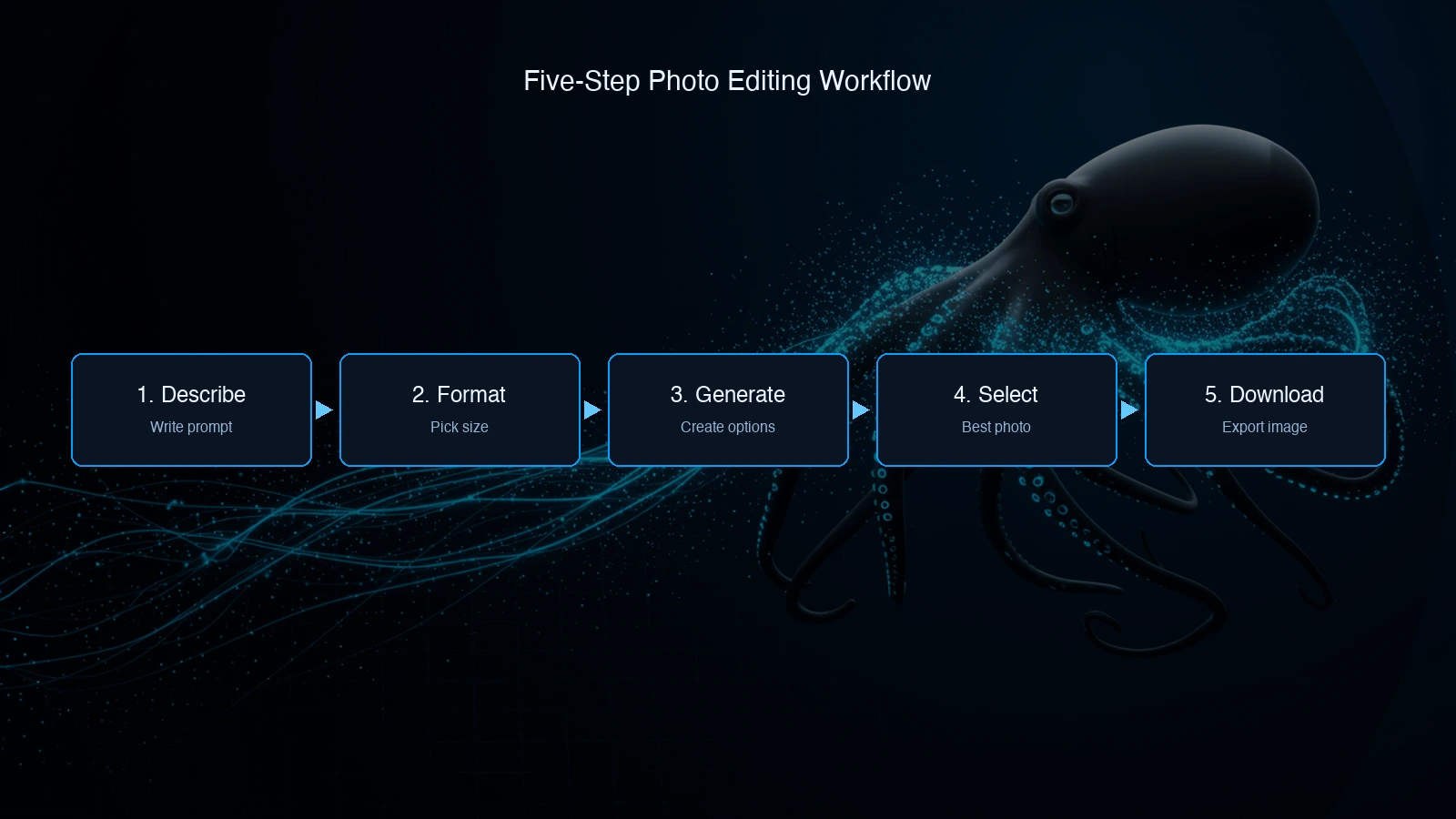
Create replacement visuals in minutes
Start with the outcome you need: a cleaner product shot, a warmer lifestyle scene, a new background, or a platform-ready crop. Then describe the full visual instead of asking Imagen 3 to modify a source image.
For example, a strong Imagen AI photo editing prompt might specify "ceramic skincare bottle on a marble counter, soft morning light, clean beauty editorial style, 1:1 format." Generate candidates, choose the closest result, and adjust the prompt until the image is ready for review.
What Imagen AI photo editing is best for
Background changes
Generate the subject in a new scene or environment
Lighting changes
Move a visual toward studio, golden-hour, or moody lighting
Product scenes
Create clean product-style images without a physical shoot
Social crops
Generate square, portrait, landscape, and wide campaign visuals
Style direction
Explore editorial, cinematic, minimalist, or lifestyle looks
Clean replacements
Recreate a scene without unwanted clutter or objects
Campaign concepts
Test several visual routes before final production
API handoff
Reuse winning prompts for repeatable generation workflows
When this workflow fits
Use Imagen AI photo editing when "edit" means creating a better replacement visual from a clear text brief. It fits product mockups, social images, blog headers, ad concepts, presentation visuals, and early campaign directions.
Use a dedicated image editing model instead when you must preserve a real person's identity, modify an uploaded file, perform inpainting, remove a specific object from a source photo, or keep exact brand packaging details. That boundary keeps expectations accurate and protects production quality.
Trust and source note
Google DeepMind describes the Imagen model family and its focus on high-quality image generation. Google Developers Blog documents Imagen 3 access through the Gemini API. Use those sources for model context, then judge Imagen AI photo editing against your own brand and review standards.
Imagen AI photo editing FAQ
Start Imagen AI photo editing online
Open the playground, describe the replacement visual you need, and generate photo-style options for content, campaigns, product scenes, and social formats.
Start with $1 credit.