Imagen 3 AI

Generate Stunning Images Online from Simple Text Descriptions

Turning a sentence into a visually striking image used to require years of design training and expensive software. Today, imagen 3 ai removes every barrier between your ideas and professional visuals. Built by Google DeepMind and accessible through a clean browser interface, this text-to-image system lets anyone create high-quality artwork, product mockups, social media graphics, and conceptual illustrations by simply typing what they want to see.

Sleek black octopus with glowing blue cable-tentacles routing creative prompts into high-fidelity generated images through futuristic OpenOctopus interface, clean tech aesthetic

Imagen 3 AI at a glance

Google DeepMind architecture
Diffusion-based text-to-image with advanced prompt parsing
Multiple aspect ratios
1:1, 3:4, 4:3, 9:16, and 16:9 native output
1K / 2K resolution
Crisp details for web, social, and moderate print use
~$0.03 per image
Competitive pricing through Gemini API at standard resolution
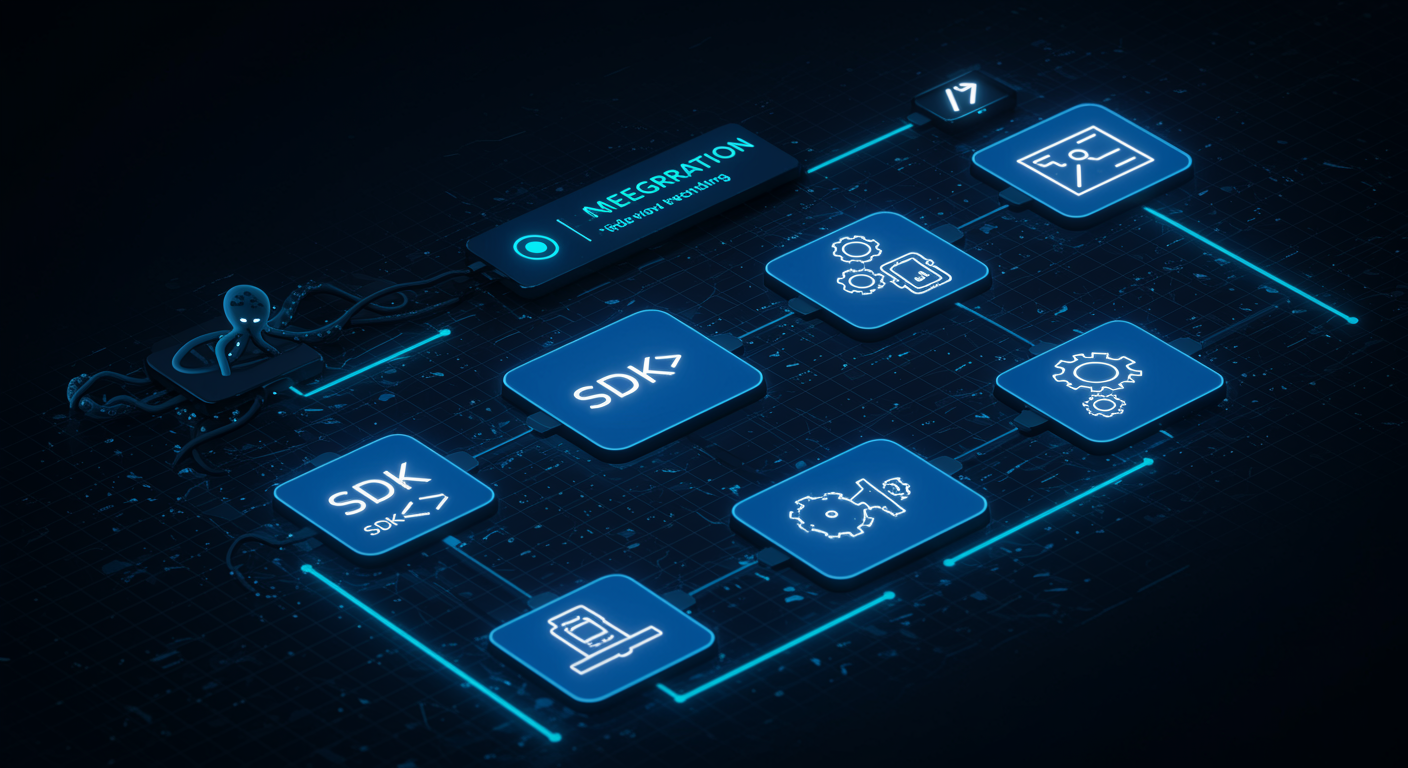
Clean blue creative workflow diagram showing text prompts transforming into diverse visual outputs, octopus routing nodes distributing generation tasks, futuristic SaaS aesthetic

Why imagen 3 ai changes how creators produce visual content

Traditional visual creation workflows suffer from three chronic problems: cost, speed, and creative iteration. Hiring photographers, licensing stock imagery, or learning advanced design software creates friction that slows projects and inflates budgets. Stock photo libraries rarely contain exactly the image you imagine. Custom photoshoots require scheduling, location scouting, and post-production time that most small teams cannot afford.

Imagen 3 ai solves these problems by shifting creation from capture to generation. Instead of searching for the right image, you describe it. The underlying google image generation model translates your words into pixels through a diffusion process optimized for natural language understanding. As Google DeepMind - Imagen 3 explains, the architecture specifically targets prompt adherence and fine detail rendering — capabilities that determine whether generated images look generic or genuinely useful.

The practical impact spans nearly every creative role. Marketers generate campaign visuals in multiple aspect ratios without resizing or cropping. E-commerce sellers create lifestyle product shots on demand. Bloggers produce custom header images that match their editorial tone. Educators illustrate complex concepts with visuals tailored to their lesson plans. Imagen 3 ai handles each scenario through the same simple interface: type, generate, download.

For developers who want to integrate this capability into applications, our Imagen 3 API: Fast Google Image Generation API guide covers authentication, parameter configuration, and production scaling patterns.

Structured blue five-step generation workflow showing prompt input, parameter selection, and image download, octopus connector nodes between stages, clean tech aesthetic

How to generate images with imagen 3 ai in five steps

Creating your first image takes less than a minute. The imagen 3 ai interface is built for immediate use without tutorials or onboarding videos.

Step 1: Open the playground. Navigate to the online generator in your browser. The interface loads instantly on desktop and mobile devices. No software installation or plugin downloads required.

Step 2: Craft your prompt. Describe the image you want in specific detail. Include the subject, environment, lighting, mood, and style. For example: "a modern coffee shop interior with exposed brick walls, warm pendant lighting, a laptop on a marble counter, cozy atmosphere, editorial photography style." Imagen 3 ai interprets descriptive language with high fidelity, so detailed prompts produce noticeably better results than vague ones.

Step 3: Select output parameters. Choose your aspect ratio based on where the image will appear: 1:1 for Instagram posts, 9:16 for stories, 16:9 for blog headers, 4:3 for presentations. Pick 1K resolution for web use or 2K when you need extra detail for larger displays.

Step 4: Generate and review. Submit your prompt. The model typically returns results within 5–15 seconds. Generate up to four candidate images per request to explore variations. Each candidate shows a different interpretation of your prompt, accelerating creative exploration.

Step 5: Download and use. Select your favorite candidate and download it in your preferred format. The generated image is ready for immediate use in social posts, websites, presentations, or marketing materials.

For a deeper analysis of generation quality and limitations, read our Imagen 3 Review: Pricing, Quality & Limitations.

What imagen 3 ai can create for you

1

Photorealistic product shots

Generate clean product photography with controlled lighting and backgrounds

2

Social media graphics

Create platform-optimized visuals in any aspect ratio

3

Concept art and illustration

Render imaginative scenes from detailed descriptions

4

Lifestyle and brand imagery

Produce campaign-ready visuals without photoshoots

5

Portrait and character visuals

Generate professional headshots and character concepts

6

Architectural and interior scenes

Visualize spaces, buildings, and room designs

7

Nature and landscape images

Create scenic photography for editorial and decorative use

8

Abstract and textured backgrounds

Design unique patterns and atmospheric backdrops

Real-world use cases for imagen 3 ai online generation

The versatility of imagen 3 ai becomes clear when examining how different professionals apply it. Specific prompts yield specific results. Here is a practical breakdown of common scenarios and the prompt patterns that work best.

Use CaseExample PromptRecommended Aspect Ratio
E-commerce product photos"Minimalist white sneakers on concrete surface, soft studio lighting, clean product photography"1:1
Instagram stories"Tropical smoothie bowl with fresh fruit, overhead shot, bright natural light, food photography"9:16
Blog header images"Futuristic data center corridor with blue neon lights, cinematic wide angle, tech editorial"16:9
Presentation slides"Team collaboration illustration, flat design, pastel colors, professional and friendly"16:9
Website hero banners"Serene mountain lake at sunrise, reflection on water, panoramic landscape photography"16:9
Podcast cover art"Retro microphone on velvet background, warm amber lighting, vintage aesthetic"1:1

One pattern emerges consistently: imagen 3 ai performs best when prompts are specific and structured. Generic requests like "a nice picture" produce mediocre results, while detailed descriptions specifying subject, environment, lighting, and style deliver commercial-quality outputs.

According to ZDNET - Google says its Imagen 3 AI image generator beats DALL-E 3, independent testing shows Imagen 3 competing strongly against OpenAI's rival model in prompt adherence and photorealistic quality. While no single model dominates every category, imagen 3 ai consistently delivers reliable results for standard descriptive prompts.

Clean blue use case grid showing diverse image generation scenarios with octopus routing nodes, data-driven aesthetic

Clean blue competitive comparison matrix showing image generation tools across quality, speed, and accessibility dimensions, octopus brand visual elements, data-driven aesthetic

Imagen 3 AI vs competing image generation tools

Understanding where imagen 3 ai positions against alternatives helps you choose the right tool for your creative workflow.

Imagen 3 AI vs Imagen 4. Google's newer Imagen 4 delivers superior image quality, better text rendering, and expanded creative control. However, imagen 3 ai maintains advantages in broader platform availability, established integration patterns, and stable API behavior. For standard generation tasks where absolute cutting-edge quality is not required, imagen 3 ai remains a practical and cost-effective choice.

Imagen 3 AI vs Nano Banana 2. Nano Banana 2 offers dramatically faster generation and conversational editing capabilities that imagen 3 ai lacks. For workflows requiring iterative refinement, background modification, or multi-turn changes, Nano Banana 2 is the stronger option. However, imagen 3 ai often produces higher initial quality for complex compositions where the first generation must be production-ready.

Imagen 3 AI vs Midjourney. Midjourney dominates artistic quality and aesthetic interpretation, particularly for fantasy, illustration, and fine art concepts. Imagen 3 ai counters with more consistent photorealism, stronger prompt adherence for straightforward descriptive requests, and clearer commercial licensing terms. The choice depends on whether your priority is artistic expression or predictable commercial output.

Imagen 3 AI vs Ideogram and Recraft. These specialized tools excel at text rendering and vector-style outputs respectively. Imagen 3 ai offers broader general-purpose generation with the reliability of Google's infrastructure, making it preferable for teams that need diverse visual types from a single platform.

For teams evaluating text-to-image models programmatically, our Imagen 3 API guide provides integration patterns and performance benchmarks.

Pricing and cost when using imagen 3 ai online

Transparent pricing enables sustainable creative workflows. According to Google Developers Blog - Imagen 3 arrives in the Gemini API, imagen 3 ai through the Gemini API is priced at approximately $0.03 per generated image at standard 1K resolution. This positions it competitively against comparable text-to-image services.

Cost ComponentEstimated RatePractical Impact
1K resolution generation~$0.03 / imageStandard social media and web assets
2K resolution generation~$0.06 / imageMarketing materials and presentations
Multi-candidate generationPer-image billingEach candidate counts as separate output
Batch explorationCumulative costTotal equals candidate count × per-image rate

At roughly three cents per image, imagen 3 ai pricing undercuts traditional stock photography subscriptions where individual high-resolution images often cost $10–50 each. A marketing campaign requiring fifty custom visuals costs approximately $1.50 through imagen 3 ai compared to hundreds of dollars in stock licensing fees.

According to DeepLearning.AI - Google's Imagen 3 Outperforms Rivals in Text-to-Image Benchmarks, third-party evaluations confirm strong price-to-performance ratios for standard generation tasks. However, costs accumulate at scale. Teams generating thousands of images monthly should implement usage tracking, caching strategies, and prompt templates that maximize first-pass success rates.

What to expect and what to avoid with imagen 3 ai

No image generation tool is perfect, and imagen 3 ai has specific limitations that affect how you should use it. Understanding these boundaries prevents frustration and helps you design realistic creative workflows.

Not Google's latest image model. Imagen 4 has superseded imagen 3 ai in raw quality and text rendering. Teams requiring cutting-edge generation should evaluate whether the newer model better serves their needs.

Limited image editing capabilities. Unlike conversational editing tools, imagen 3 ai does not support multi-round refinement, inpainting, or region-specific modification. It is a single-turn generation tool. Each change requires a completely new prompt and generation cycle.

Complex text rendering. While improved over previous iterations, generated text within images still produces spelling errors and character inconsistencies. Any workflow requiring readable text overlays should plan for manual correction or external text composition tools.

Safety filtering false positives. The built-in content moderation occasionally blocks benign requests containing ambiguous terminology. If your prompt is rejected, try rephrasing with more specific language.

Prompt sensitivity. Output quality depends heavily on prompt clarity. Vague descriptions produce inconsistent results. Invest time in writing detailed, structured prompts for your primary use cases.

Copyright and brand compliance. Generated images may incorporate visual elements similar to copyrighted material. Commercial deployments should include human review for brand safety and intellectual property clearance.

For a comprehensive technical analysis of these limitations, see our Imagen 3 Review: Pricing, Quality & Limitations.

Frequently asked questions about imagen 3 ai

Imagen 3 ai is Google's high-fidelity text-to-image generation tool that converts detailed text descriptions into high-quality images. It is accessible online through browser-based interfaces and API endpoints.

Start creating with imagen 3 ai today

Whether you need a single blog header or a full campaign's worth of custom imagery, imagen 3 ai delivers the quality and speed modern creative workflows demand. No installation. No steep learning curve. Just describe what you want and watch it appear.