
AIFaceSwap API
Add Face Swap Pro to your app
Use the AIFaceSwap API when your product needs high-quality face swap output, developer-friendly routing, and a clear path from playground validation to production integration.
Start with $1 credit.
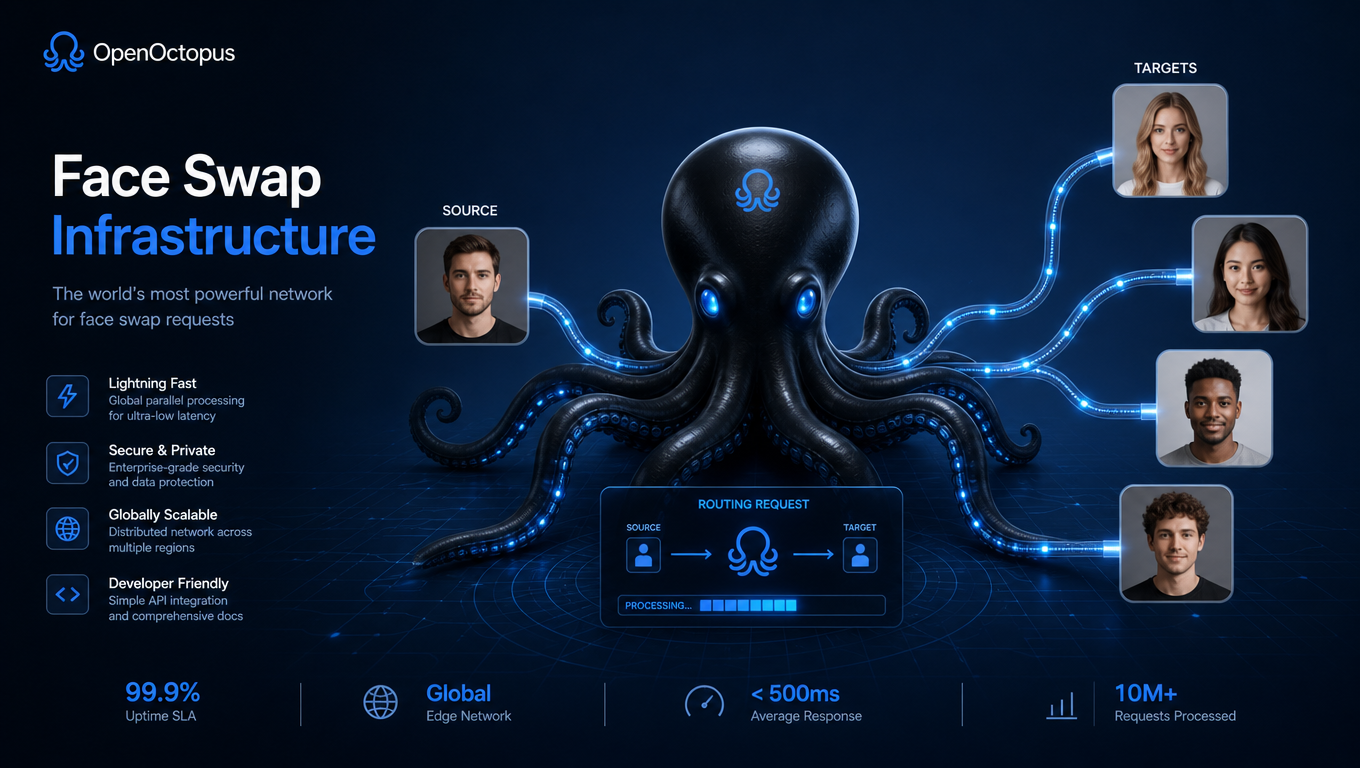
AIFaceSwap API snapshot

Quality controls for face swap products
AIFaceSwap API workflows should be designed around input quality and review. Clear source portraits, visible target faces, compatible lighting, and rights-approved images produce better results than low-resolution or heavily occluded inputs.
WaveSpeed documents Image Face Swap Pro as the provider model behind higher-quality portrait transfer, and its API documentation explains the request pattern. For deeper quality and pricing analysis, use the Face Swap Pro Review.

Submit images, track jobs, review output
Keep the AIFaceSwap API flow observable from the first request.
Authenticate. Use an OpenOctopus API key and route requests through the model action page.
Submit. Send source and target image references with any output settings your app supports.
Track. Store job ID, status, latency, request owner, and retry history.
Review. Approve generated output for likeness rights, safety, and visual quality before publishing.
AIFaceSwap API capabilities
Face Swap Pro routing
Use a managed model page instead of self-hosted inference
Source-target workflow
Submit reference identity and target photo context
Image validation
Check resolution, face visibility, and file format before requests
Async job handling
Track status, retries, timeouts, and completion events
Review metadata
Store consent, owner, moderation, and retention state
Commercial outputs
Route approved images into creative and product workflows
API observability
Log request IDs, latency, failures, and generated asset URLs
Playground testing
Validate image pairs before production automation
API request shape
Use the API tab when AIFaceSwap needs to run inside your product instead of a manual playground session. Keep request payloads explicit and log every generated asset with review metadata.
curl -X POST "https://api.openoctopus.com/v1/images/generations" \
  -H "Authorization: Bearer $OPENOCTOPUS_API_KEY" \
  -H "Content-Type: application/json" \
  -d '{"model":"openoctopus-image-face-swap-pro","source_image":"...","target_image":"..."}'
Production systems should add input validation, abuse checks, consent capture, retry rules, and deletion workflows before enabling public uploads.
Trust and source note
A survey of deepfake face-swap research in Multimedia Tools and Applications covers the core technical challenges in face-swap systems, including identity preservation, lighting adaptation, and occlusion handling. Use these sources for reference, then test AIFaceSwap API quality against your own images.
AIFaceSwap API FAQ
Build with AIFaceSwap API
Start with playground validation, then connect API access for repeatable, reviewable, consent-based face swap workflows.
Start with $1 credit.