
OpenAI Image Generation API
Stable GPT-Image-2 access for production apps
Use the OpenAI Image Generation API through OpenOctopus when your app needs prompt-to-image generation, API routing, usage tracking, and a clean path from playground testing to production integration.
Start with $1 credit.
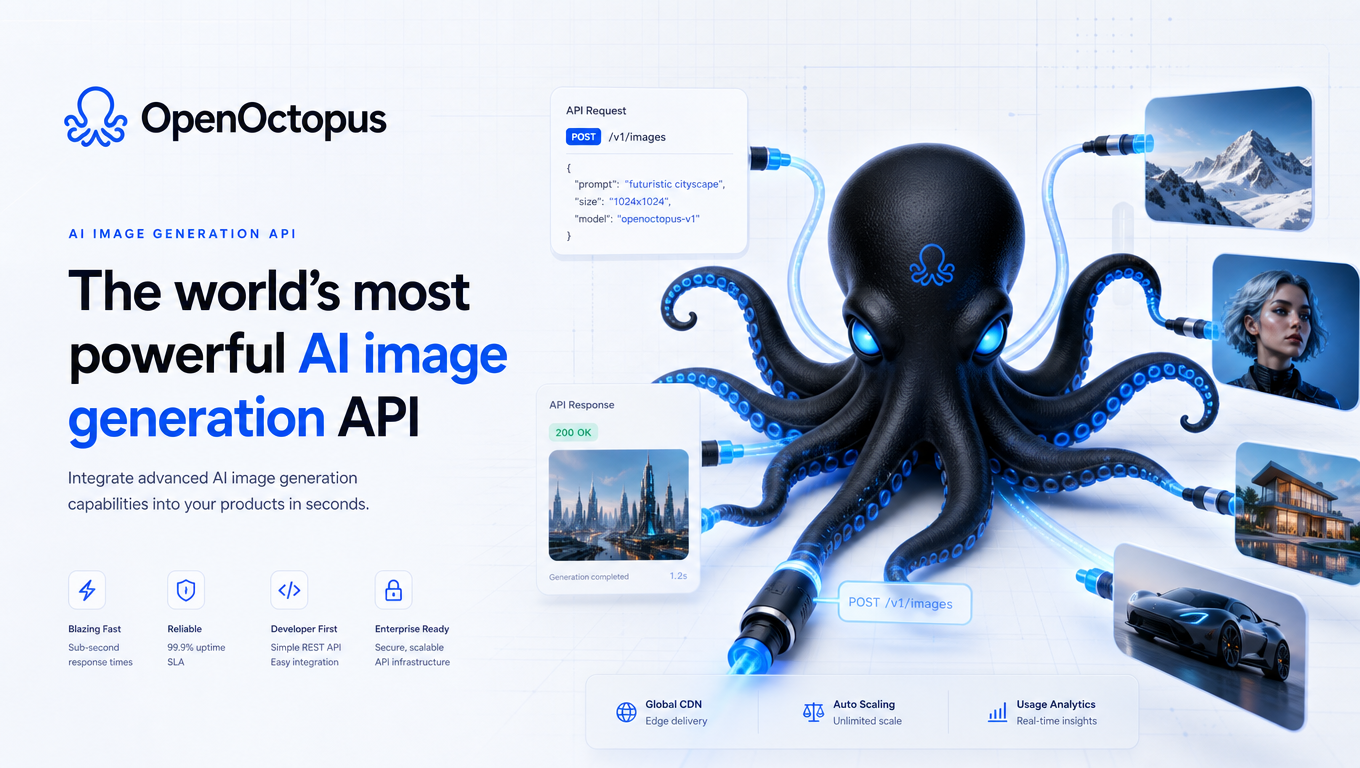
OpenAI Image Generation API snapshot
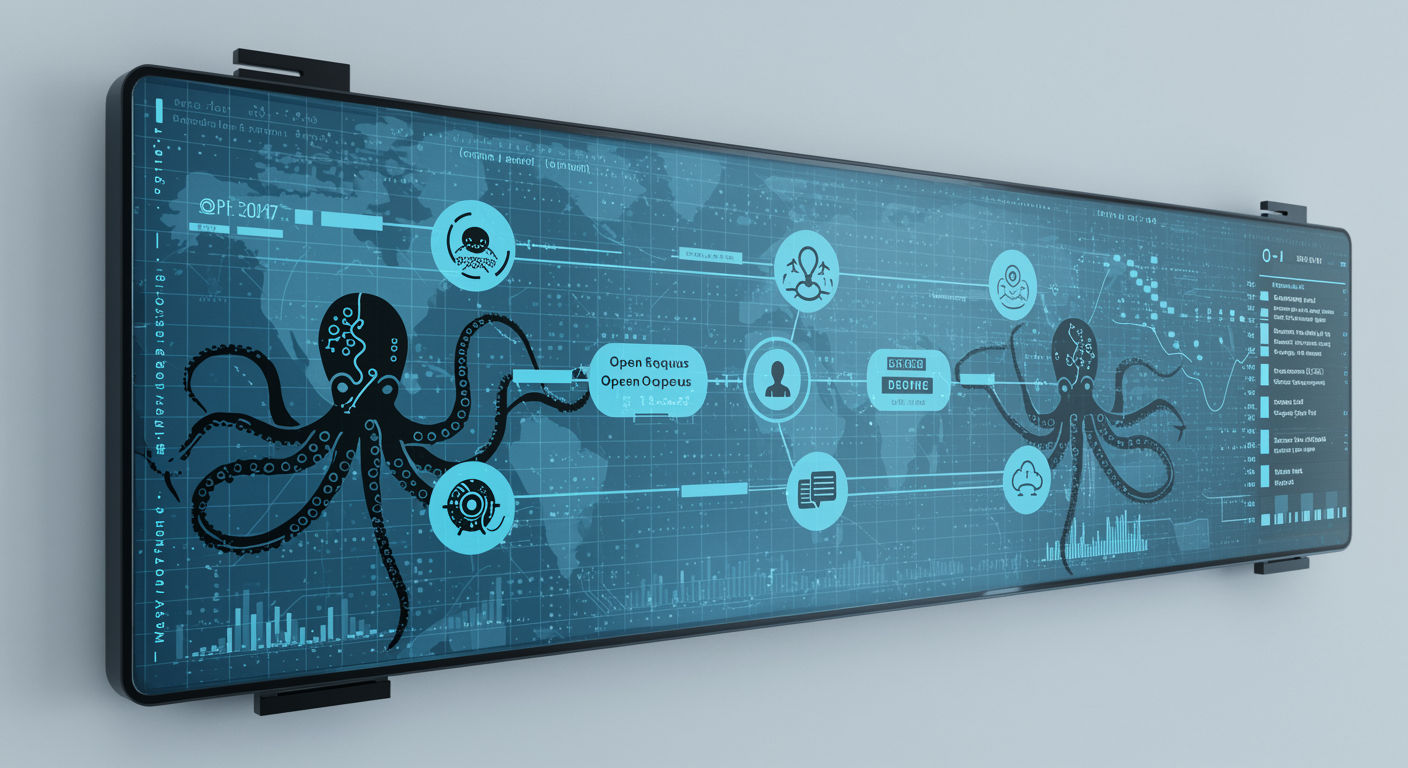
Route image generation through one workflow
The OpenAI Image Generation API is most useful when image generation needs to happen repeatedly inside an app. Submit a prompt, receive generated output, store the image URL, and attach the result to a user, campaign, product, or content record.
AI industry coverage of OpenAI's image API release shows how image generation is moving into developer workflows. For deeper model capability and cost analysis, use the GPT-Image-2 Guide. For a ChatGPT-focused app integration walkthrough, see the Chat GPT Image Generator API landing page.
OpenAI Image Generation API workflows
Creative tools
Add prompt-to-image generation to user-facing apps
Campaign builders
Generate ad concepts, headers, and social images
E-commerce visuals
Create product scenes and lifestyle concepts
CMS assets
Generate thumbnails, blog headers, and editorial images
Prompt libraries
Save reusable image briefs for recurring campaigns
Batch jobs
Run templates with retries, logs, and spend limits
Review queues
Approve generated text, brand elements, and sensitive outputs
Model fallback
Compare GPT-Image-2 with other image models under one account
API quick start
Use the API tab when image generation belongs inside your product. Keep request metadata explicit so each generated image can be reviewed, billed, and traced.
curl -X POST "https://api.openoctopus.com/v1/images/generations" \
  -H "Authorization: Bearer $OPENOCTOPUS_API_KEY" \
  -H "Content-Type: application/json" \
  -d '{"model":"openoctopus-gpt-image-2-text-input","prompt":"Create a clean SaaS dashboard hero image, blue lighting, 16:9."}'
Production systems should log prompt, model, user, output URL, latency, cost, review status, and retention policy.
Trust and source note
TechCrunch covers OpenAI image generation access for developers. Use that source for market context, then validate GPT-Image-2 against your own prompts.
OpenAI Image Generation API FAQ
Build with the OpenAI Image Generation API
Start in the playground, validate prompt quality, then connect API access for repeatable image generation with logging and review.
Start with $1 credit.