
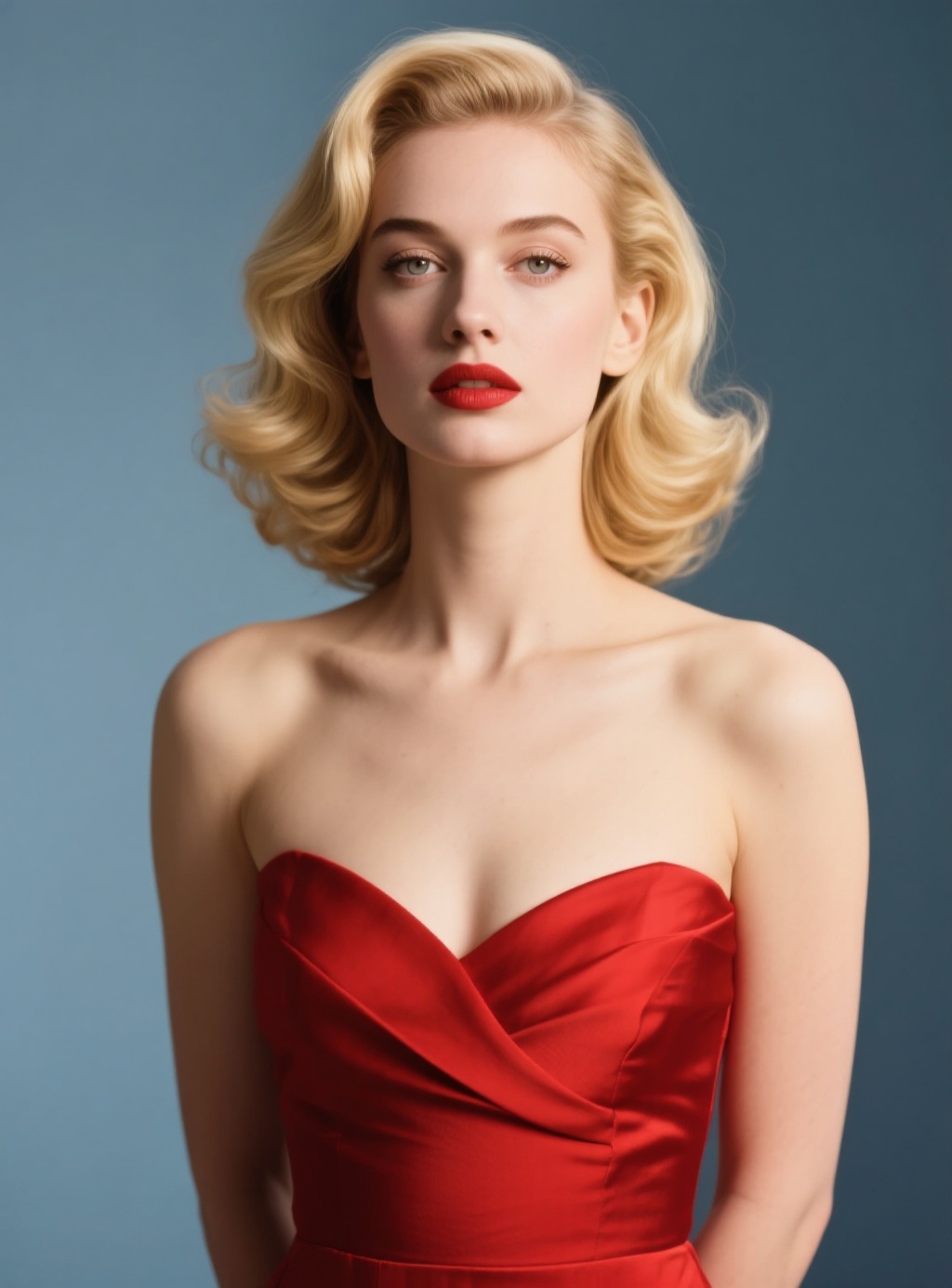
Openoctopus Face Swap
Openoctopus Face Swap is an AI-powered face replacement model designed for realistic, seamless, and watermark-free face swapping in static images.
Overview
Openoctopus Face Swap uses advanced face recognition, alignment, and blending technology to replace faces in photos while preserving natural lighting, expressions, head pose, and visual consistency.
The model is optimized for social content, creative editing, photography workflows, virtual production, and commercial visual design applications.
Why it looks great
- Instant face swapping: Replace faces quickly using a base image and a reference portrait.
- Realistic blending: Automatically adapts skin tone, lighting direction, and facial integration for natural-looking outputs.
- Expression preservation: Maintains the original pose, gaze direction, and facial expression from the source image.
- Watermark-free outputs: Generates clean, production-ready visuals suitable for professional use.
- Lighting consistency: Preserves scene realism with advanced face alignment and illumination matching.
- Fast generation workflow: Optimized for rapid image processing and creative iteration.
Limits and Performance
- Input types: Base image and reference face image
- Supported output formats: JPEG, PNG, WEBP
- Editing type: Static image face replacement
- Expression preservation: Supported
- Lighting adaptation: Supported
- Best for: Portrait editing, social content, virtual production, and creative composites
- Anime and illustration support: Limited quality compared to photorealistic images
Pricing
Openoctopus Face Swap uses a simple pay-per-image pricing model.
| Operation | Price |
|---|---|
| Face Swap per image | $0.010 |
Billing Rule
Each processed face swap image is billed individually.
How to Use
- Upload the base image you want to edit.
- Upload the reference face image.
- Submit the face swap request.
- Preview the generated output.
- Download the final swapped image.
Input Parameters
| Parameter | Required | Description |
|---|---|---|
| image | Yes | Base image for face replacement |
| face_image | Yes | Reference face image to swap into the base image |
| output_format | No | Output format such as PNG, JPEG, or WEBP |
Output Format
- High-quality swapped face images
- JPEG, PNG, and WEBP export support
- Watermark-free image outputs
- Realistic facial blending and lighting consistency
- Production-ready visual results
Pro tips for best quality
- Use clear, front-facing portrait images for better facial alignment.
- Keep lighting conditions similar between the source image and reference face.
- Use high-resolution images for more accurate blending and texture quality.
- Avoid heavily occluded faces or extreme viewing angles.
- Use photorealistic images for the best visual consistency and output quality.
Note
Ensure you have permission to use all uploaded images and facial likenesses. Output quality may decrease when using anime, illustrated, or heavily stylized character images.