
Google Imagen 3 Fast
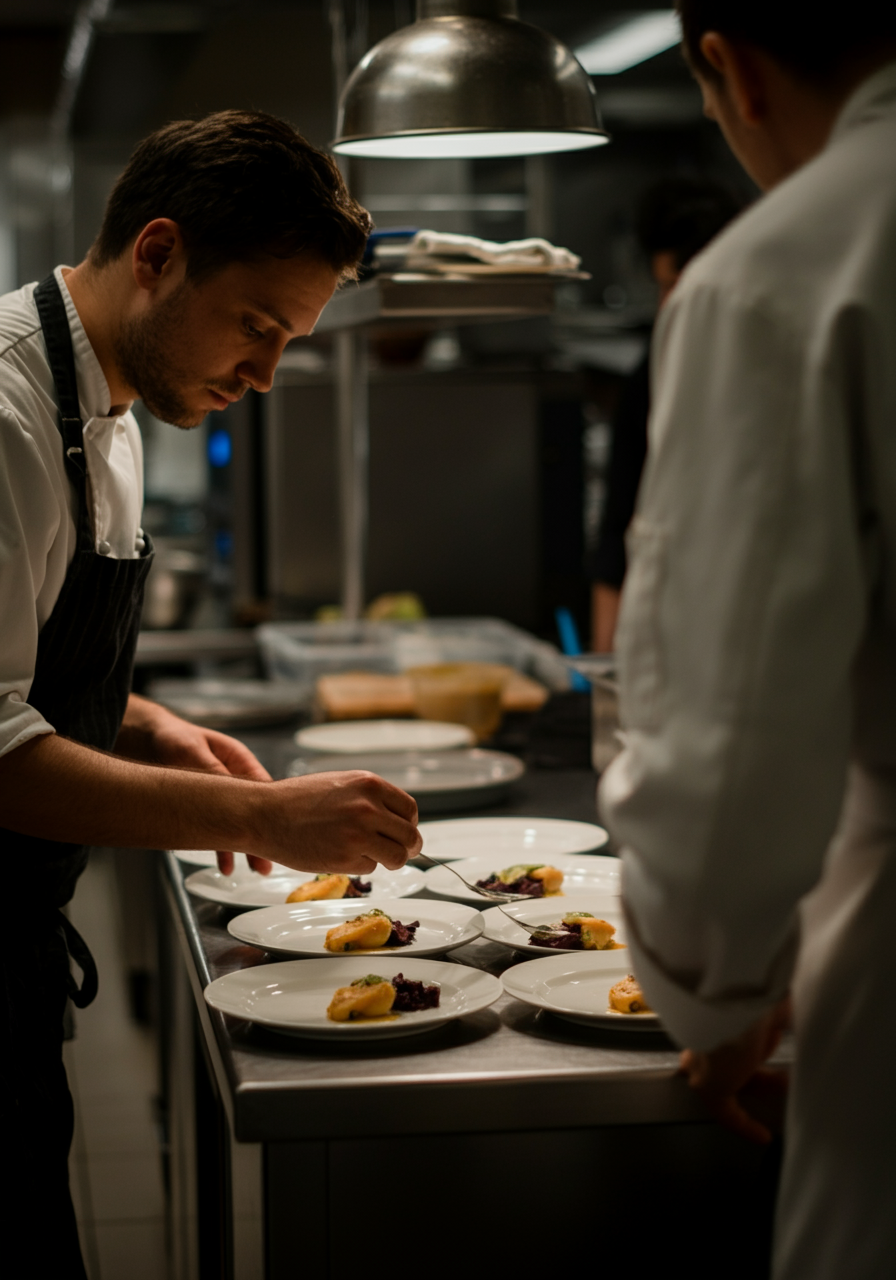
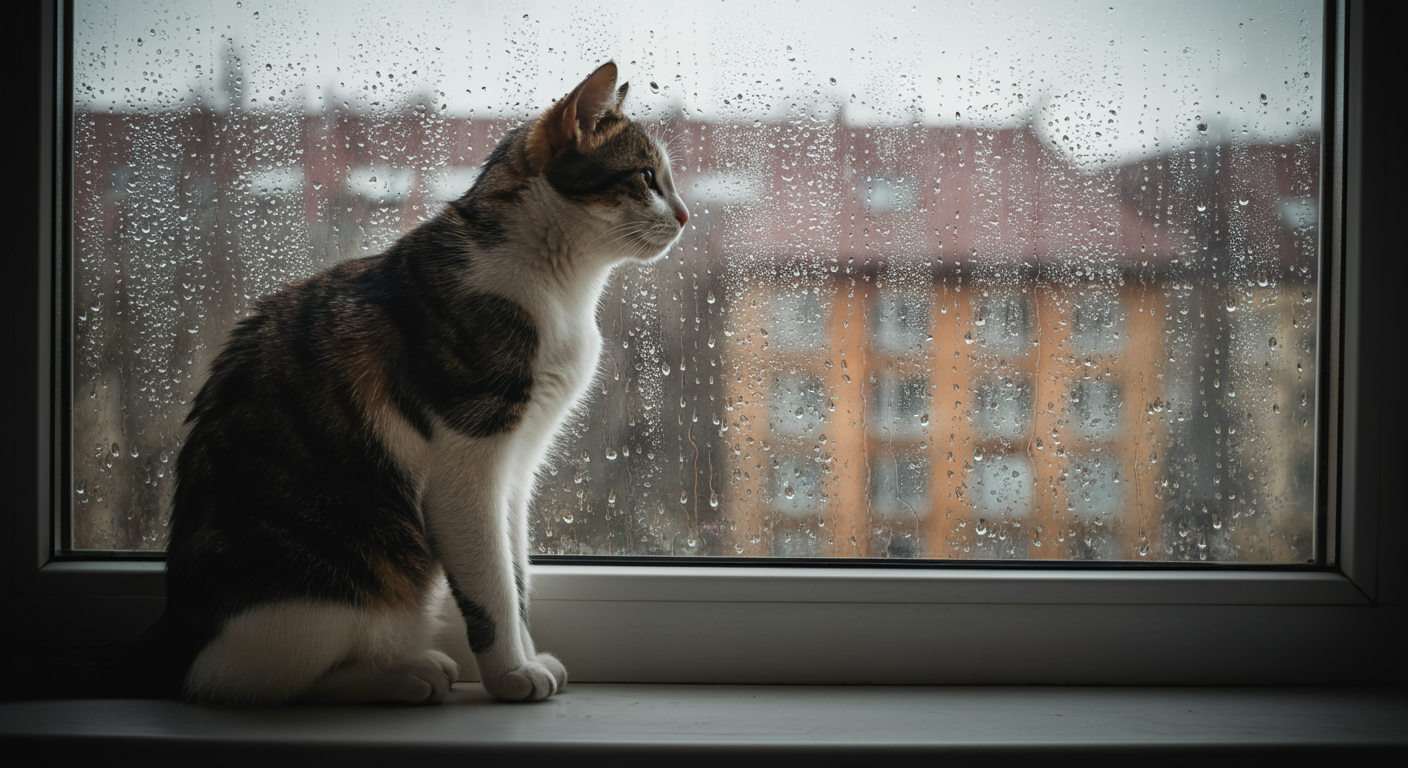
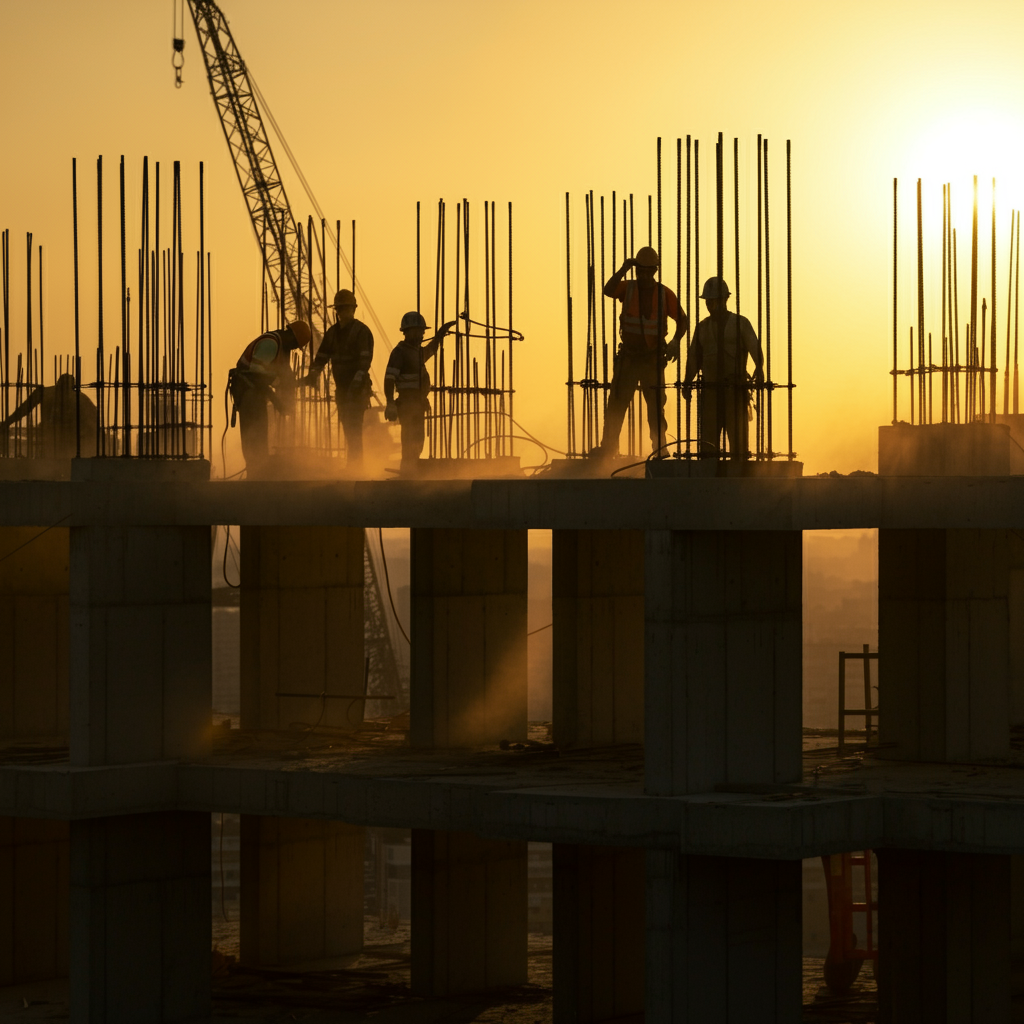
Google Imagen 3 Fast is a speed-optimized AI text-to-image model built for fast image generation, rapid creative iteration, batch workflows, and everyday visual content production.
Overview
Google Imagen 3 Fast is a fast AI image generation model designed for users who need high-quality visuals with quicker turnaround. It supports detailed text prompts, flexible aspect ratios, batch generation, negative prompts, Prompt Enhancer, and reproducible results using seed values.
The model is well suited for rapid prototyping, social media visuals, blog images, marketing assets, lifestyle scenes, and concept exploration.
Why it looks great
- Google image generation quality: Powered by Google's advanced Imagen technology for reliable visual output.
- Fast generation speed: Optimized for quick image creation and rapid prompt iteration.
- Batch image support: Generate up to 4 image variations in a single request.
- Negative prompt control: Exclude unwanted elements such as blur, distortion, or watermarks.
- Flexible aspect ratios: Supports common formats for web, social media, and marketing use cases.
- Prompt Enhancer support: Automatically improves prompts for richer and more detailed results.
- Reproducible outputs: Use seed values to recreate consistent image generations.
Limits and Performance
- Max images per run: Up to 4 images
- Aspect ratio options: 16:9, 9:16, 1:1, 4:3, 3:4
- Generation quality: High-quality image output optimized for speed
- Prompt support: Detailed text prompts
- Negative prompt support: Yes
- Seed parameter support: Yes
- Processing speed: Fast generation speed for rapid turnaround
- Best for: Iteration, batch generation, concept testing, and everyday creative work
Pricing
Google Imagen 3 Fast uses a flat-rate pricing model based on the number of generated images.
| Output | Cost |
|---|---|
| Per image | $0.018 |
| 4-image batch | $0.072 |
Billing Rule
Each generated image is billed individually. Batch requests support up to 4 images per run.
How to Use
- Write a prompt describing the image you want to create.
- Optionally enable Prompt Enhancer to improve your prompt automatically.
- Select the desired aspect ratio.
- Choose the number of images to generate.
- Optionally add a negative prompt to exclude unwanted details.
- Optionally set a seed value for reproducible results.
- Run the generation request.
- Preview and download the generated images.
Input Parameters
| Parameter | Required | Description |
|---|---|---|
| prompt | Yes | Text description of the image you want to generate |
| aspect_ratio | No | Output format such as 16:9, 9:16, 1:1, 4:3, or 3:4 |
| num_images | No | Number of generated images, from 1 to 4 |
| negative_prompt | No | Elements to avoid in the generated image |
| seed | No | Random seed for reproducible generations |
Output Format
- High-quality generated image files
- Single or batch image output
- Multiple aspect ratio support
- Fast text-to-image generation
- Reproducible image results with seed values
Pro tips for best quality
- Use batch generation with
num_images: 4to explore multiple variations quickly. - Add mood and atmosphere details such as “warm atmosphere”, “joyful energy”, or “soft morning light”.
- Use negative prompts to reduce blur, distortion, artifacts, or watermarks.
- Reuse the same seed when you want more consistent subject appearance.
- Match the aspect ratio to your target platform, such as
16:9for video thumbnails,9:16for vertical stories, or1:1for square posts. - Use fast generation to test prompts before creating final visual assets.
Note
Google Imagen 3 Fast prioritizes speed while maintaining strong image quality. Each request can generate up to 4 images, and processing is optimized for rapid creative iteration.