
Google Imagen 3
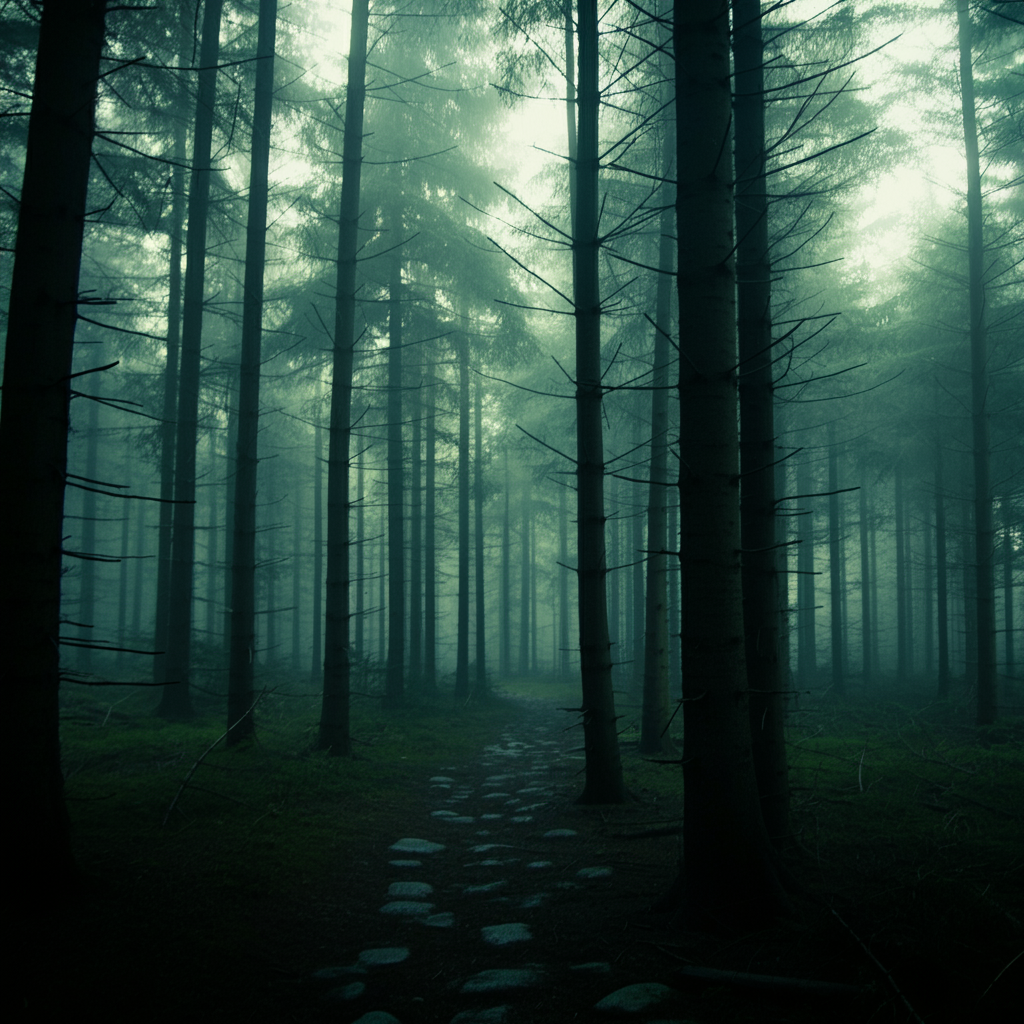
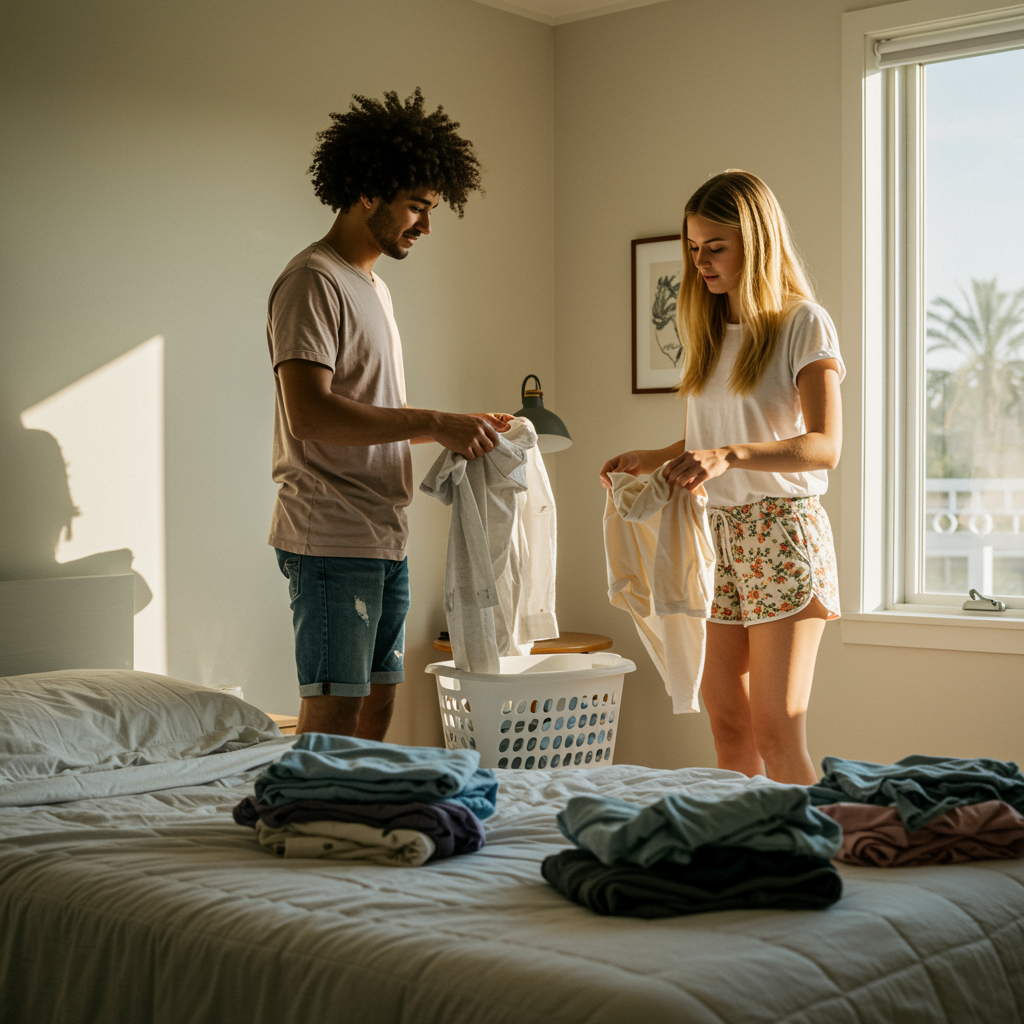
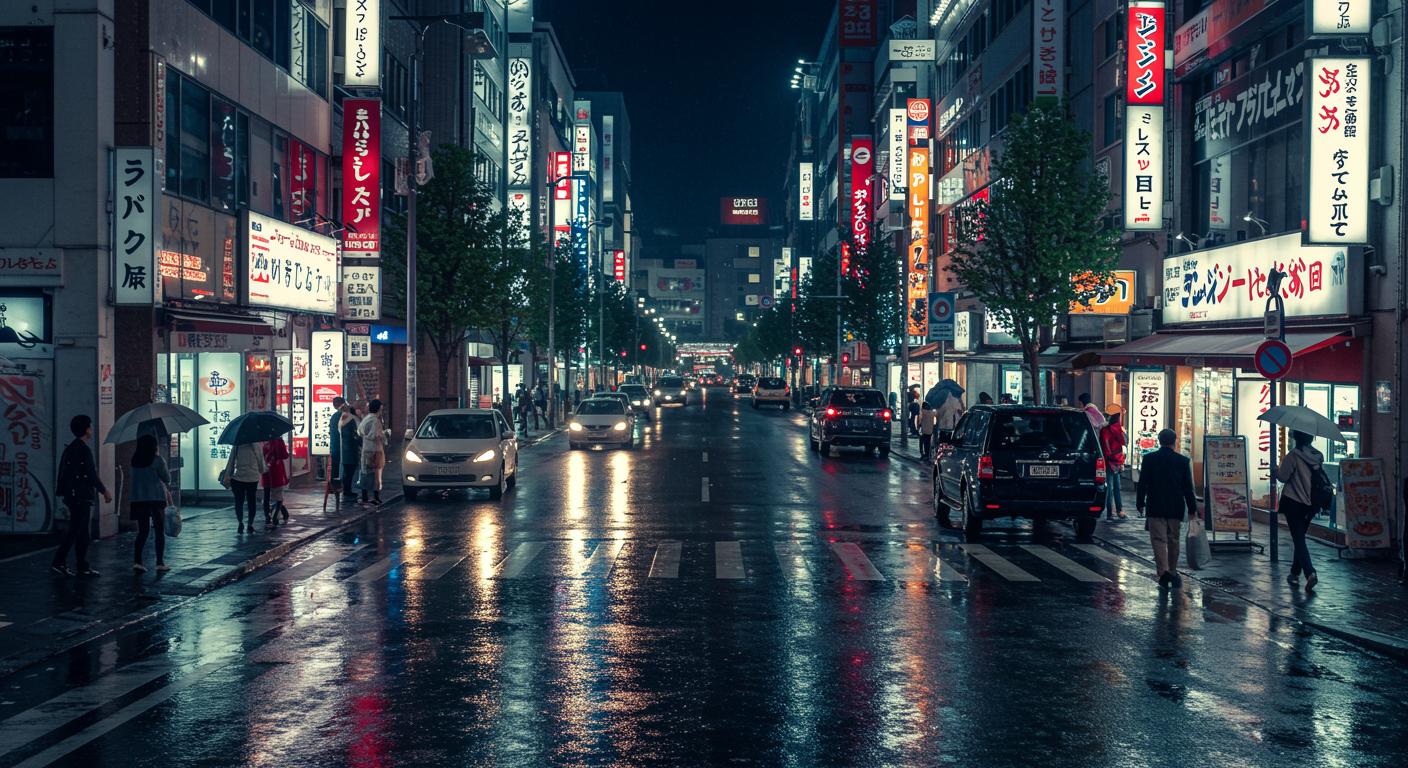
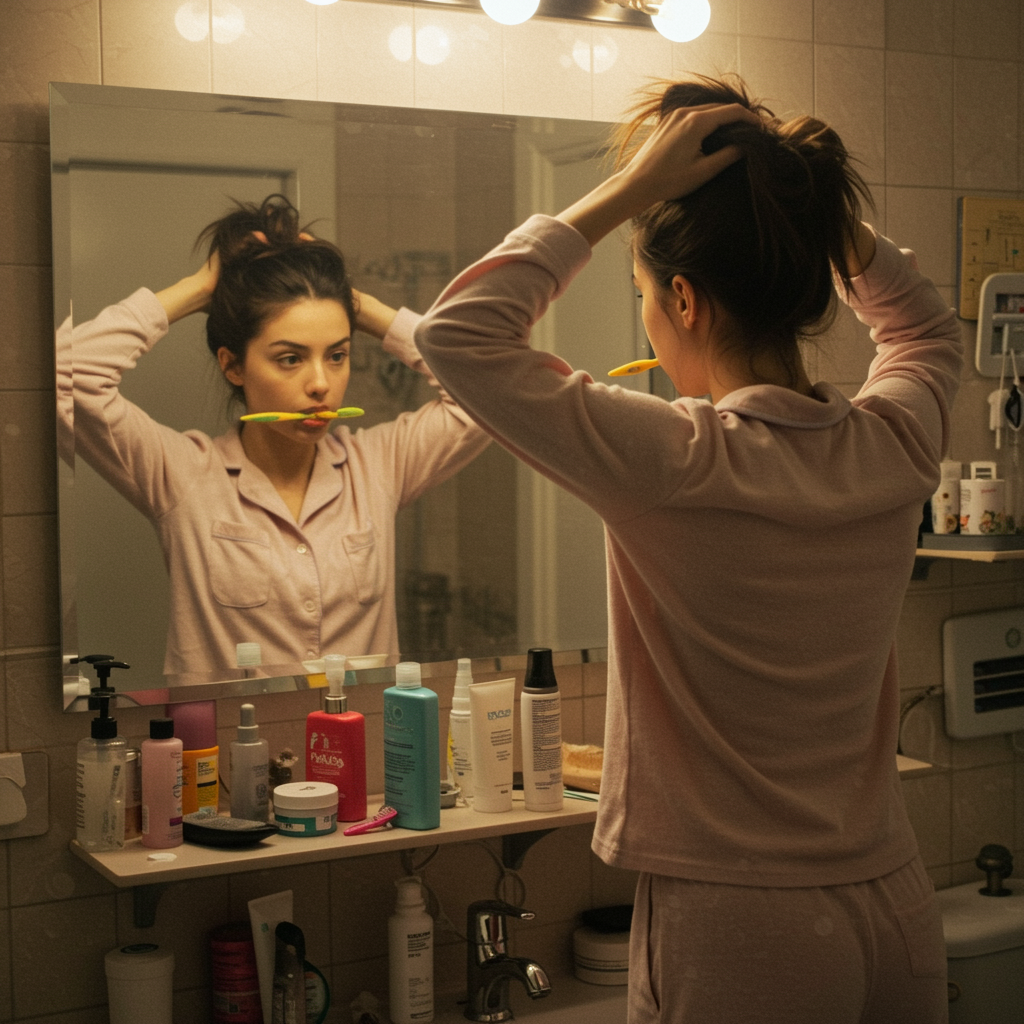
Google Imagen 3 is a premium AI text-to-image model built for photorealistic visuals, advanced prompt understanding, and high-quality commercial image generation.
Overview
Google Imagen 3 is Google's flagship image generation model designed for professional creative workflows. It delivers exceptional realism, precise prompt interpretation, advanced lighting and texture rendering, and high-quality outputs suitable for marketing, editorial, product visualization, and commercial production.
The model supports detailed prompts, batch generation, flexible aspect ratios, negative prompts, and reproducible outputs using seed parameters.
Why it looks great
- Google's highest-quality image model: Optimized for premium visual fidelity and professional results.
- Superior photorealism: Excellent at portraits, natural scenes, products, and cinematic compositions.
- Nuanced prompt understanding: Handles complex instructions with strong accuracy and consistency.
- Batch image generation: Generate up to 4 variations in a single request.
- Negative prompt support: Exclude unwanted artifacts or visual elements.
- Flexible aspect ratios: Supports multiple formats for social media, web, and print workflows.
- Prompt Enhancer support: Automatically improves prompts for richer visual outputs.
- Reproducible generations: Use seed values to recreate consistent results.
Limits and Performance
- Max images per run: Up to 4 images
- Aspect ratio options: 16:9, 9:16, 1:1, 4:3, 3:4
- Generation quality: Premium photorealistic output
- Prompt support: Detailed multi-line prompts
- Negative prompt support: Yes
- Seed parameter support: Yes
- Processing speed: Standard generation speed optimized for quality
- Best for: Final deliverables and professional creative work
Pricing
Google Imagen 3 uses a flat-rate pricing model based on the number of generated images.
| Output | Cost |
|---|---|
| Per image | $0.038 |
| 4-image batch | $0.152 |
Billing Rule
Each generated image is billed individually. Batch requests support up to 4 images per run.
How to Use
- Write a detailed prompt describing the image you want to generate.
- Optionally enable Prompt Enhancer to improve your prompt automatically.
- Select the desired aspect ratio.
- Choose the number of images to generate.
- Optionally add a negative prompt to exclude unwanted elements.
- Optionally set a seed value for reproducible outputs.
- Run the generation request.
- Preview and download the generated images.
Input Parameters
| Parameter | Required | Description |
|---|---|---|
| prompt | Yes | Main text description for image generation |
| aspect_ratio | No | Output format such as 16:9, 1:1, or 9:16 |
| num_images | No | Number of generated images (1–4) |
| negative_prompt | No | Elements to exclude from the output |
| seed | No | Random seed for reproducible generations |
Output Format
- High-quality generated image files
- Single or batch image output
- Multiple aspect ratio support
- Photorealistic and stylized rendering support
Pro tips for best quality
- Use detailed prompts with lighting, composition, mood, and photography terms.
- Include phrases like “editorial quality”, “cinematic lighting”, or “professional photography”.
- Generate 4-image batches to compare multiple variations.
- Use negative prompts to avoid blur, distortion, artifacts, or watermarks.
- Use consistent seed values to maintain subject consistency across generations.
- Use richer prompts for better scene composition and realism.
Note
Google Imagen 3 is optimized for maximum image quality and professional creative output. Generation speed may be slower than fast variants due to higher rendering fidelity.