
OpenAI GPT Image 2 Text-to-Image
OpenAI GPT Image 2 Text-to-Image is an advanced AI image generation model that converts natural-language prompts into high-quality visuals with strong prompt fidelity, flexible styling, and production-ready rendering.
Overview
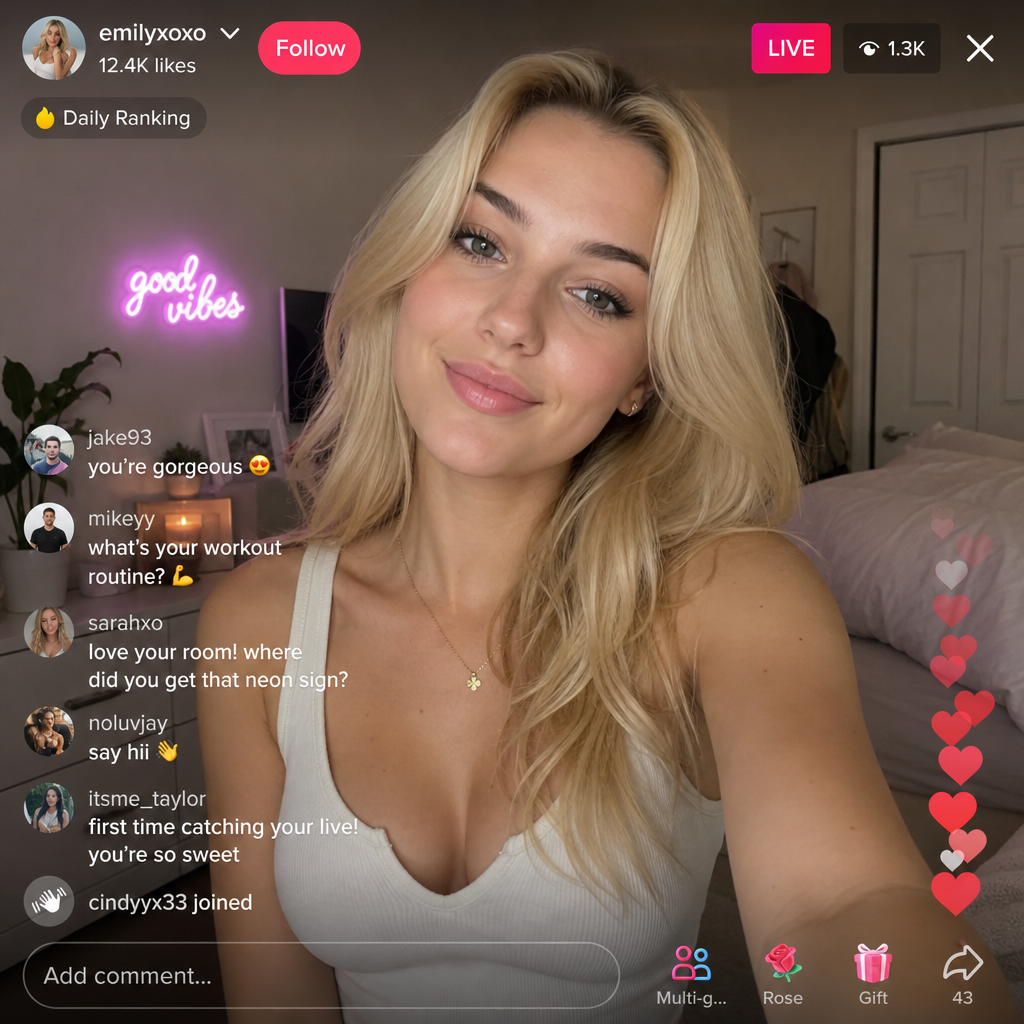
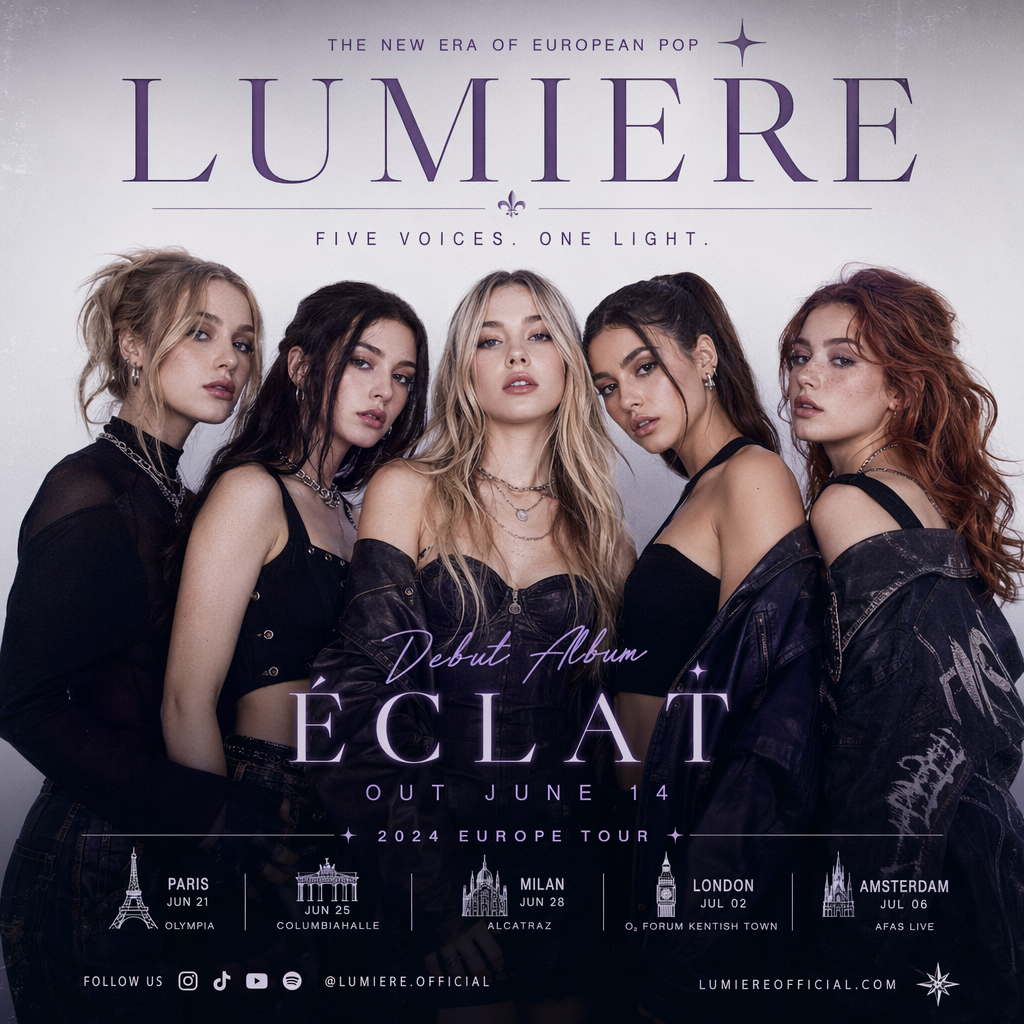
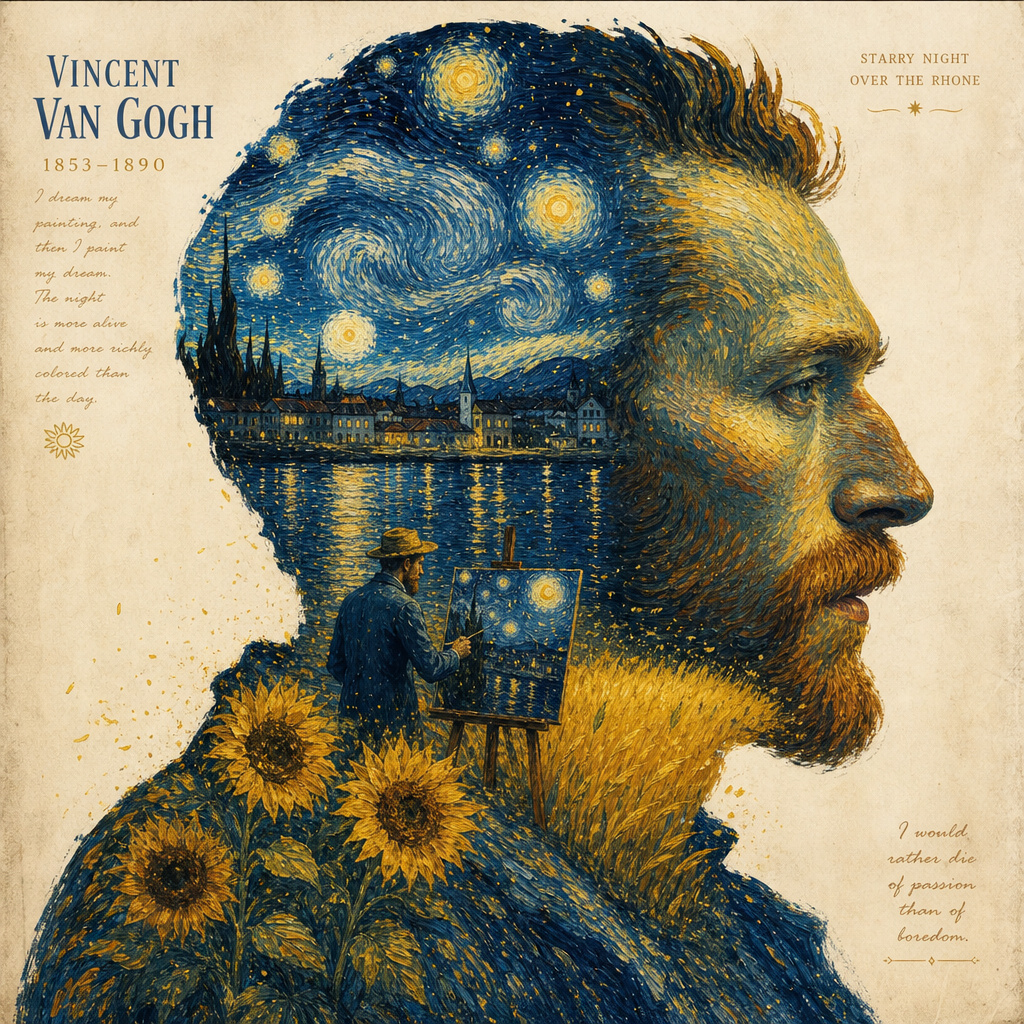
OpenAI GPT Image 2 Text-to-Image enables users to generate detailed AI images from descriptive text prompts. The model supports photorealistic scenes, stylized illustrations, marketing creatives, concept art, branded visuals, and typography-driven compositions.
It is optimized for natural-language understanding, allowing creators to describe scenes, lighting, composition, visual style, and in-image text with high accuracy and consistency.
Why it looks great
- Strong prompt fidelity: Closely follows complex prompt instructions for composition, style, and scene layout.
- High-quality image generation: Produces polished visuals suitable for commercial and creative production workflows.
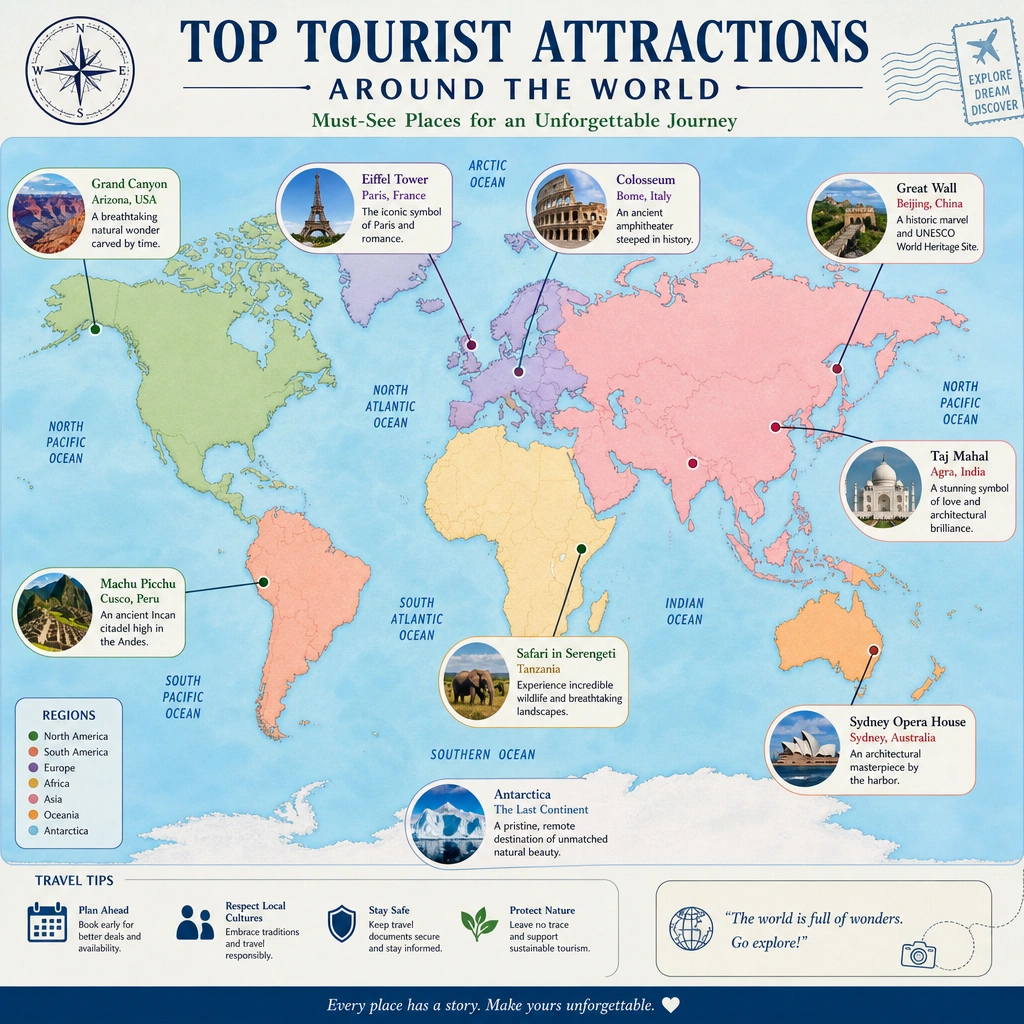
- Advanced typography rendering: Generates clearer and more usable in-image text for posters, ads, packaging, and UI concepts.
- Flexible aspect ratios: Supports square, portrait, landscape, and cinematic output formats.
- Production-ready API support: Designed for scalable integration into creative applications and workflows.
- Multi-quality output settings: Choose between low, medium, and high image quality levels.
Limits and Performance
- Supported aspect ratios: 1:1, 3:2, 2:3, 3:4, 4:3, 4:5, 5:4, 9:16, 16:9, 21:9
- Resolution options: 1K, 2K, 4K
- Quality modes: low, medium, high
- Prompt support: Detailed natural-language prompts
- Typography support: Yes
- Best for: Marketing assets, concept art, product visuals, landing pages, and branded content
- API access: REST inference API support available
Pricing
Pricing
depends on the selected image quality and output resolution.
| Quality | 1K | 2K | 4K |
|---|---|---|---|
| low | $0.010 | $0.020 | $0.030 |
| medium | $0.060 | $0.120 | $0.180 |
| high | $0.220 | $0.440 | $0.660 |
Billing Rule
Each generated image is billed individually according to the selected resolution and quality level.
How to Use
- Write a detailed prompt describing the image you want to generate.
- Include information about subject, lighting, mood, composition, visual style, and typography if needed.
- Optionally choose an aspect ratio for the target output format.
- Optionally select the desired image resolution and quality level.
- Submit the generation request.
- Preview and download the generated image results.
Input Parameters
| Parameter | Required | Description |
|---|---|---|
| prompt | Yes | Text description of the desired image |
| aspect_ratio | No | Output aspect ratio such as 1:1, 16:9, or 9:16 |
| resolution | No | Output resolution: 1K, 2K, or 4K |
| quality | No | Image quality: low, medium, or high |
Output Format
- High-resolution generated image files
- Photorealistic and stylized image rendering
- Typography-capable visual outputs
- Multiple aspect ratio support
- Commercial-ready creative assets
Pro tips for best quality
- Use descriptive natural-language prompts instead of short keyword lists.
- Include details about camera angle, lighting, atmosphere, composition, and environment.
- Put exact in-image text inside quotation marks for more accurate typography rendering.
- Clearly specify visual styles such as cinematic, photorealistic, oil painting, vector illustration, or isometric 3D.
- Test multiple aspect ratios for social posts, landing pages, banners, or editorial layouts.
- Refine composition and lighting details across prompt iterations for more consistent outputs.
Note
The prompt parameter is the only required field. This model is specifically designed for text-to-image generation using natural-language instructions and supports a wide range of commercial and creative workflows.