
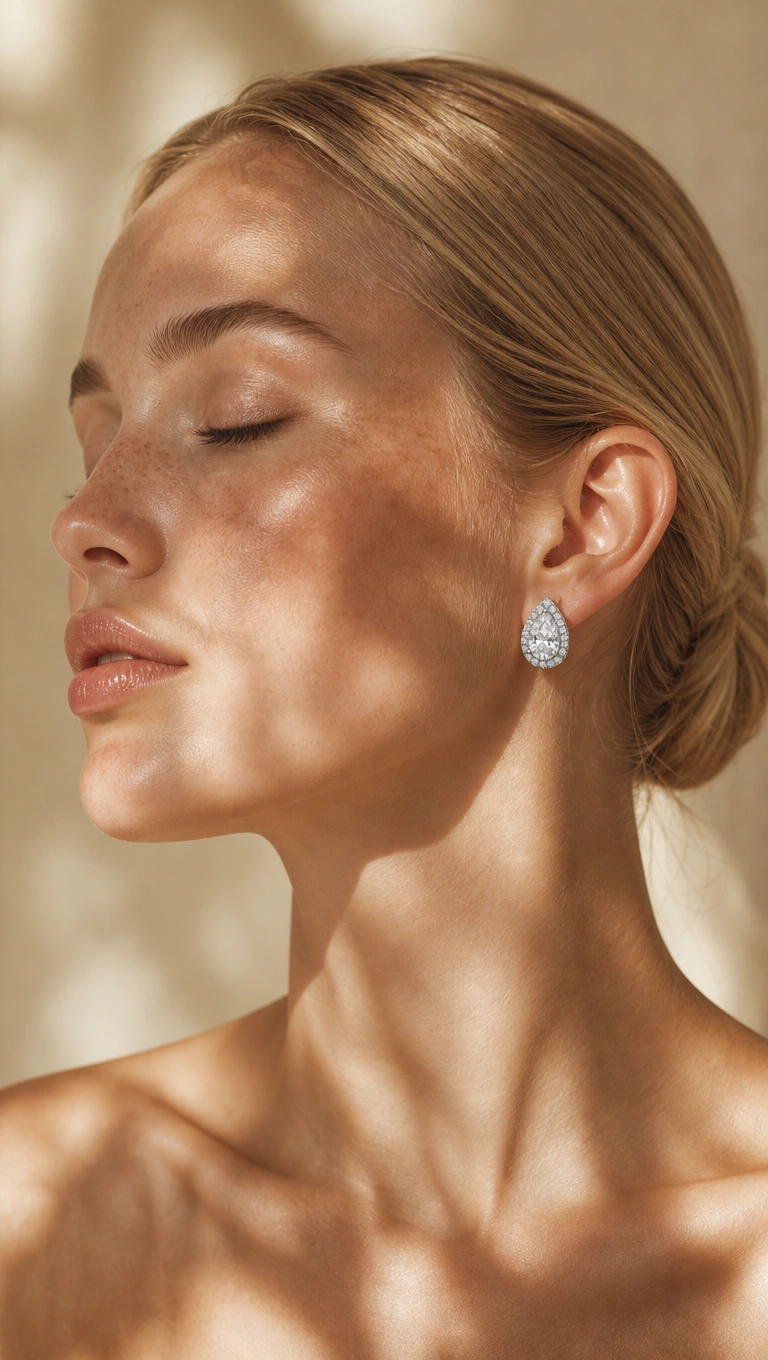
OpenAI GPT Image 2 Edit
OpenAI GPT Image 2 Edit is an AI-powered image editing model that transforms reference images using natural-language instructions to create polished, production-ready visual edits.
Overview
OpenAI GPT Image 2 Edit enables users to upload one or more reference images and modify them through plain-language prompts. The model supports visual transformations such as background replacement, lighting adjustments, styling changes, composition edits, and creative retouching without requiring manual masking or traditional editing workflows.
It is designed for product enhancement, marketing adaptation, social media content, e-commerce optimization, and scalable creative production pipelines.
Why it looks great
- Natural-language image editing: Edit images by simply describing the desired changes in plain language.
- Reference image support: Use one or multiple source images for editing, transformation, or style adaptation workflows.
- High-quality edited outputs: Produces polished, production-ready visuals suitable for commercial use.
- Flexible aspect ratios: Supports square, portrait, landscape, and cinematic output formats.
- Production-ready API access: Easily integrates into creative tools, applications, and automated workflows.
- Fast and scalable editing: Optimized for rapid image iteration and efficient creative production.
Limits and Performance
- Supported aspect ratios: 1:1, 3:2, 2:3, 3:4, 4:3, 4:5, 5:4, 9:16, 16:9, 21:9
- Resolution options: 1K, 2K, 4K
- Quality modes: low, medium, high
- Input support: One or multiple reference images
- Prompt support: Natural-language editing instructions
- Best for: Product retouching, marketing visuals, social media adaptation, and design iteration
- Aspect ratio behavior: Automatically detects aspect ratio from the input image if not specified
Pricing
Pricing
depends on the selected image quality and output resolution.
| Quality | 1K | 2K | 4K |
|---|---|---|---|
| low | $0.030 | $0.060 | $0.090 |
| medium | $0.060 | $0.120 | $0.180 |
| high | $0.220 | $0.440 | $0.660 |
Billing Rule
Each edited image is billed individually based on the selected resolution and quality level.
How to Use
- Upload one or more reference images.
- Write a clear prompt describing the desired edits or visual transformations.
- Optionally choose an aspect ratio for the edited output.
- Optionally select the desired resolution and quality level.
- Submit the editing request.
- Preview and download the generated edited image.
Input Parameters
| Parameter | Required | Description |
|---|---|---|
| images | Yes | Reference images used for editing |
| prompt | Yes | Natural-language description of the desired edit |
| aspect_ratio | No | Output aspect ratio such as 1:1, 16:9, or 9:16 |
| resolution | No | Output resolution: 1K, 2K, or 4K |
| quality | No | Image quality: low, medium, or high |
Output Format
- High-quality edited image files
- Photorealistic and stylized image transformations
- Multiple aspect ratio support
- Production-ready marketing and commercial visuals
- Reference-aware image editing outputs
Pro tips for best quality
- Clearly specify what should remain unchanged and what should be modified.
- Describe lighting, mood, framing, background, and visual style for more controllable edits.
- Use concise and precise editing instructions instead of vague prompts.
- Mention visual styles such as cinematic, luxury editorial, photorealistic, minimal, or flat lay.
- Test multiple aspect ratios when adapting edits for different platforms or placements.
- Use visually clean and high-quality reference images for more accurate editing results.
Note
Both images and prompt are required parameters. This model is specifically designed for image editing workflows based on reference images and natural-language instructions.